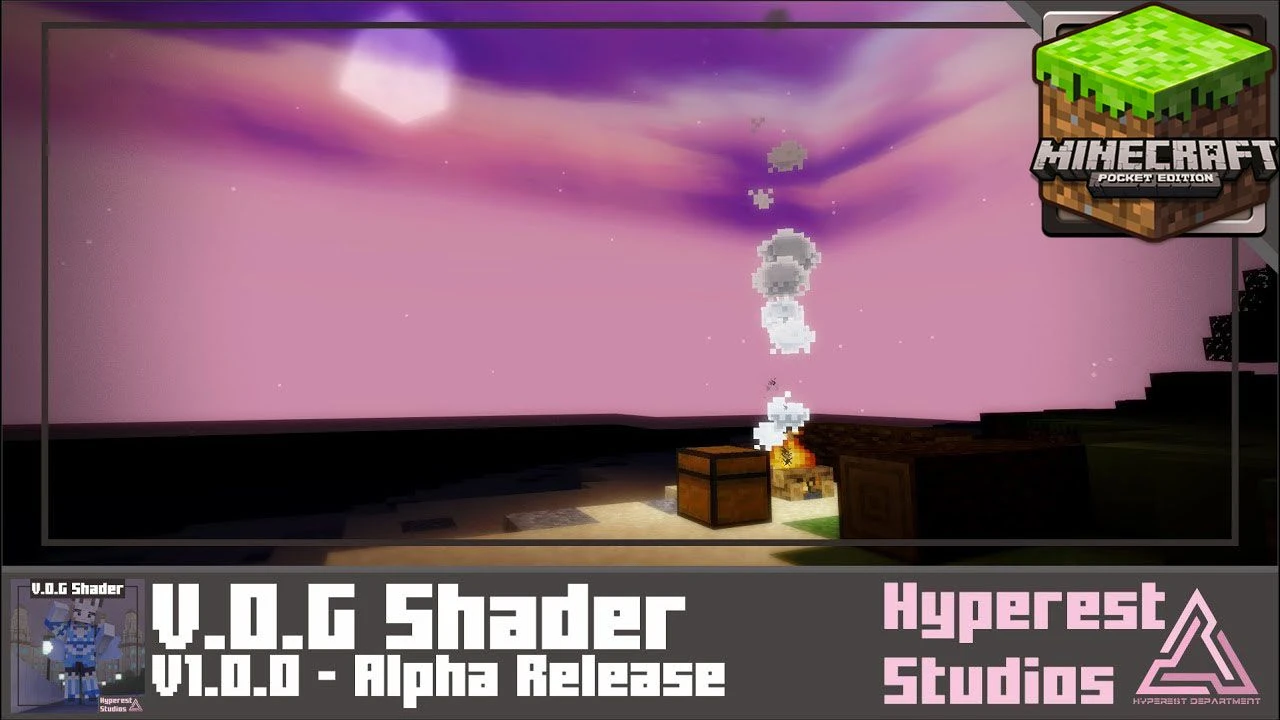
V.O.G Shader (1.26+) – Compatible with Render Dragon
Bedrock texture pack listed for Minecraft 26.x. File opened and checked on 24 Sep 2026; installs from the MC Bedrock Mods app on Android.
⬇ Download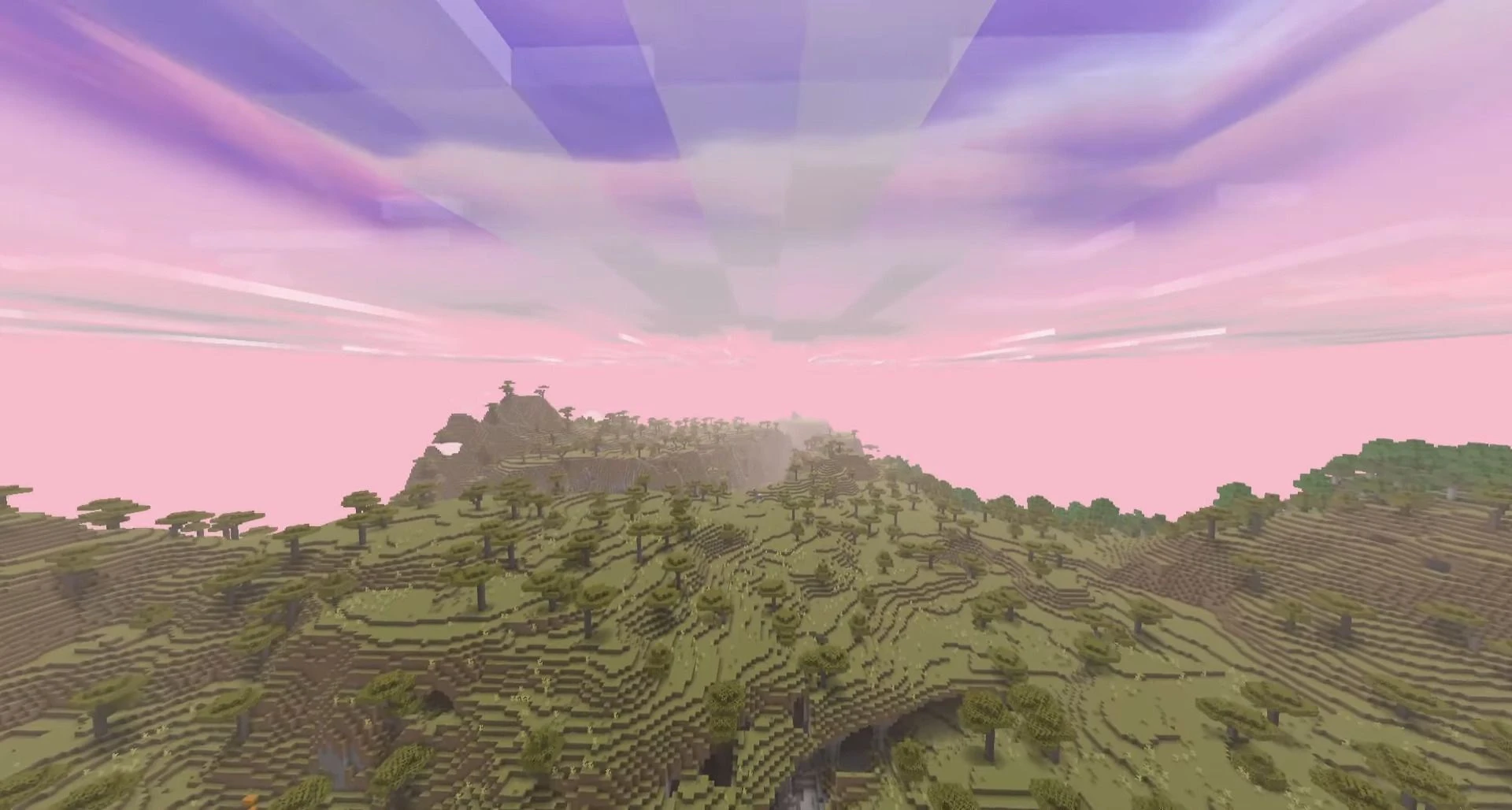
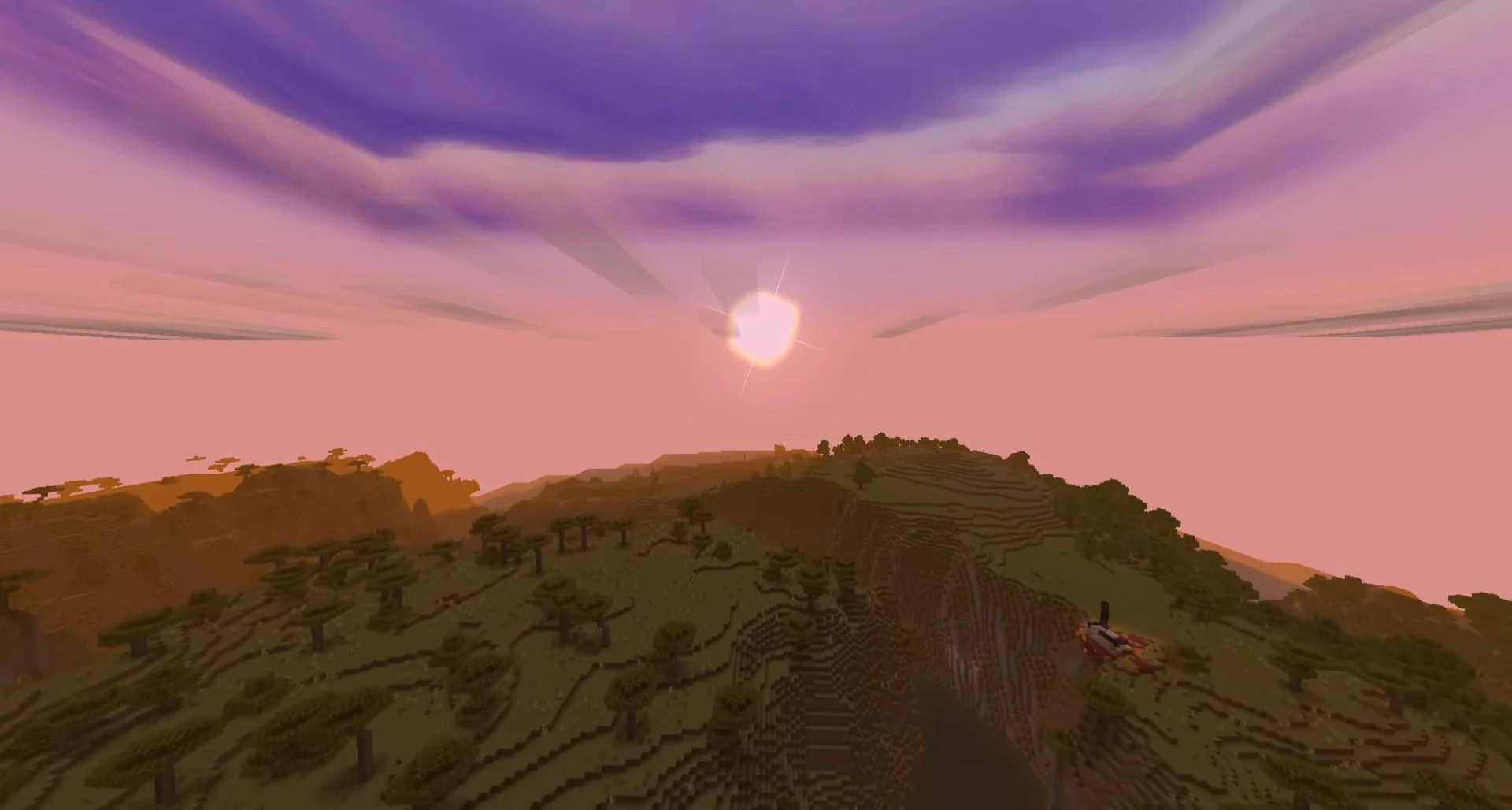
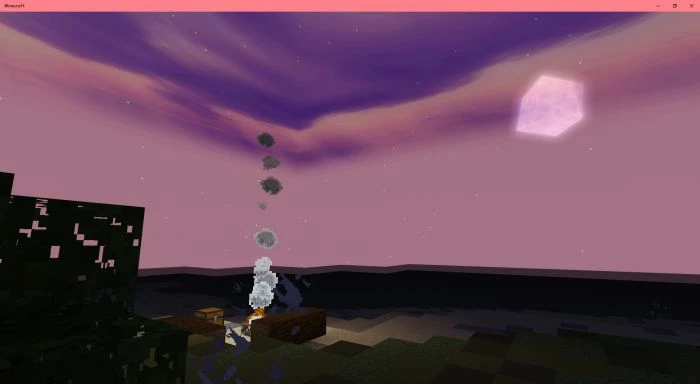
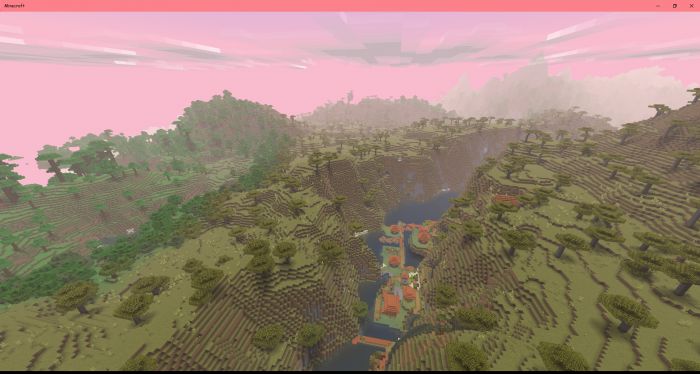
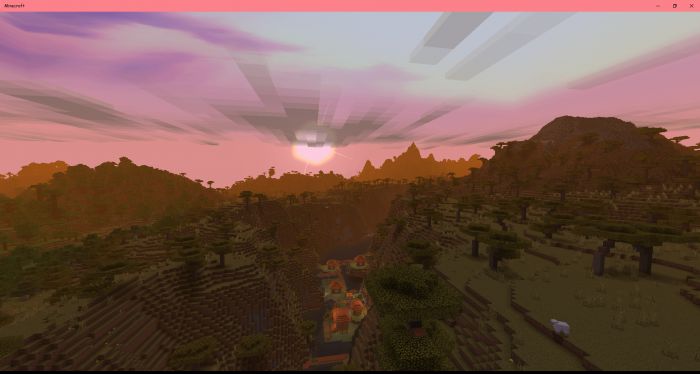
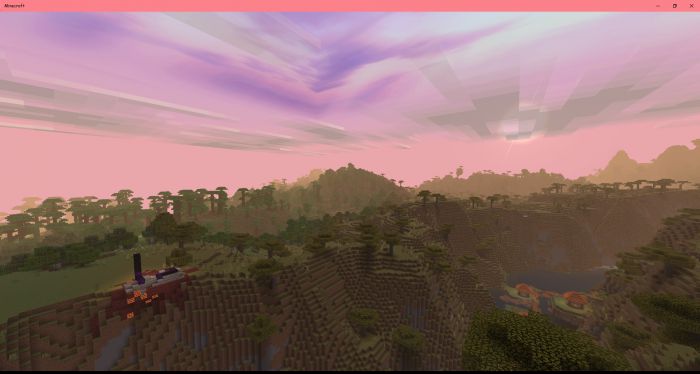
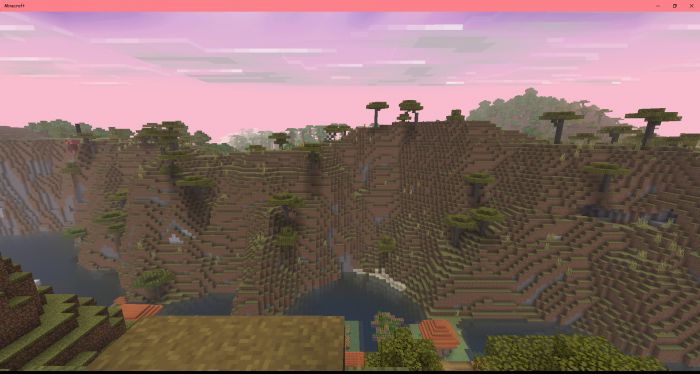
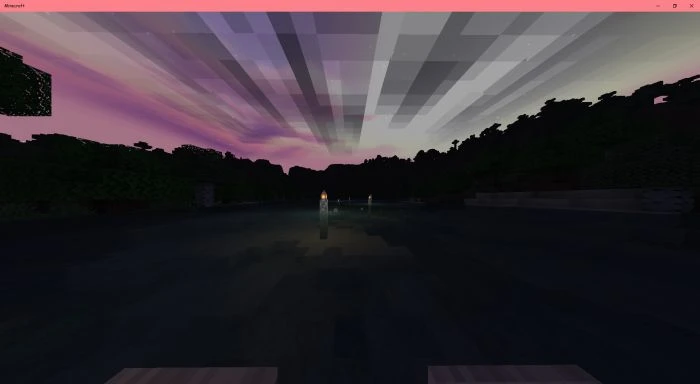
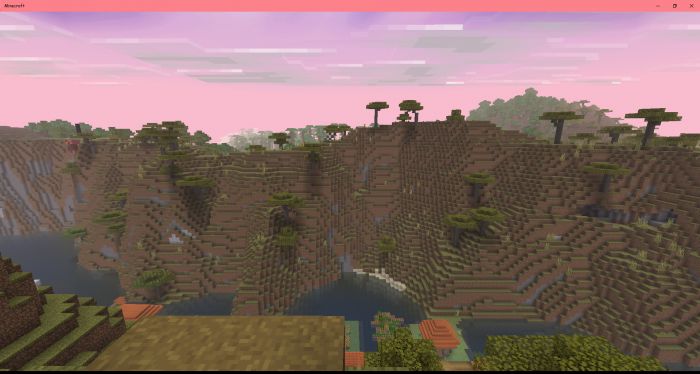
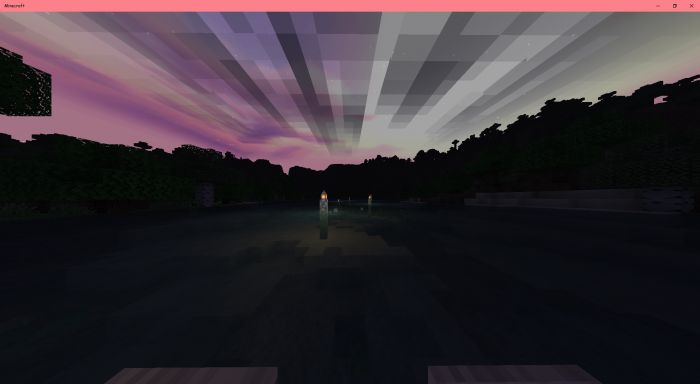
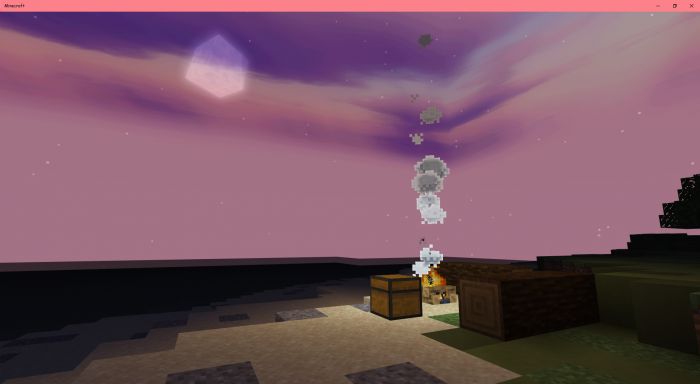
V.O.G Shader is basically a F.O.G Shader but more vibrant and clean version of the shader, and the author called it V.O.G because it is Vibrant and Foggy, this is an alternate way if you like F.O.G shader but want more vibrant and clean to the shader itself.
Features:
This Shader is compatible with the new engine called Render Dragon, but don’t worry old engine is still inside this pack you can select it later at Pack Settings later on. The new engine may not be called shader because this uses fog system and debug screen which this is not shader. V.O.G is the clean and vibrant version of F.O.G Shader. You can see stars at night more bright than F.O.G Shader.
This Shader is compatible with :
- Windows
- Android
- IOS
- Xbox
- PS
Settings:
- Set Brightness in-game to 0 if you cannot see it’s okay to set whatever you want.
- Cloud: you can turn this off/on at Minecraft in-game settings Video -> “Render Cloud”.
- Render Distance draw the VOG! so, the lowest Render Distance the more VOG you can get.
🎛️ Compare Bedrock Shaders Side by Side →
Drag across real in-game scenes — find YOUR perfect MCPE shader.
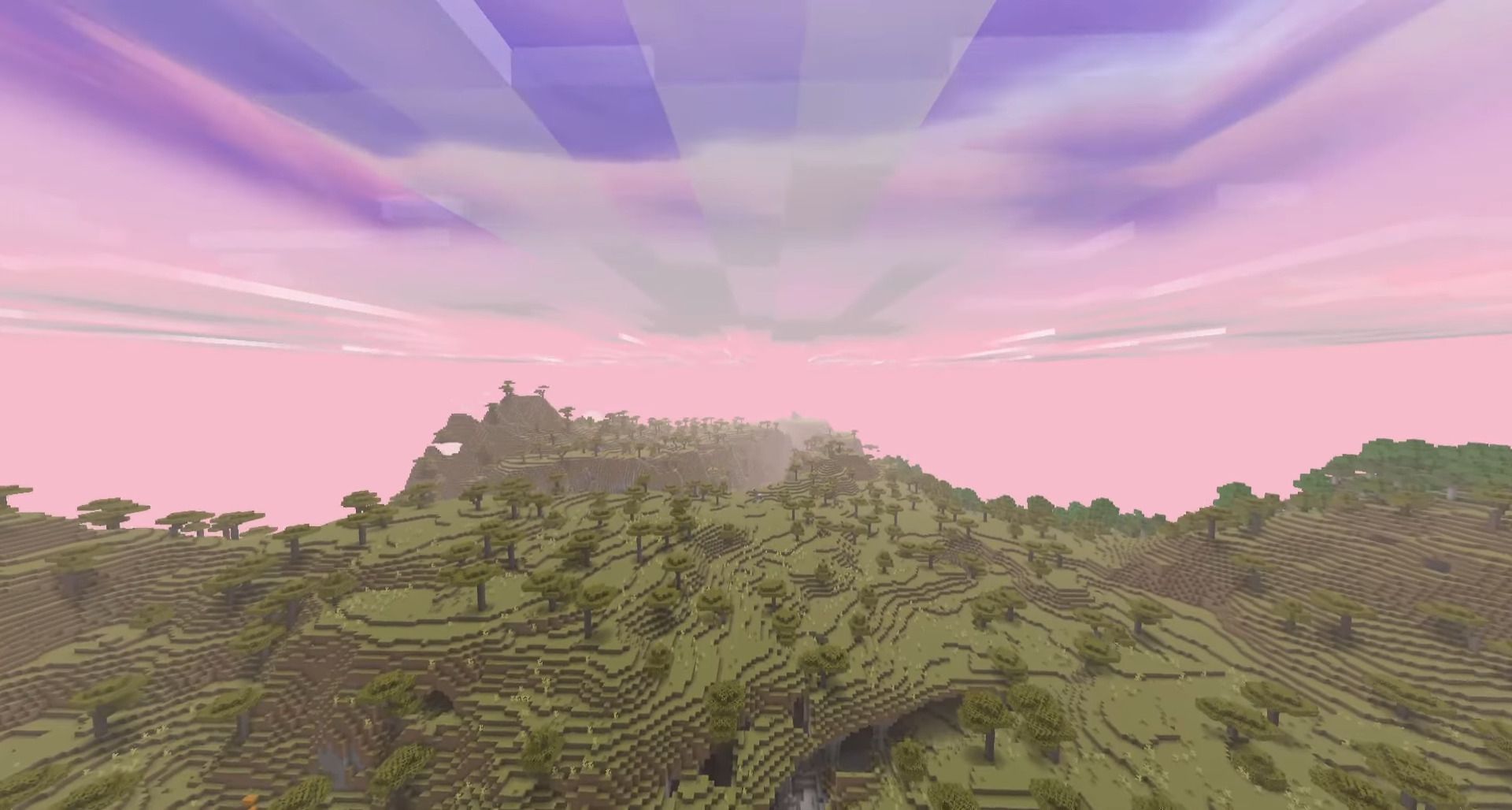
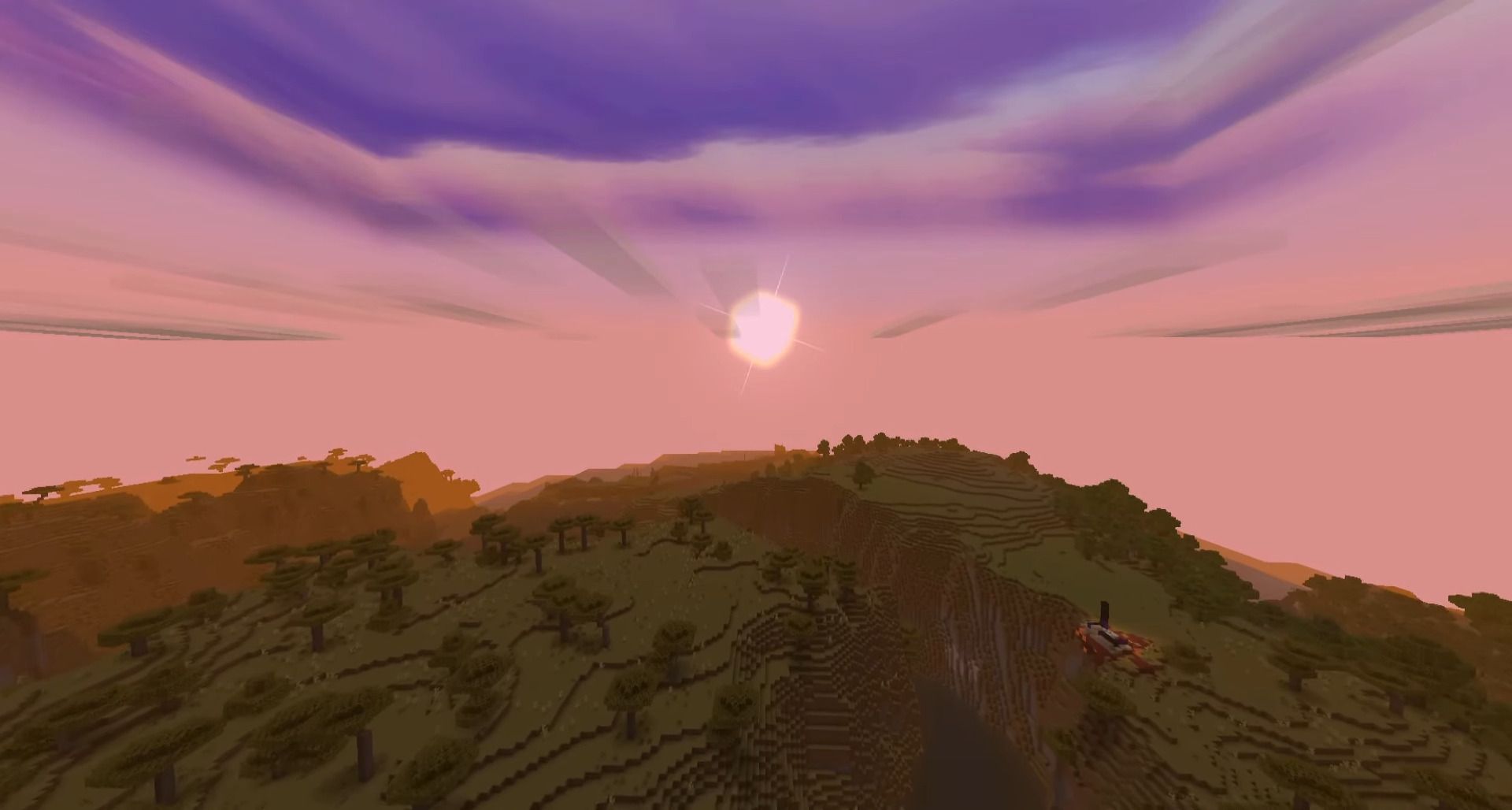
Screenshots:
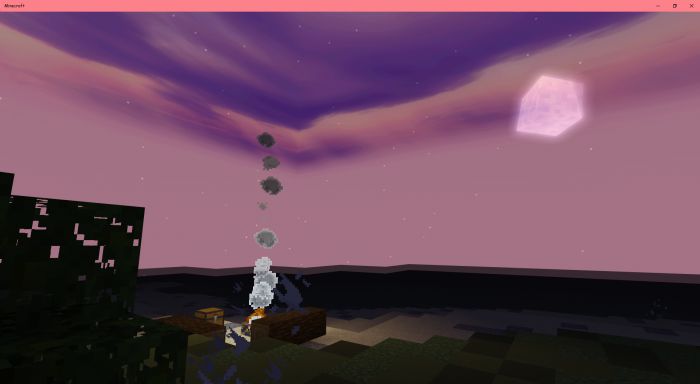
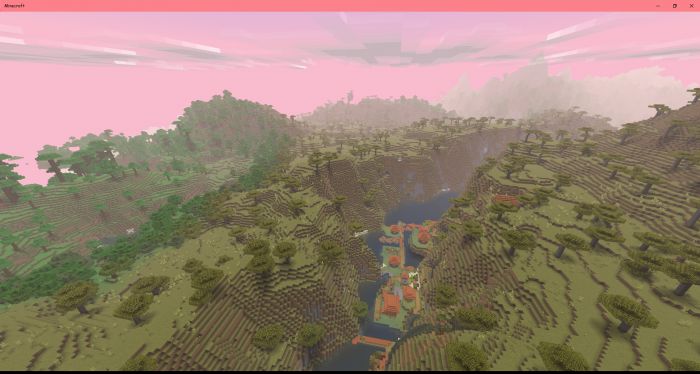
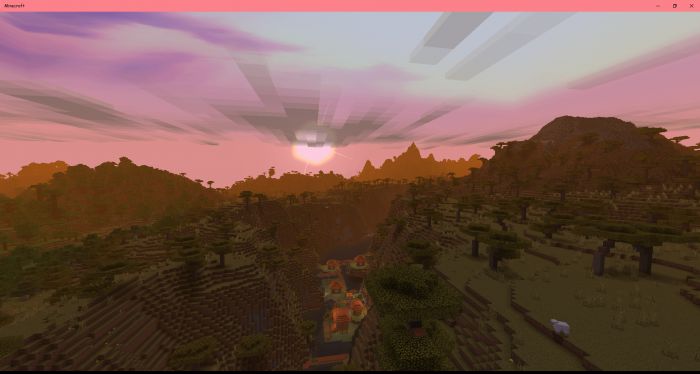
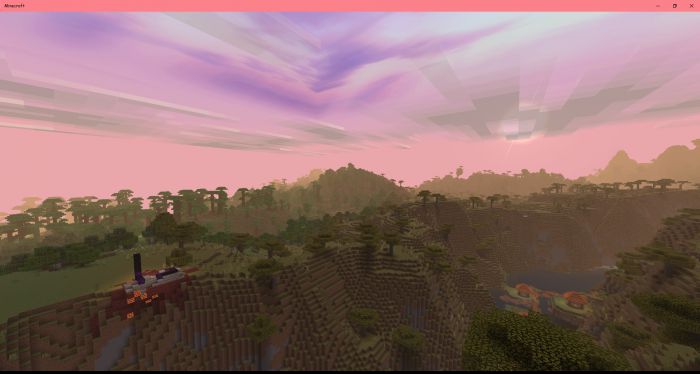
Installation Note:
- The apply is simple just like an ordinary texture pack you can set it global or your world, enjoy! you don’t need to do anything like re-install Minecraft and others, just simply activate the pack, and you’re good to go.
- This is not an addon this is just a texture replacement, which means you can set it global resources and play it on a server as well and don’t need to turn on experimental.
V.O.G Shader Download Links
You may also like
For Minecraft PE/Bedrock 1.19
mcpack: Download from Server 1 – Download from Server 2
- Edition: Minecraft Bedrock
- File type: .mcpack
- Minecraft version listed: 1.26
- How to install: Download the .mcpack. → Open it — Minecraft imports it under Resource Packs. → Activate it in Global Resources, or for one world under Resource Packs → Available.
- Where to get it: In MCModsHub, or directly above on this page.
Install steps are the general flow for this file type — How to install Minecraft Bedrock texture packs walks through it step by step.
- Pack type: .mcpack — a single pack
- Complete pack — everything it depends on is inside the file
- Download link checked 17 Jun 2026 — working
- Mirrored on our own servers — the download does not depend on the original host
These come from our own check of the pack file, not from the source page.