Invisible Touch Buttons
Bedrock texture pack listed for Minecraft 1.17–1.21. File opened and checked on 3 Oct 2026; installs from the MC Bedrock Mods app on Android.
I don't know my version
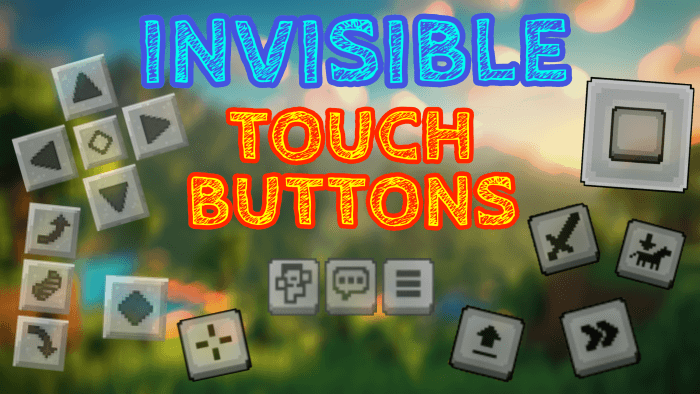
Do you want to have a better view while playing on your mobile?
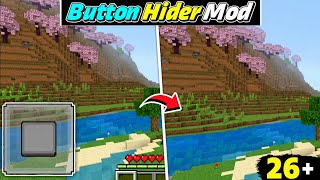
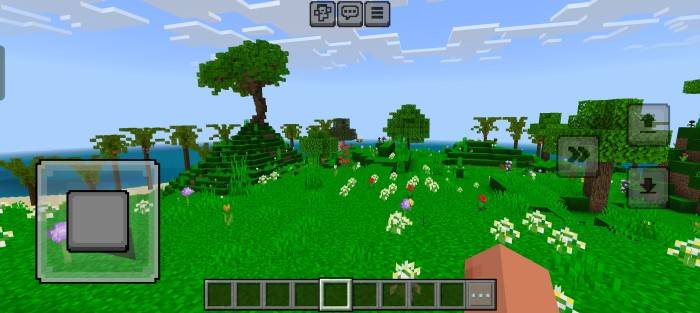
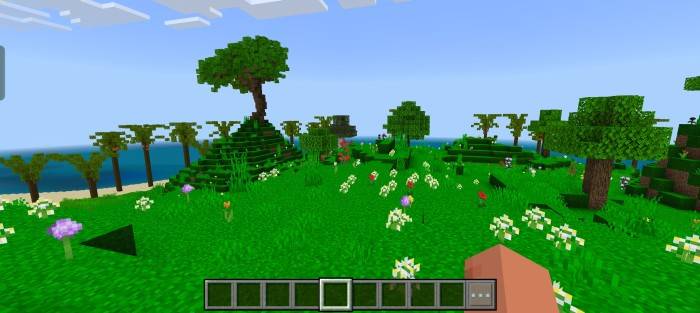
Perfect! This Texture Pack can make the Touch Buttons Transparent!
This way it will seem like you are playing on your PC and you can make your videos better.
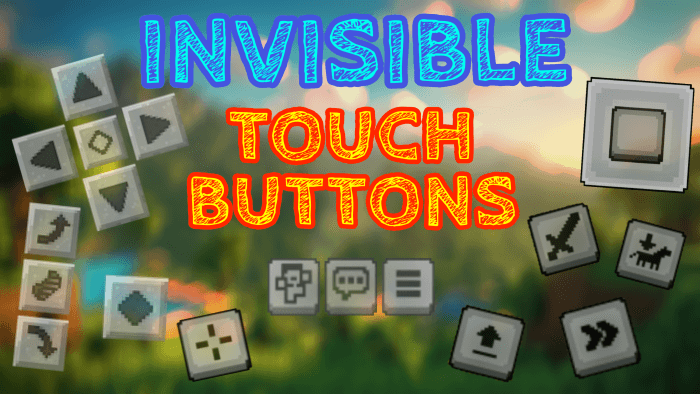
BEFORE:
AFTER:
If you want to share the texture, be sure to send the MCPEDL or CURSEFORGE texture link.
You can also find this content on the official ADDONS UNIVERSE App!
Remember, this content is strictly exclusive to these 3 platforms.
Thanks and have fun! :D
|- Download Other Incredible Textures: HERE -|
- Edition: Minecraft Bedrock
- File type: .mcpack
- Minecraft versions listed: 1.18, 1.19, 1.20
- How to install: Download the .mcpack. → Open it — Minecraft imports it under Resource Packs. → Activate it in Global Resources, or for one world under Resource Packs → Available.
- Where to get it: Opens on CurseForge — not every file is mirrored on our own servers.
Install steps are the general flow for this file type — How to install Minecraft Bedrock texture packs walks through it step by step.
- Save it as InvisibleButtons.mcaddon before opening — it downloads as .mcpack, but it is a .mcaddon pack
- Manifest requires Minecraft 1.17.0 or newer
- Complete pack — everything it depends on is inside the file
- Download size: 57 KB
- Download link checked 5 Oct 2026 — working
These come from our own check of the pack file, not from the source page.