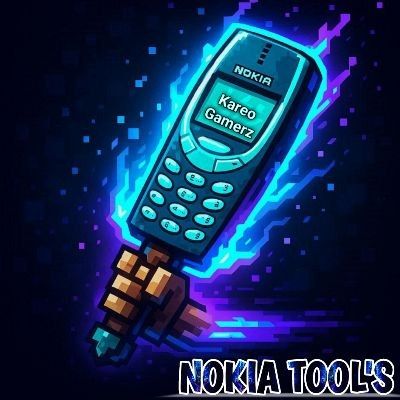
Nokia Tool
Bedrock texture pack listed for Minecraft 26.x. File opened and checked on 21 Sep 2026; installs from the MC Bedrock Mods app on Android.
Turn your Netherite tools into powerful Nokia 3310 weapons and Tools 📱🔥 Choose from multiple resolutions and enjoy a fun.
⬇ Download on CurseForge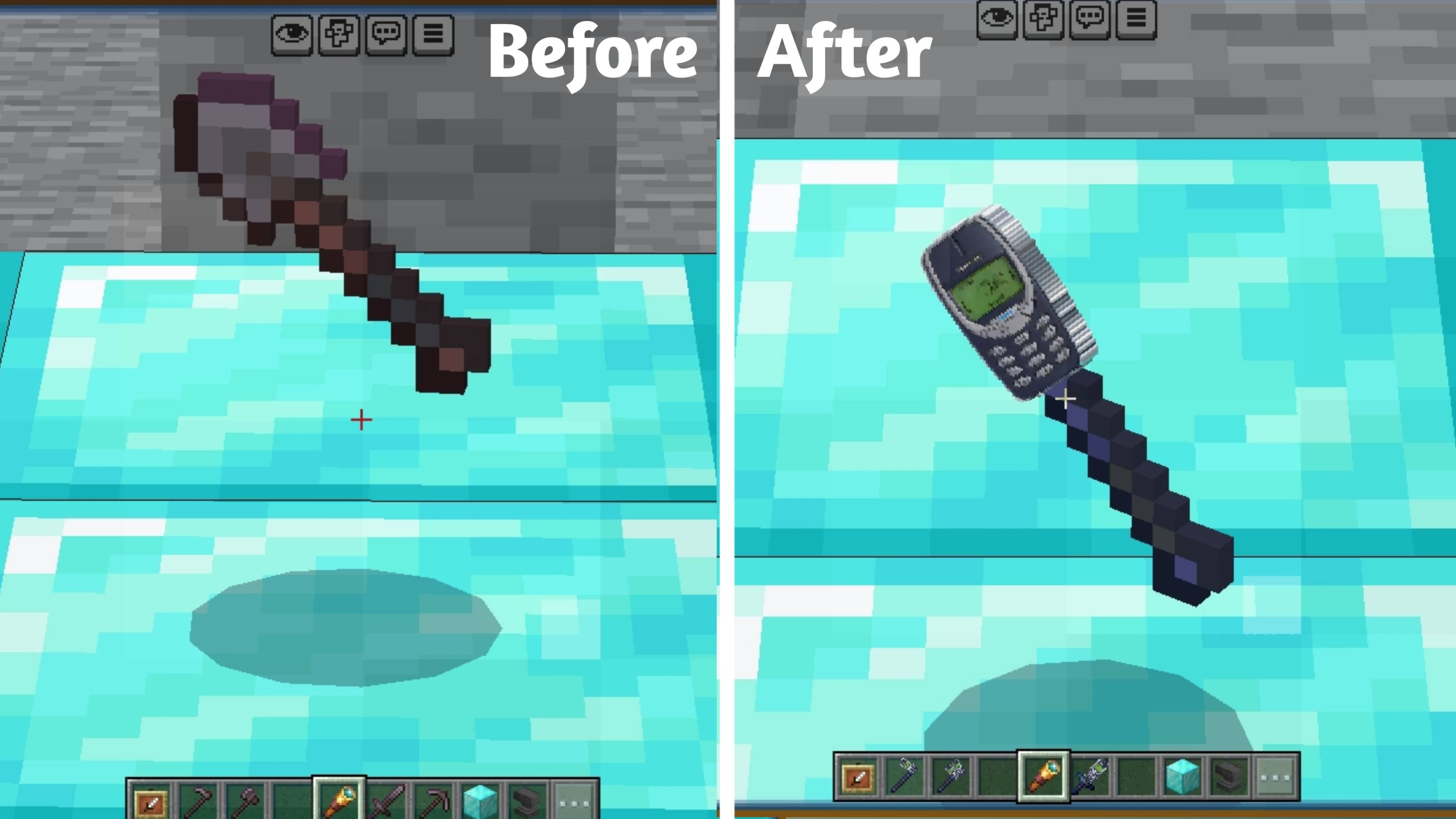
📄 Description
Nokia 3310 Tools 📱
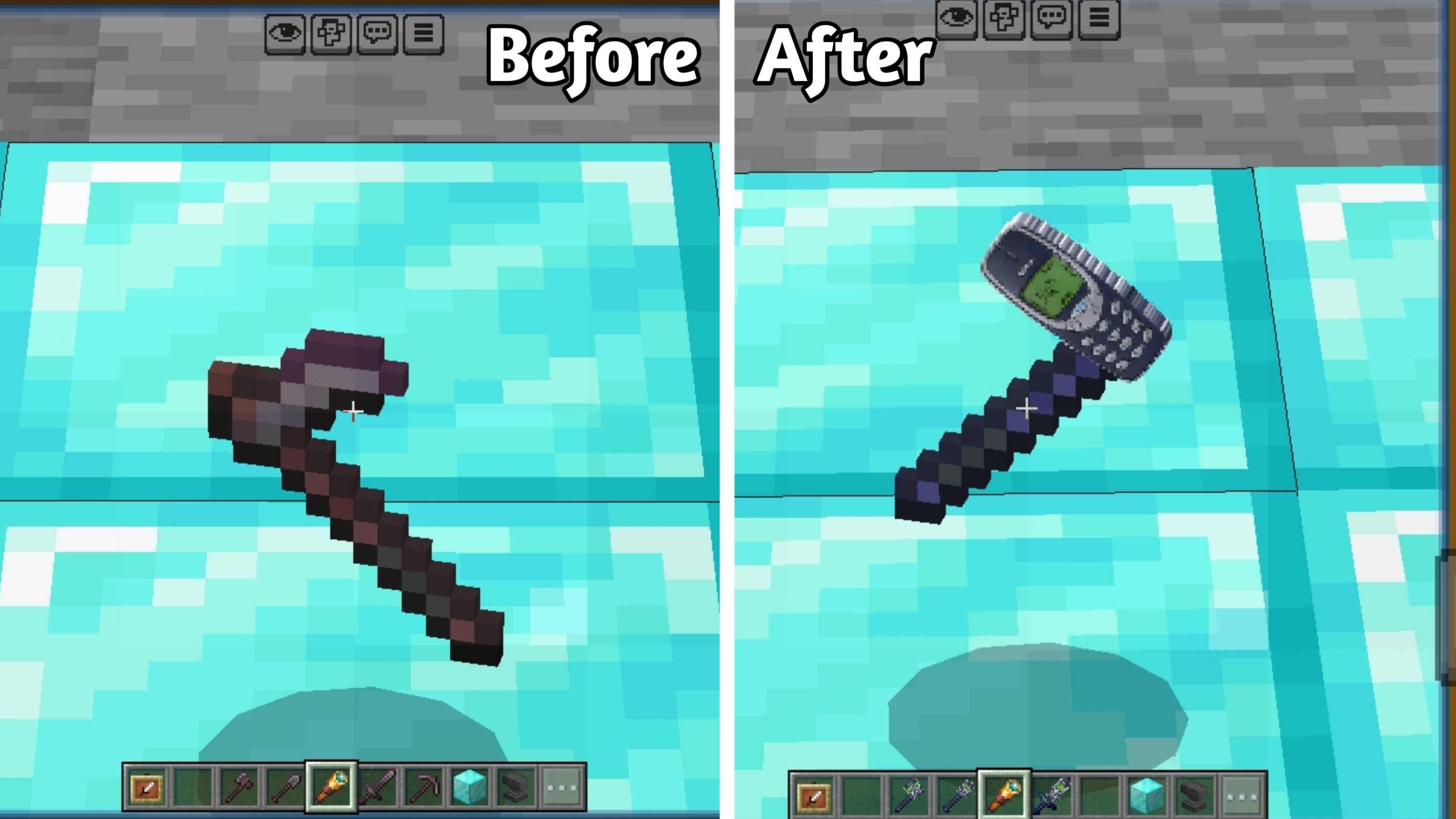
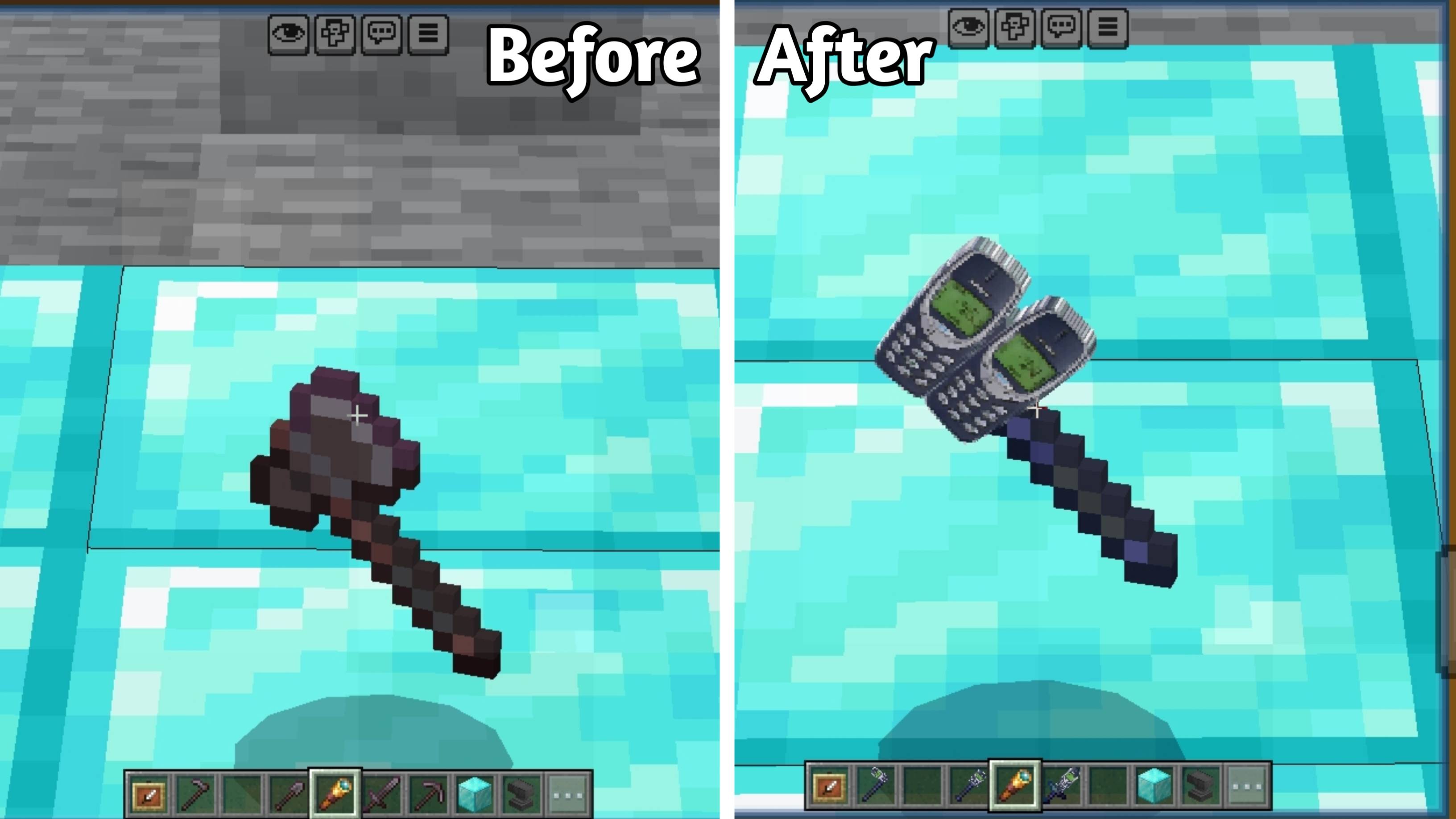
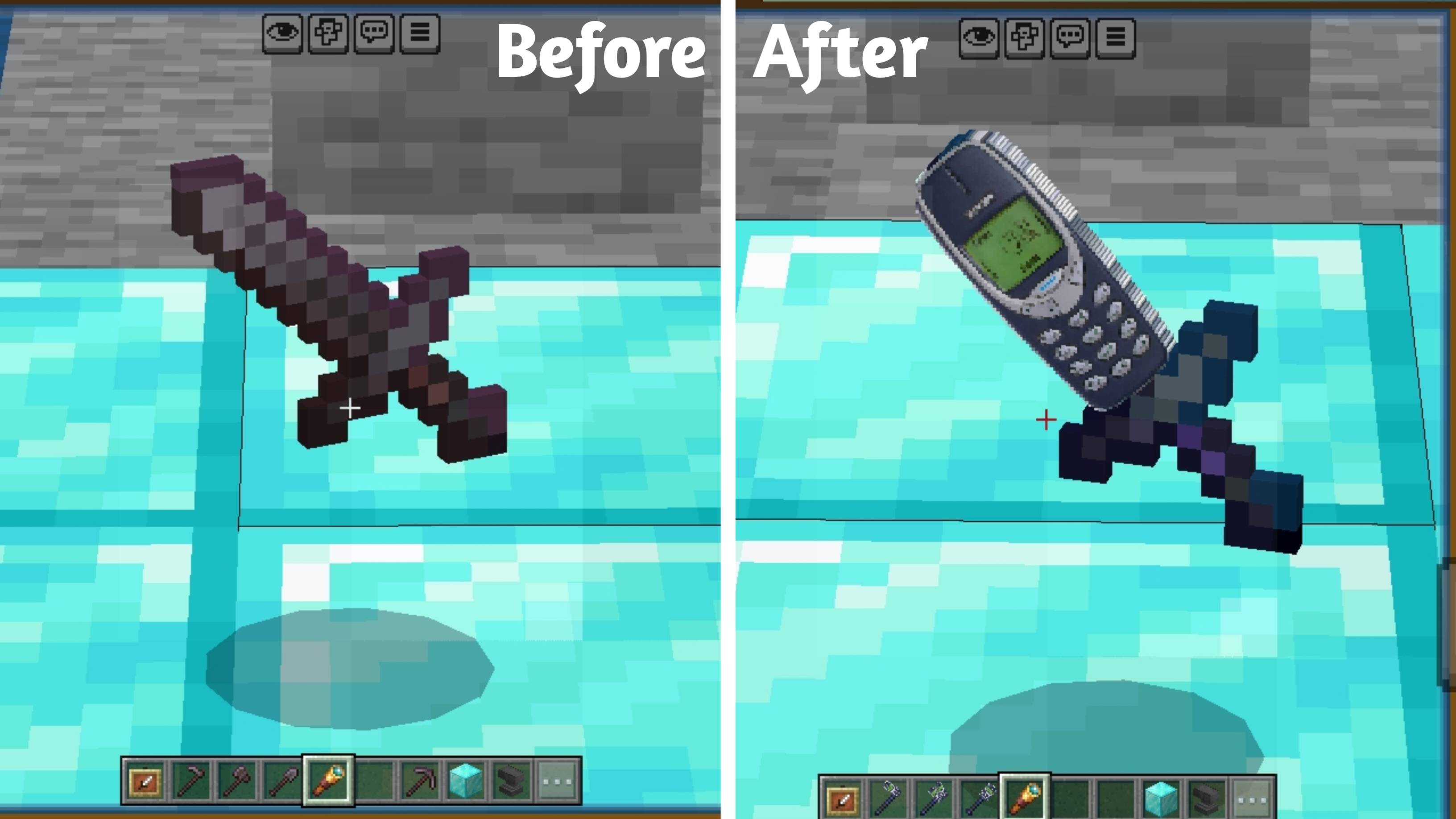
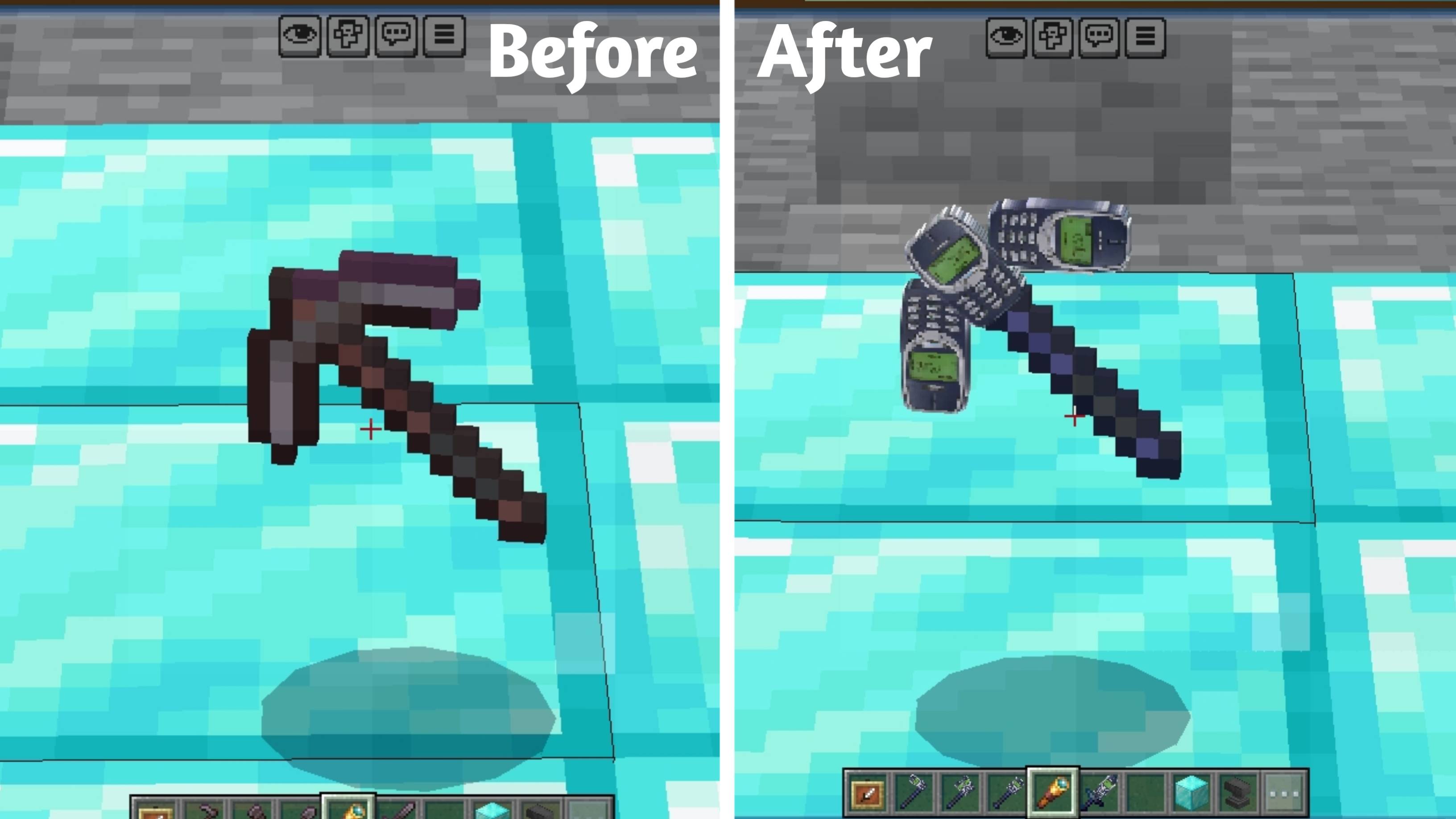
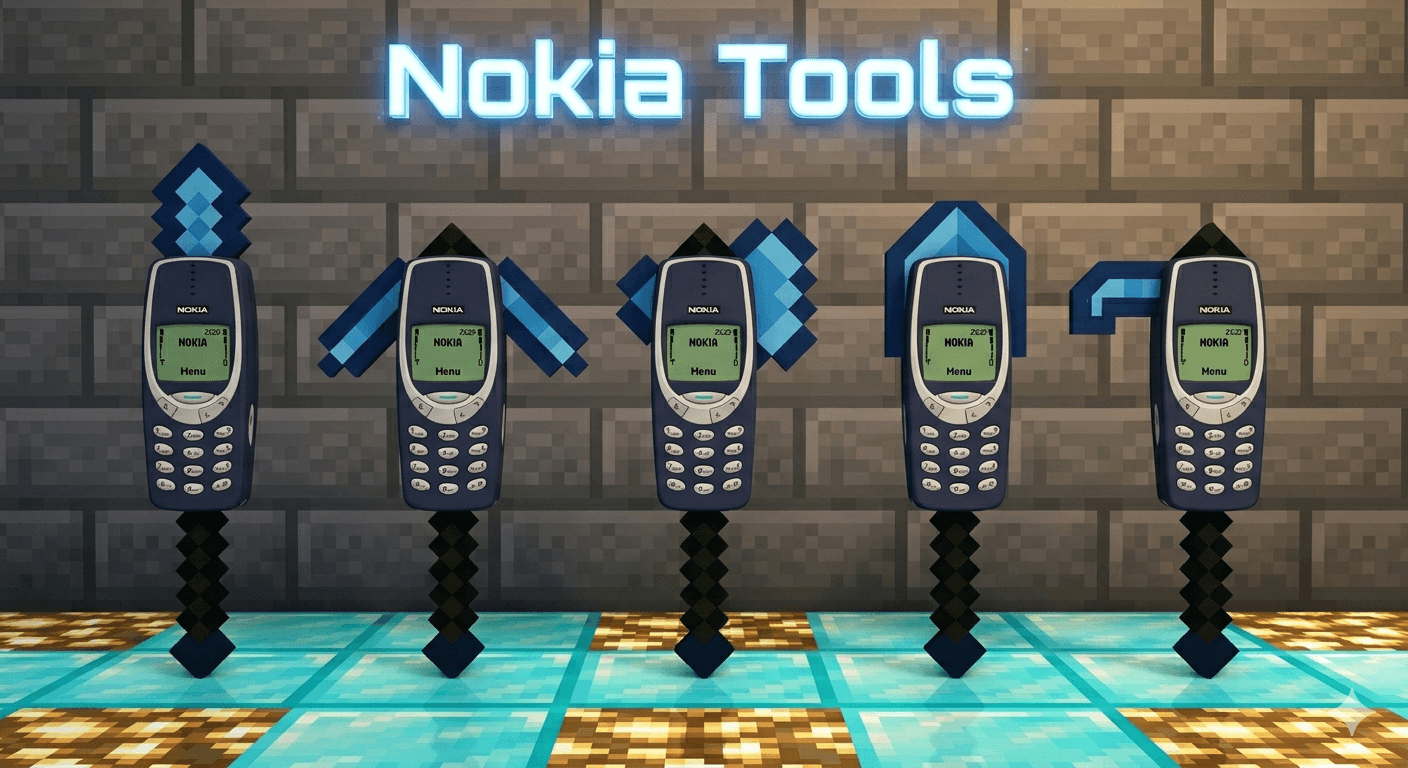
This pack replaces all Netherite tools with the legendary Nokia 3310 design, bringing a fun and powerful vibe to Minecraft 🎮🔥
Now your tools don’t just look strong… they look unbreakable 😏
Tools Included 🔧
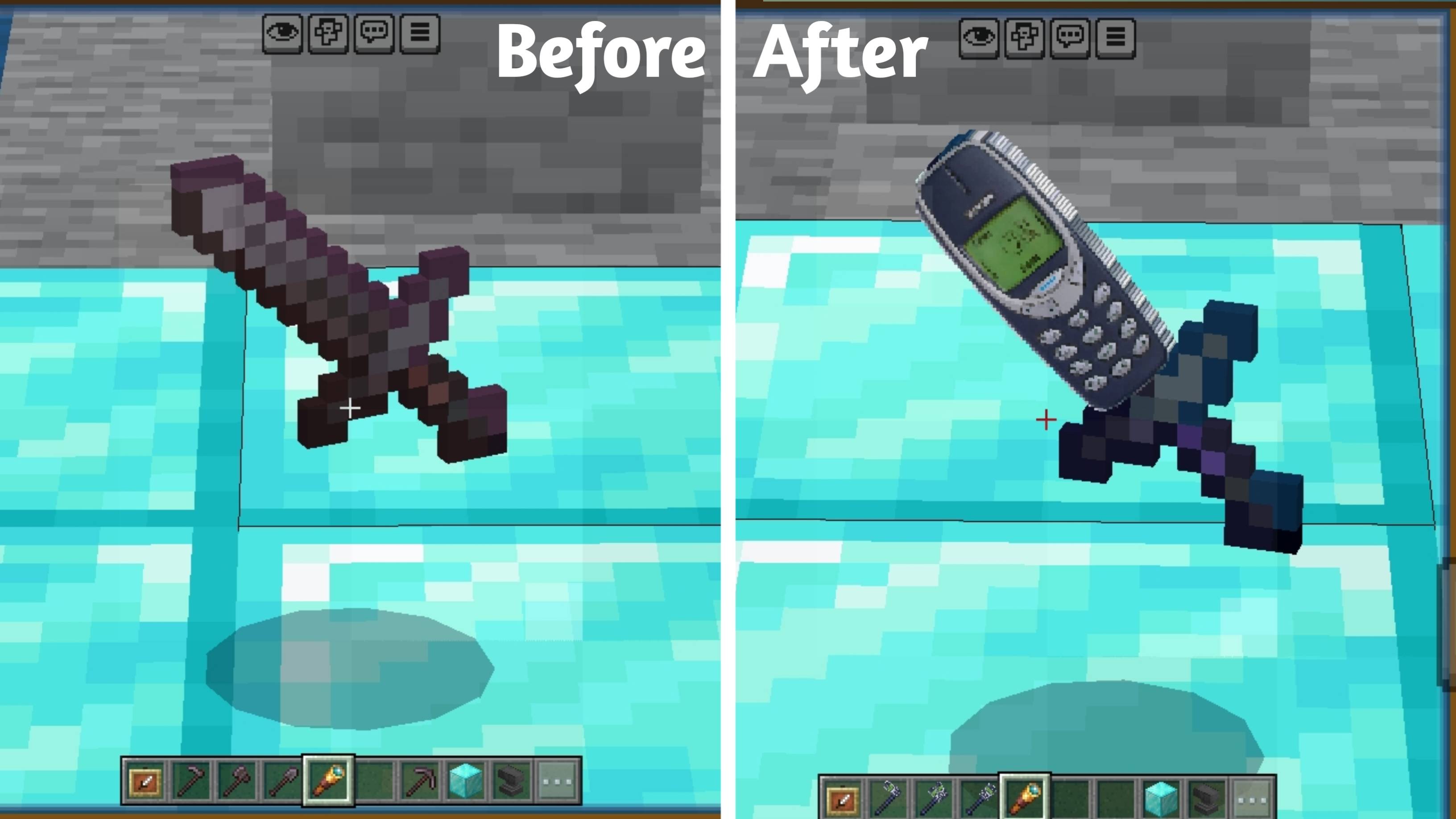
● Netherite Sword → Nokia Sword ⚔️📱
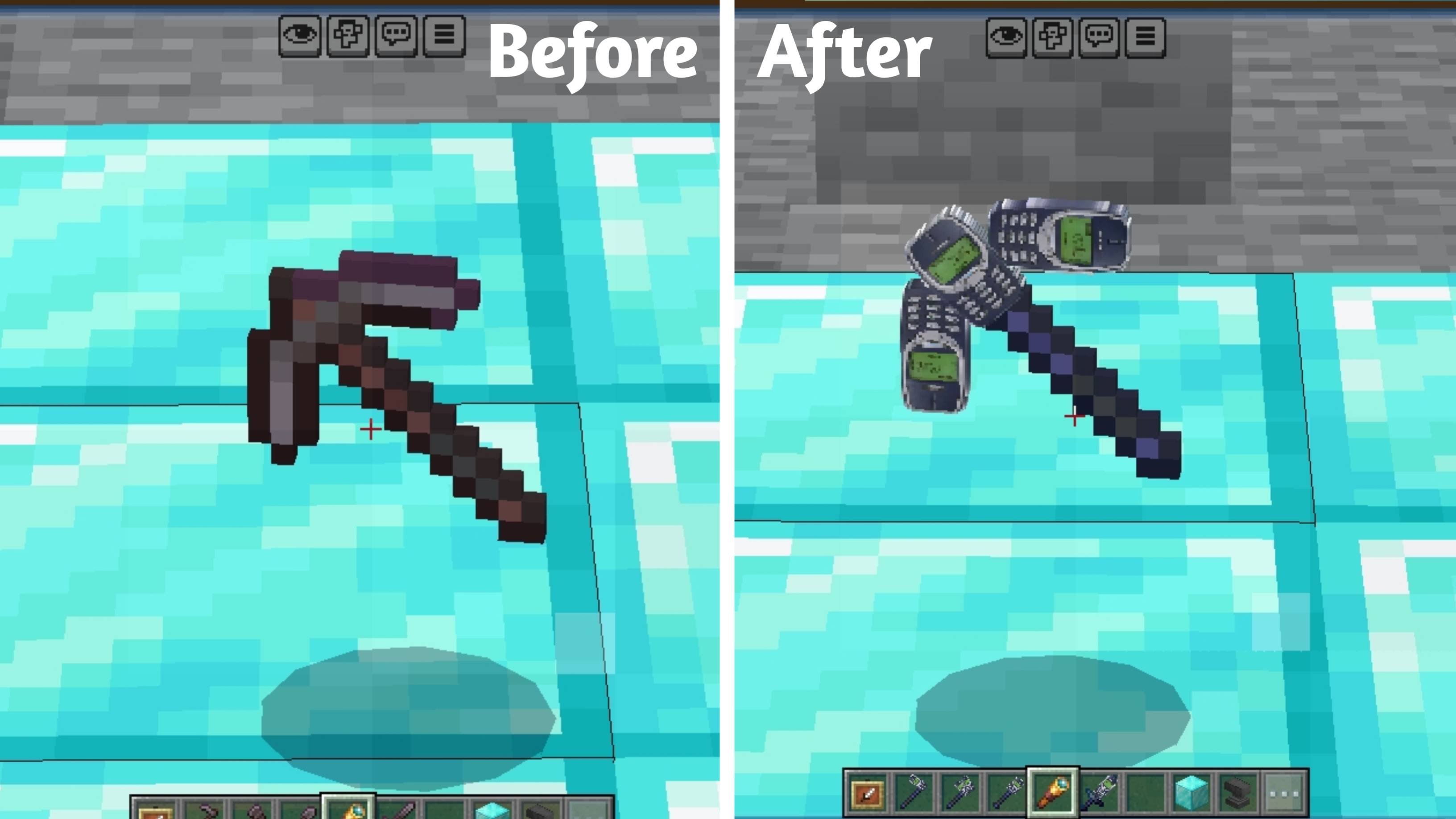
● Netherite Pickaxe → Nokia Pickaxe ⛏️📱
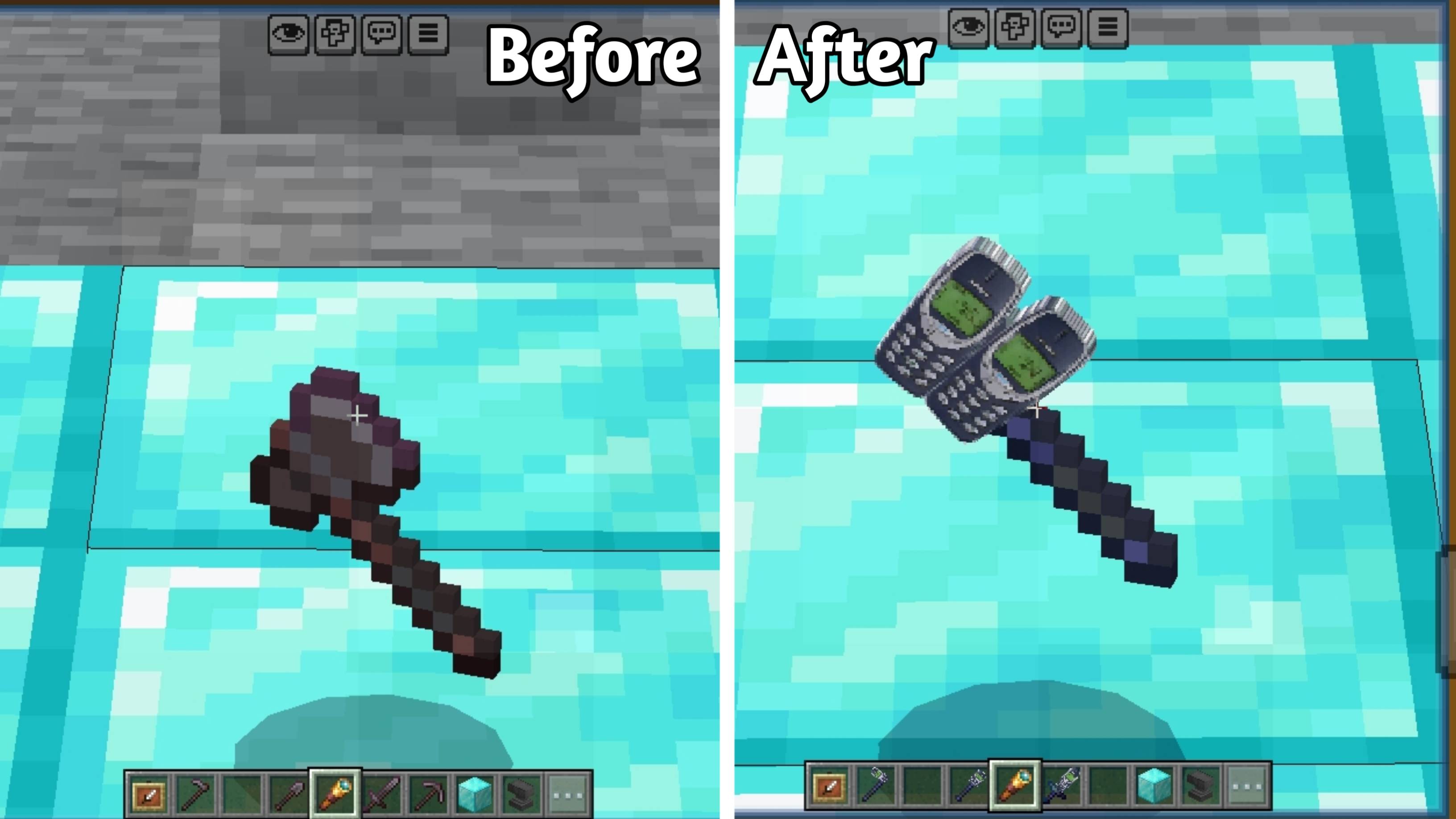
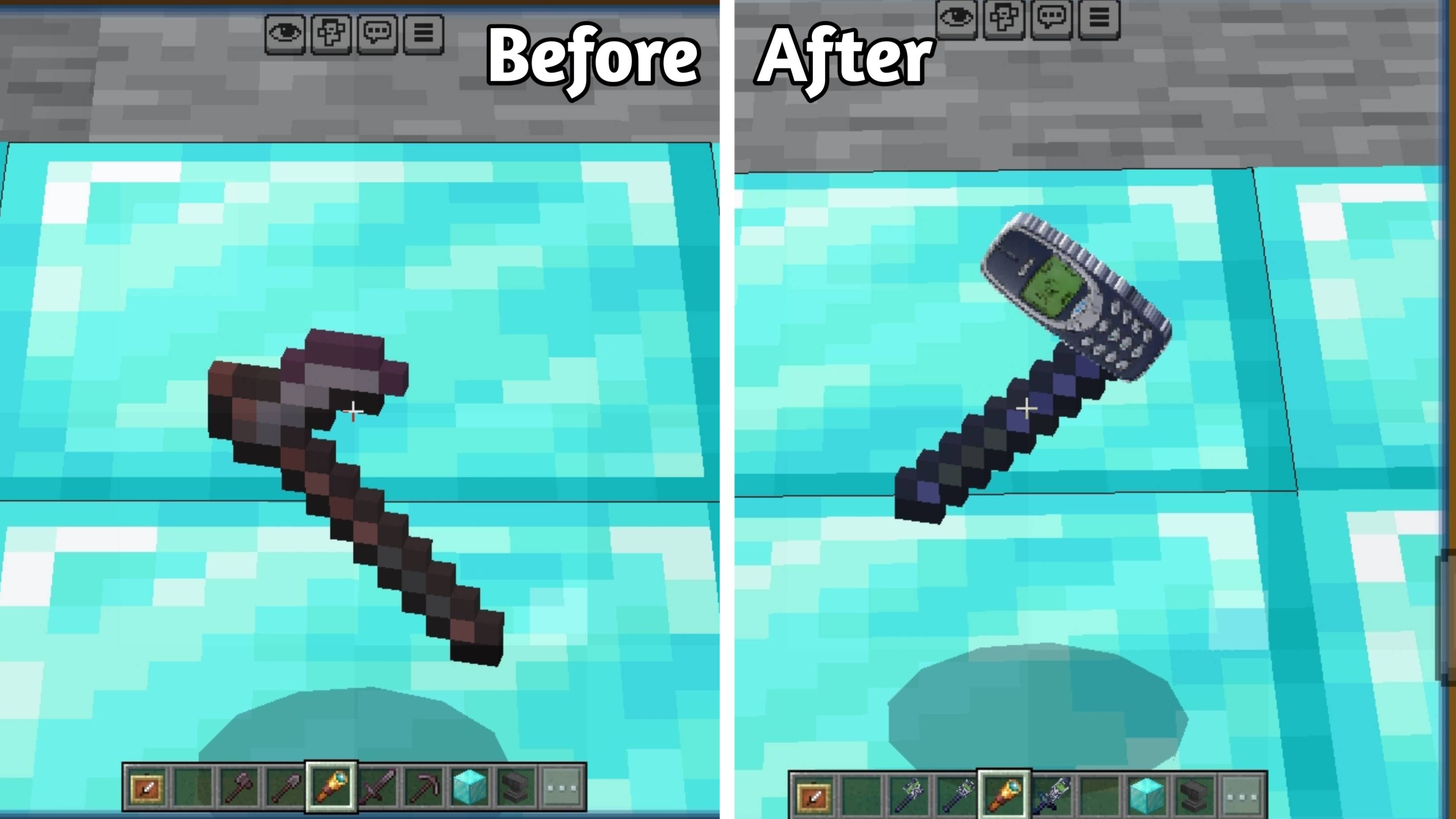
● Netherite Axe → Nokia Axe 🪓📱
● Netherite Shovel → Nokia Shovel 📱
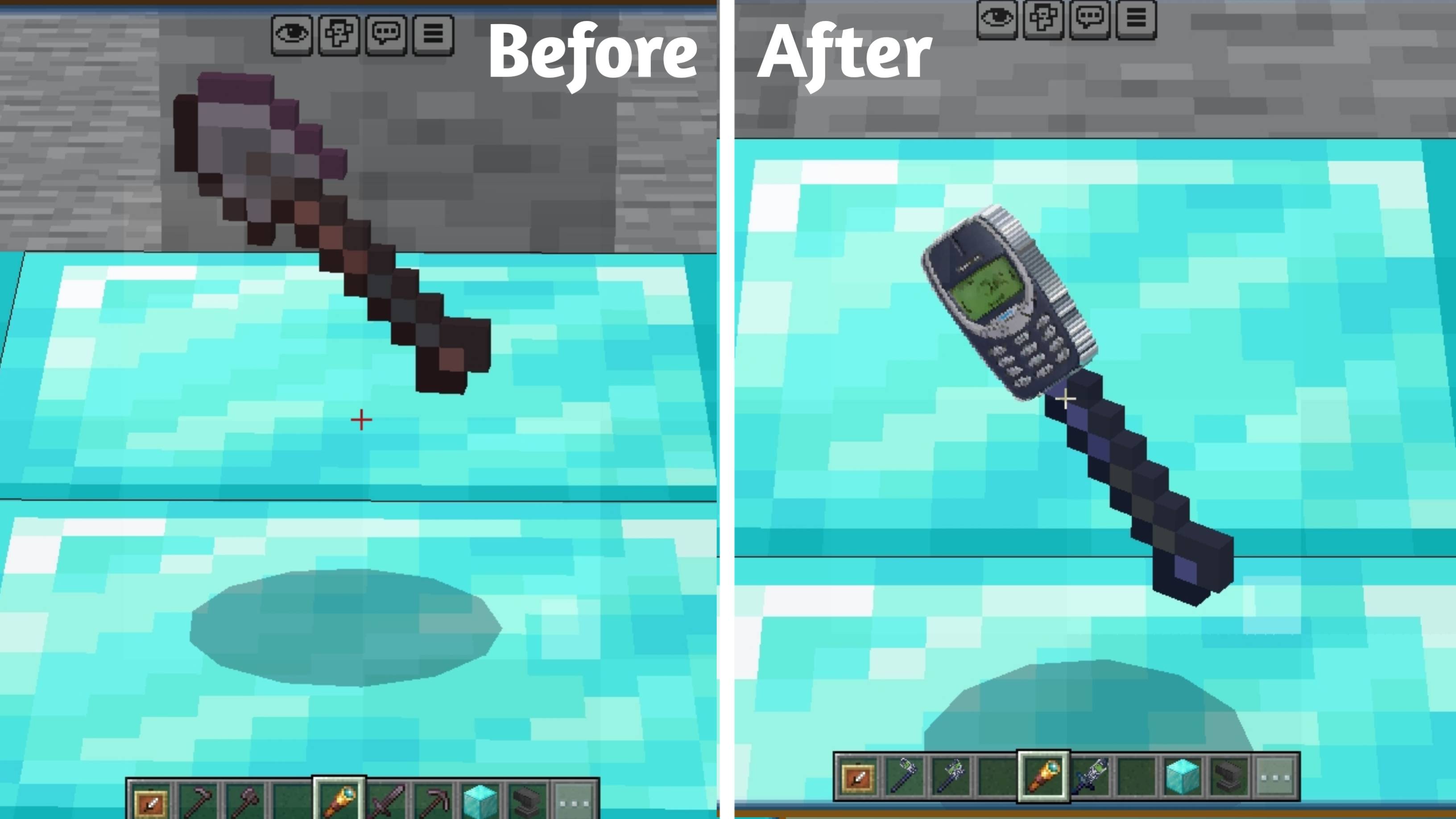
● Netherite Hoe → Nokia Hoe 🌱📱
Features ✨
All Netherite tools converted into Nokia style 📱
Clean and detailed textures 🎨
Funny and unique concept 😂
Smooth and optimized gameplay ⚡
Subpacks
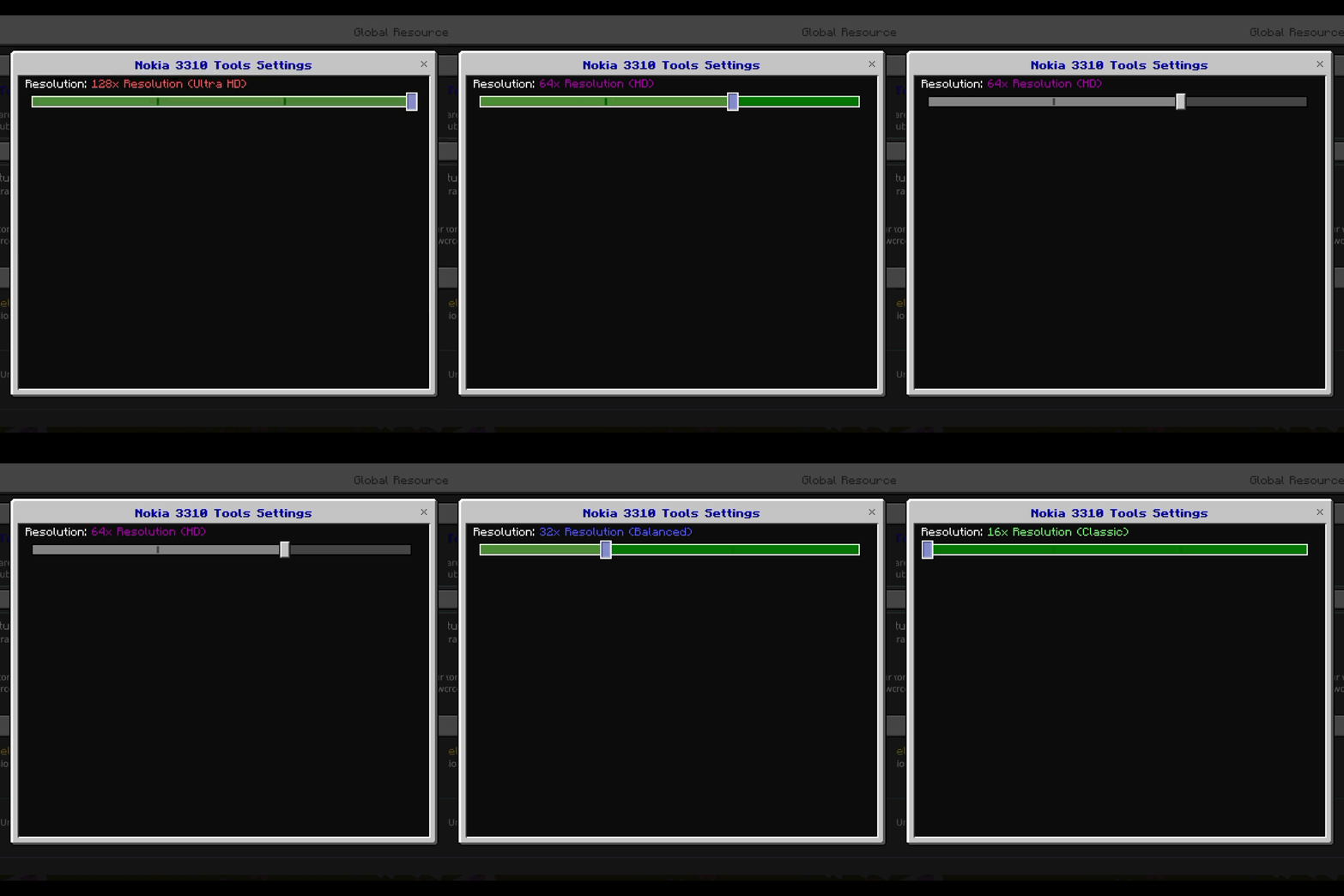
Choose your preferred resolution and color theme:
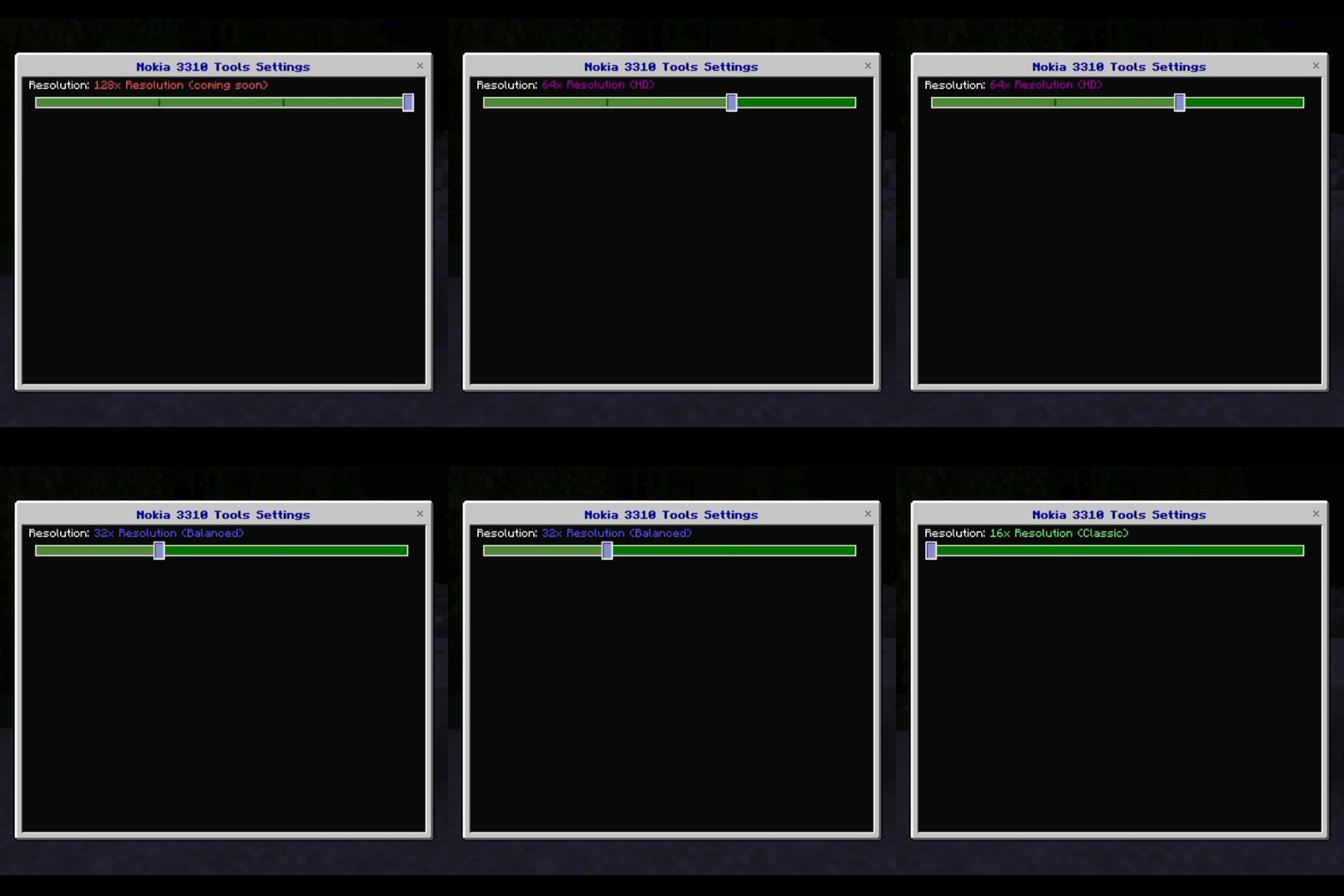
• 16x Resolution(Classic)
• 32x Resolution(Balanced)
• 64x Resolution(HD)
• 128x Resolution(Ultra HD)
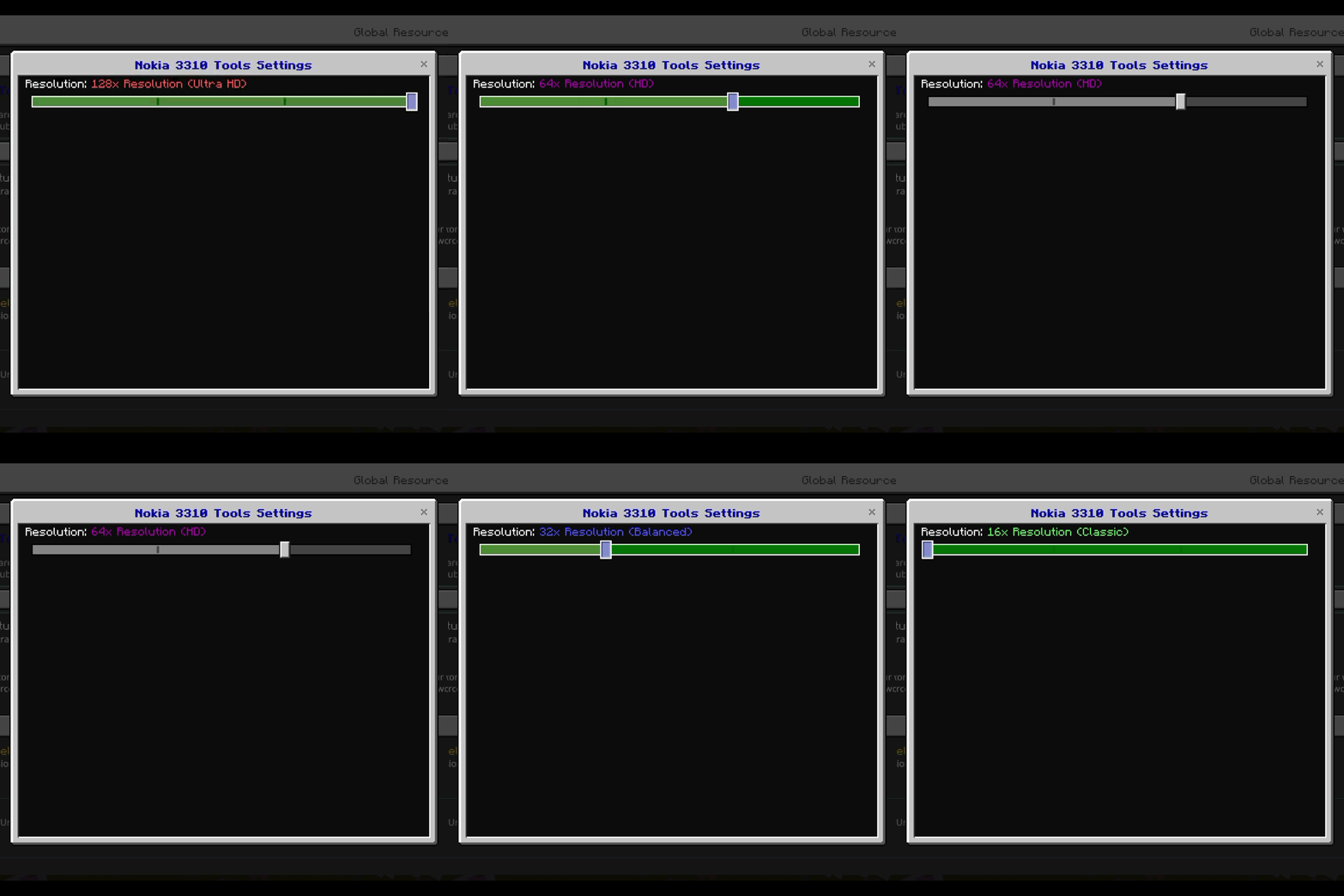
Each variant has the same design with different colors and quality levels.
How to Use ⚙️
Download and import the pack into Minecraft
Go to Settings → Global Resources or World Settings
Activate "Nokia 3310 Tools"
Tap the gear icon ⚙️ on the pack
Select your preferred resolution (16x, 32x, 64x, or 128x)
Apply and enjoy the game 📱🔥
Creator 👑
Created by: Kareo Gamerz
Note 📌
This is a visual texture pack and does not change gameplay mechanics.
📜 License
All Rights Reserved This addon was created by Kareo Gamerz.
You are not allowed to redistribute, modify, or reupload this addon on any other platform without the creator’s permission.
You may, however, make videos or showcase this addon on YouTube or social media — please provide credit and a link to the original CurseForge or MCPEDL page.
© 2025-2026 Kareo Gamerz – All Rights Reserved.
- Edition: Minecraft Bedrock
- File type: .mcpack
- Minecraft versions listed: 26.0.02, 26.0, 26.3
- How to install: Download the .mcpack. → Open it — Minecraft imports it under Resource Packs. → Activate it in Global Resources, or for one world under Resource Packs → Available.
- Where to get it: Opens on CurseForge — not every file is mirrored on our own servers.
Install steps are the general flow for this file type — How to install Minecraft Bedrock texture packs walks through it step by step.
- Pack type: .mcpack — a single pack
- Manifest requires Minecraft 1.26.0 or newer
- Complete pack — everything it depends on is inside the file
- Download size: 87 KB
- Download link checked 5 Oct 2026 — working
These come from our own check of the pack file, not from the source page.