NeBux Colorful Containers
Bedrock texture pack listed for Minecraft 1.18–1.21. File opened and checked on 2 Sep 2026; installs from the MC Bedrock Mods app on Android.
⬇ Download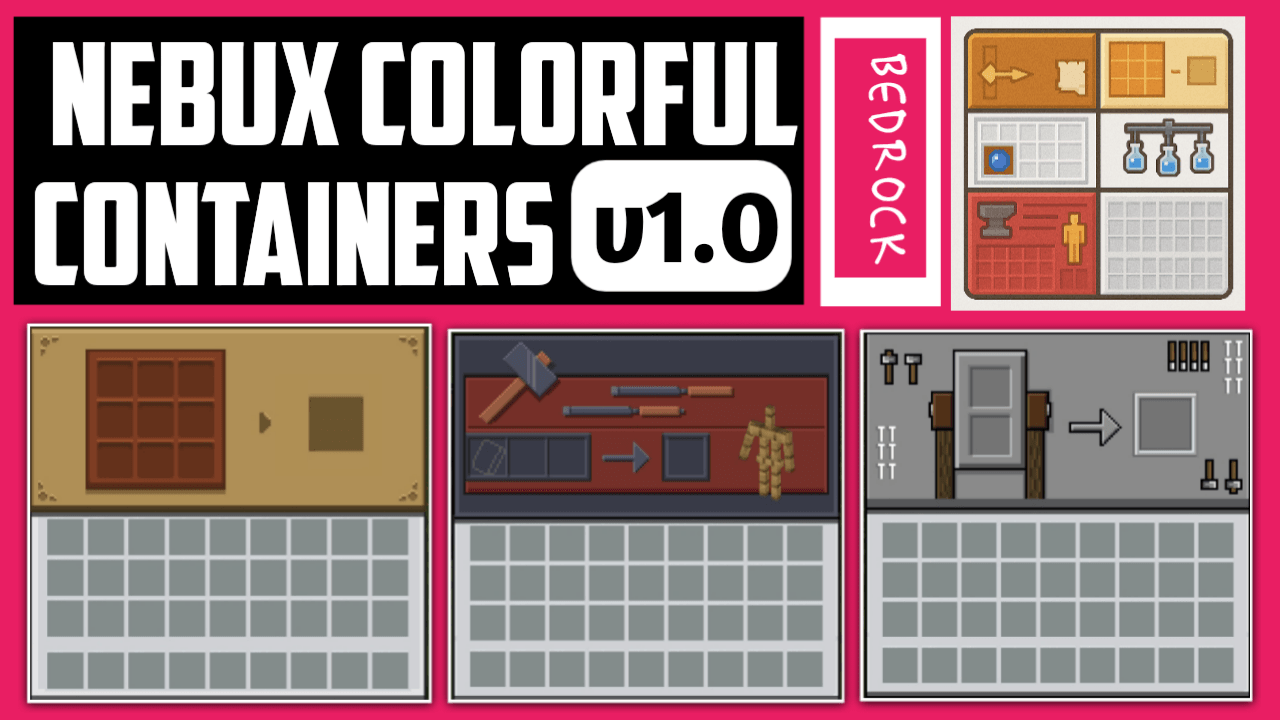
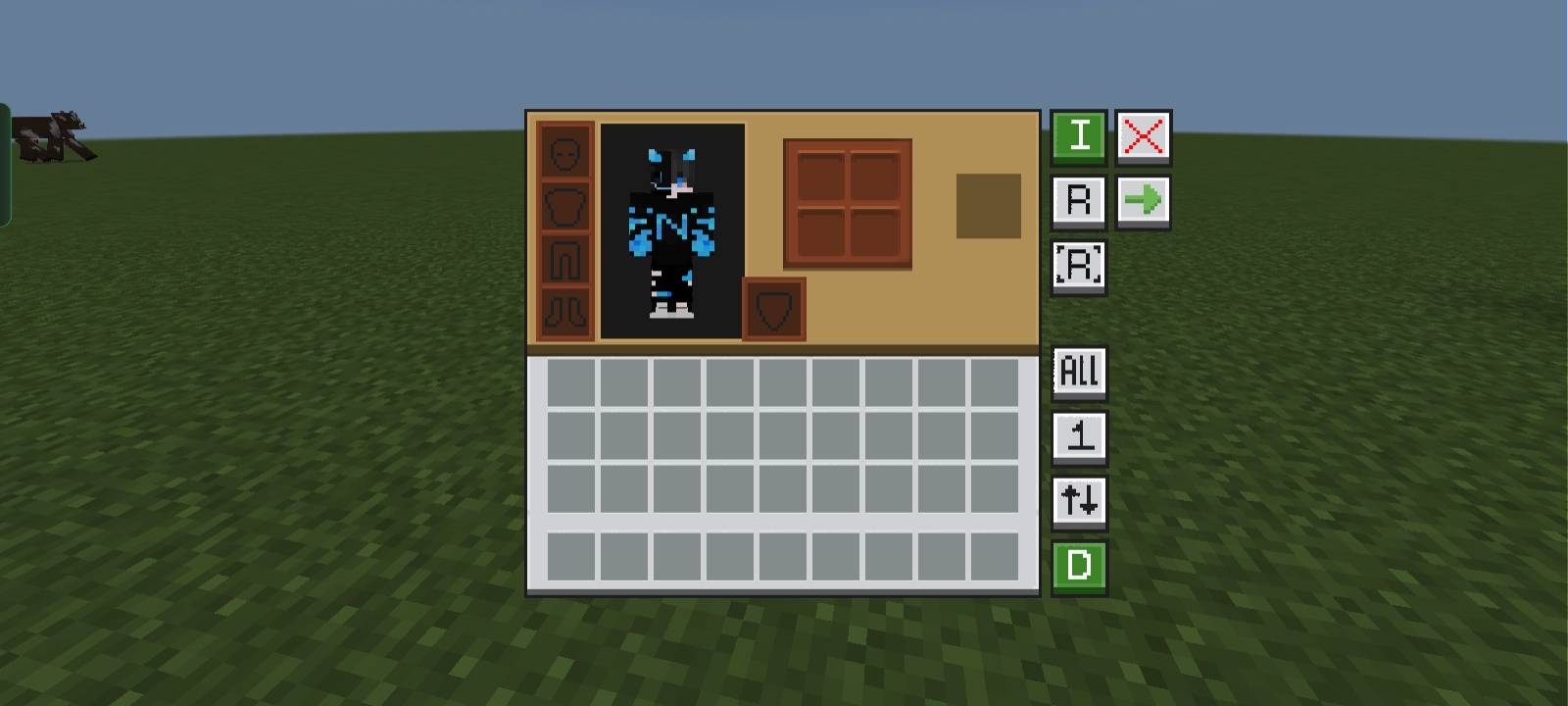
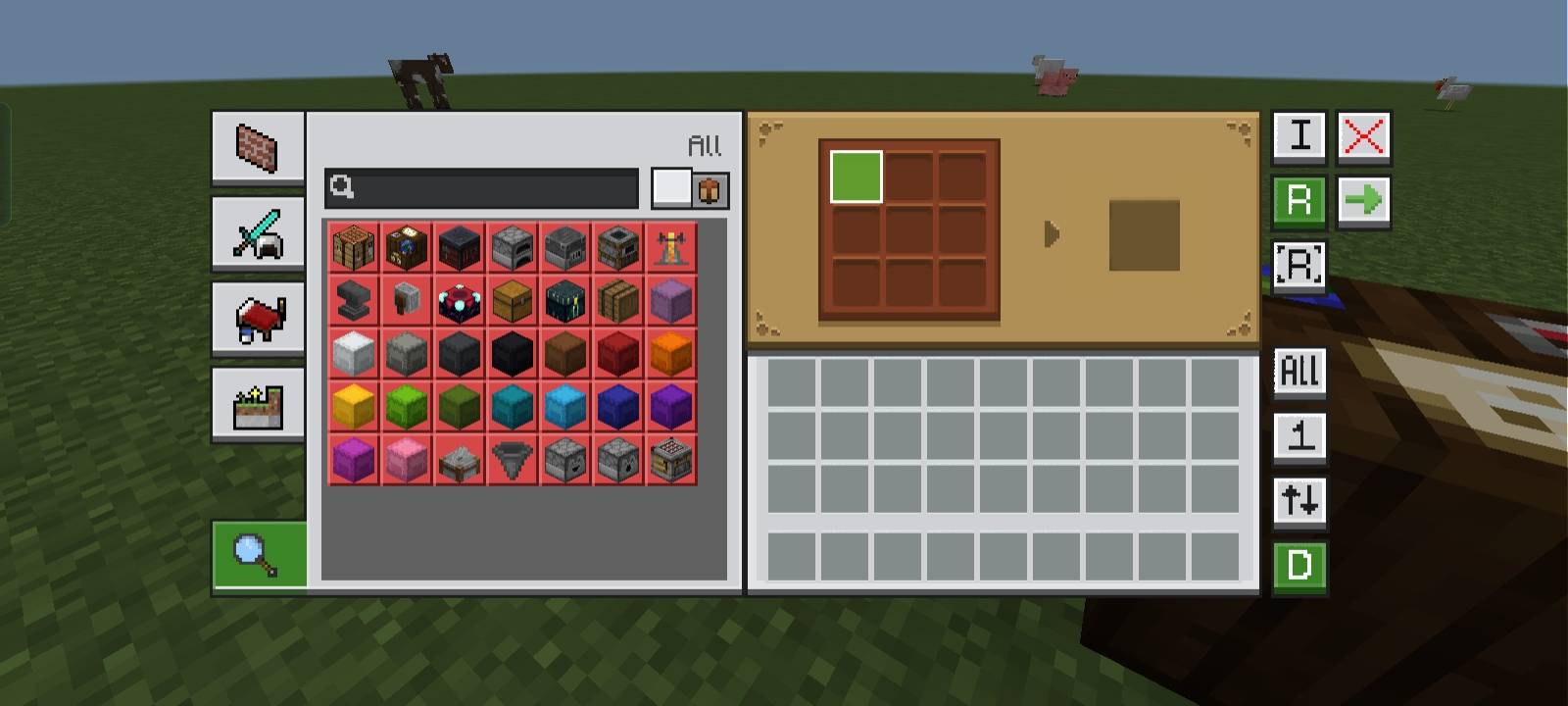
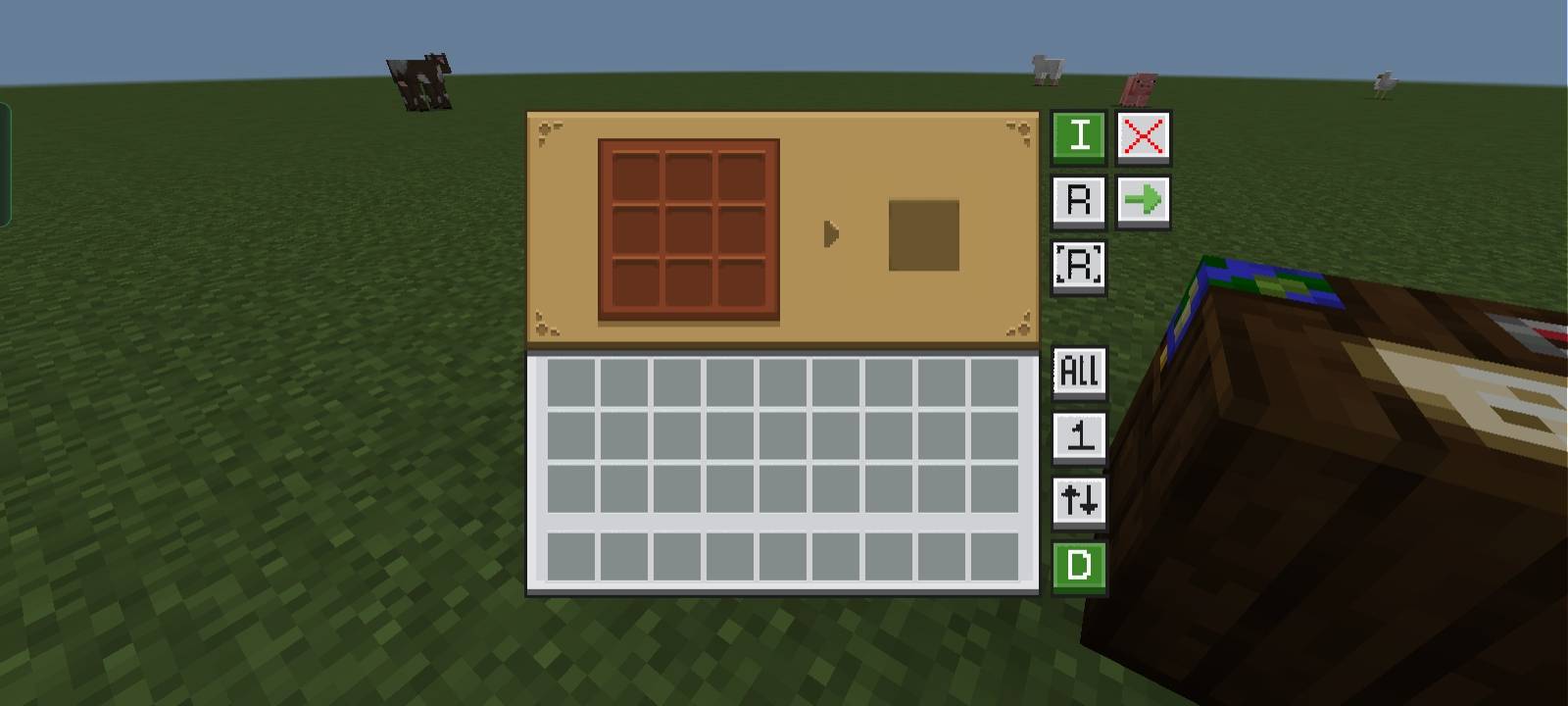
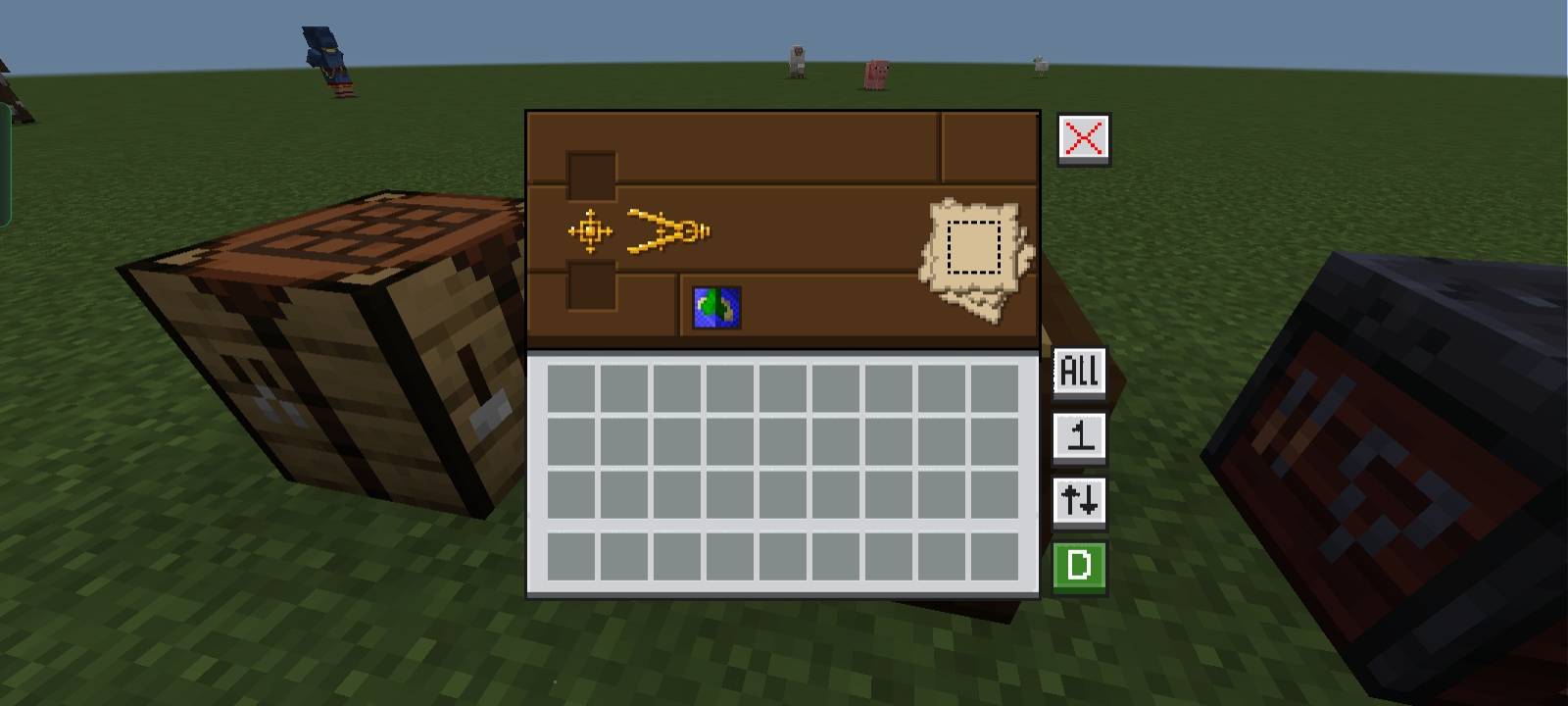
📦 NeBux UI - Container GUI Standalone
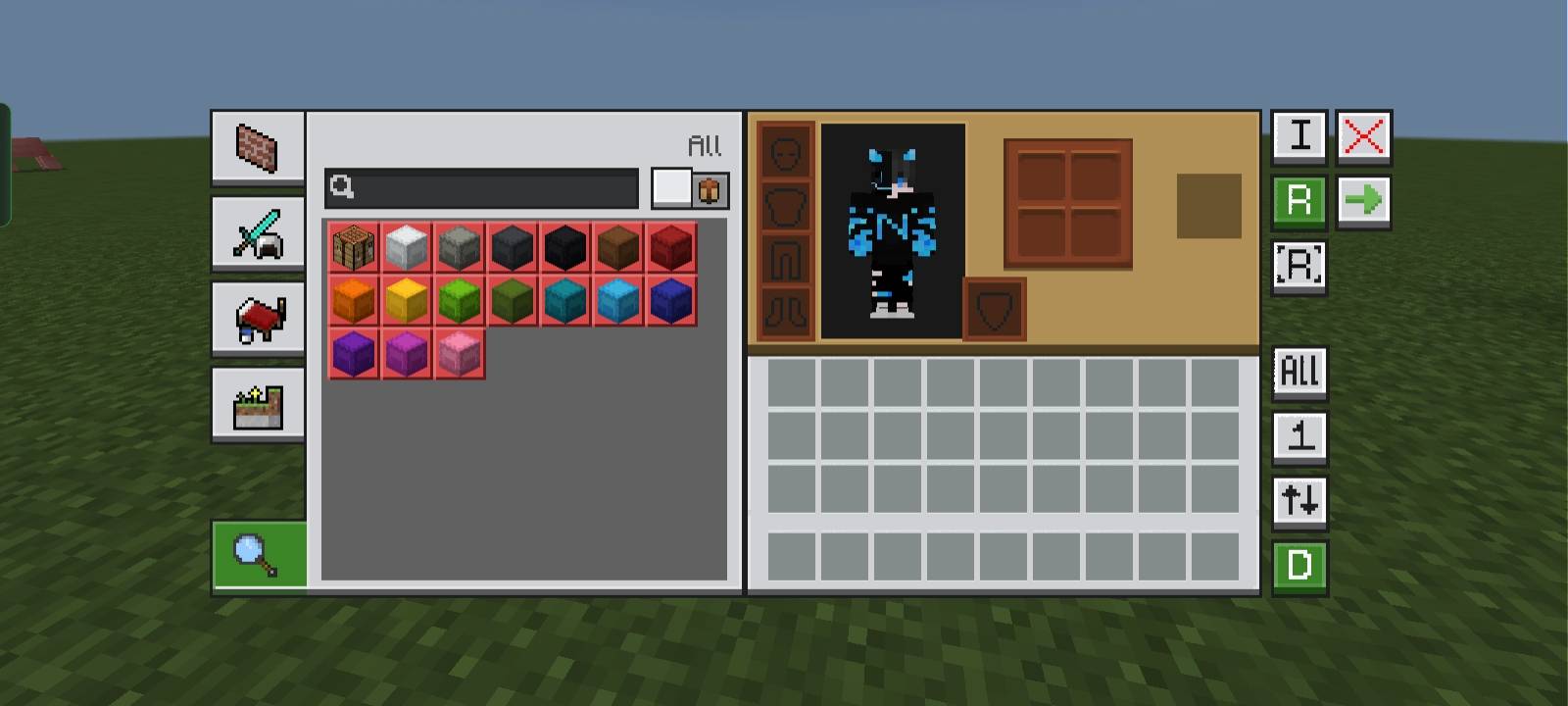
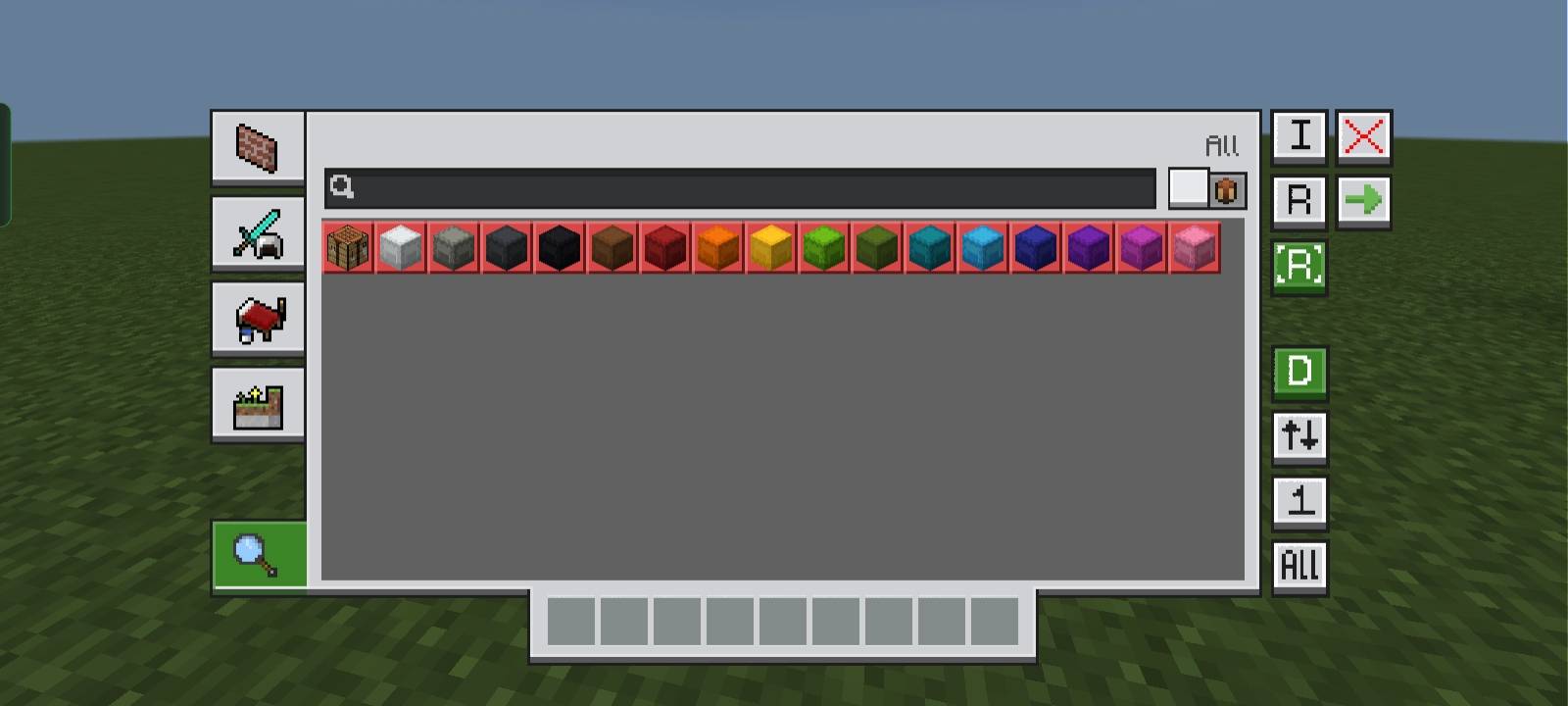
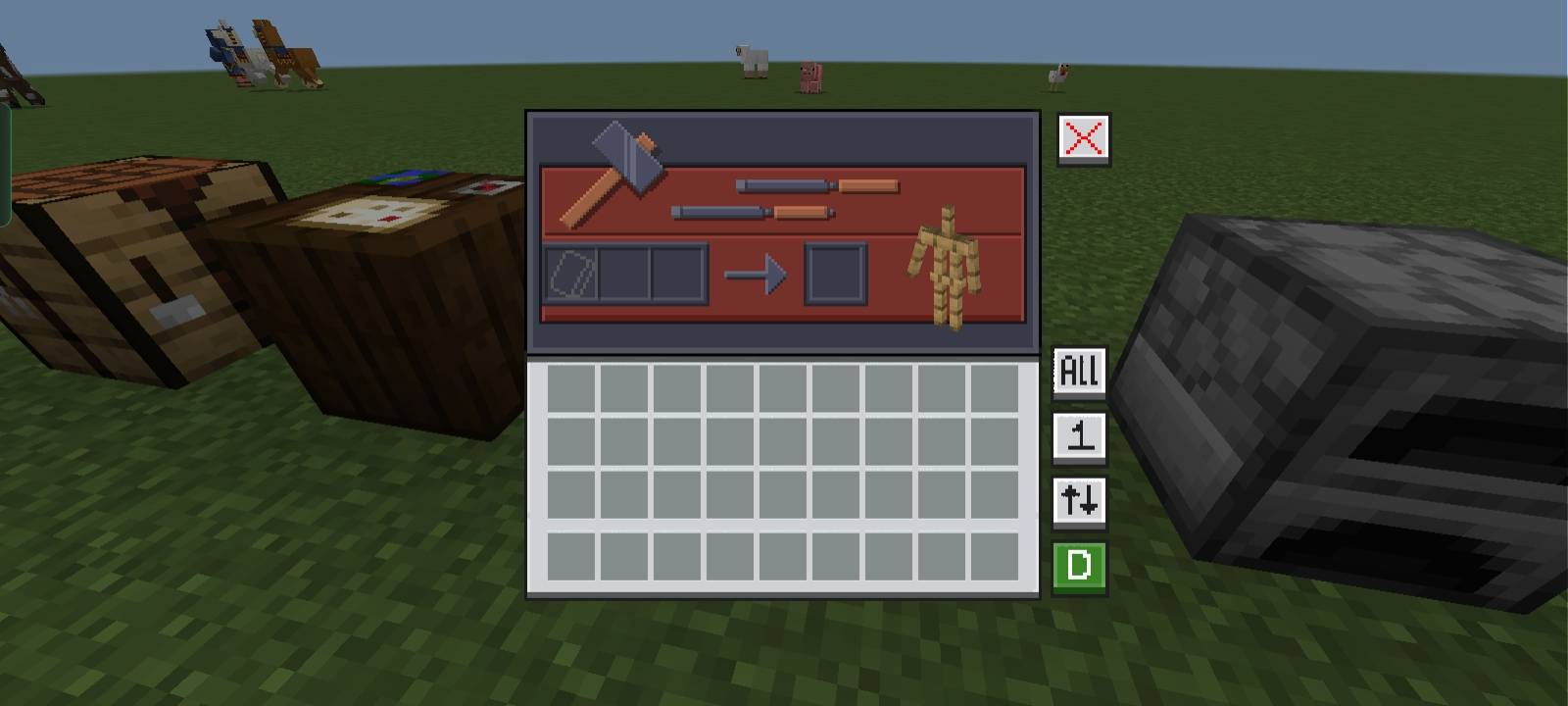
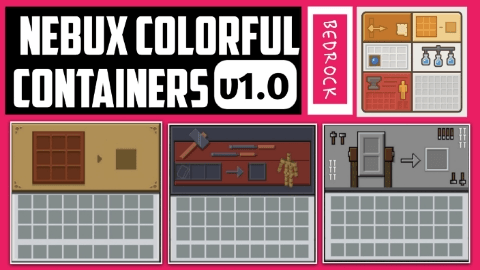
This is a standalone version of my original UI pack NeBux UI, designed specially for enhancing the GUIs of functional blocks like the Crafting Table, Smithing Table, and others in Minecraft Bedrock and Pocket Edition (MCBE/MCPE).
Each container interface is redesigned to match the unique theme of its respective table, providing a more realistic and immersive experience during gameplay. This pack focuses only on container GUIs and does not affect the full UI.
- Compatible with MCPE and MCBE
- Realistic, themed interfaces for crafting-related tables
- Includes Crafting Table, Smithing Table, and more
- Perfect for a minimal, clean experience
- Standalone GUI – no full UI overhaul
🎨 Inspired by and based on the full NeBux UI – check it out!
- Edition: Minecraft Bedrock
- File type: .mcpack
- Minecraft versions listed: 1.18.2, 1.20.40, 1.21.30
- How to install: Download the .mcpack. → Open it — Minecraft imports it under Resource Packs. → Activate it in Global Resources, or for one world under Resource Packs → Available.
- Where to get it: In MCModsHub, or directly above on this page.
Install steps are the general flow for this file type — How to install Minecraft Bedrock texture packs walks through it step by step.
- Pack type: .mcpack — a single pack
- Complete pack — everything it depends on is inside the file
- Download size: 3.4 MB
- Download link checked 25 Aug 2026 — working
These come from our own check of the pack file, not from the source page.