Starlit Vision Shader
Bedrock texture pack listed for Minecraft 1.21–26.x. File opened and checked on 31 Aug 2026; installs from the MC Bedrock Mods app on Android.
Starlit Vision Shader Premium Cinematic Lighting & Atmospheric Overhaul for Minecraft Bedrock Transform your Minecraft Bedrock experience with Starlit…
I don't know my version
Starlit Vision Shader
Premium Cinematic Lighting & Atmospheric Overhaul for Minecraft Bedrock
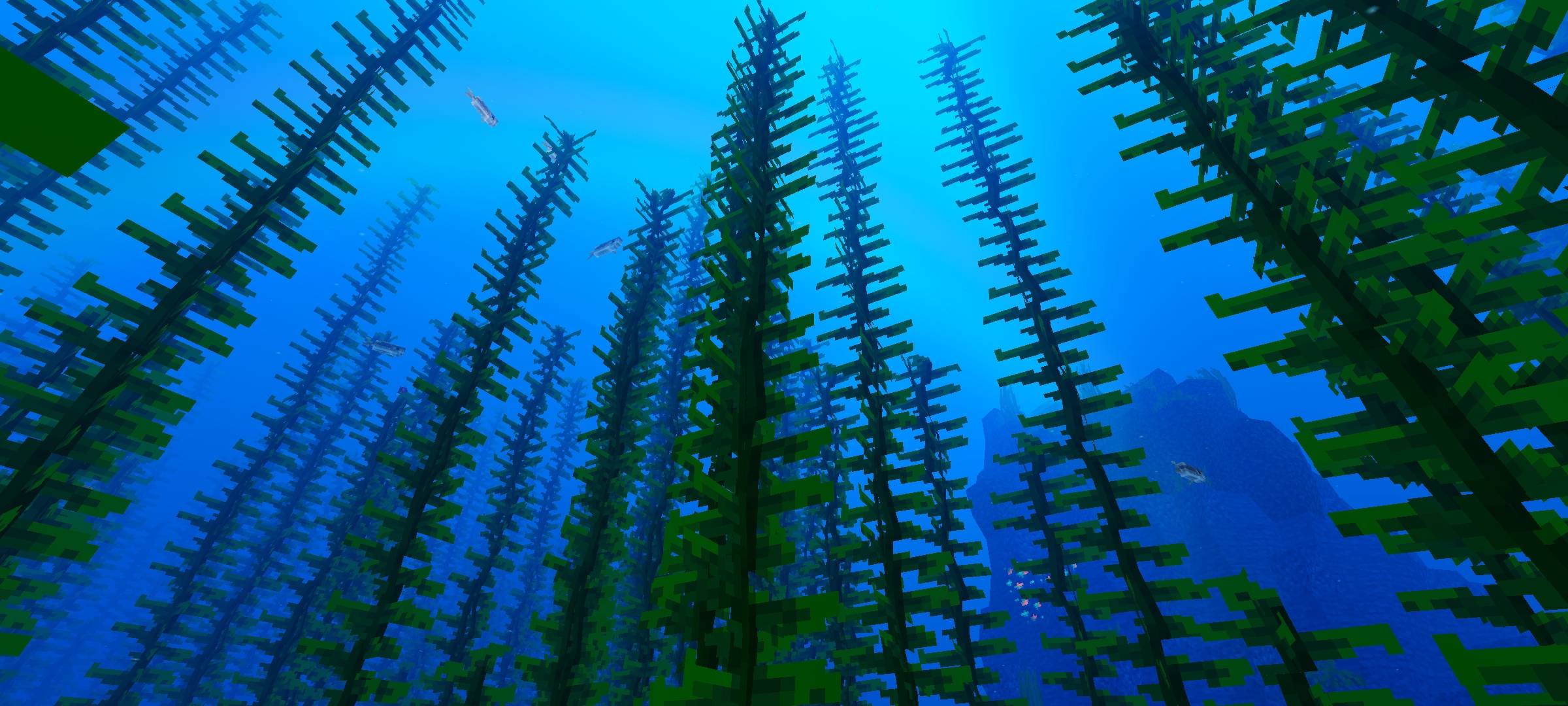
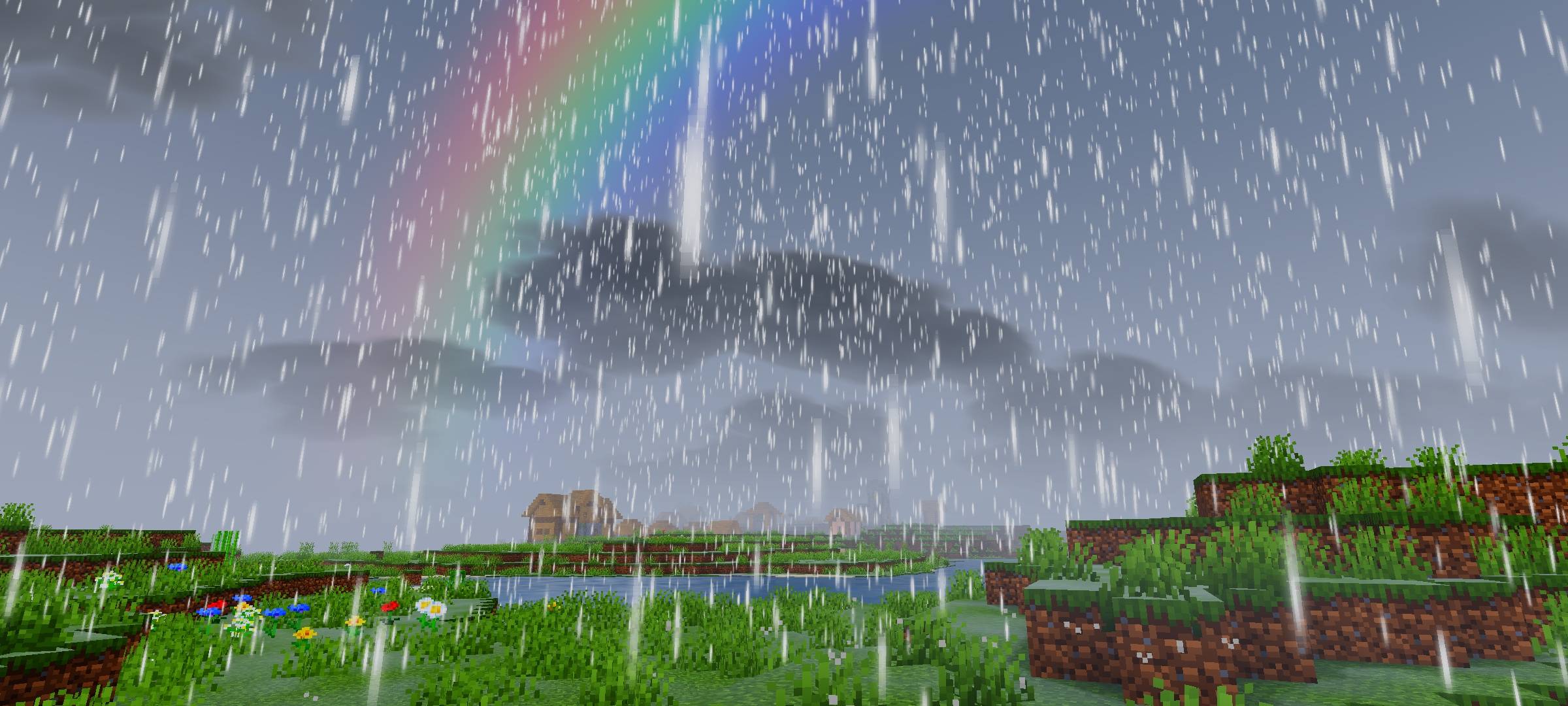
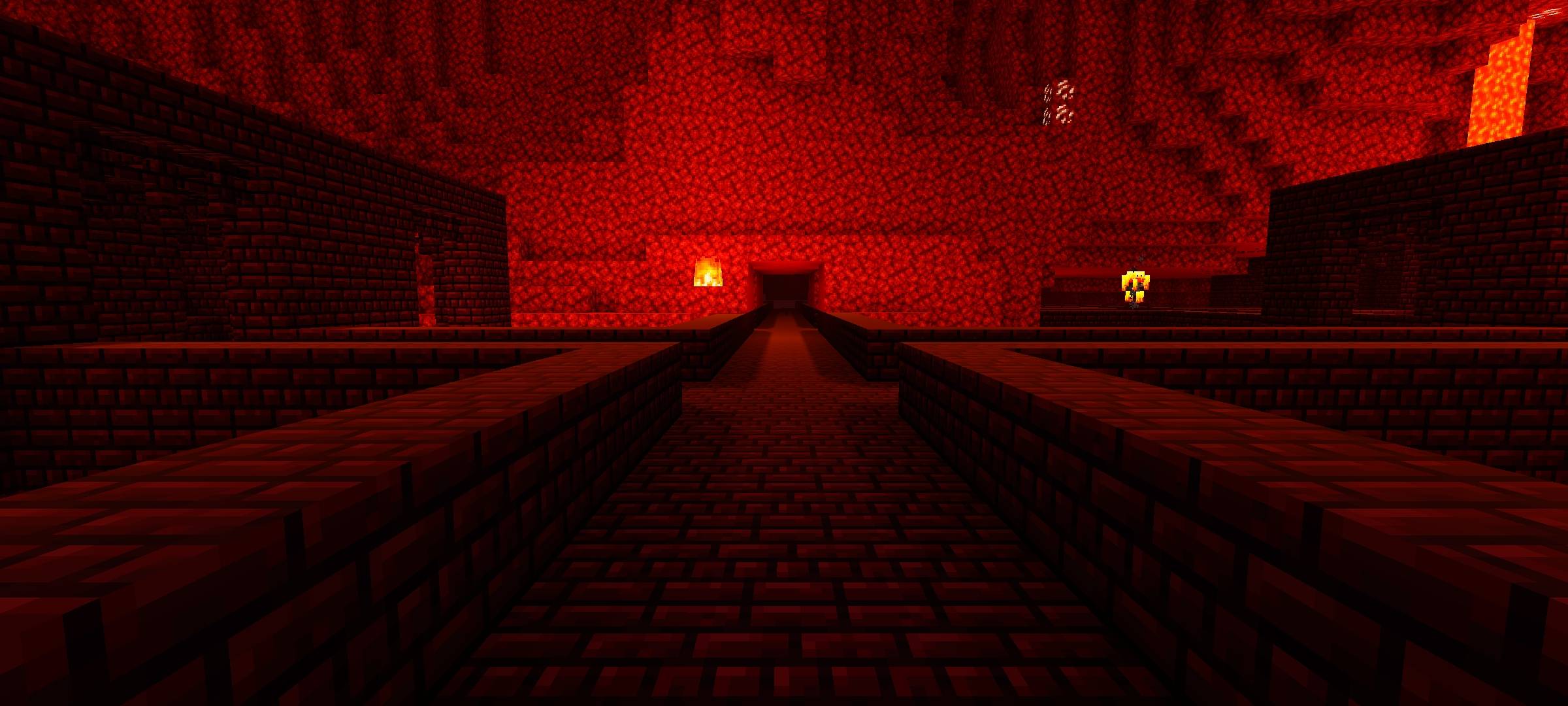
Transform your Minecraft Bedrock experience with Starlit Vision, a premium cinematic shader designed to bridge the gap between breathtaking aesthetics and clean, modern gameplay. Built for players who appreciate deeply immersive lighting, rich skies, and a decluttered visual environment, this shader completely overhauls the RenderDragon engine while maintaining smooth performance.
Whether you are building a modern city, exploring a fantasy landscape, or capturing professional cinematic shots, Starlit Vision provides a perfectly balanced, highly readable, and visually stunning world.
🌟 Core Features
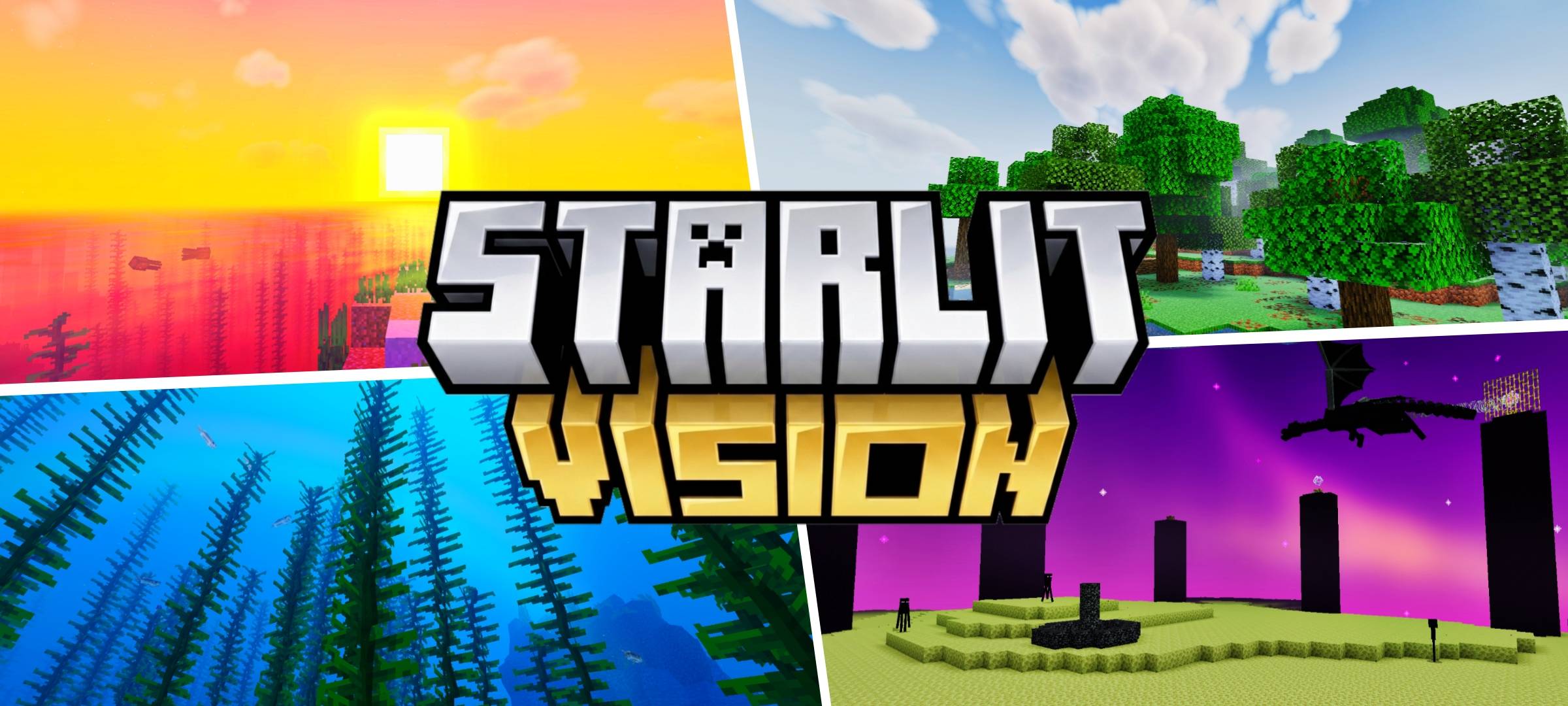
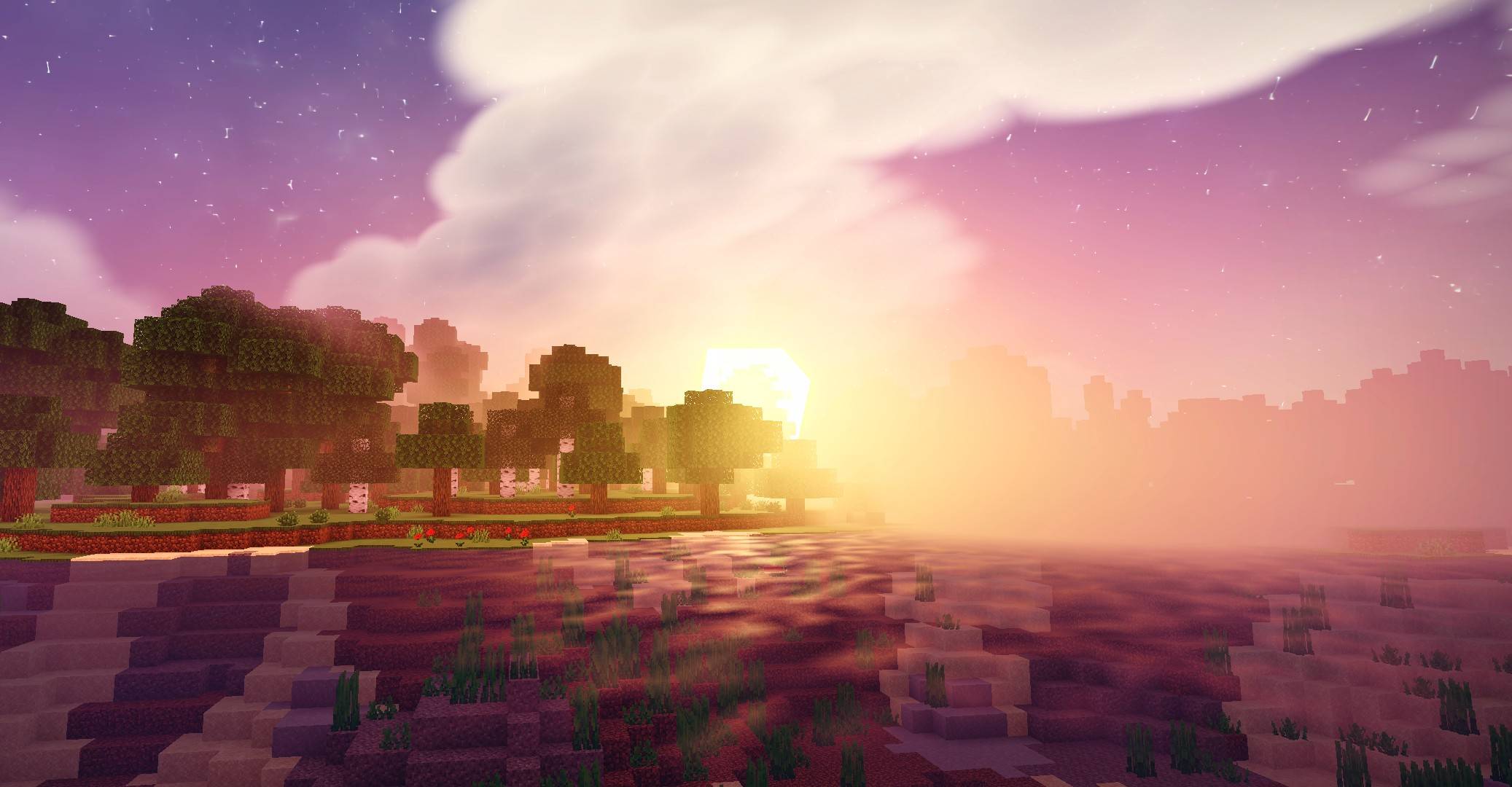
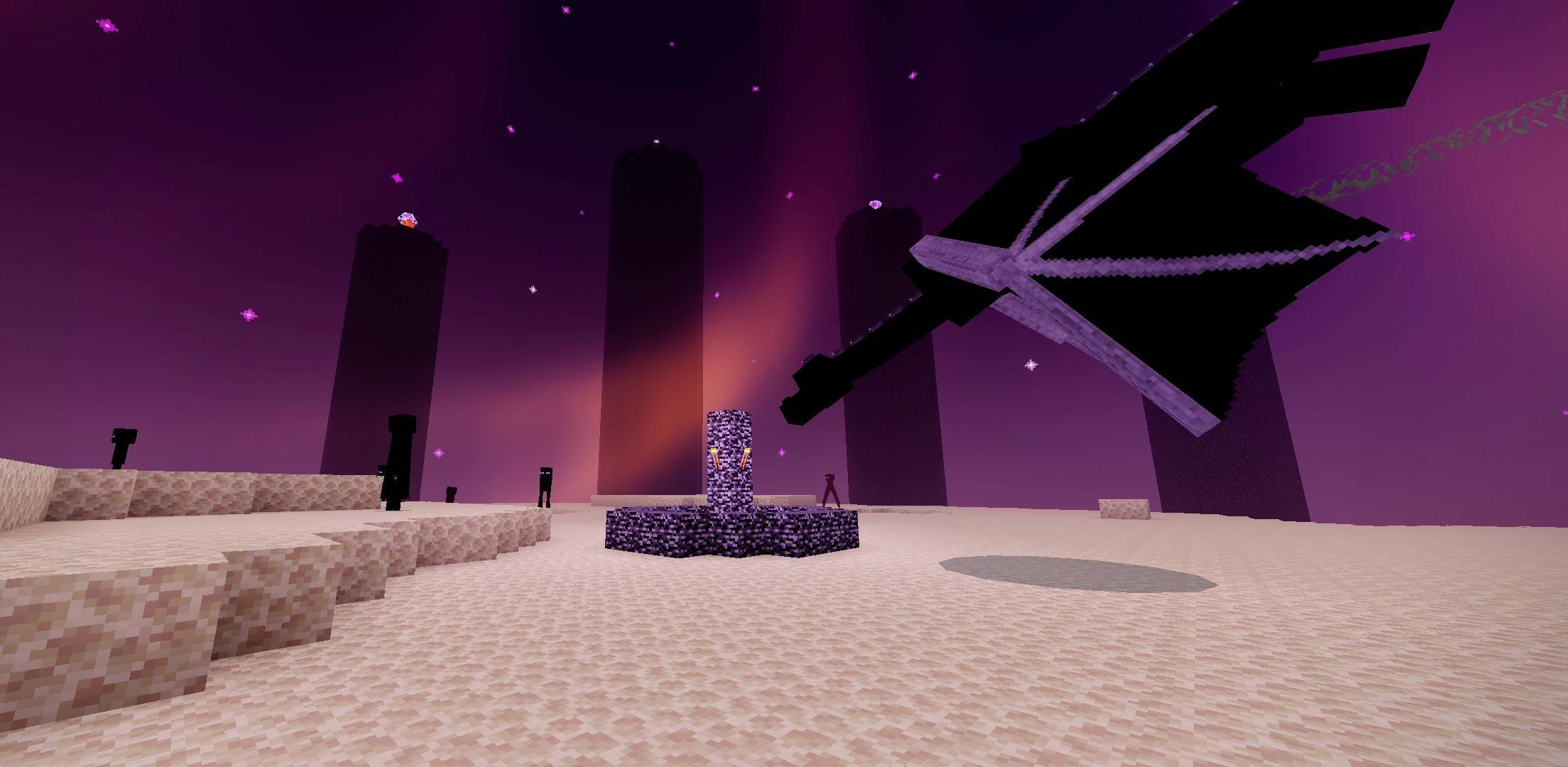
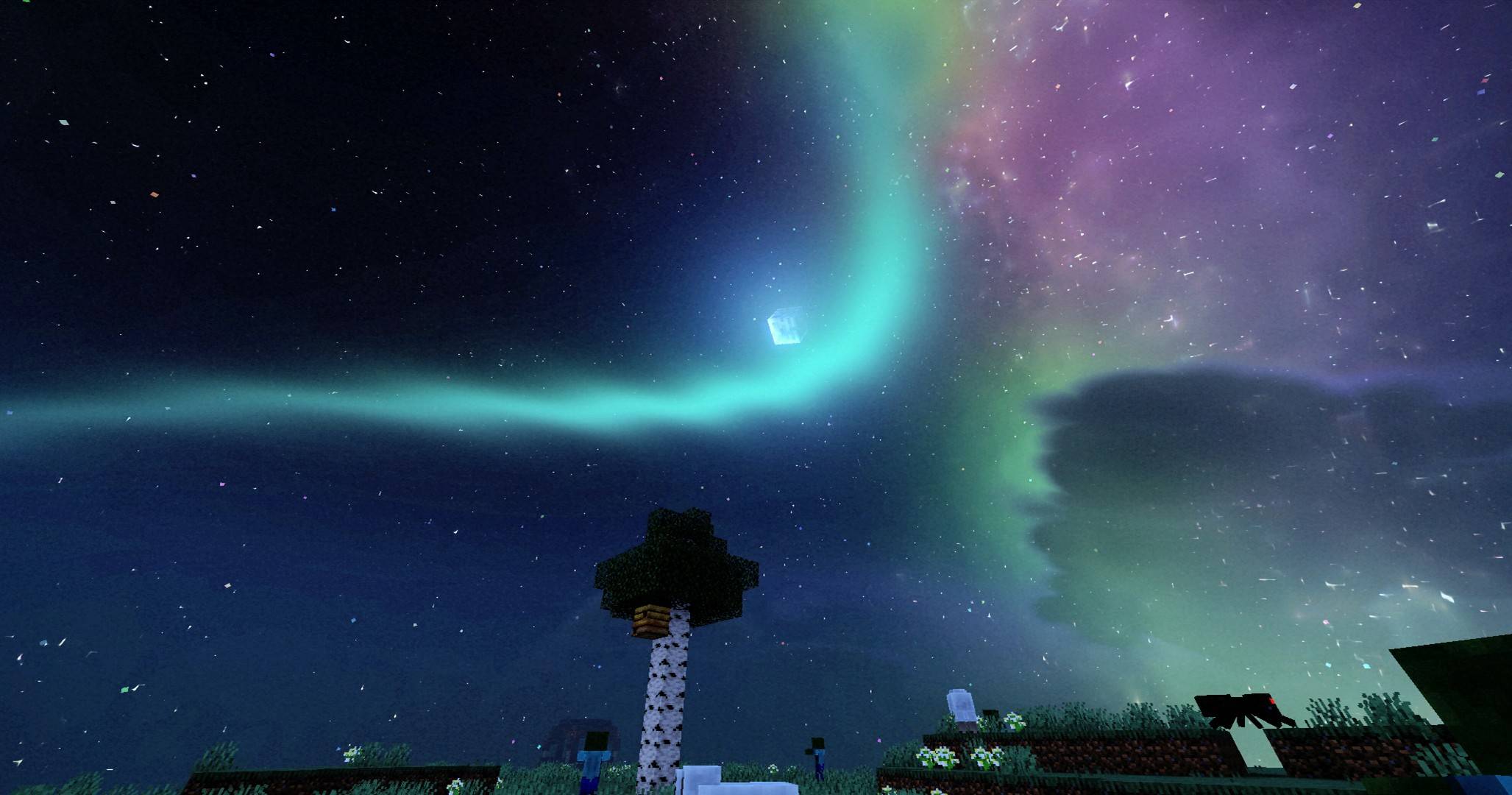
The Cinematic Night Sky The standout feature of Starlit Vision is its entirely custom night aesthetic. Say goodbye to plain, dark skies.
- Galactic Backdrop: A rich, vibrant purple galaxy stretches across the zenith.
- Dynamic Auroras: Soft, sweeping green auroras illuminate the horizon, creating a surreal and magical atmosphere.
- Dense Starfield: A meticulously calibrated, glowing starfield that makes nighttime exploration visually rewarding rather than restrictive.
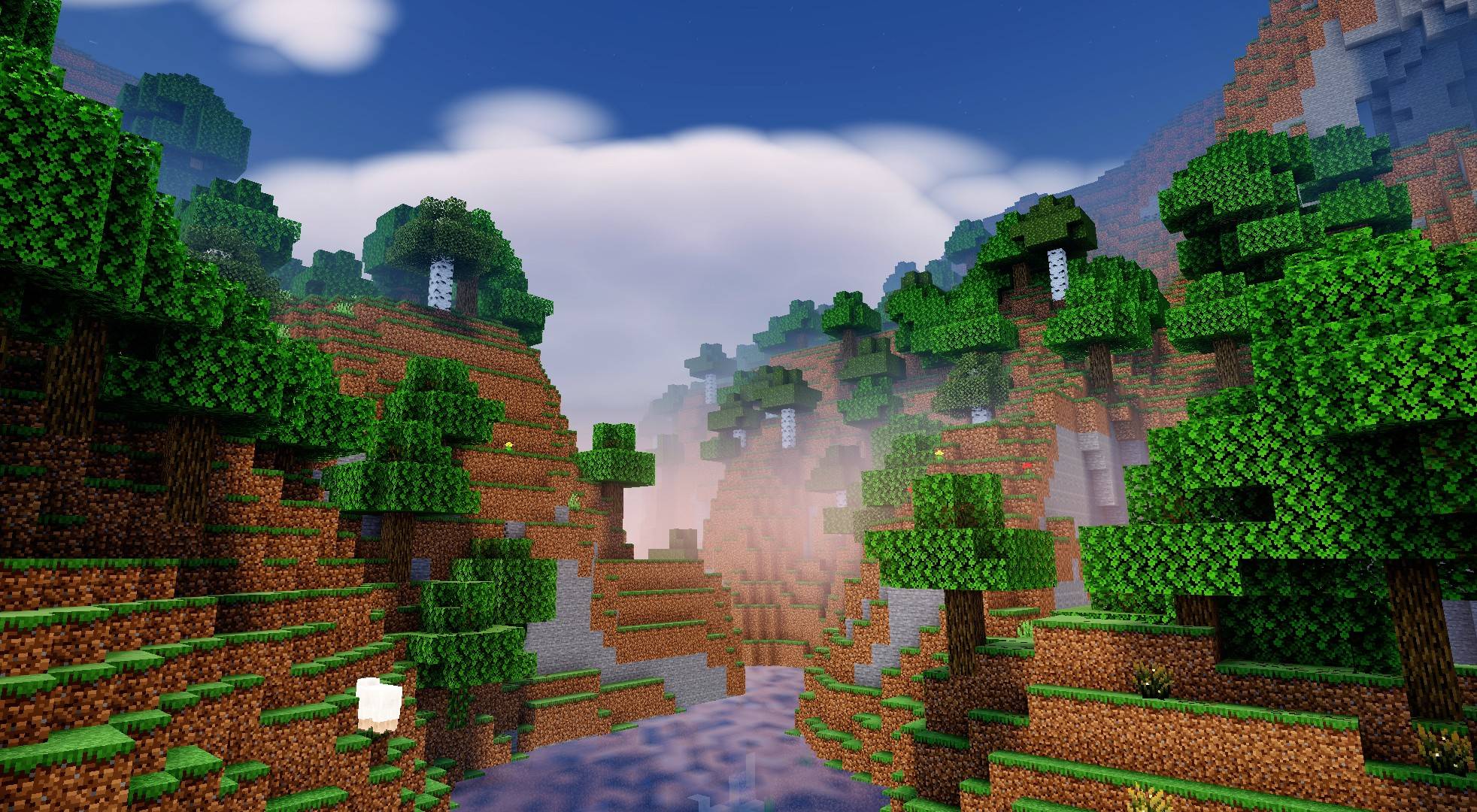
- Crisp & Modern Daytime Aesthetics: The daytime experience has been refined to eliminate the harsh, over-saturated cyan tints found in many other packs.
- Deep Blue Zenith: The sky features a deep, crisp blue that smoothly transitions into a clean, whitish-blue horizon.
- Sharp Illumination: Features a balanced, warm sun color that casts sharp, highly defined terrain shadows without washing out block textures.
- Atmospheric Godrays: Subtly tuned volumetric lighting and godrays enhance the morning and evening transitions, creating the perfect "golden hour" for screenshots.
- Refined Surface & Material Rendering Unlike shaders that turn every block into a mirror during rain or morning dew, Starlit Vision focuses on realism and subtlety.
- Balanced Ground Reflections: Ground glossiness has been carefully balanced to provide a realistic, subtle wet-look, completely eliminating the unnatural "glass-like" shine on grass and dirt.
- Clean Visuals: Stripped of unnecessary visual clutter, keeping the environment highly readable for survival gameplay and PvP.
⚙️ System Requirements & Compatibility
This shader is designed specifically for the RenderDragon engine on mobile devices.
- Platform: Android/Windows (Minecraft Bedrock Edition).
- Requirement: You MUST use a patched version of the Minecraft APK/Better Render Dragon. It will not work on the standard vanilla Minecraft from the Google Play Store or cracked APK.
- Performance: Optimized for mid-to-high-end Android devices.
📥 Installation Guide
- Download the
Starlit_Vision.mcpackfile from the download section. - Ensure you have a Patched Minecraft App installed on your Android device.
- Open the
.mcpackfile using a file manager, and select "Minecraft" to import it automatically. - Go to Settings > Global Resources and activate the Starlit Vision pack.
- Restart the game and enter a world to experience the new visuals.
📜 Terms of Use & Licensing
By downloading and using Starlit Vision, you agree to the following terms:
- Allowed: You may freely use this shader in your YouTube videos, showcases, or gameplay.
- Attribution: Proper credit must be given in the description if showcased (Link to this official page).
- Prohibited: You may NOT re-upload this pack to any other websites, apps, or use your own monetized short-links (e.g., Linkvertise) to distribute it. Do not modify, rename, or distribute derivative versions claiming it as your own work.
💡 Credits & Acknowledgements
Starlit Vision is a heavily modified, custom-compiled variant based on the open-source Newb X Legacy shader project. While the specific atmospheric tuning, color grading, reflection adjustments, and custom skies (auroras/galaxies) were exclusively tailored for Starlit Vision, the core rendering mechanics, material structures, and base framework were originally developed by devendrn.
Source code for the base project is available under the MIT License: Newb X Legacy
- Edition: Minecraft Bedrock
- File type: .mcpack
- Minecraft versions listed: 26.40, 1.21.120, 1.21.122
- How to install: Download the .mcpack. → Open it — Minecraft imports it under Resource Packs. → Activate it in Global Resources, or for one world under Resource Packs → Available.
- Where to get it: In MCModsHub, or directly above on this page.
Install steps are the general flow for this file type — How to install Minecraft Bedrock texture packs walks through it step by step.
- Pack type: .mcpack — a single pack
- Complete pack — everything it depends on is inside the file
- Download size: 1.1 MB
- Download link checked 25 Aug 2026 — working
These come from our own check of the pack file, not from the source page.