My Totem Doll By Ancxliy
Bedrock texture pack listed for Minecraft 26.x. File opened and checked on 4 Oct 2026; installs from the MC Bedrock Mods app on Android.
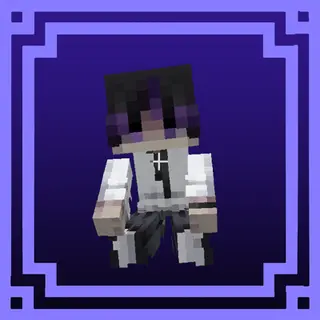
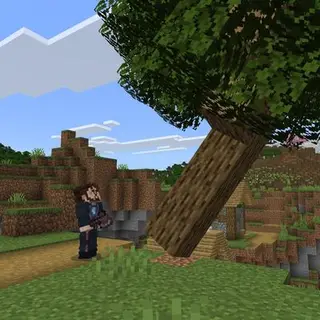
Turn your Minecraft skin into a fully animated 3D Totem with Action & Stuff-inspired interactions, supporting both Slim (Alex) and Wide (Steve) models.
⬇ Download
3D My Totem Doll
Bring your Minecraft skin to life as a 3D Totem Player!
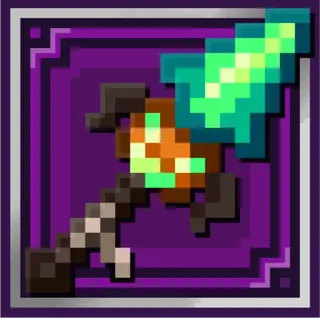
This resource pack turns the Totem of Undying into a 3D player model using your Minecraft skin. It now also includes a 2D model, blinking eyes, size adjustment, and different model options.
Features
- Custom 3D Totem Player
- Uses your Minecraft skin
- Supports Slim (Alex) and Wide (Steve)
- New 2D Totem Model
- Animated blinking eyes
- Adjustable Totem size
- Hide the Player and only show the Bucket/Totem
- Foot Model option
- Supports multiple animation systems
Model Options
Hide Player
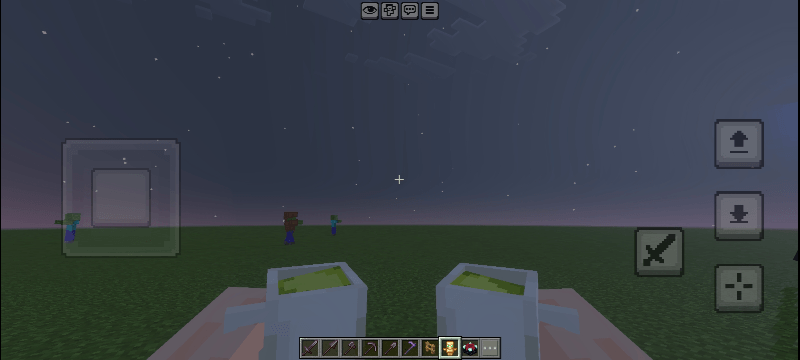
Hide the Player to show only the Bucket/Totem.
Default 3D Totem Player
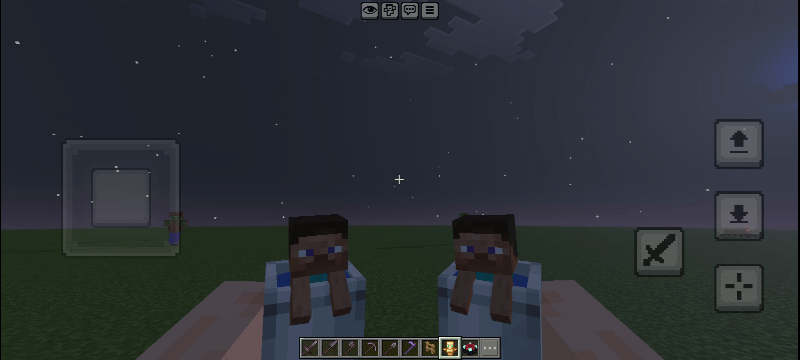
The default 3D player model using your Minecraft skin.
2D Totem
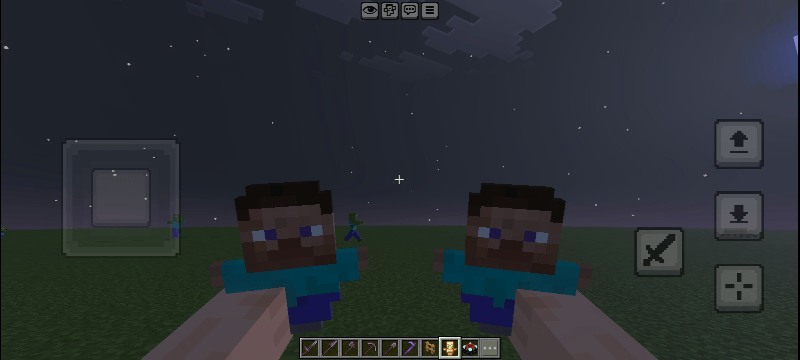
A 2D model for a simpler Totem look.
Foot Model
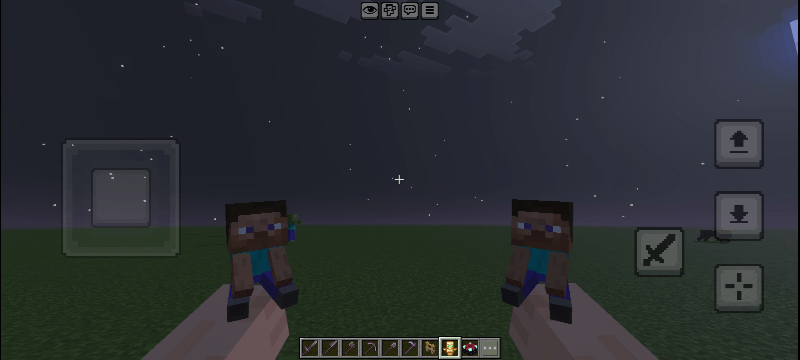
Shows only the player's legs and feet without the full player body.
Animation Support
Supports:
• JUSTANIMATION+ 1.4
• HMI
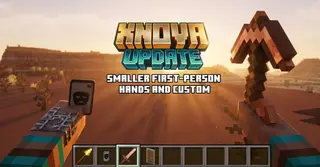
• XNOVA 1.2
• Action & Stuff
Choose the animation style that matches your setup through Resource Pack Settings.
Skin
To use your own skin, put it in:
Slim (Alex):
- textures/entity/totem [ Skin Player ] By Ancxliy/alex
Wide (Steve):
- textures/entity/totem [ Skin Player ] By Ancxliy/steve
Then select Slim [Alex] or Wide [Steve] in Pack Settings.
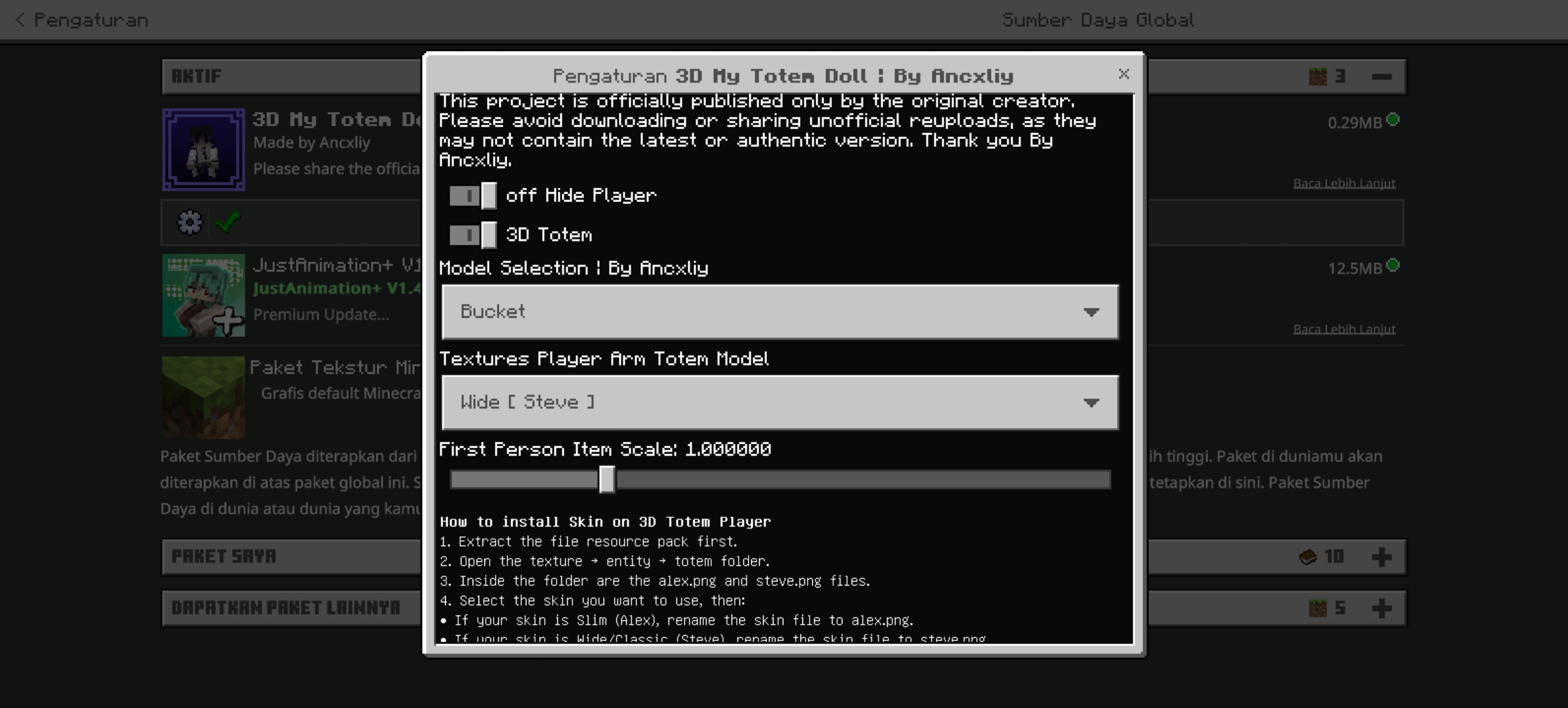
Pack Settings :
Available settings include:
• Hide Player
• 3D Totem
• Model Selection
• Skin Type
• First Person Item Scale
• Totem Size
• Animation Style
Simply adjust the settings to your preference from Resource Pack Settings.
- Edition: Minecraft Bedrock
- File type: .mcpack
- Minecraft versions listed: 26.0.02, 26.3, 26.10
- How to install: Download the .mcpack. → Open it — Minecraft imports it under Resource Packs. → Activate it in Global Resources, or for one world under Resource Packs → Available.
- Where to get it: In MCModsHub, or directly above on this page.
Install steps are the general flow for this file type — How to install Minecraft Bedrock texture packs walks through it step by step.
- Pack type: .mcpack — a single pack
- Complete pack — everything it depends on is inside the file
- Download size: 293 KB
- Download link checked 3 Aug 2026 — working
These come from our own check of the pack file, not from the source page.