Real FPS Counter | In-game FPS Counter on HUD
Bedrock texture pack listed for Minecraft 1.18–26.x. File opened and checked on 10 Oct 2026; installs from the MC Bedrock Mods app on Android.
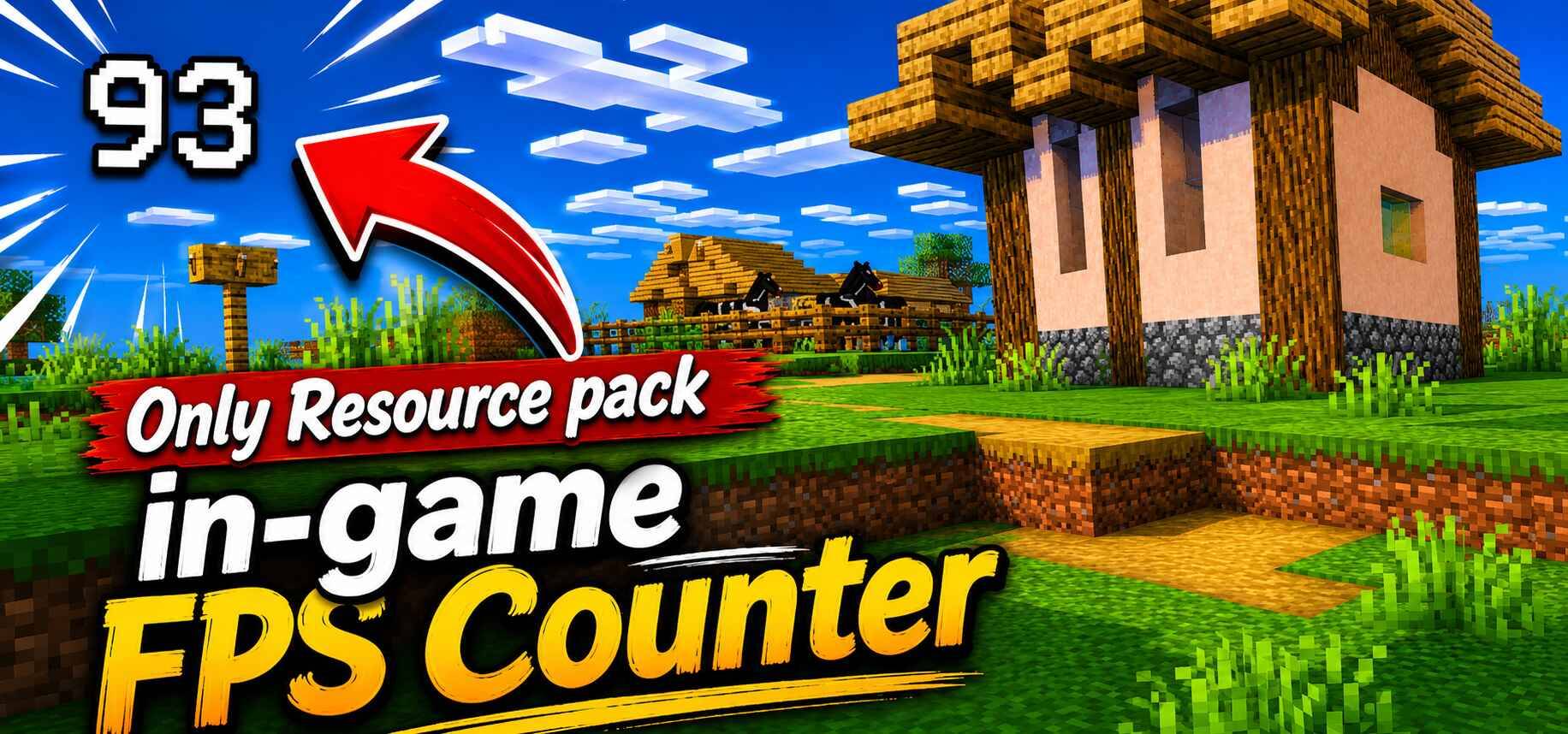
Most Accurate FPS Counter *Texture Pack* For Minecraft Bedrock & Pocket Edition. No Behaviour pack required. Achievements remain enabled. View FPS on your…
⬇ DownloadThe author built this one for Minecraft 1.18–1.21.101. On other versions it may install and then do nothing.
Want to host a powerful and reliable Minecraft or Hytale server?
Get started with Godlike click here
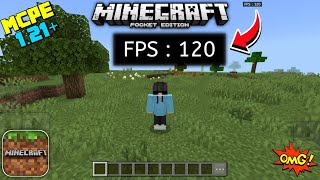
Welcome to the Real FPS Counter page! If you've been looking for a clean, reliable way to see your frame rate in Minecraft Bedrock or Pocket Edition, this is easily the smartest and most accurate FPS counter you will find out there.
Unlike most other counters that are either completely fake, require lagging behavior packs, or force you to turn on experimental world settings, Real FPS Counter works purely as a client side resource pack. That means it works anywhere, has zero impact on your game's performance, and is incredibly easy to use!
✨ The Smartest & Most Accurate FPS Counter!
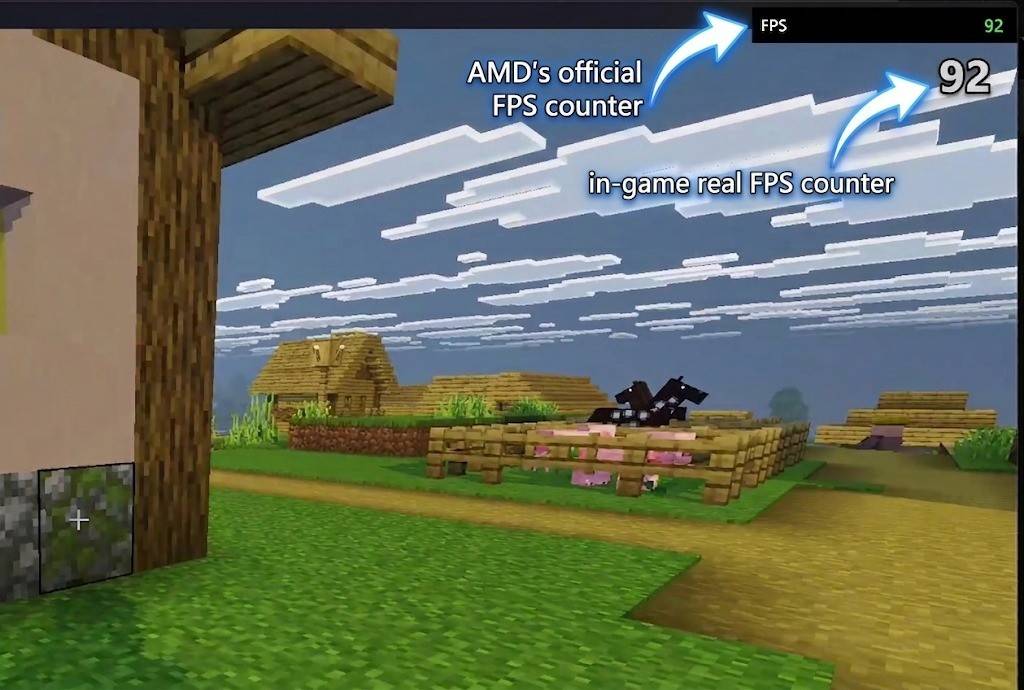
Other resource packs struggle to show realtime numbers, but this pack uses a super smart, hidden workaround to calculate and display your actual FPS on the fly. You get a genuine, realtime readout of how your game is running. You can compare the Results with External popular FPS counters yourself too.
⚙️ Customizable Positions (Subpacks) Change where the counter appears by clicking the gear icon after activating the pack:
- Top Left
- Top Center
- Top Right
Learn About Subpacks: https://mod-mcpe.app/tutorials#bedrock-subpacks
🚀 Smooth, Lag-Free & Stable!
Instead of rapidly flickering every single millisecond (which is super distracting and can actually hurt your game's performance), the numbers update smoothly once every second. This gives you a highly stable and readable frame rate count while being extremely lightweight for any device, from budget phones to high-end PCs!
🌍 Fully Compatible with Servers & Realms!
Since this is purely a resource pack (no behavior packs required), it is 100% server and realmsafe! You can join any of your favorite multiplayer servers or realms, and it will work perfectly. It is also completely compatible to run alongside any of your other favorite resource packs!
Video showcase:
1. You are allowed to make video on the addon but give credits in video description.
2. You are allowed to use it in your project, but only with my permission. Discord username: grumm7613
3. You are not allowed to publish the texture on any other website and claim it as yours.
Join My Discord Server: https://discord.gg/Wvst4znsgk
Download the New Bedrock Manager application to easily install and manage your minecraft addons, worlds and more!
Download Now! (Windows only, android in future) 
Enjoy!
 👉 Click the banner or [start here] to get going. Use code MODMCPE40 for 40% off!
💬 Curious what players think? Check out the community discussion on [Best Minecraft Server Hosting].
- Edition: Minecraft Bedrock
- File type: .mcpack
- Minecraft versions listed: 1.20.40, 1.21.30, 1.18.2
- How to install: Download the .mcpack. → Open it — Minecraft imports it under Resource Packs. → Activate it in Global Resources, or for one world under Resource Packs → Available.
- Where to get it: In MCModsHub, or directly above on this page.
Install steps are the general flow for this file type — How to install Minecraft Bedrock texture packs walks through it step by step.
- Pack type: .mcpack — a single pack
- Complete pack — everything it depends on is inside the file
- Download size: 137 KB
- Download link checked 25 Aug 2026 — working
These come from our own check of the pack file, not from the source page.