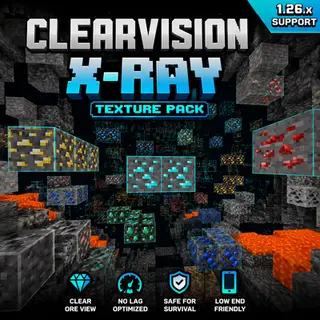
Minecraft X-Ray 1.26.x – No Lag Ore Visibility Pack
Bedrock texture pack listed for Minecraft 1.20–26.x. File opened and checked on 18 Sep 2026; installs from the MC Bedrock Mods app on Android.
A clean and optimized X-Ray texture pack for Minecraft Bedrock 1.26.x that improves ore visibility with smooth, no-lag performance.
⬇ Download on CurseForge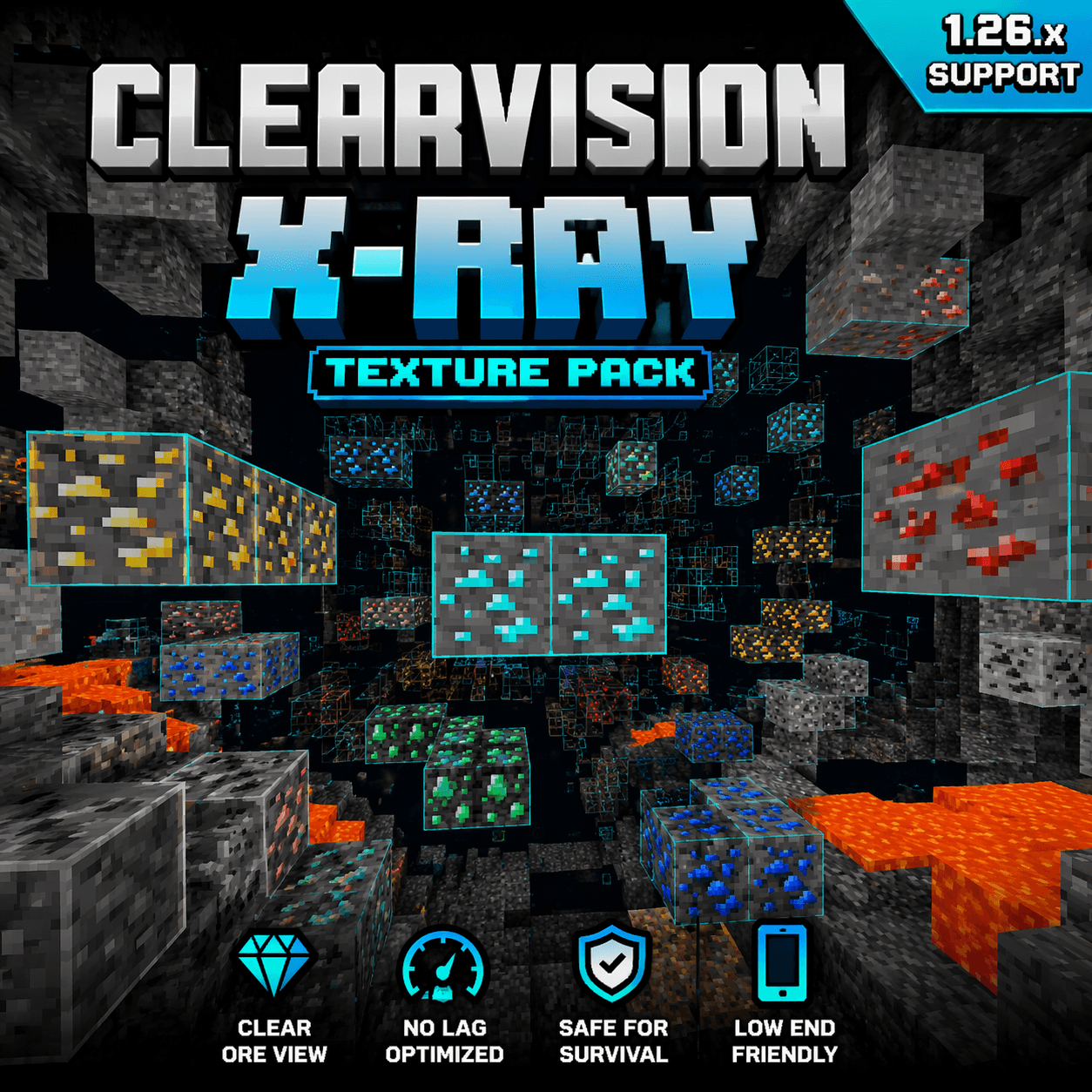
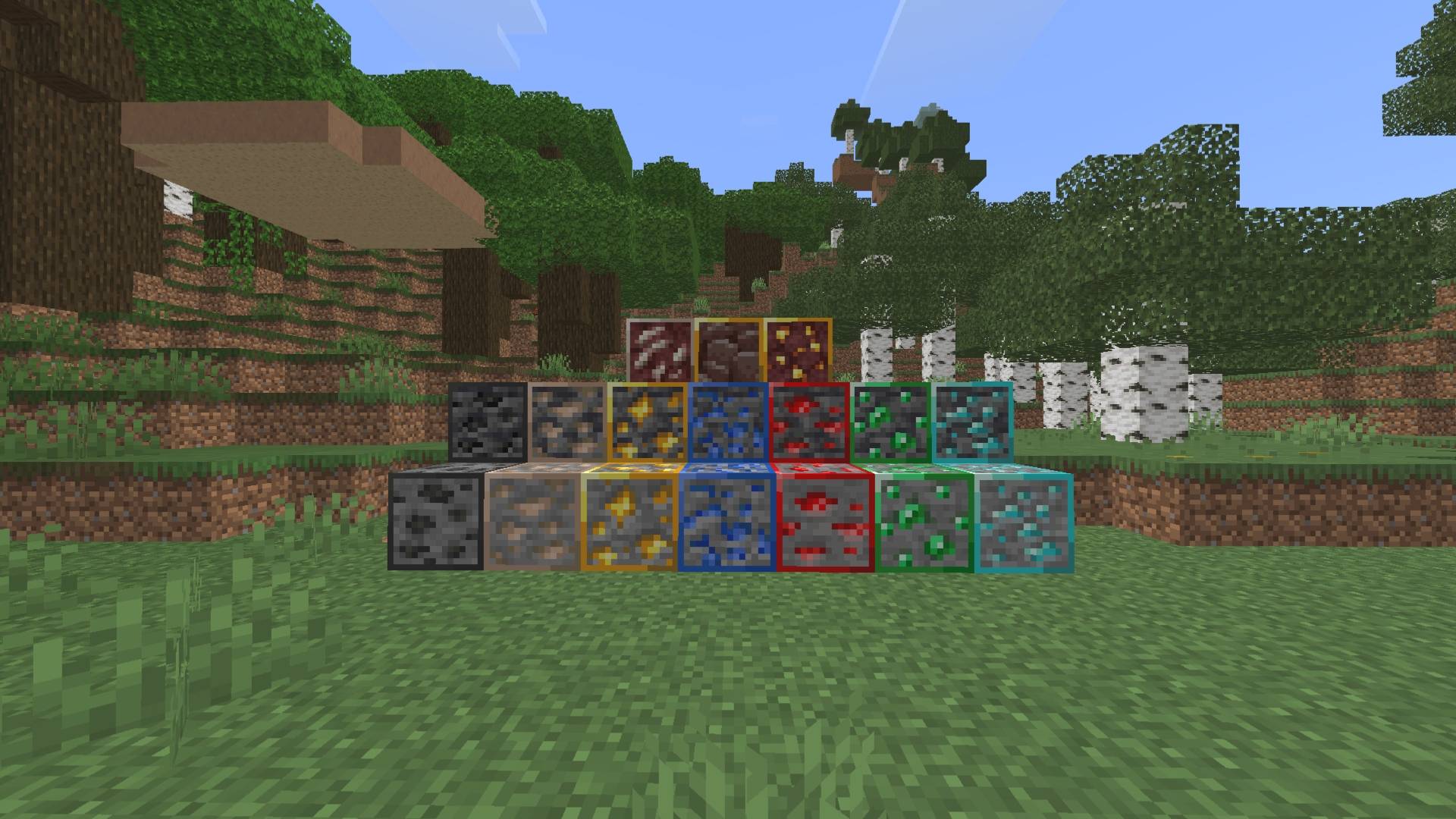
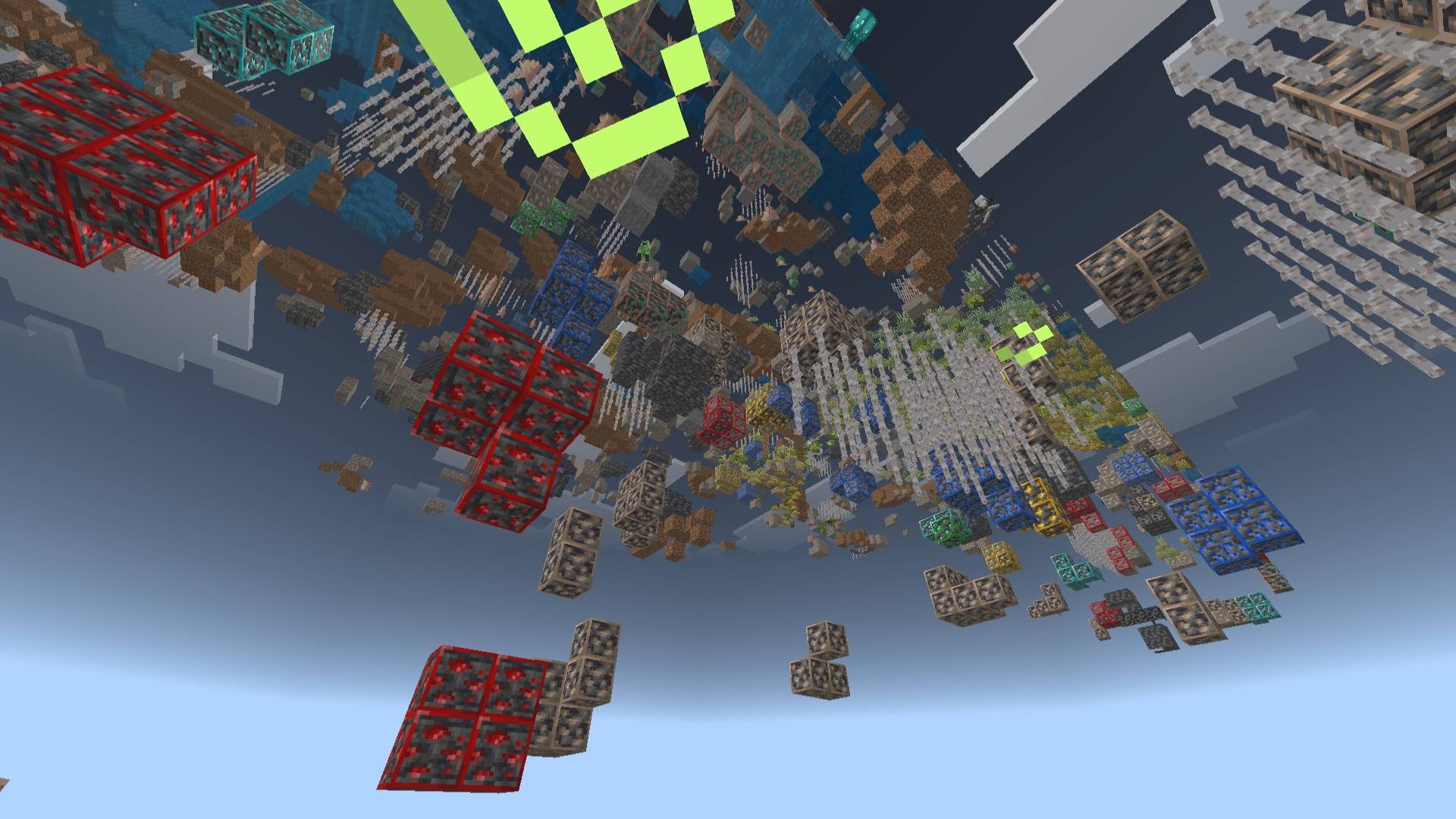
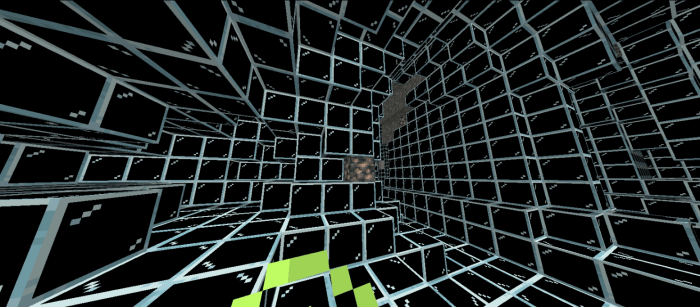
🔍 ClearVision X-Ray (1.26.x)
A clean and optimized X-Ray texture pack for Minecraft Bedrock Edition.
This pack improves underground visibility by making ores clearly visible while keeping gameplay smooth and stable.
✨ Features:
✔ Full ore visibility
✔ Clean and simple textures
✔ No lag optimized
✔ Works on low-end devices
✔ Supports latest versions (1.26.x)
✔ Outline selection support
🎮 Compatibility:
✔ Survival Mode supported
✔ Achievements are NOT disabled
✔ Works in Realms & Servers
⚙️ Recommended Settings:
- Turn OFF Smooth Lighting
- Turn ON Outline Selection
📦 Installation:
1. Download the pack
2. Import into Minecraft
3. Activate in Resource Packs
4. Enjoy better mining visibility
⚠️ Note:
This pack enhances visibility and may not work correctly with other texture packs that modify block rendering.
🚀 Updated for Minecraft 1.26.x with improved stability and performance!
- Edition: Minecraft Bedrock
- File type: .mcpack
- Minecraft versions listed: 1.20.40, 1.21.30, 1.21.50
- How to install: Download the .mcpack. → Open it — Minecraft imports it under Resource Packs. → Activate it in Global Resources, or for one world under Resource Packs → Available.
- Where to get it: Opens on CurseForge — not every file is mirrored on our own servers.
Install steps are the general flow for this file type — How to install Minecraft Bedrock texture packs walks through it step by step.
- Save it as X-Ray Texture Pack 1.26 (Clear Ores + No Lag).mcaddon before opening — it downloads as .mcpack, but it is a .mcaddon pack
- Manifest requires Minecraft 1.21.0 or newer
- Complete pack — everything it depends on is inside the file
- Download size: 281 KB
- Download link checked 5 Oct 2026 — working
These come from our own check of the pack file, not from the source page.