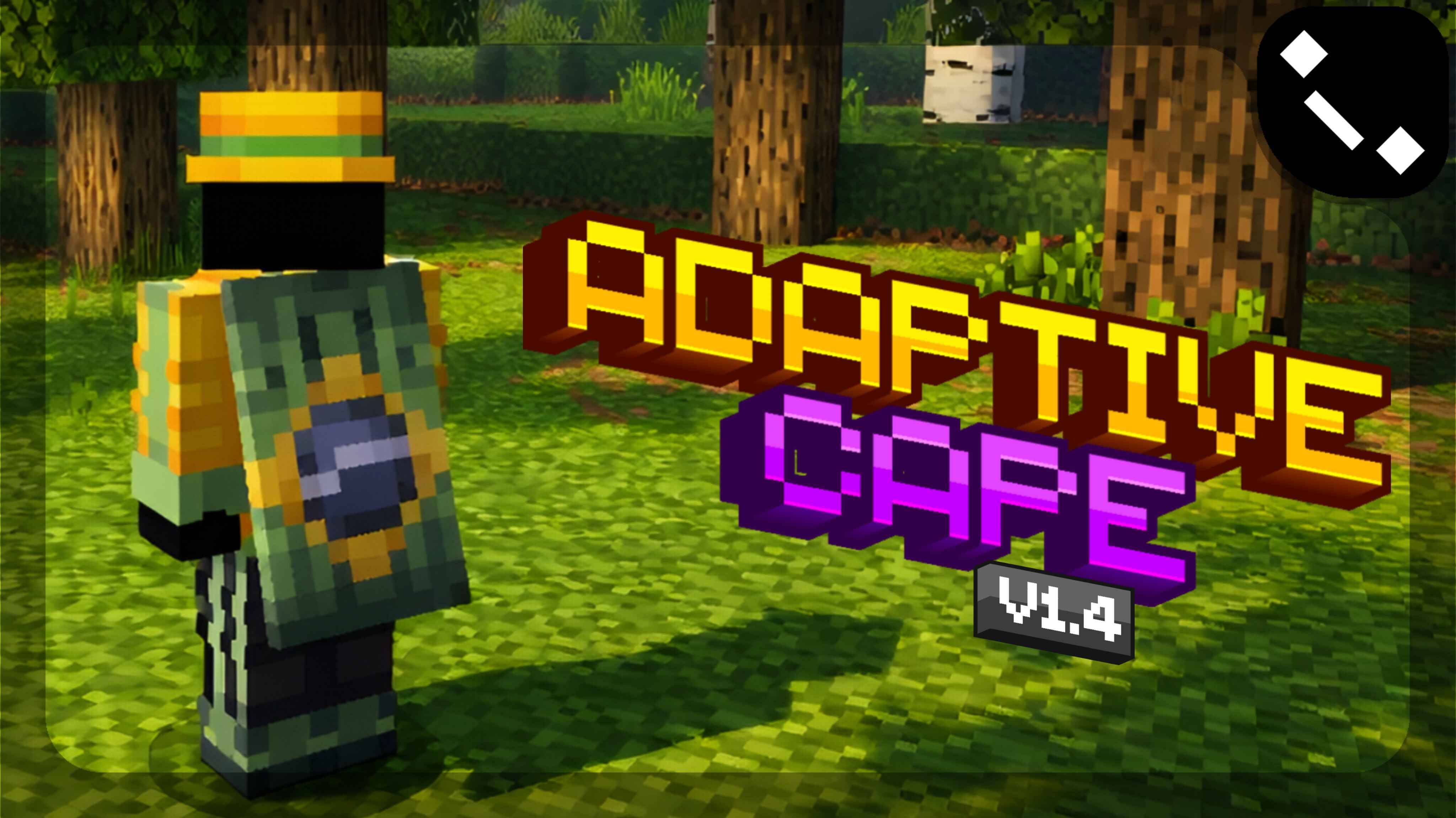
Adaptive Cape | v1.5
Bedrock texture pack listed for Minecraft 1.21–26.x. File opened and checked on 30 Aug 2026; installs from the MC Bedrock Mods app on Android.
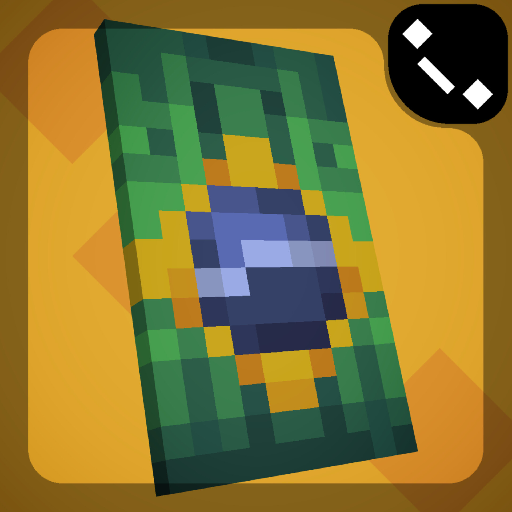
Hey, YOU! Ever wanted a cape, but tired of seeing the same old designs? Well, this texture pack is different! Adaptive Cape is a texture pack that makes…
I don't know my version
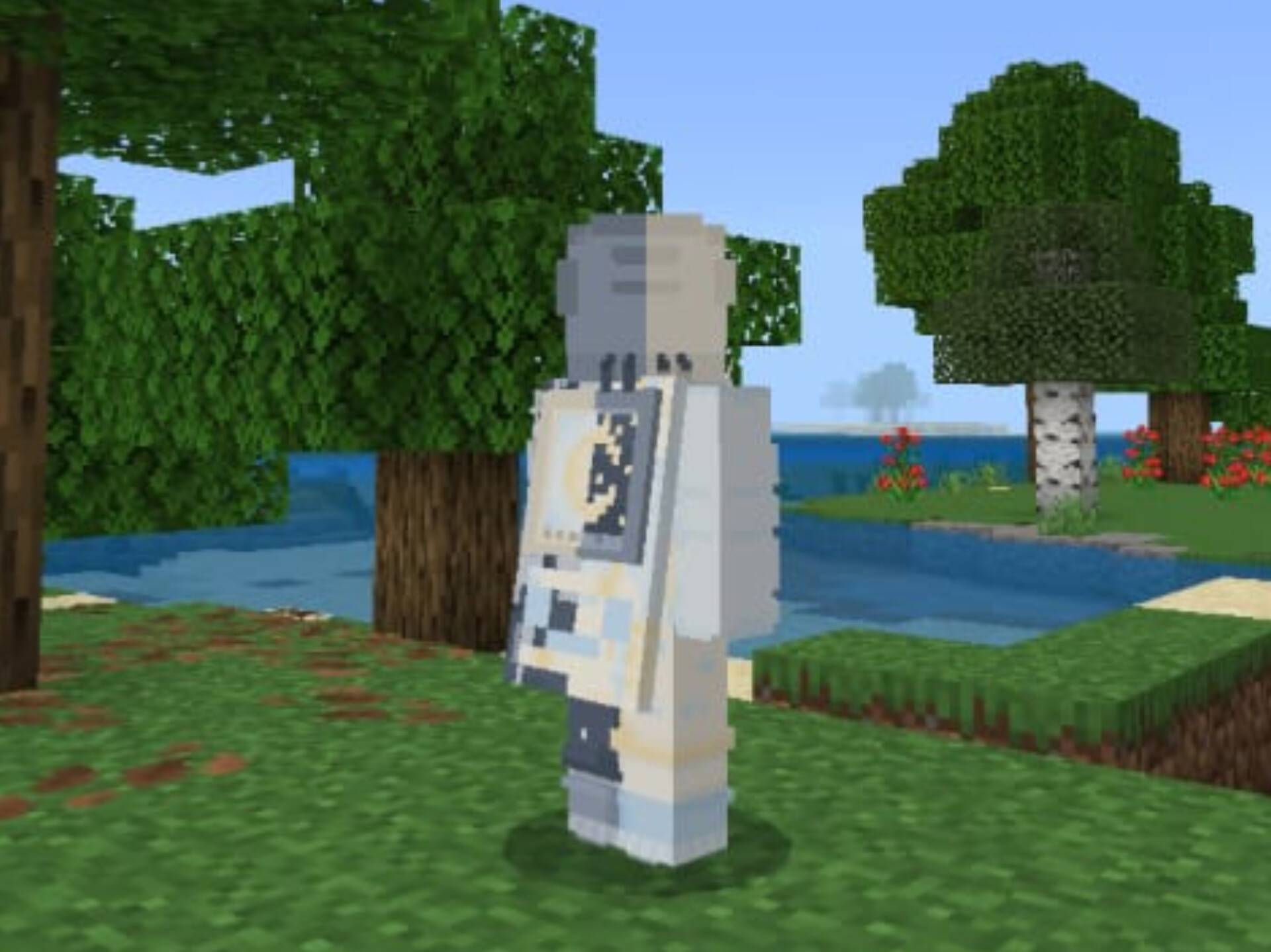
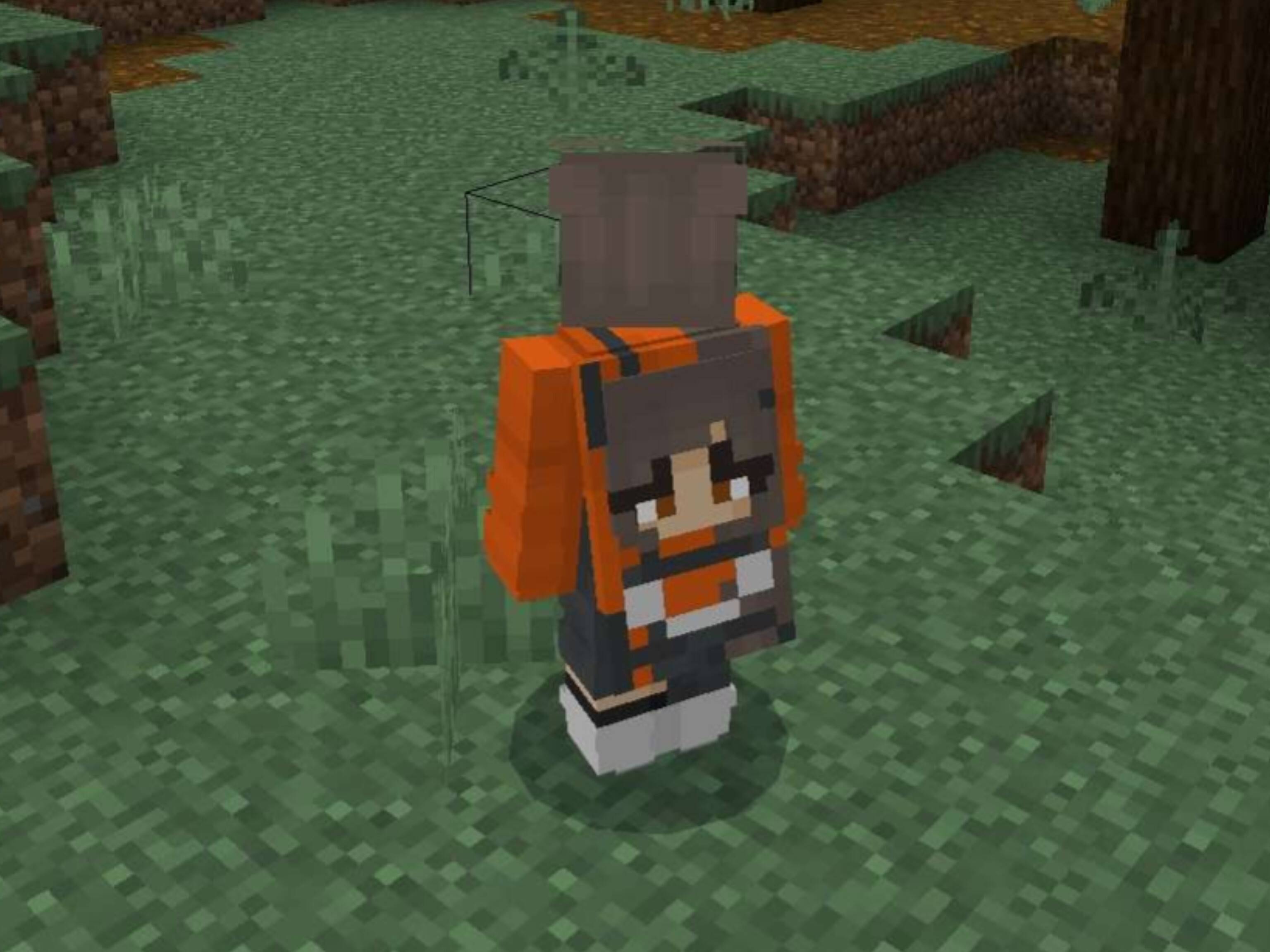
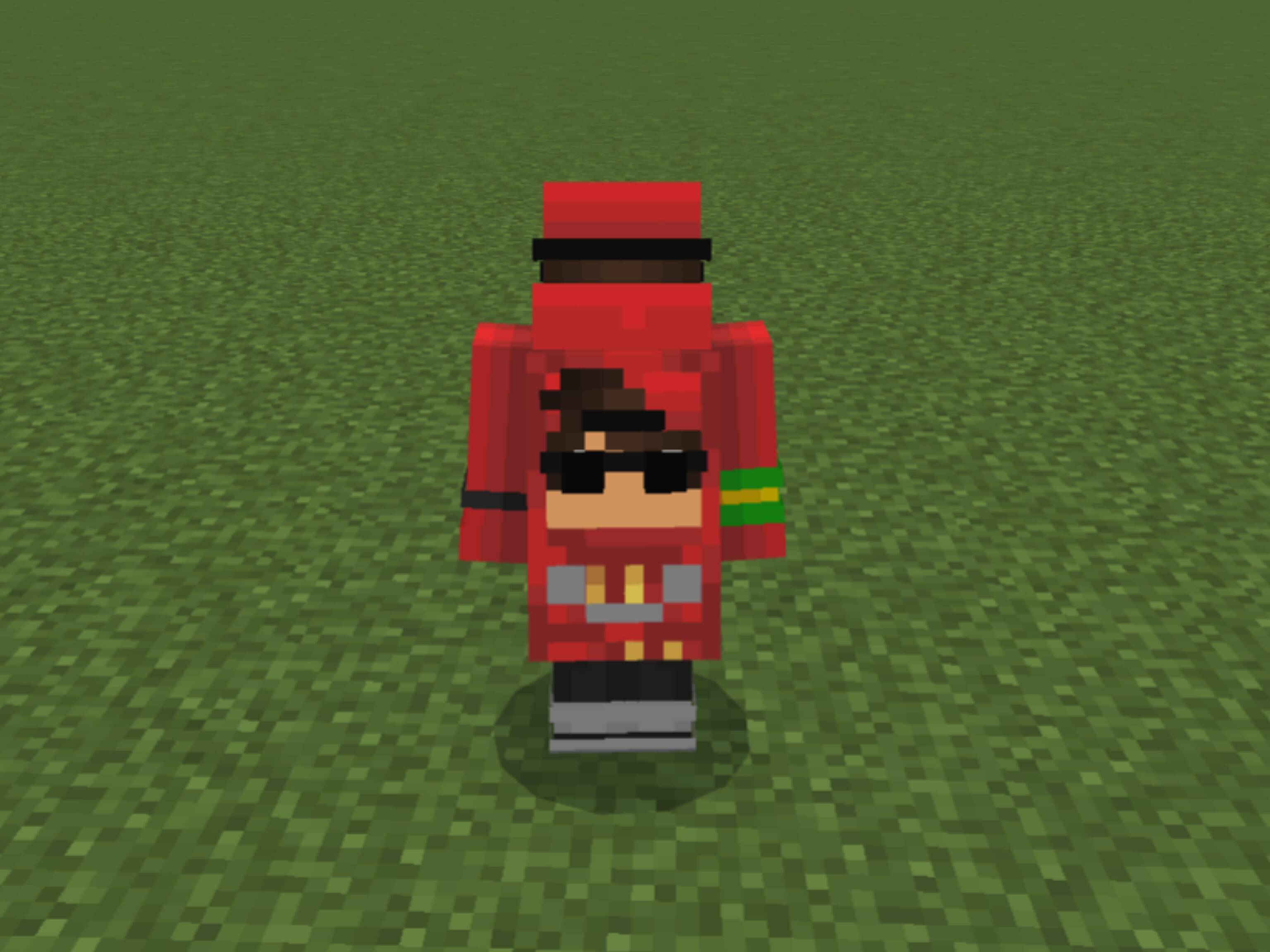
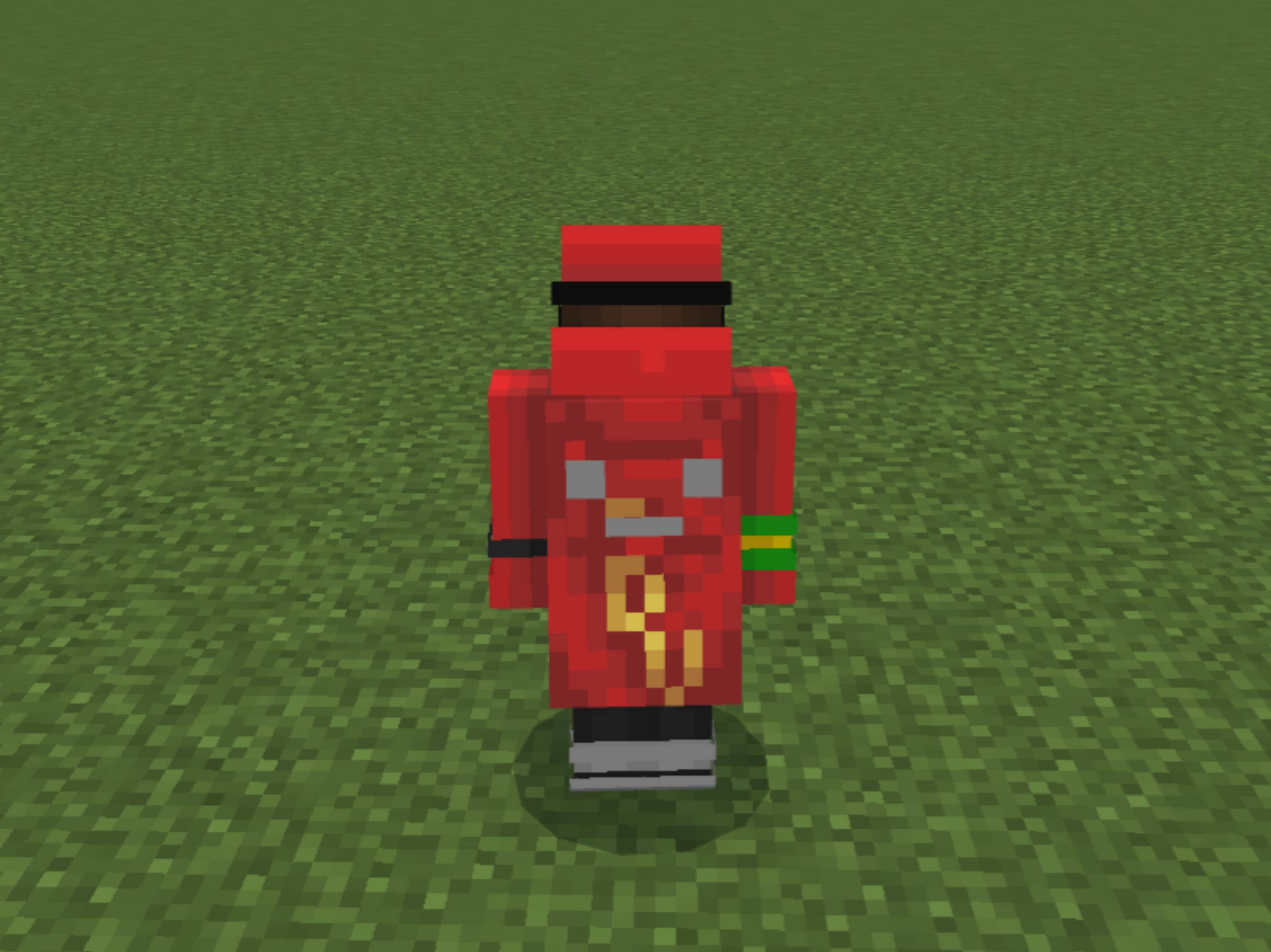
Adaptive Cape — v1.5
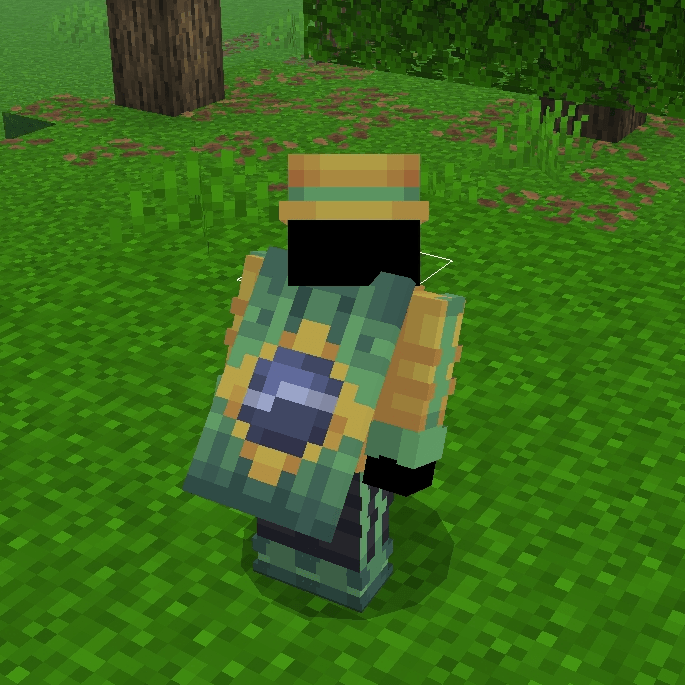
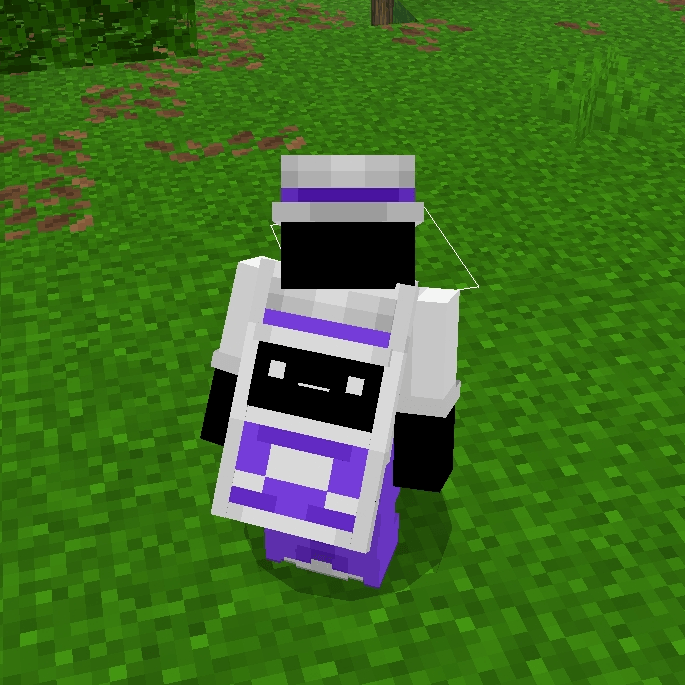
This texture uses each player's unique skin to generate a fully custom cape.
In v1.5 small changes were made, along with compatibility that did not exist before.
Compatible with Minecraft 1.21.120+
Basic Information
Capes
Adds a brand new animation system and 3 dynamic designs that automatically adapt based on official cape usage.
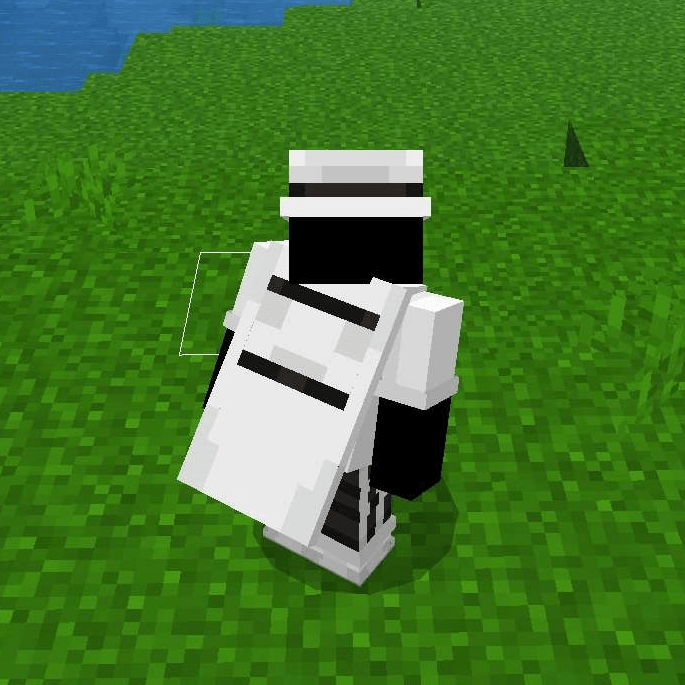
- Cape Movement Animation
The cape features smooth movement inspired by Java Edition capes. - Normal Cape
Standard vanilla cape version, with standard elytra. Displayed if Adaptive Cape option is disabled - Simple Cape
Displayed when the player is not using any official Minecraft cape.
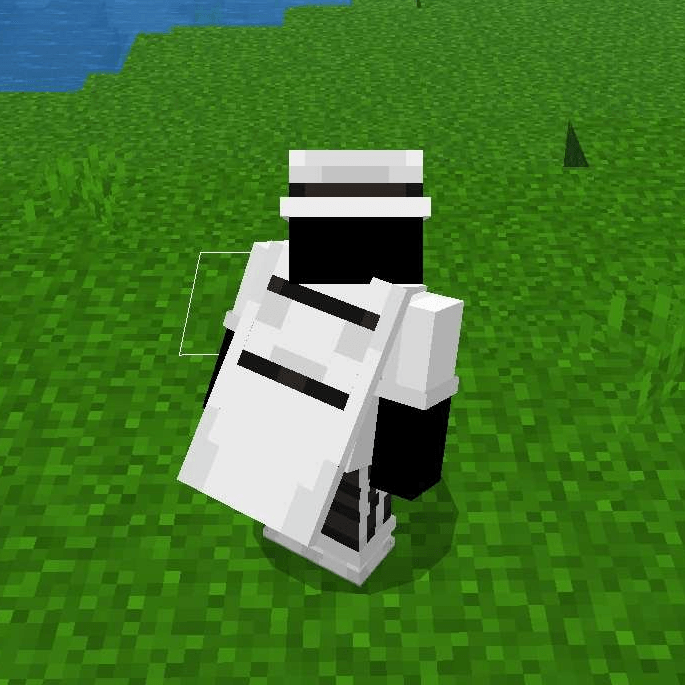
- Better Cape
Requires an official Minecraft cape to be equipped.
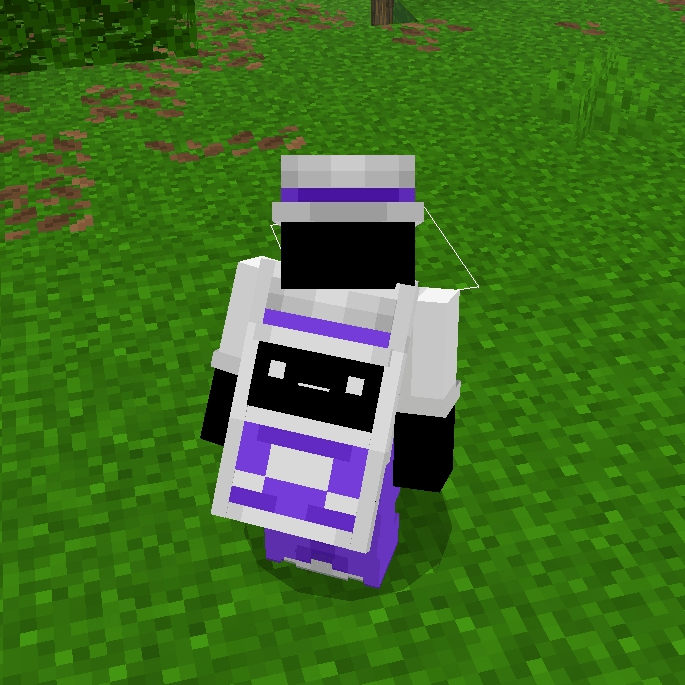
- Custom Cape
Works like Better Cape, but allows a different skin-based configuration.
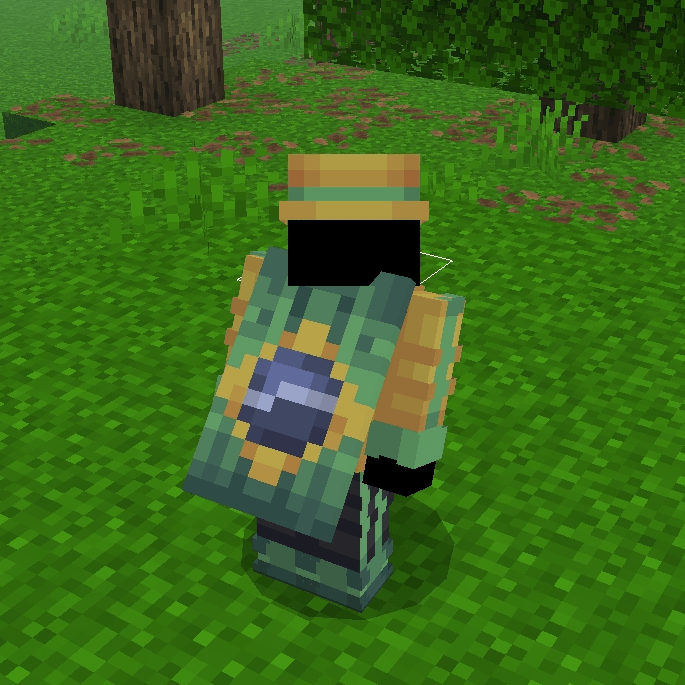
To use it correctly, make sure your skin follows this format (Slim or Wide):
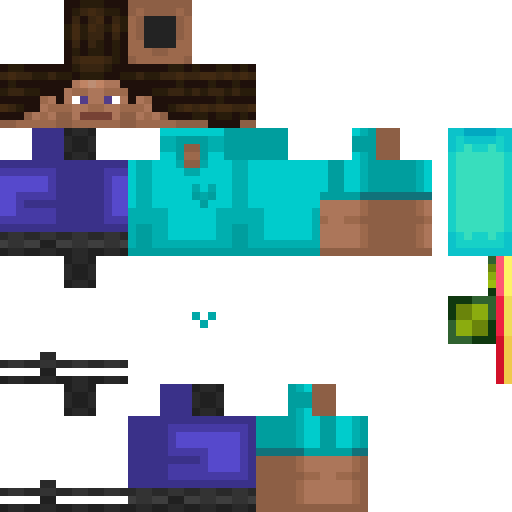
Use this specific area of your skin to configure your Cape & Elytra:

- Green area → Elytra, including the square used for custom symbols (6x6 or smaller if using a 64x64 skin).
- Turquoise area → Center of the cape.
Red → Left side.
Yellow → Right side.
You can create patterns, logos, or fully custom designs. - The showcase video demonstrates how to edit this section properly.
Elytra
Introduces the Adaptive Elytra, featuring the same behavior as the capes.
In v1.4, it received a brand new model designed to perfectly match the Custom Cape.
Settings
Starting from v1.4, Subpacks were removed and replaced by a new in-game configuration system.
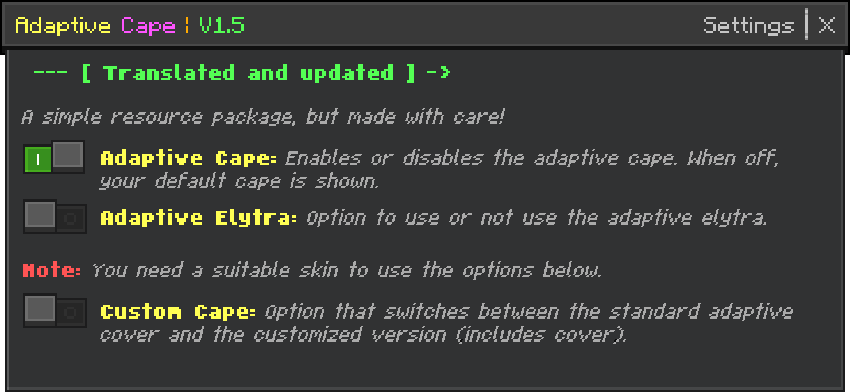
- Adaptive Cape → Enables or disables the adaptive function, keeping the improved cover animation appealing (Added in v1.5).
- Adaptive Elytra → Enables or disables the adaptive elytra.
- Custom Cape → Switches between adaptive and custom cape designs It depends on Adaptive Cape activated.
Notes & Compatibility
Capes
- Skins with heavy second-layer usage or 128x128 resolution may cause minor distortions.
The Better Cape mode handles these cases more efficiently. - Skins created using the Minecraft in-game editor are not recommended, as they may break cape mapping.
Elytra
The Elytra system has been improved, but some animated textures may still present minor animation issues.
Resource Pack
Due to Bedrock limitations, it is not possible to view the adaptive capes through the game menu or skin editor, only in the loaded world or server (inventory, players, paperdoll, etc.)
Usage & Redistribution
Allowed
- Modify content for personal use only.
- Share the product with the Adaptive Cape official page link, along with the credits.
- Use in texture packs as long as the resource owner allows it.
Not Allowed
- Reuploading or redistributing the code itself without permission.
- Publishing modified versions of the resouce pack without permission.
- Reposting this project on other platforms instead of linking to the official page.
Credits
- If you use Adaptive Cape as a source of public content, giving credit to the original author is greatly appreciated.
- When sharing the resource pack, please link to the official project page instead of reuploading the files.
Languages & Credits
- 🇺🇸 English
- 🇧🇷 Português (BR)
- 🇵🇹 Português (PT)
- 🇪🇸 Español
- 🇫🇷 Français
- 🇷🇺 Русский
- 🇮🇩 Bahasa Indonesia
- 🇯🇵 日本語
- 🇰🇷 한국어
- 🇨🇳 中文
- It has compatibility with Java Animation (made by Ambient).
- No content except names of bones of the model were taken from Java Animation.
- Adaptive Cape Developer: Athan213
Leave your feedback so that the Adaptive Cape can continue improving in the future ;)
- Edition: Minecraft Bedrock
- File type: .mcpack
- Minecraft versions listed: 1.21.120, 1.21.122, 1.21.121
- How to install: Download the .mcpack. → Open it — Minecraft imports it under Resource Packs. → Activate it in Global Resources, or for one world under Resource Packs → Available.
- Where to get it: In MCModsHub, or directly above on this page.
Install steps are the general flow for this file type — How to install Minecraft Bedrock texture packs walks through it step by step.
- Pack type: .mcpack — a single pack
- Complete pack — everything it depends on is inside the file
- Download size: 115 KB
- Download link checked 25 Aug 2026 — working
These come from our own check of the pack file, not from the source page.