Custom Damage Sounds+ V1.5
Bedrock texture pack listed for Minecraft 1.20–26.x. File opened and checked on 22 Oct 2026; installs from the MC Bedrock Mods app on Android.
Customize your hurt sounds with 40 unique options! Includes competitive PvP sounds, classic hurts, funny memes, and a randomized CHAOS mode using an…
⬇ Download on CurseForgeThe author built this one for Minecraft 26.40. On other versions it may install and then do nothing.
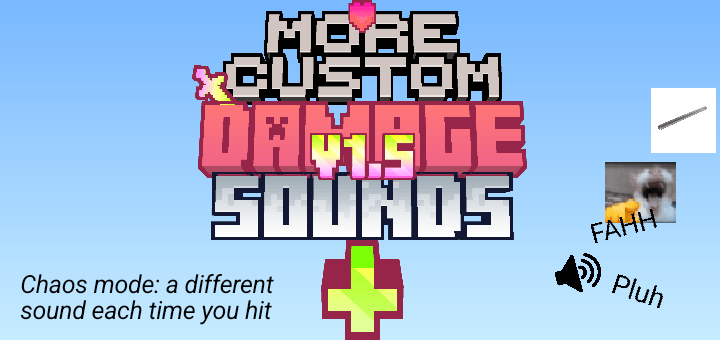
Changes the default player damage sound, you can choose between:
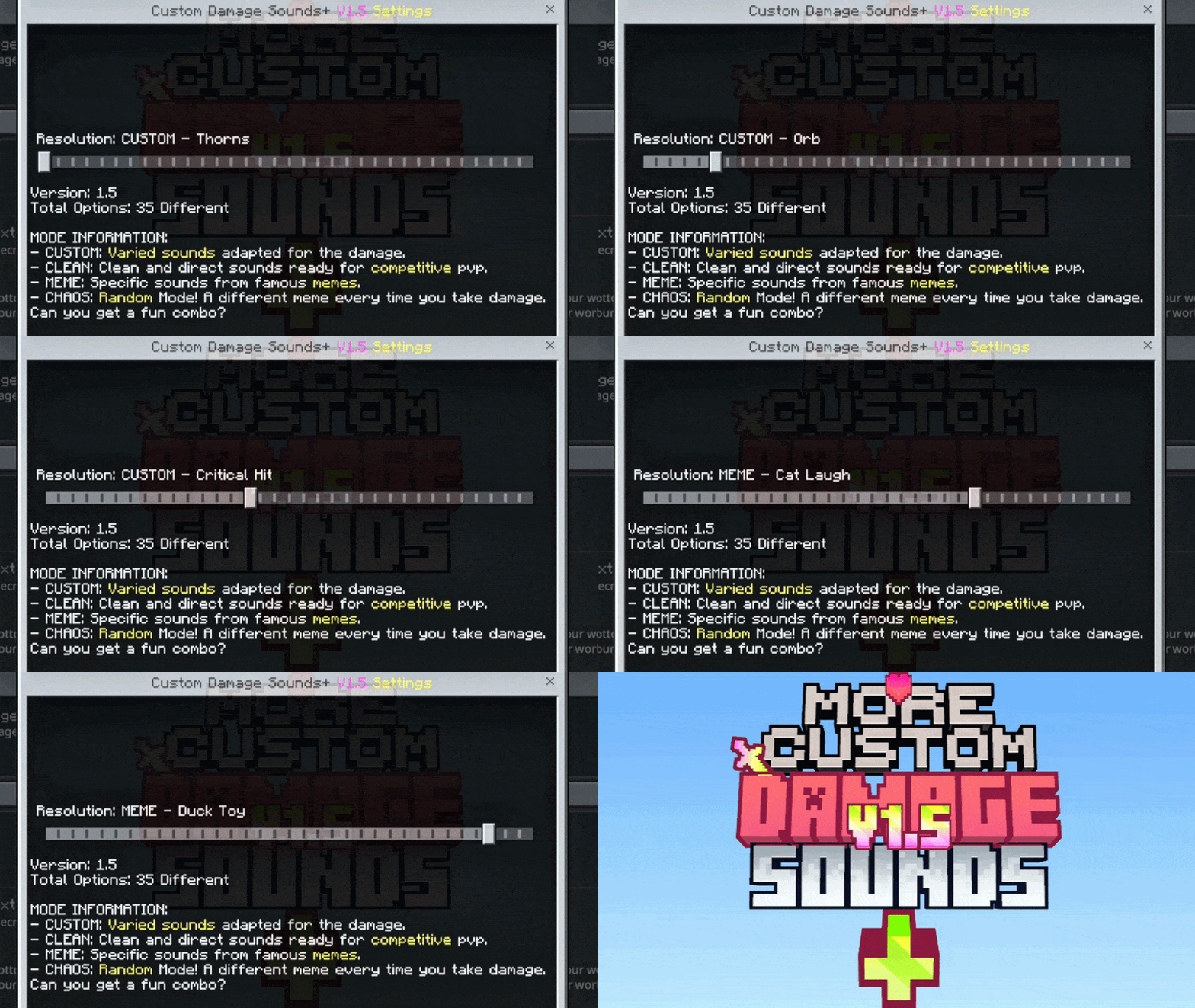
I recommend using this in PVP, it works when you hit someone and when they hit you.
🔊 Custom Damage Sounds+ V1.5
Tired of the same old, boring damage sound every time you take a hit? Custom Damage Sounds+ is the ultimate audio overhaul for Minecraft Bedrock! This pack allows you to fully customize your "Hurt" sound through an easy-to-use in-game slider.
Whether you want a competitive advantage, a nostalgic trip, or just want to laugh while falling into the void, this pack has something for you!
🚀 Key Features
- 40 Unique Sound Modes: From classic sounds to the wildest memes.
- In-Game Slider (Subpacks): Switch sounds instantly without leaving the game (requires world restart to apply).
- Optimized for PvP: Includes "CLEAN" sounds that are short and sharp, perfect for competitive play.
- The CHAOS Update: Introducing a randomized mode for the truly brave!
📂 Featured Sound Categories
🛠️ CUSTOM Mode
Varied sounds specifically edited to fit perfectly with Minecraft's atmosphere.
- Includes: Thorns, Classic Hurt, Enderdragon, Villager, and more!
⚔️ CLEAN Mode
Specifically designed for PvP and Competitive players. These sounds provide clear audio feedback without cluttering your game.
- Featured: Sharp Sword hits and Pickaxe impact sounds.
🤡 MEME Mode
Make your deaths legendary with the internet's most iconic sounds.
- Highlights: Vine Boom, Roblox Oof, GTA V Wasted, Metal Pipe, Among Us Kill, Duck Toy, and the legendary Fahh.
🌀 CHAOS Mode (NEW!)
Can't decide? Let the game choose for you! Every time you take damage, a random meme sound will play. No two fights will sound the same! It'll feel like you're in a viral video!

📜 Some New Sounds
- Originals: Minecraft Default, Legacy Minigames (Old School).
- Creatures: Villager, Dolphin, Enderdragon, Enderman, Wandering Trader, Pufferfish Sting.
- Effects: Explode, Pop, Shield, Critical Hit, Broken Potion, Orb.
- Memes: Cat Laugh, Pluh, Gawddamn, Lego Break, among many others!
🛠️ How to Install & Use
- Download the
.mcpackand open it with Minecraft. - Go to Settings > Global Resources.
- Activate Custom Damage Sounds+.
- Click the Gear Icon (⚙️) next to the "Deactivate" button.
5. Use the slider to change the sound and enjoy!
📝 Feedback
- Version: 1.5
- Compatibility: Works on all Bedrock platforms (Android, iOS, Windows 10/11, Xbox, PlayStation, Switch).
Found a bug or have a sound suggestion? Leave a comment below! If you enjoy the pack, don't forget to give it a ⭐⭐⭐⭐⭐!!
Terms of Use
- Download this pack only from the official pages on mcpedl.com or curseforge.com
- Do not reupload or redistribute this pack
- Do not upload modified versions of this pack
- Personal modifications are allowed for private use only
- Do not claim this pack as your own
- Edition: Minecraft Bedrock
- File type: .mcpack
- Minecraft version listed: 26.40
- How to install: Download the .mcpack. → Open it — Minecraft imports it under Resource Packs. → Activate it in Global Resources, or for one world under Resource Packs → Available.
- Where to get it: Opens on CurseForge — not every file is mirrored on our own servers.
Install steps are the general flow for this file type — How to install Minecraft Bedrock texture packs walks through it step by step.
- Save it as CustomDamageSounds+V1.5fix2.mcaddon before opening — it downloads as .mcpack, but it is a .mcaddon pack
- Manifest requires Minecraft 1.20.0 or newer
- Complete pack — everything it depends on is inside the file
- Download size: 1.8 MB
- Download link checked 5 Oct 2026 — working
These come from our own check of the pack file, not from the source page.