HomeBedrockTexture packsBosya's Selection box
Bosya's Selection box
Texture packsBedrock

Bosya's Selection box

by Bosya · on CurseForge

⬇ Download on CurseForge
Bosya's Selection box — screenshot 1Bosya's Selection box — screenshot 2Bosya's Selection box — screenshot 3

Bosya's Selection Box

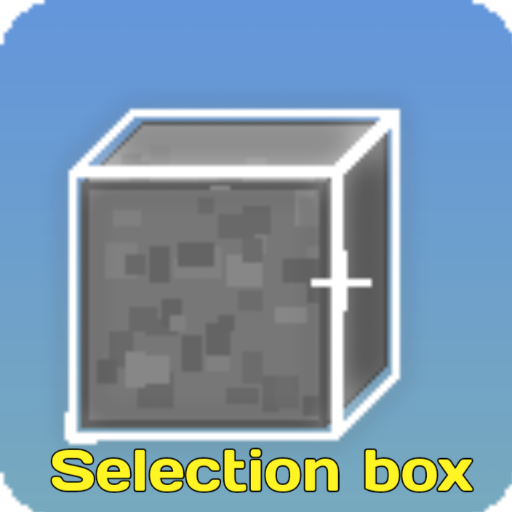
Selection Box is a simple resource pack that changes the default black selection box to a clean white outline, making it much easier to see which block you are aiming at in various environments.


✨ Key Features


⚙️ How to Apply

  1. Download the .mcpack file.
  2. Open the file to import it into Minecraft.
  3. Go to SettingsGlobal Resources and activate the pack.
  4. Tap the Gear Icon (⚙️) on the pack to select your desired subpack variant.

📜 Rules & Permissions:

You Are Allowed To:

You Are Not Allowed To:


━━━━━━━━━━━━━━━━━━━━━━━━━━━━━━━━━━━━━━━━

🌐 CurseForge: bosya's Projects     •     📥 MCPEDL: bosya's Profile

💬 Telegram: @bosya_craft Group     •     ☕ Support: Donate on Ko-fi

━━━━━━━━━━━━━━━━━━━━━━━━━━━━━━━━━━━━━━━━

Quick facts

Install steps are the general flow for this file type — How to install Minecraft Bedrock texture packs walks through it step by step.

Verified by MCModsHub

These come from our own check of the pack file, not from the source page.

Explore more