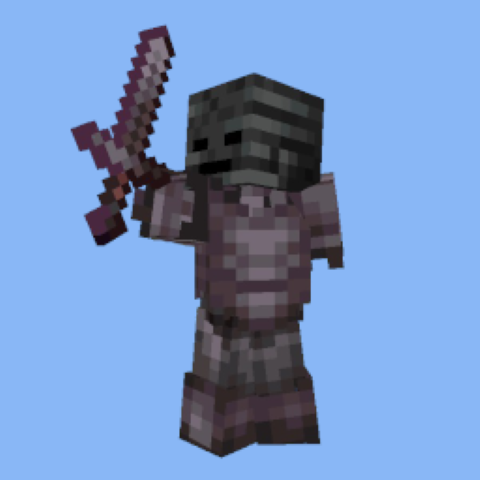
Texture packsBedrock
Invisible Armor Stands and Statues
Bedrock texture pack listed for Minecraft 1.21. File opened and checked on 25 Sep 2026; installs from the MC Bedrock Mods app on Android.
I don't know my version
Open Minecraft and look at the bottom-left corner of the main screen — the version is printed there, like v1.26.30.
The game writes a 1. in front; the buttons above leave it off. v1.26.30 in the game is 26.30 here.
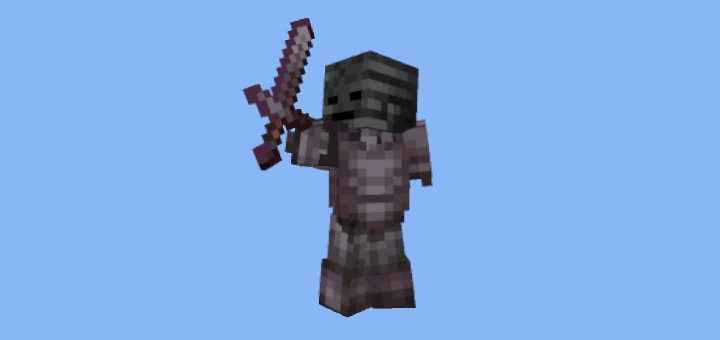
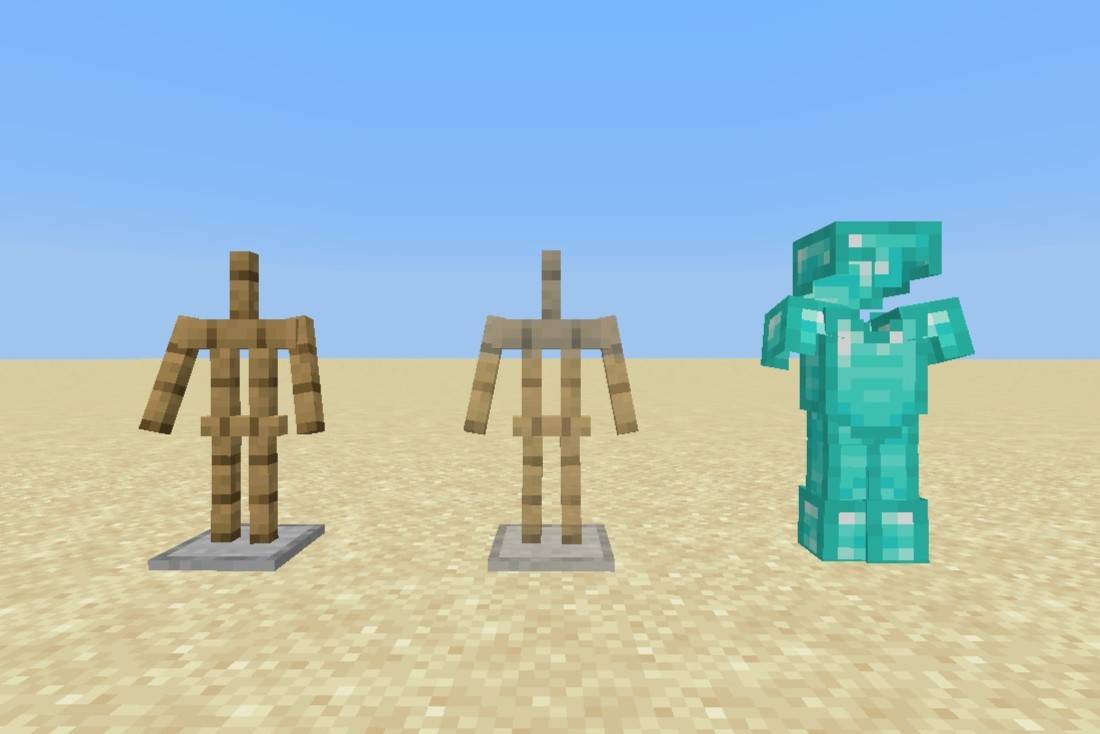
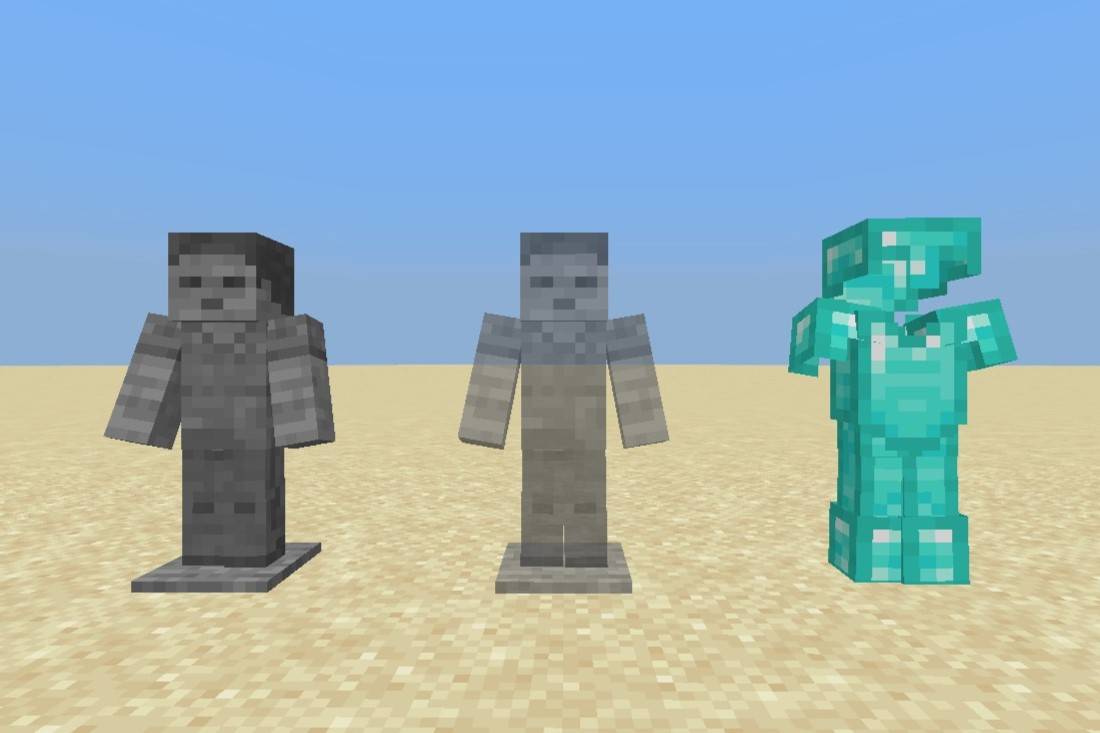
Make Armor Stands Invisible:
- Rename armor stand to §i to make them invisible
- Use alt+0167 on the numpad to type the section sign on Windows
- Break and replace or rename armor stand to another name to make them visible
- Using §v will result in a visible armor stand with no visible name
- Invisible armor stands without an item/armor will be transparent so they don't get lost
Change Armor Stand Texture:
- Use slider in the pack settings in game
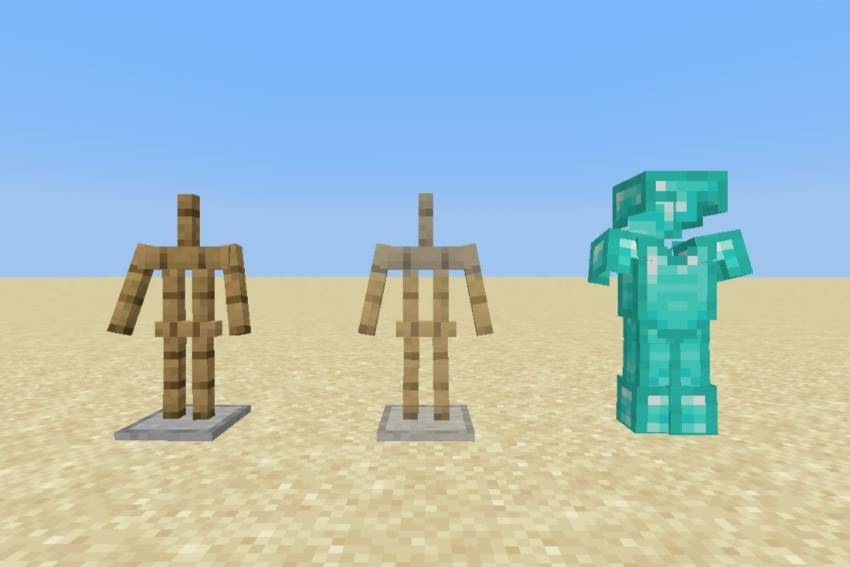
- Default: classic armor stand texture
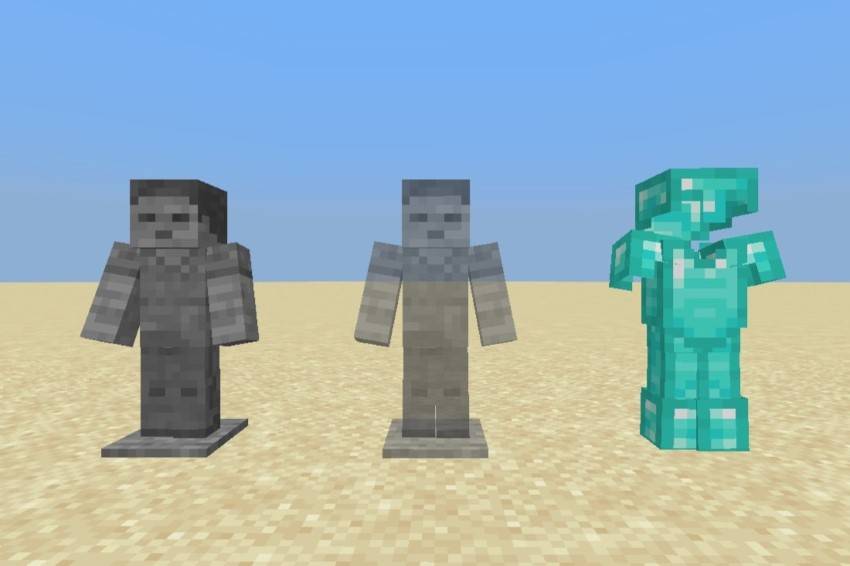
- Statue: stone Steve skin statue texture
Default Texture
Statue Texture
Known Issues
- Sound effects play on reload
- No current work around possible
Resource pack and textures by ZedexJ7
Latest version created in 1.21.93
Quick facts
- Edition: Minecraft Bedrock
- File type: .mcpack
- Minecraft versions listed: 1.21.93, 1.21.82
- How to install: Download the .mcpack. → Open it — Minecraft imports it under Resource Packs. → Activate it in Global Resources, or for one world under Resource Packs → Available.
- Where to get it: Opens on CurseForge — not every file is mirrored on our own servers.
Install steps are the general flow for this file type — How to install Minecraft Bedrock texture packs walks through it step by step.
File checked by MCModsHub
- Pack type: .mcpack — a single pack
- Manifest requires Minecraft 1.21.60 or newer
- Complete pack — everything it depends on is inside the file
- Download size: 64 KB
- Download link checked 6 Oct 2026 — working
These come from our own check of the pack file, not from the source page.