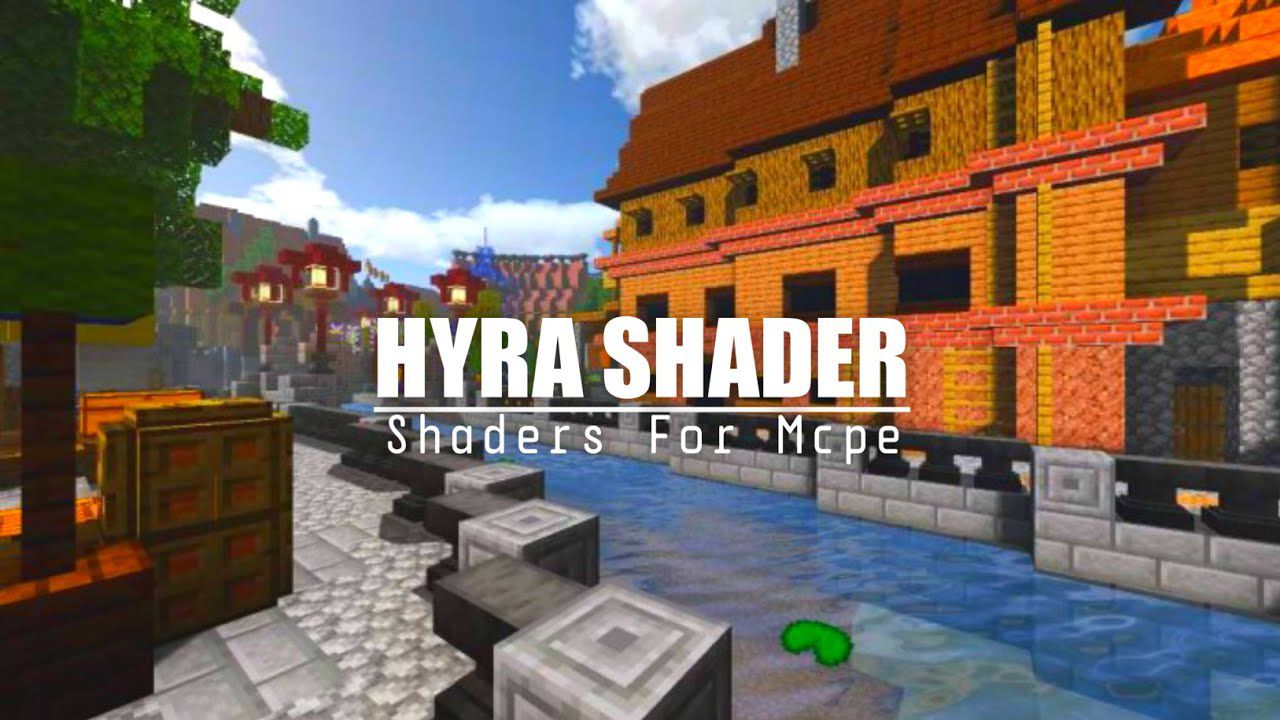
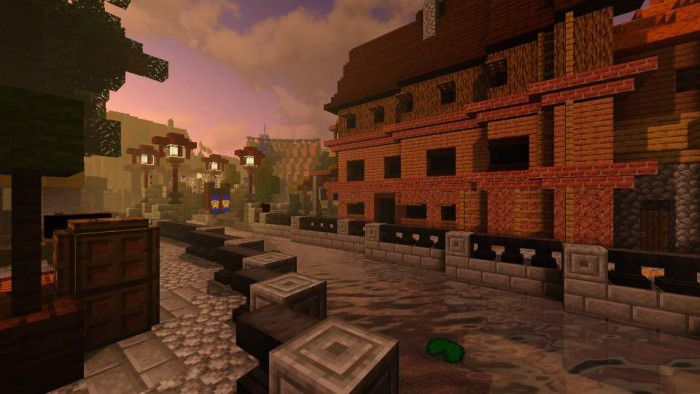
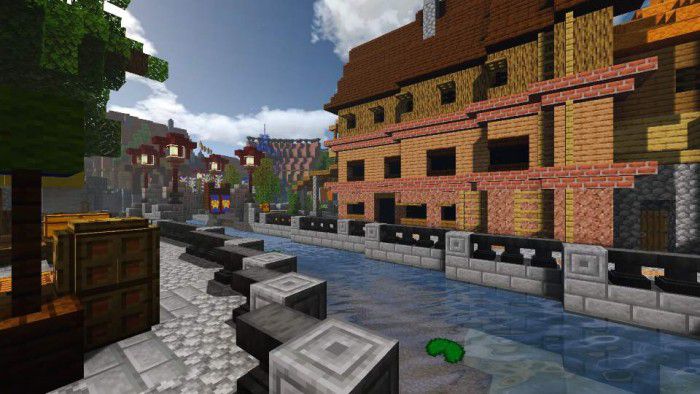
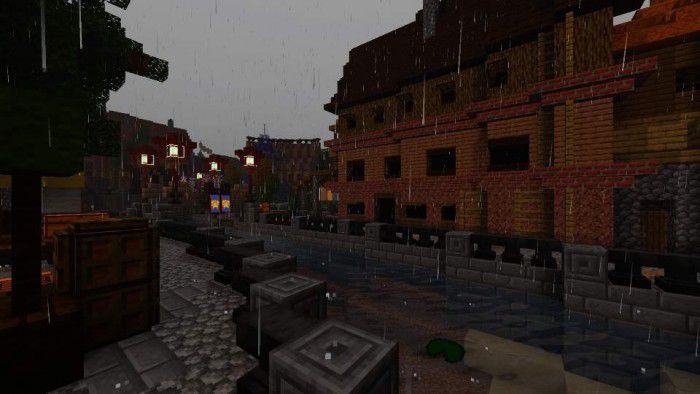
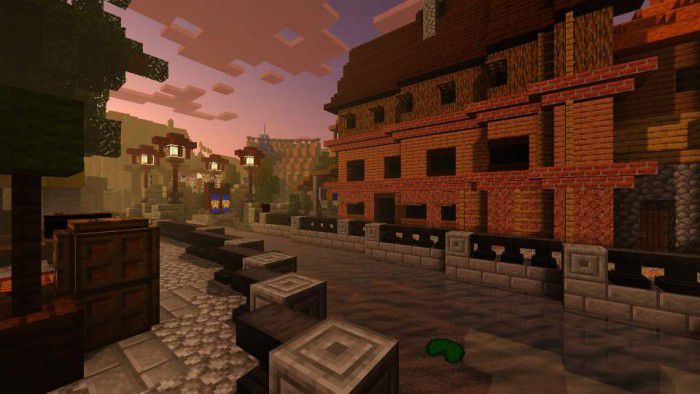
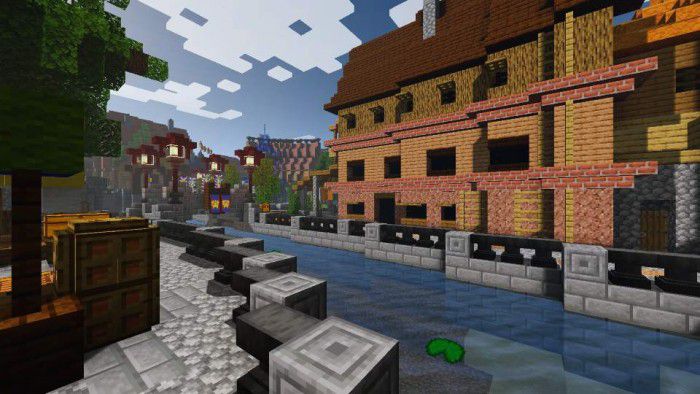
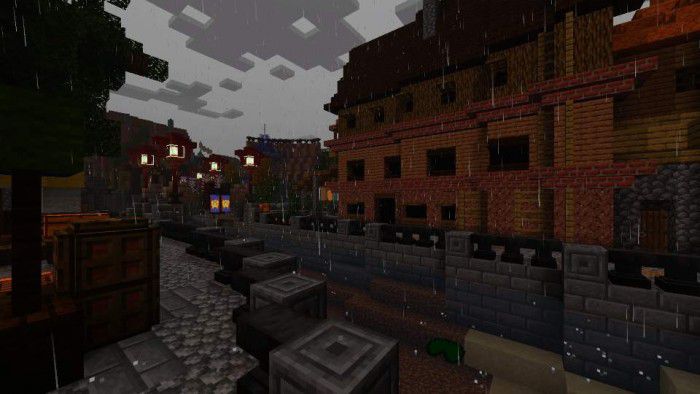
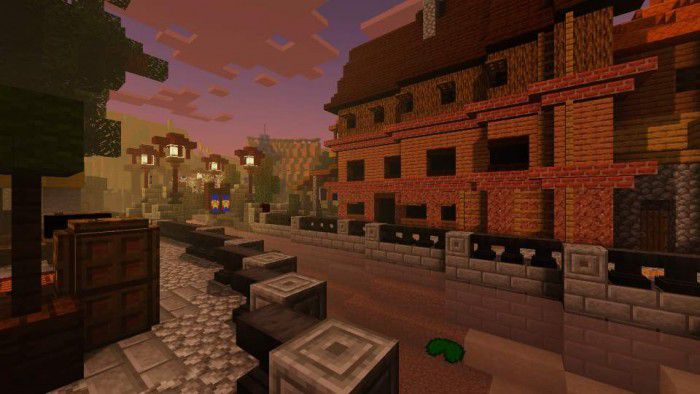
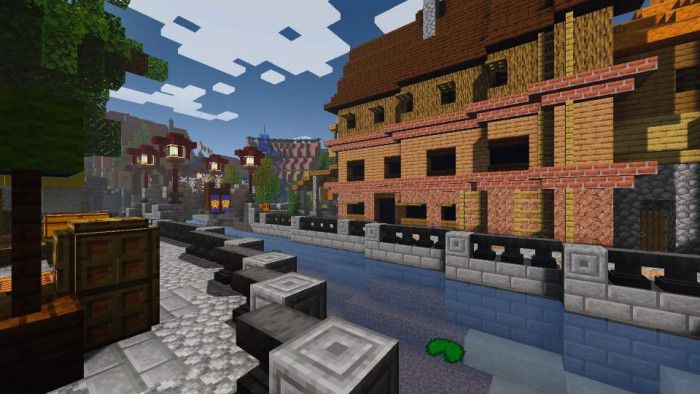
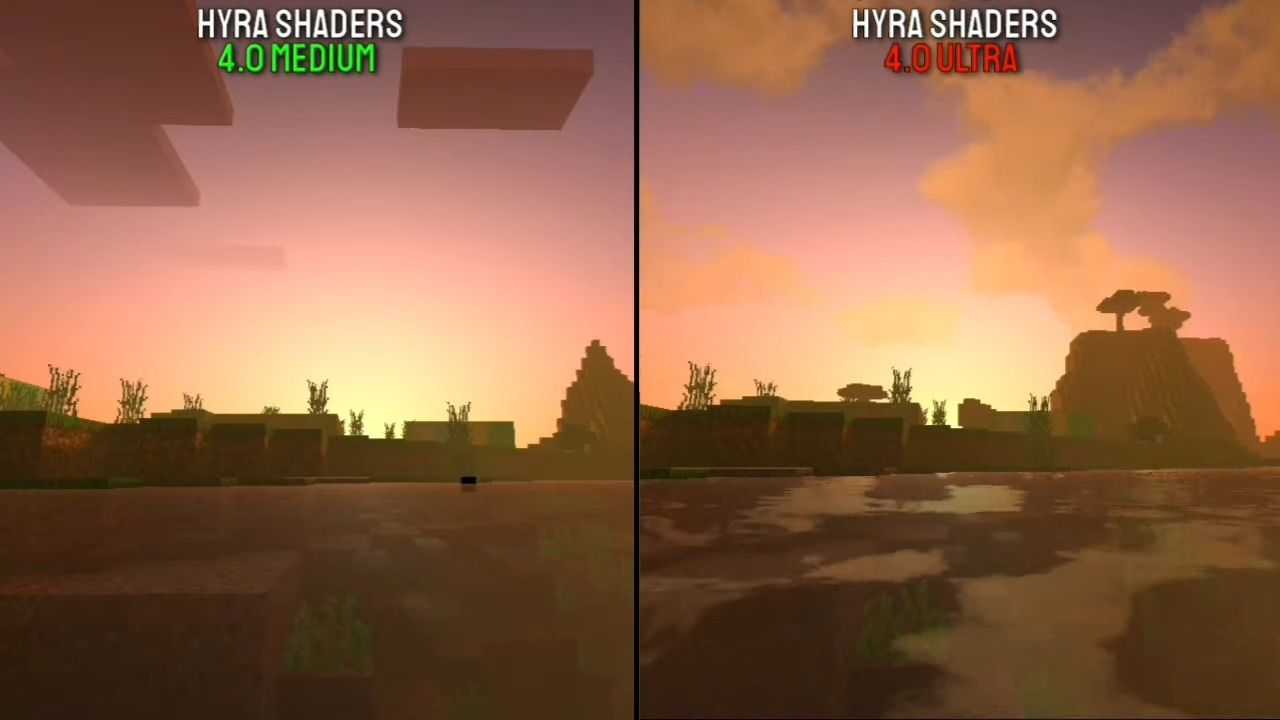
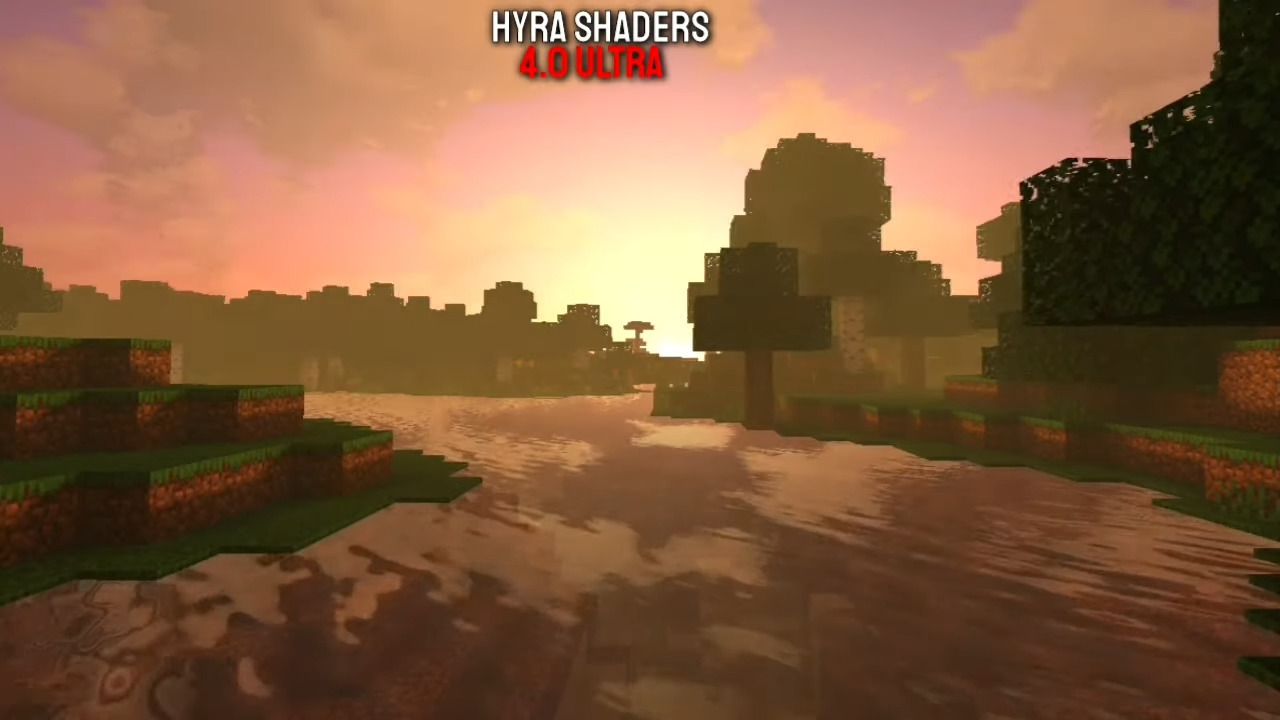
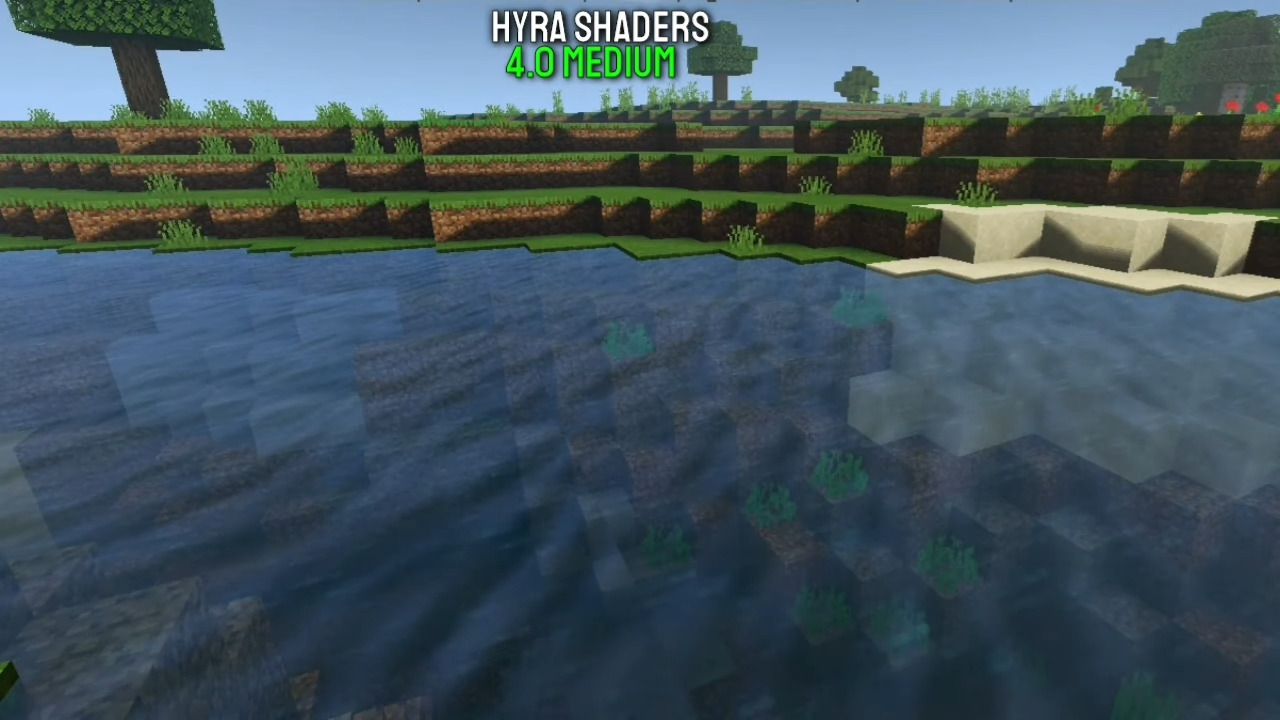
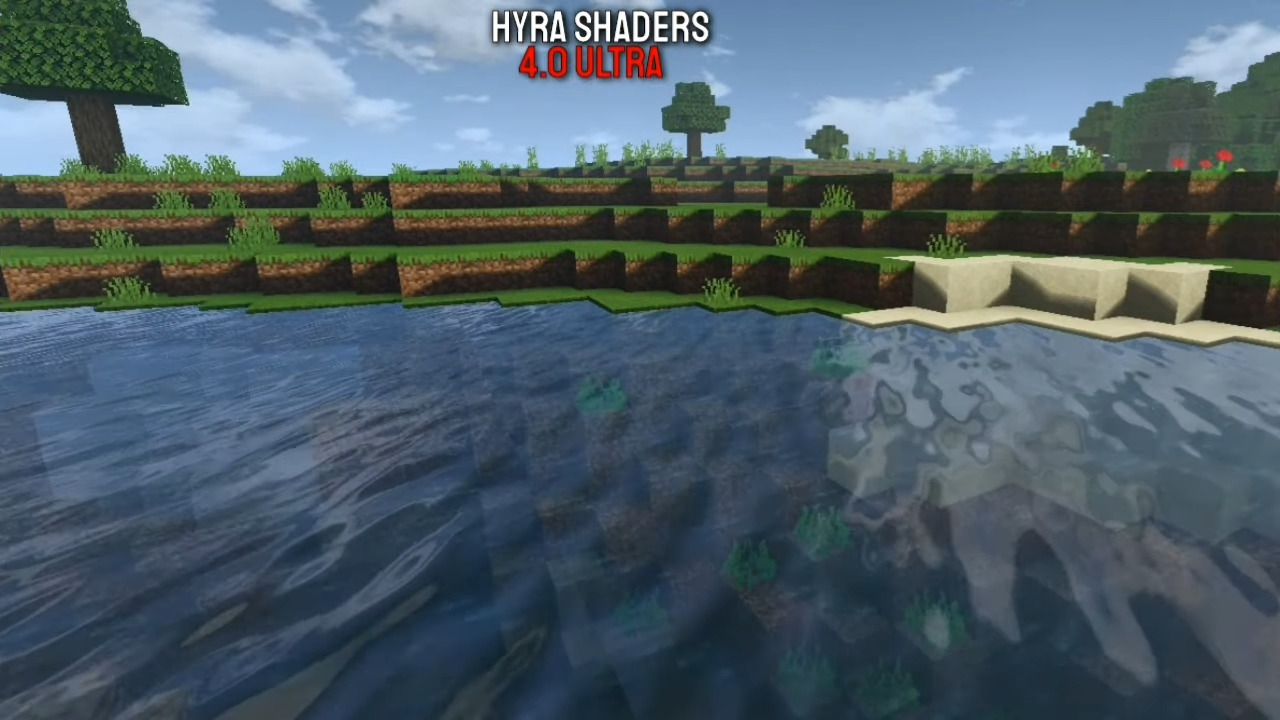
Feel the realistic graphics that will spoil your eyes when playing MCPE using Hyra Shaders for MCPE. With beautiful coloring and lighting, you will feel the world of Minecraft will become a reality. This Shader is available in several variants namely Ultra, Medium and Lite so you can choose according to the capabilities of the device you are using.
Features:
- Realistic Color
- Foggy Rain
- Beautiful Night Sky & Star
- Realistic Cloud
- Realistic Water
- Leaves move
- Sun and moon
Ultra:
Medium:
Lite:
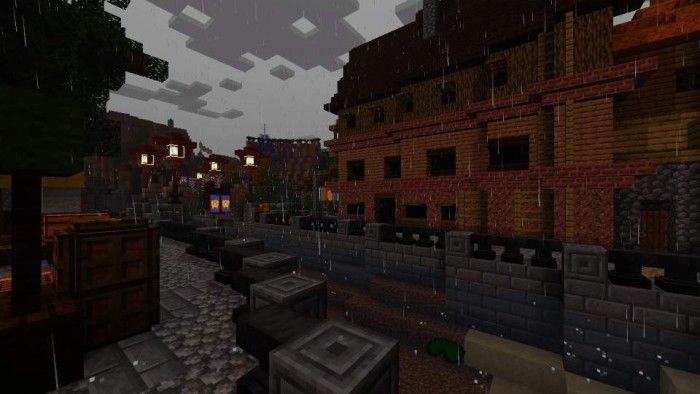
Screenshots:
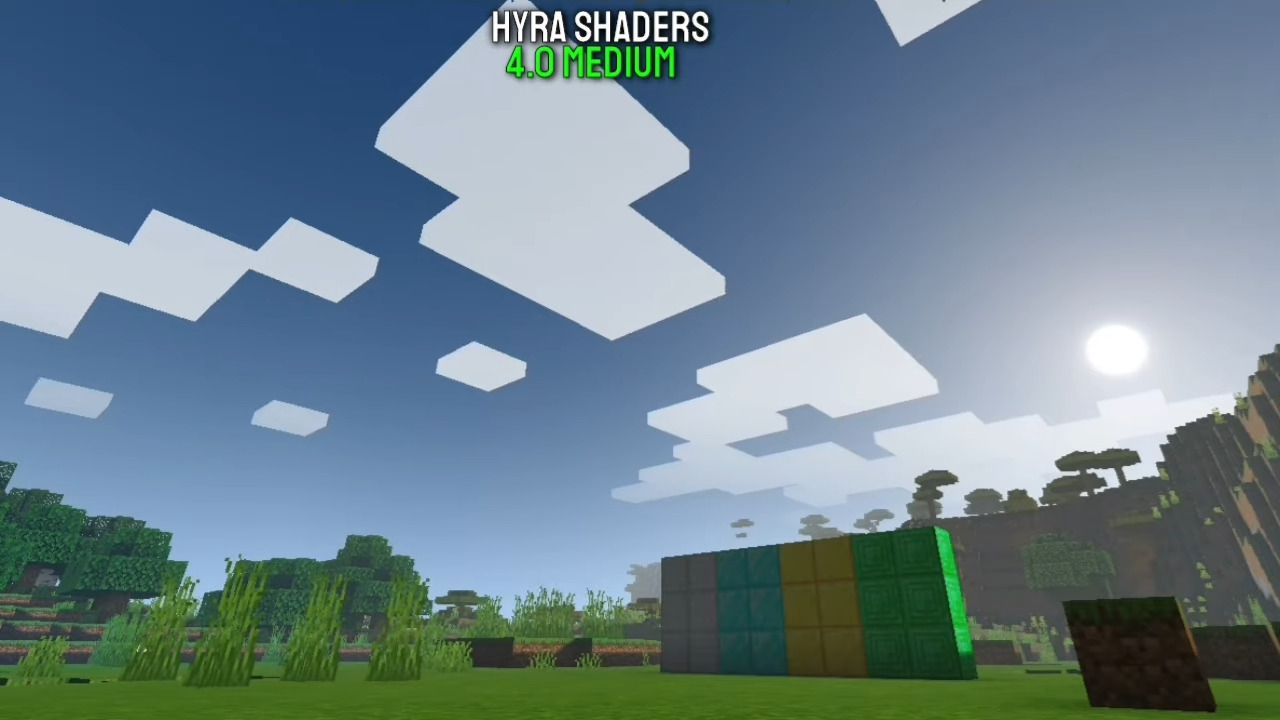
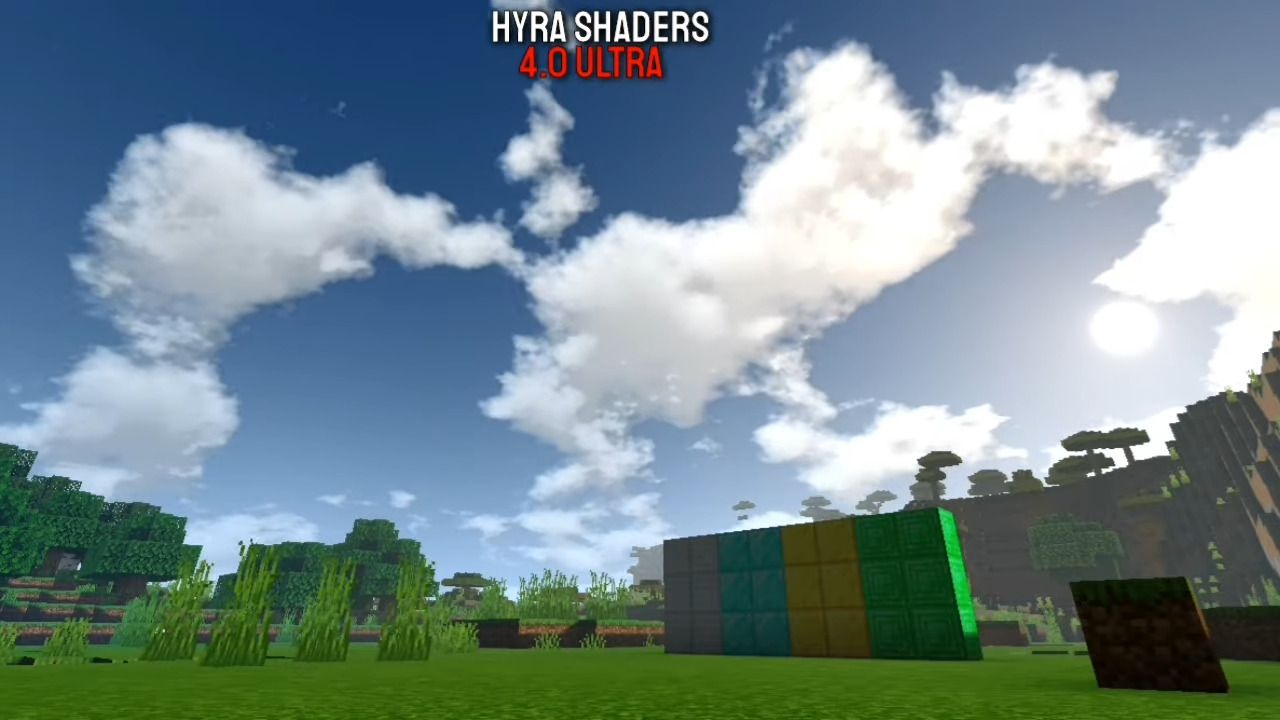
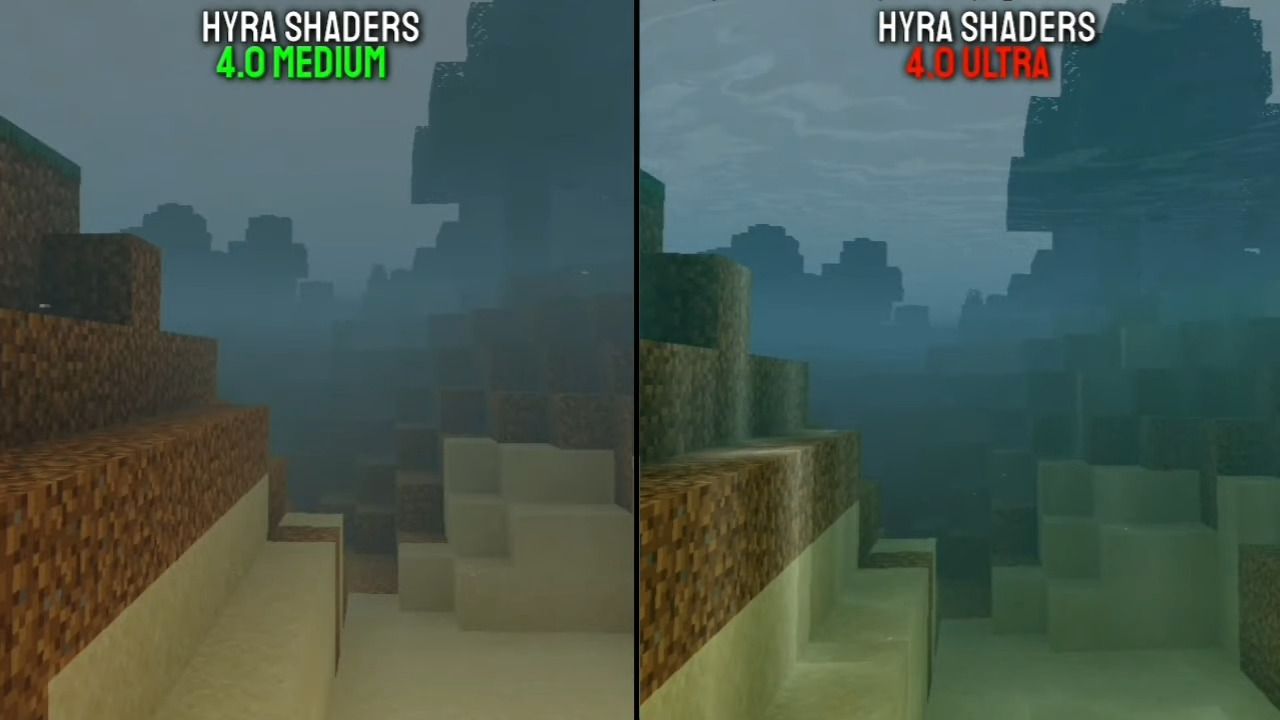
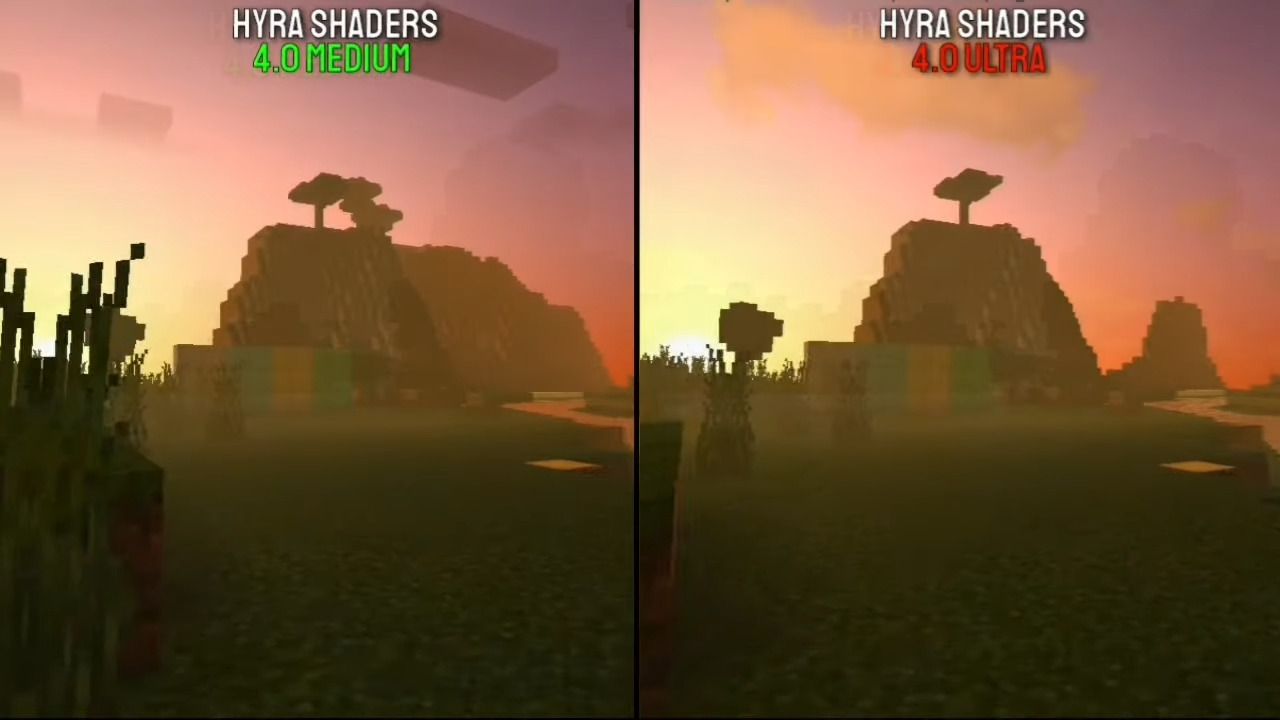
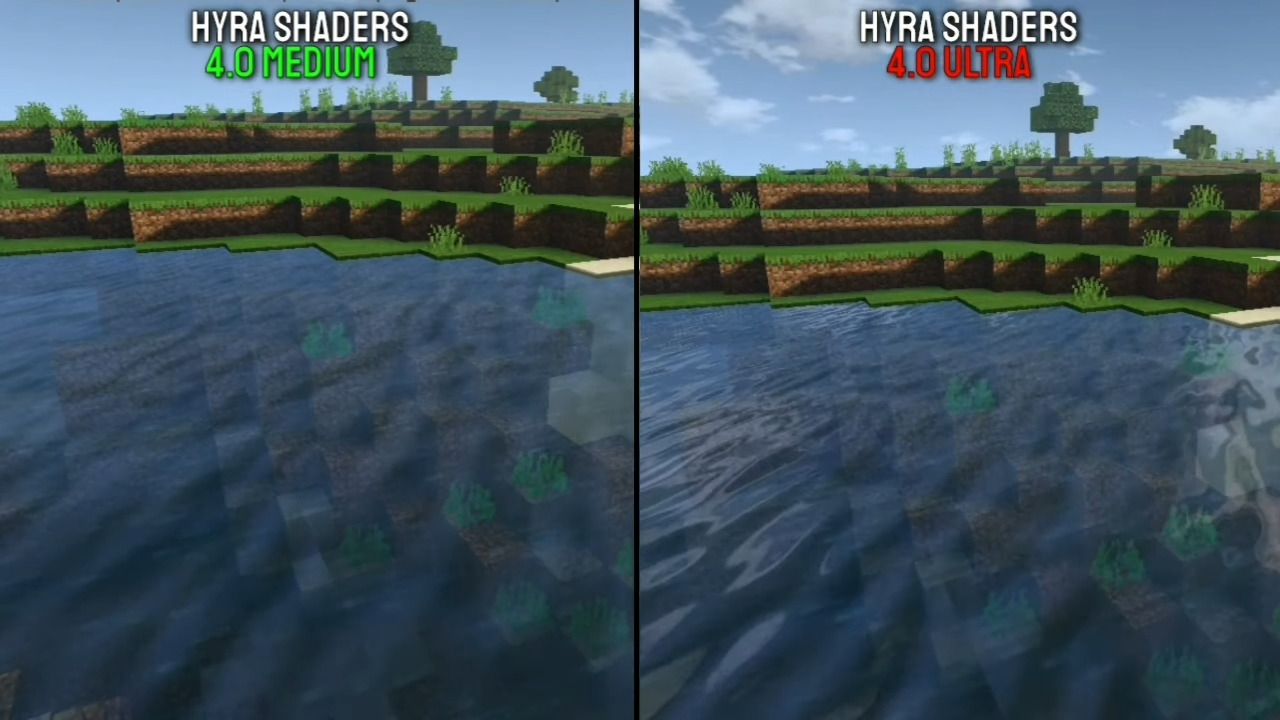
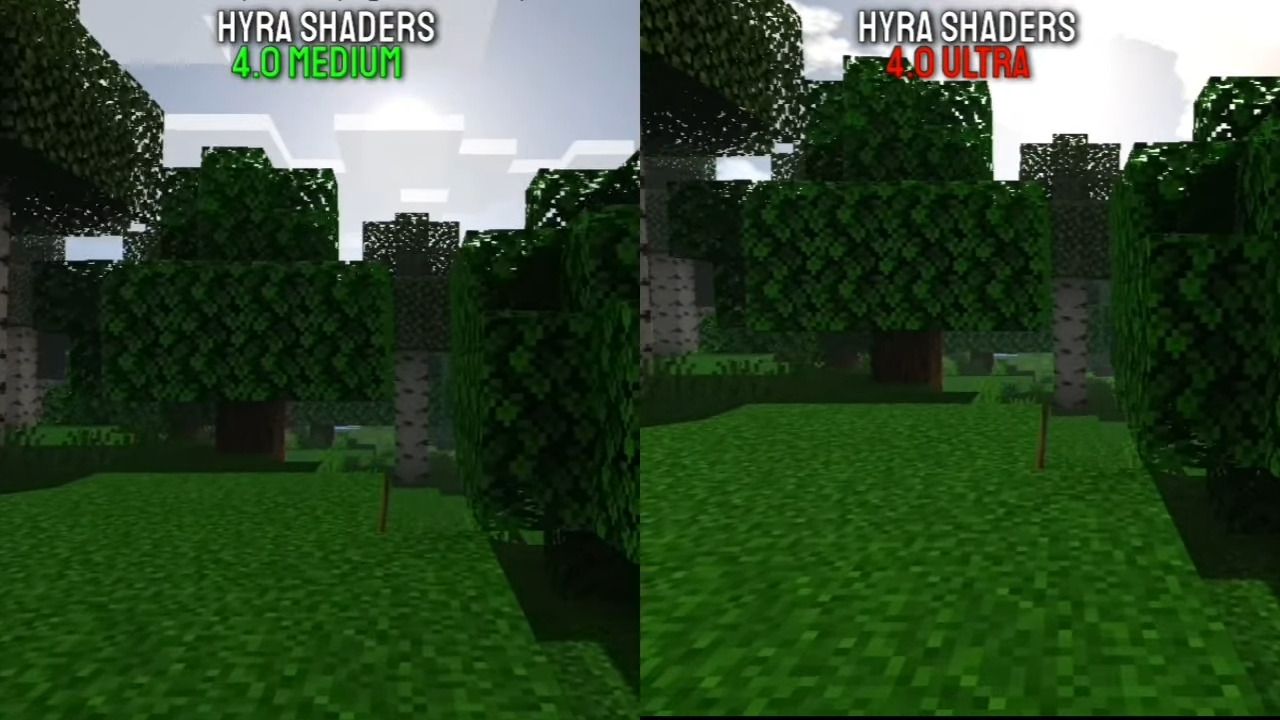
Hyra Shaders Download Links
For MCPE 1.18, 1.17
Hyra Shaders Ultra: Download from server 1 – Download from server 2
Hyra Shaders Medium: Download from server 1 – Download from server 2
Hyra Shaders Lite: Download from server 1 – Download from server 2
- Edition: Minecraft Bedrock
- File type: .mcpack
- Minecraft versions listed: 1.18, 1.17
- How to install: Download the .mcpack. → Open it — Minecraft imports it under Resource Packs. → Activate it in Global Resources, or for one world under Resource Packs → Available.
- Where to get it: In MCModsHub, or directly above on this page.
Install steps are the general flow for this file type — How to install Minecraft Bedrock texture packs walks through it step by step.
- Pack type: .mcpack — a single pack
- Complete pack — everything it depends on is inside the file
- Download size: 65 KB
- Download link checked 17 Jun 2026 — working
- Mirrored on our own servers — the download does not depend on the original host
These come from our own check of the pack file, not from the source page.