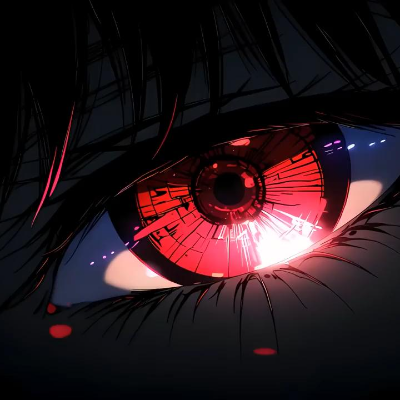
Animated Menu: Anime Red Eye
Bedrock texture pack listed for Minecraft 1.21–26.x. File opened and checked on 19 Sep 2026; installs from the MC Bedrock Mods app on Android.
Give your Minecraft menu an intense look with "Anime Red Eye." Swap the boring default panorama for a sharp, animated anime visual and a sleek, minimal…
⬇ Download on CurseForge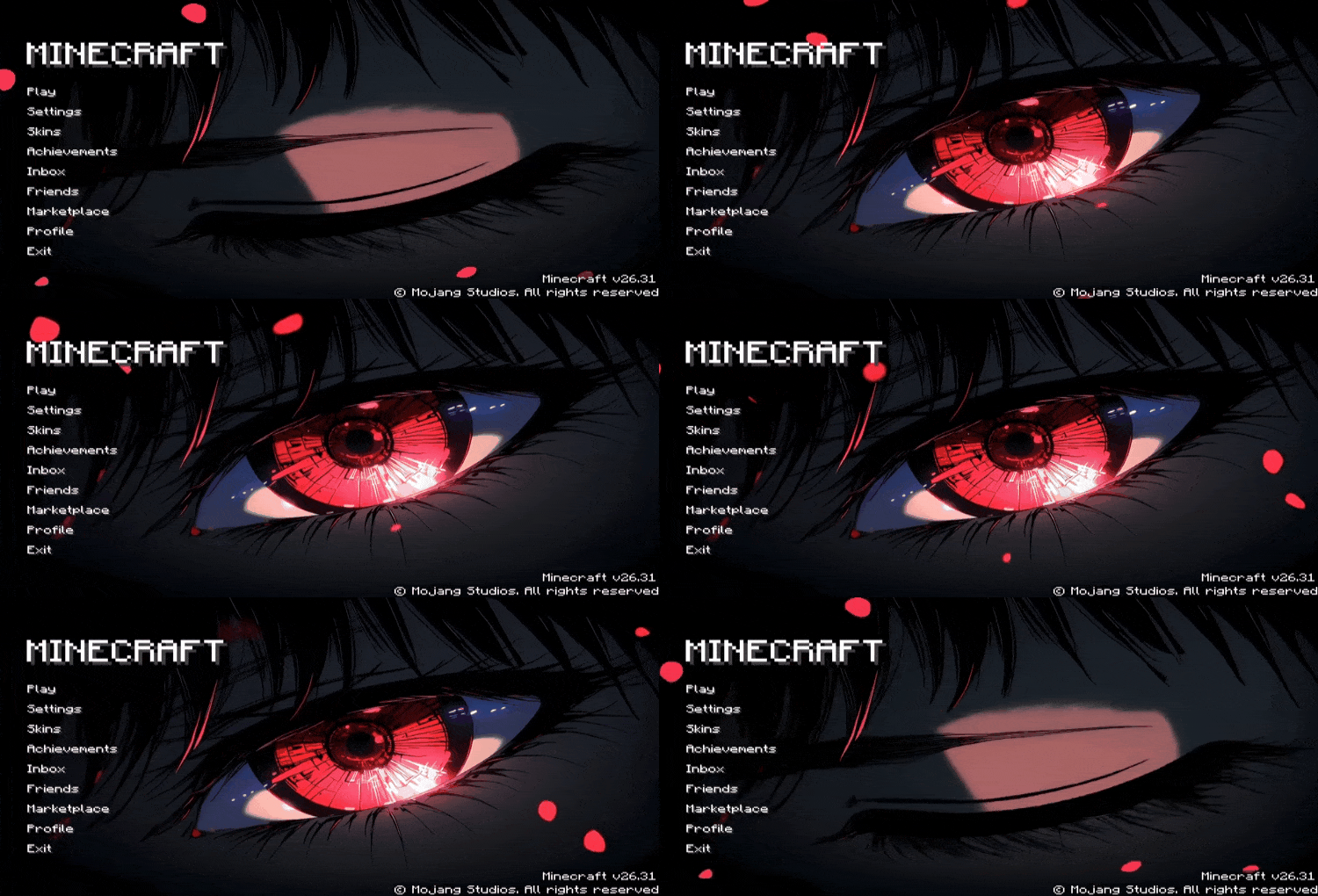
Transform your Minecraft home screen with the striking Anime Red Eye resource pack. This pack is designed for players who want a bold, cinematic, and intense look for their main menu.
Key Features:
- Animated Background: Replaces the standard panorama with a high-quality animated "Anime Red Eye" visual that adds a dark and cool vibe.
- Sleek UI: Comes with a refined and simple user interface that keeps everything organized and easy to use.
- Performance Friendly: Optimized to ensure your game starts smoothly while providing a premium aesthetic upgrade.
Upgrade your start screen with a sharp and powerful anime aesthetic!
- Edition: Minecraft Bedrock
- File type: .mcpack
- Minecraft version listed: 26.30
- How to install: Download the .mcpack. → Open it — Minecraft imports it under Resource Packs. → Activate it in Global Resources, or for one world under Resource Packs → Available.
- Where to get it: Opens on CurseForge — not every file is mirrored on our own servers.
Install steps are the general flow for this file type — How to install Minecraft Bedrock texture packs walks through it step by step.
- Save it as Animated_Menu__Red_Eye_Blink.mcaddon before opening — it downloads as .mcpack, but it is a .mcaddon pack
- Manifest requires Minecraft 1.21.0 or newer
- Complete pack — everything it depends on is inside the file
- Download size: 41.4 MB
- Download link checked 5 Oct 2026 — working
These come from our own check of the pack file, not from the source page.