Texture packsBedrock
Borderless glass pack
Bedrock texture pack listed for Minecraft 1.19–1.21. File opened and checked on 8 Oct 2026; installs from the MC Bedrock Mods app on Android.
⬇ Download on CurseForge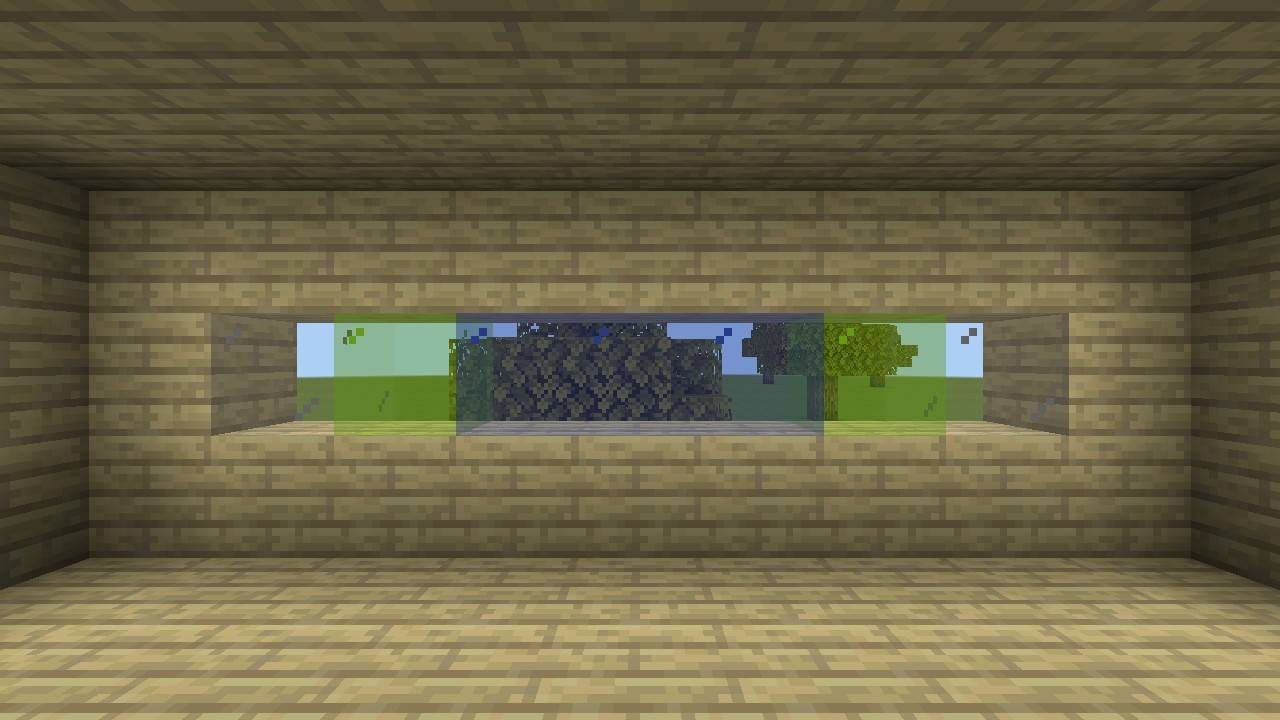
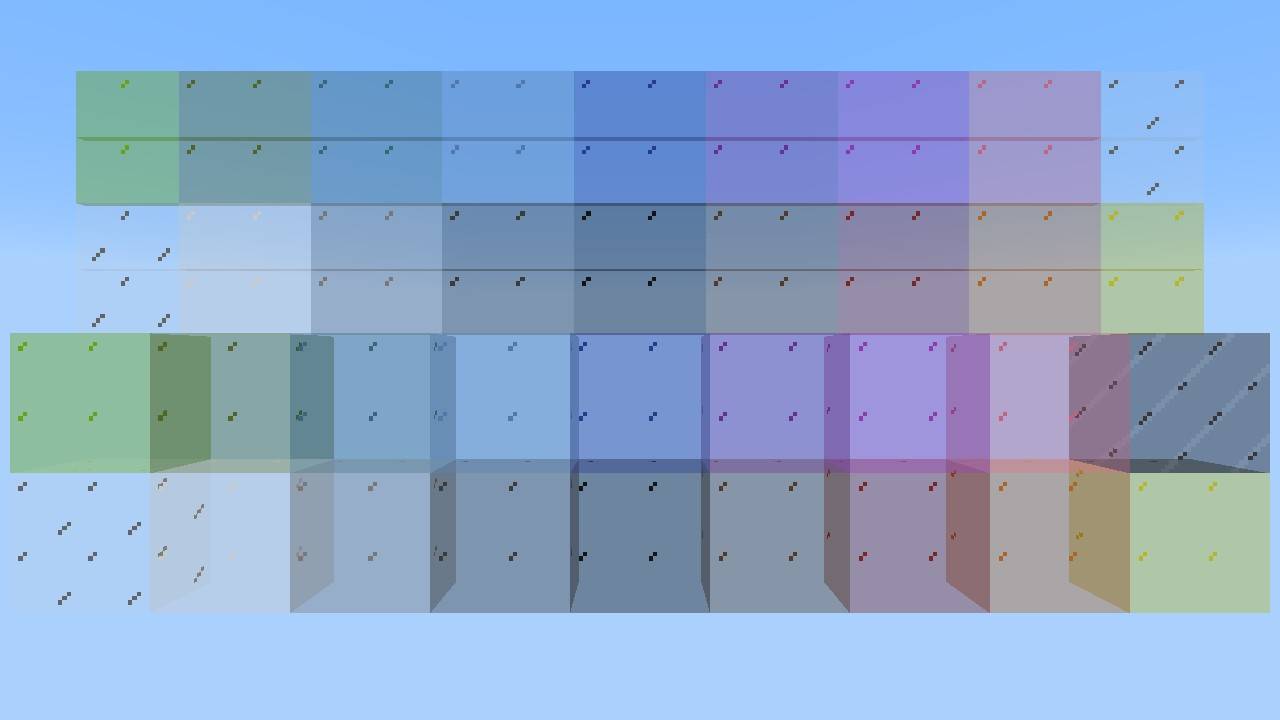
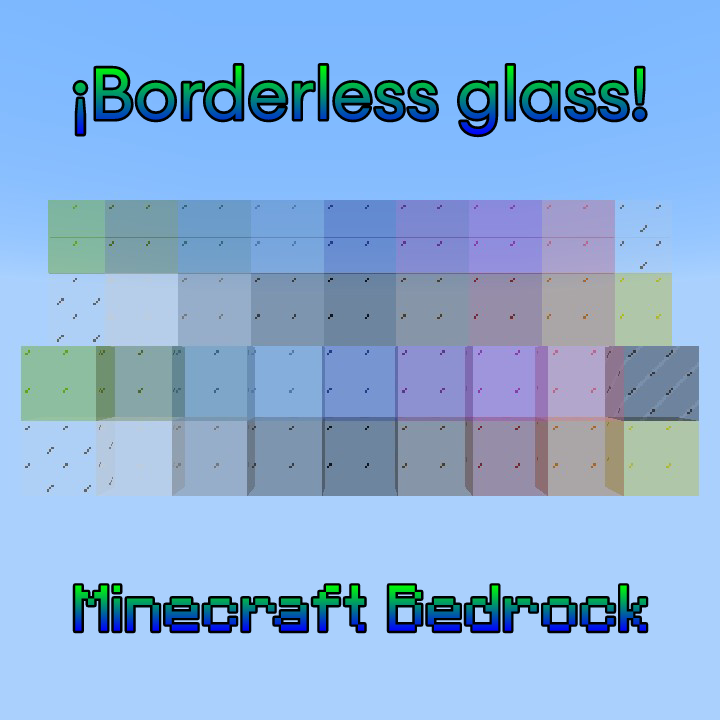
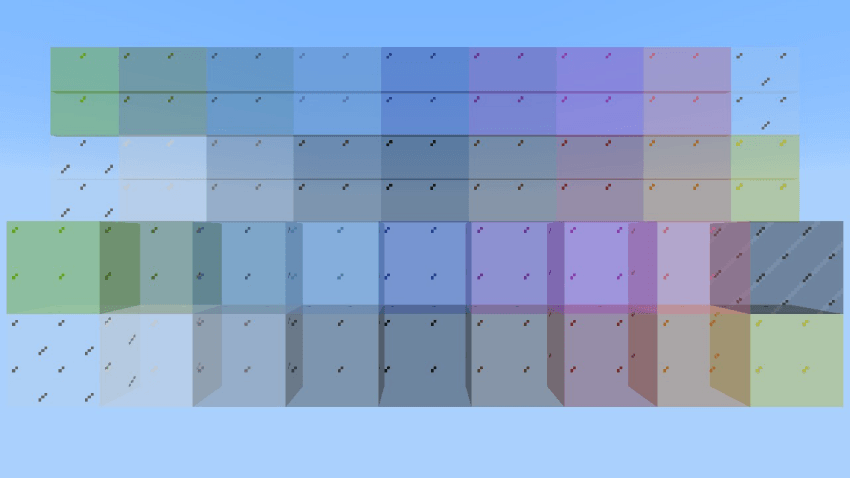
This resource pack removes the default borders from all glass blocks and panes in Minecraft Bedrock Edition, giving them a smoother, more modern, and visually appealing appearance.
It’s perfect for clean builds, modern architecture, or simply if you want a less obstructed view through glass.
🔧What does it change?
✅️ Removes all borders from glass blocks and panes, giving them a cleaner and more minimalist look.
🔎Before & After Comparison:
Before:
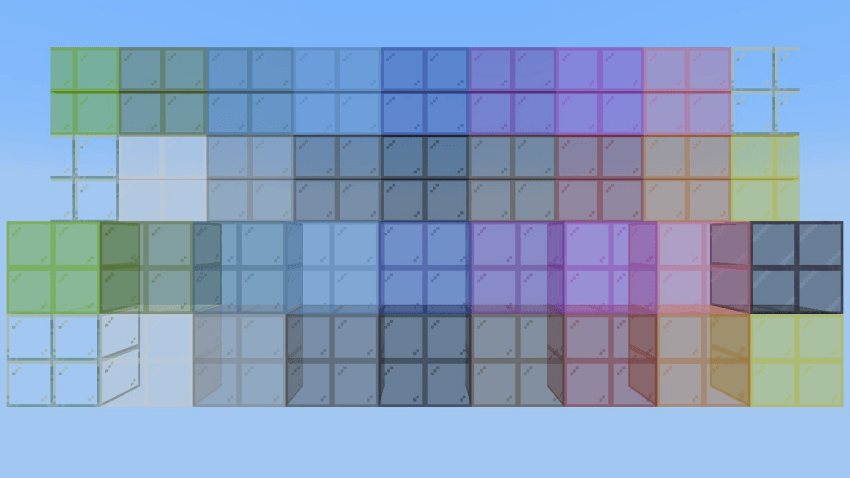
After:
🌍 Supported Languages
This resource pack currently supports 16 languages for both its name and description. The supported language codes are:
- en_US – English (United States)
- es_ES – Spanish (Spain)
- es_MX – Spanish (Mexico)
- pt_BR – Portuguese (Brazil)
- fr_FR – French (France)
- de_DE – German
- ru_RU – Russian
- ja_JP – Japanese
- zh_CN – Chinese (Simplified)
- zh_TW – Chinese (Traditional)
- ko_KR – Korean
- it_IT – Italian
- nl_NL – Dutch
- pl_PL – Polish
- tr_TR – Turkish
- ar_SA – Arabic (Saudi Arabia)
If you’d like to see this pack translated into another language, feel free to comment which one you’d like to see added!
Quick facts
- Edition: Minecraft Bedrock
- File type: .mcpack
- Minecraft versions listed: 1.20.40, 1.21.30, 1.21.50
- How to install: Download the .mcpack. → Open it — Minecraft imports it under Resource Packs. → Activate it in Global Resources, or for one world under Resource Packs → Available.
- Where to get it: Opens on CurseForge — not every file is mirrored on our own servers.
Install steps are the general flow for this file type — How to install Minecraft Bedrock texture packs walks through it step by step.
File checked by MCModsHub
- Pack type: .mcpack — a single pack
- Manifest requires Minecraft 1.21.0 or newer
- Complete pack — everything it depends on is inside the file
- Download size: 143 KB
- Download link checked 6 Oct 2026 — working
These come from our own check of the pack file, not from the source page.