Invisible Controls Pack
Bedrock texture pack listed for Minecraft 1.21. File opened and checked on 24 Sep 2026; installs from the MC Bedrock Mods app on Android.
Have you ever thought about recording your gameplay or becoming a Minecraft influencer? But don't like those controls on your screen? Want to hide them?…
⬇ Download on CurseForge
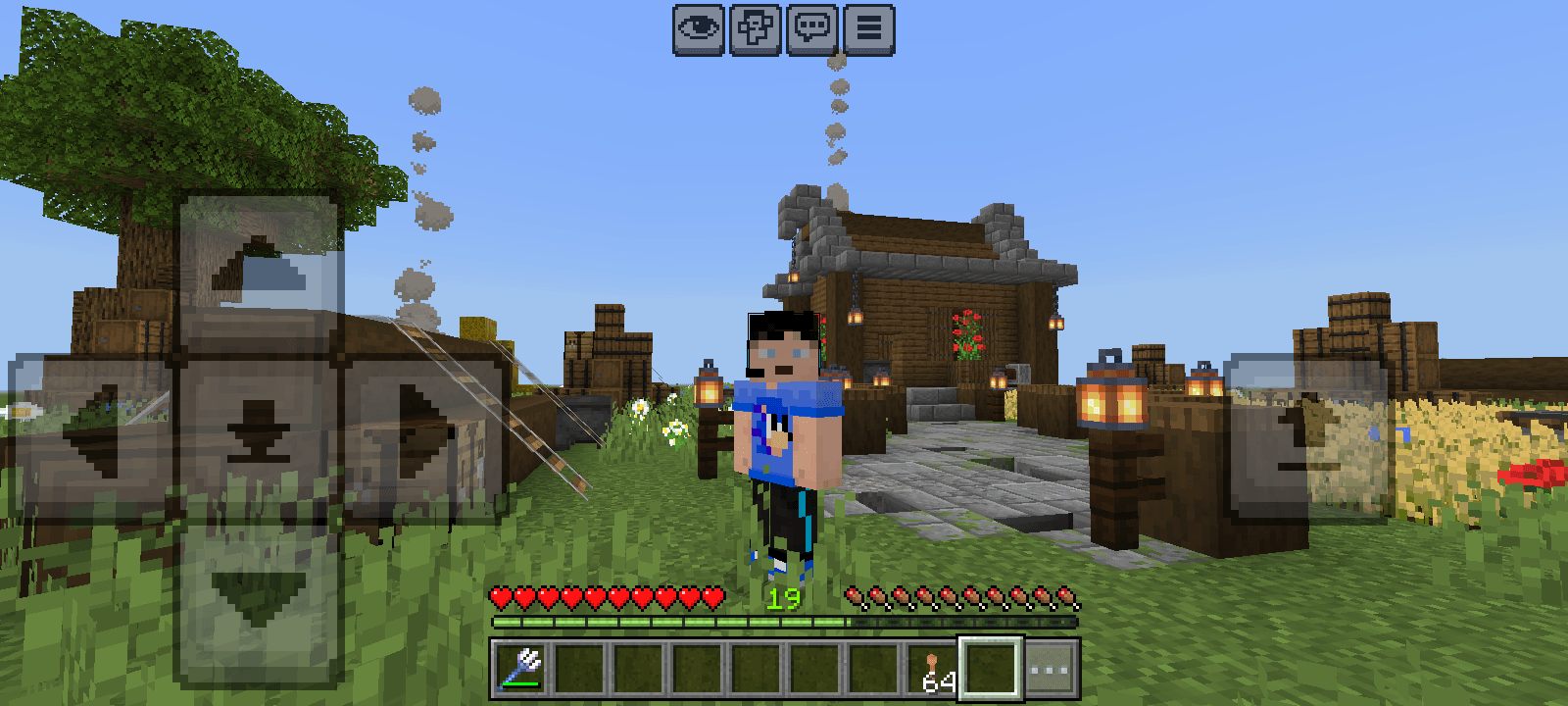
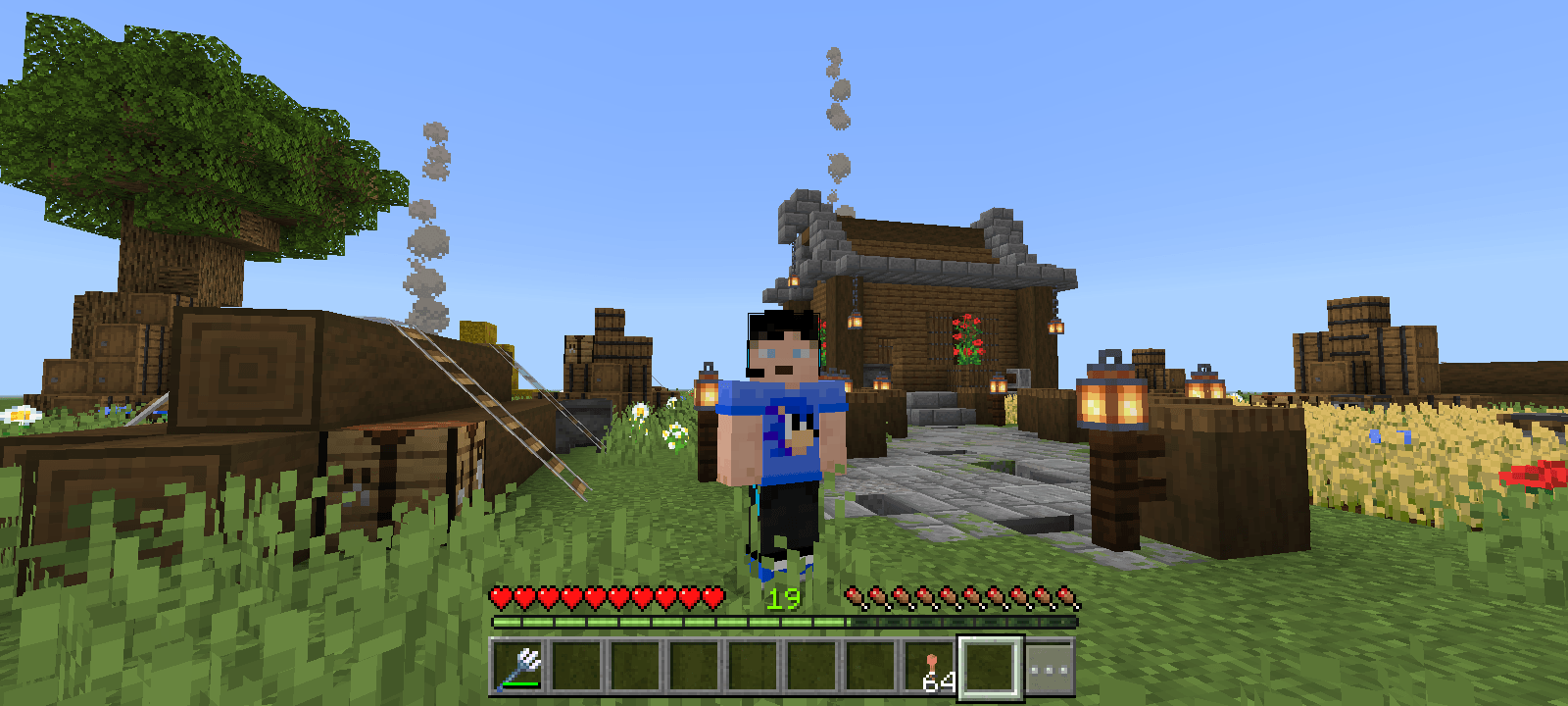
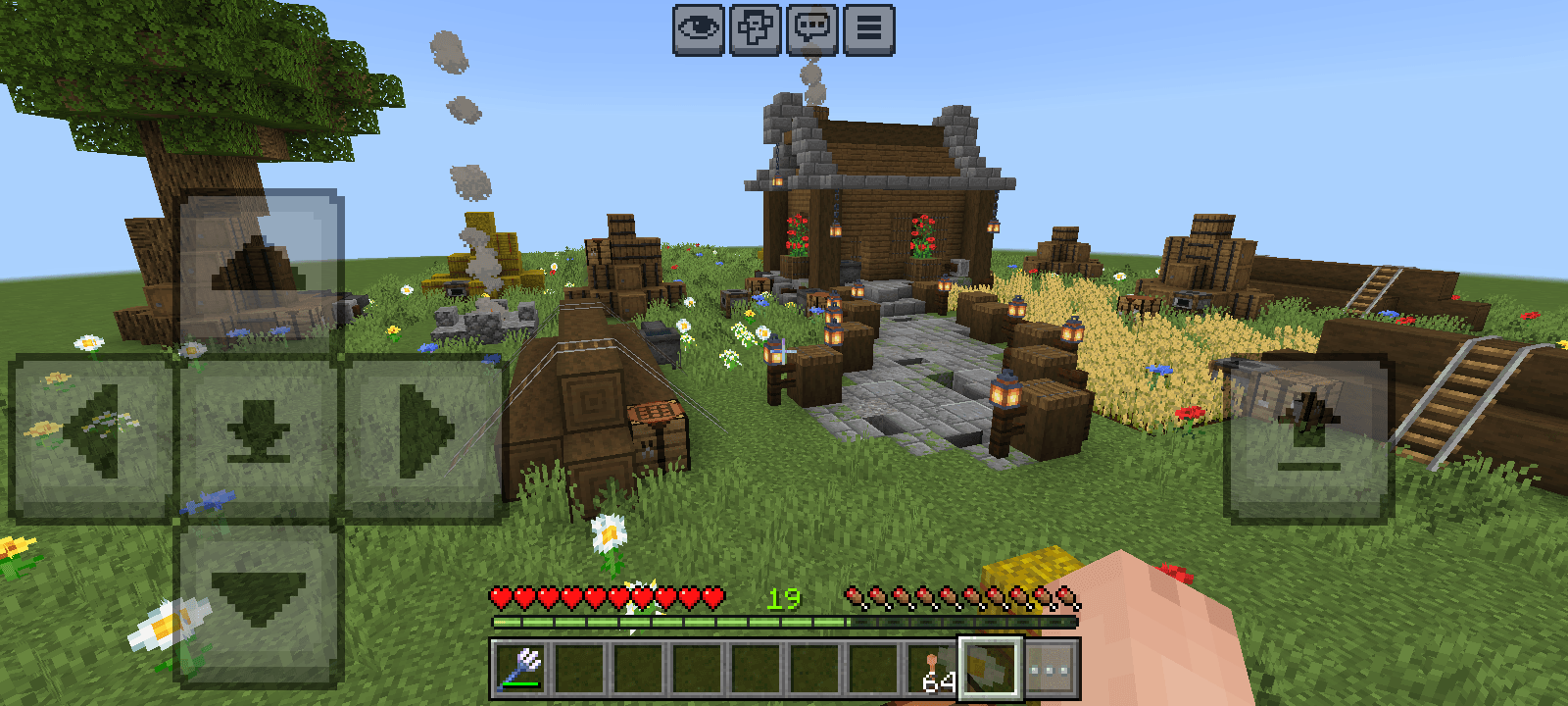
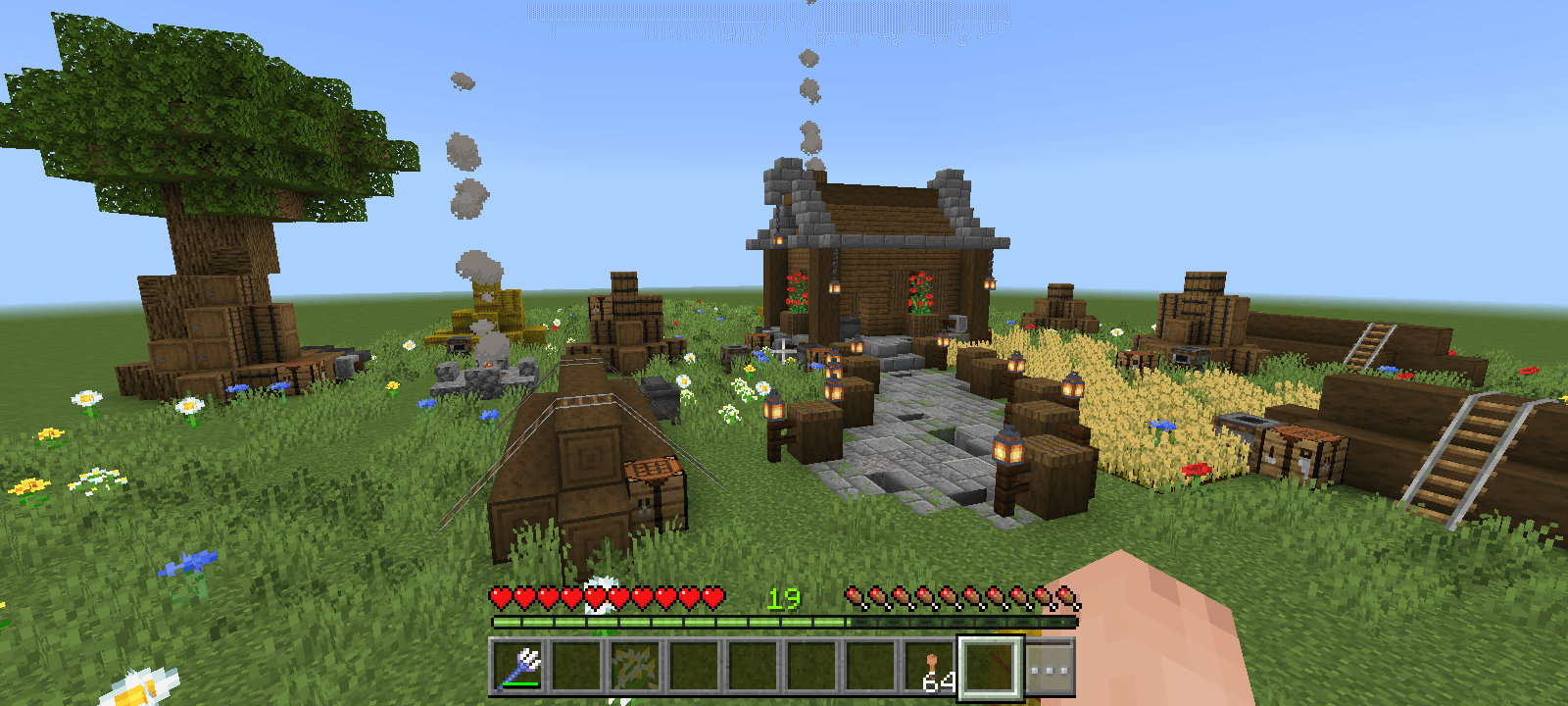
Invisible Controls Pack
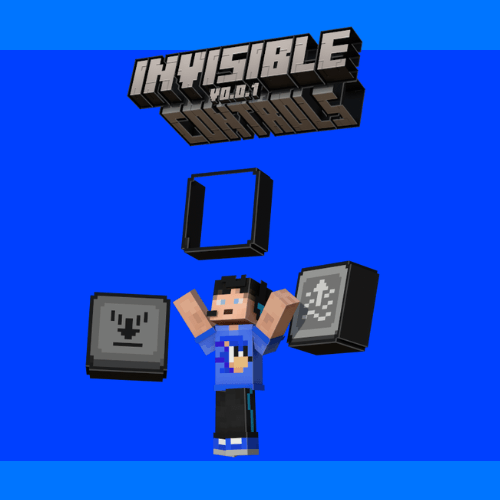
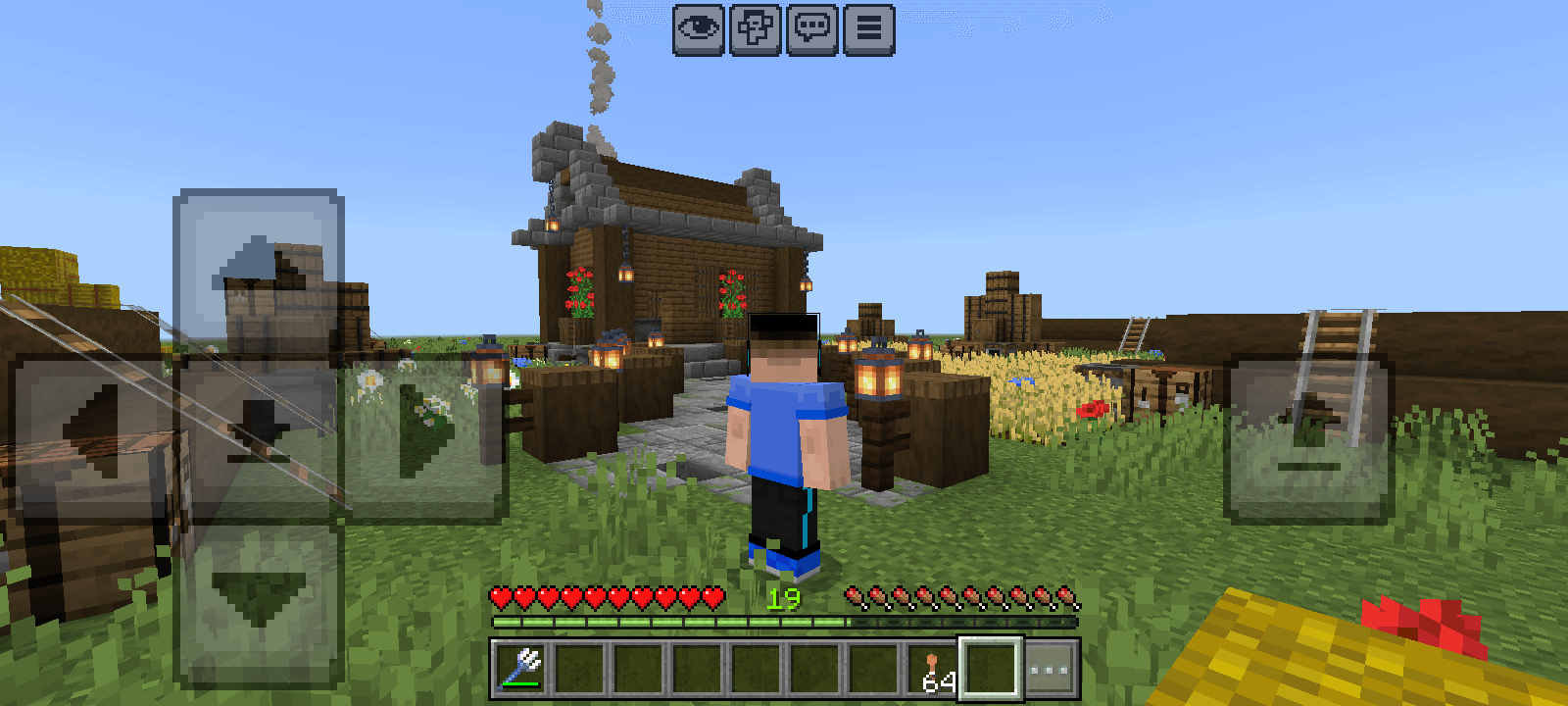
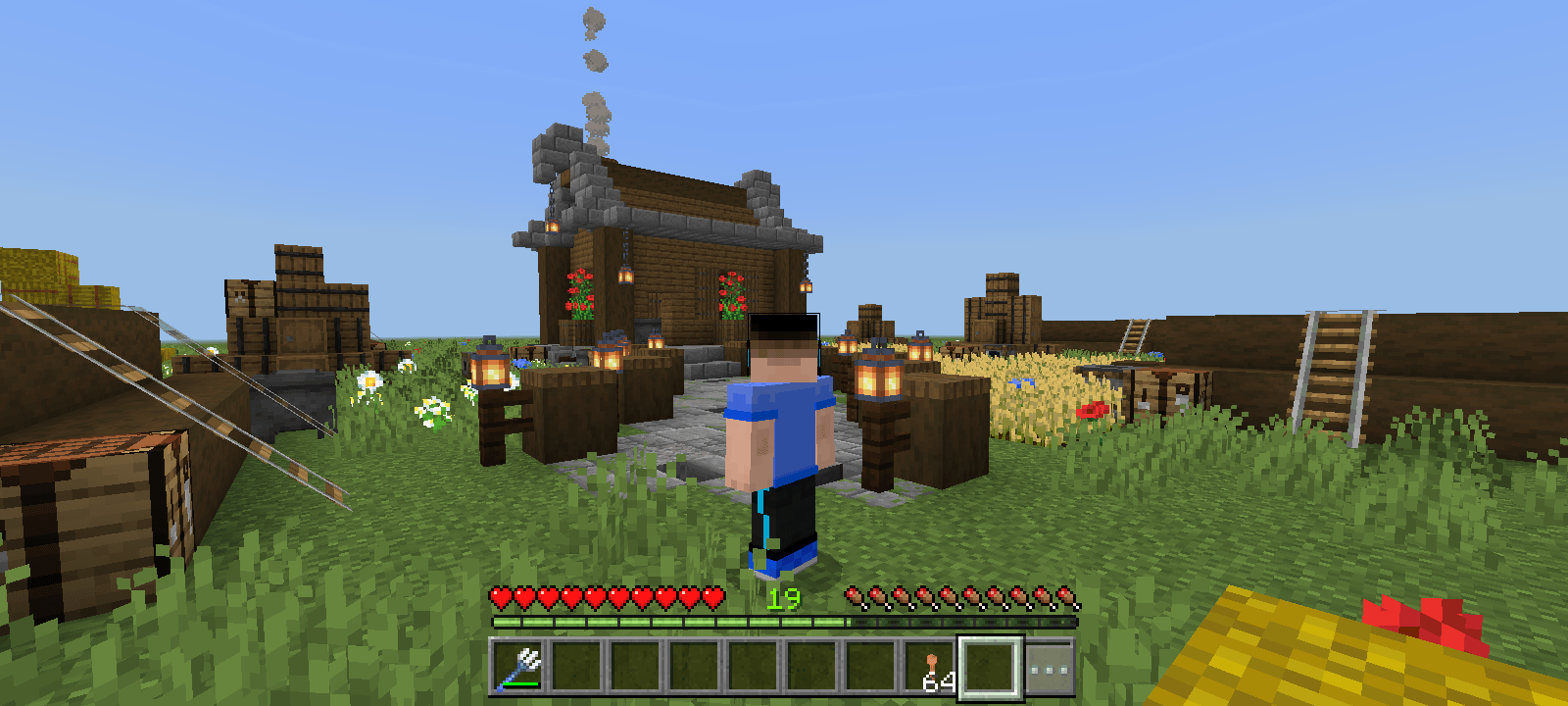
The Invisible Controls Pack is a texture pack that hides those very ugly touch controls from Minecraft Bedrock Edition for mobile, the old Minecraft Pocket Edition, making it more beautiful and pleasant, as well as making it resemble the desktop Minecraft Bedrock Edition and perhaps even the well-known Minecraft Java Edition.
This texture pack was designed for you, the player, who likes to record your gameplay to share with friends, or even record videos for digital platforms, like YouTube or TikTok, for example... Since these on-screen buttons discourage users from watching your videos, both because of discomfort and because the buttons get in the way of viewing the screen, And also because when you watch a recognized YouTube, for example, it usually won't have buttons on the screen; That is, this texture pack can very well increase, perhaps even exponentially, your views!
If you want to support my work, click on the link below, at no financial cost, and help me continue producing free addons for the community:
Download with Support (Linkvertise)
The content is the same - the supported link just goes to a page with a light ad. Thanks for helping!
- Edition: Minecraft Bedrock
- File type: .mcpack
- Minecraft versions listed: 1.21.81, 1.21.82, 1.21.80
- How to install: Download the .mcpack. → Open it — Minecraft imports it under Resource Packs. → Activate it in Global Resources, or for one world under Resource Packs → Available.
- Where to get it: Opens on CurseForge — not every file is mirrored on our own servers.
Install steps are the general flow for this file type — How to install Minecraft Bedrock texture packs walks through it step by step.
- Save it as InvisibleControlsPack.mcaddon before opening — it downloads as .mcpack, but it is a .mcaddon pack
- Manifest requires Minecraft 1.21.8 or newer
- Complete pack — everything it depends on is inside the file
- Download size: 188 KB
- Download link checked 6 Oct 2026 — working
These come from our own check of the pack file, not from the source page.