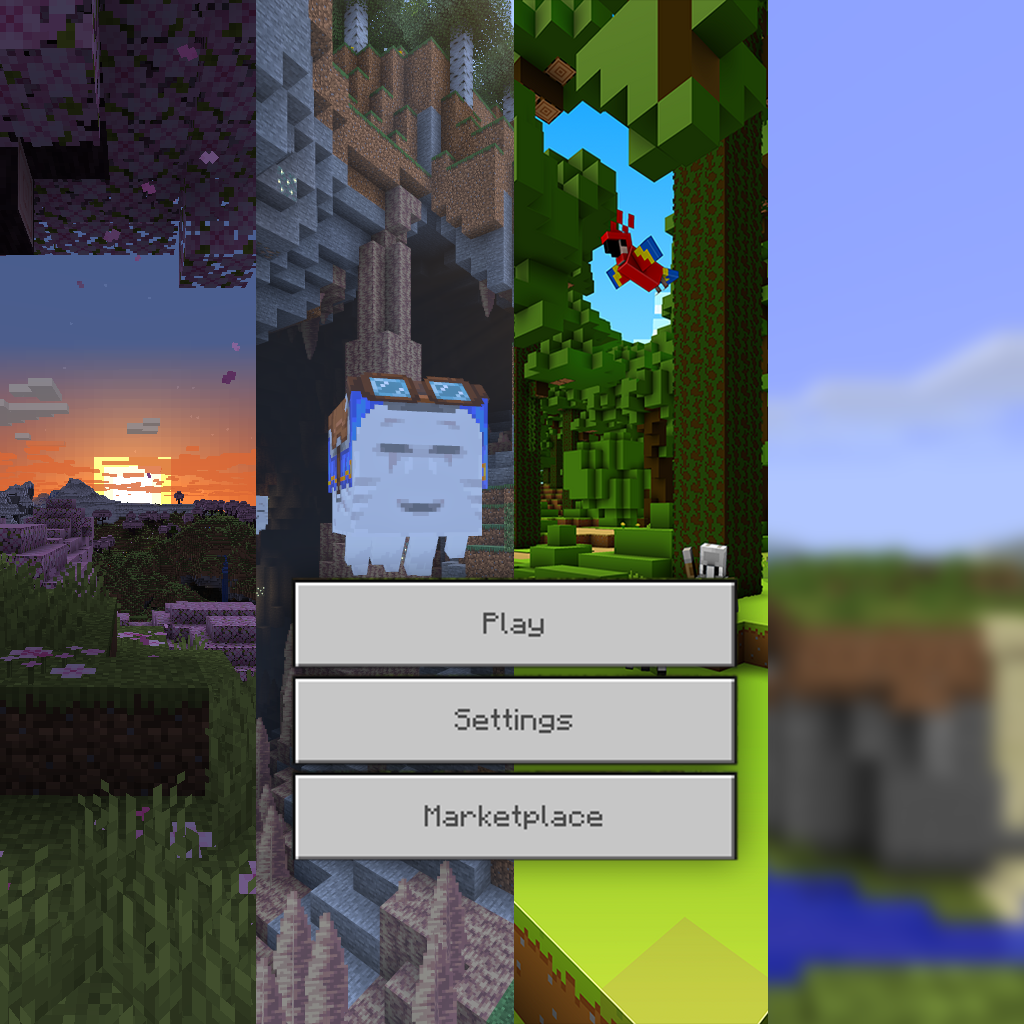
All Minecraft Panorama
Bedrock texture pack listed for Minecraft 1.17–26.x. File opened and checked on 19 Oct 2026; installs from the MC Bedrock Mods app on Android.
⬇ Download on CurseForge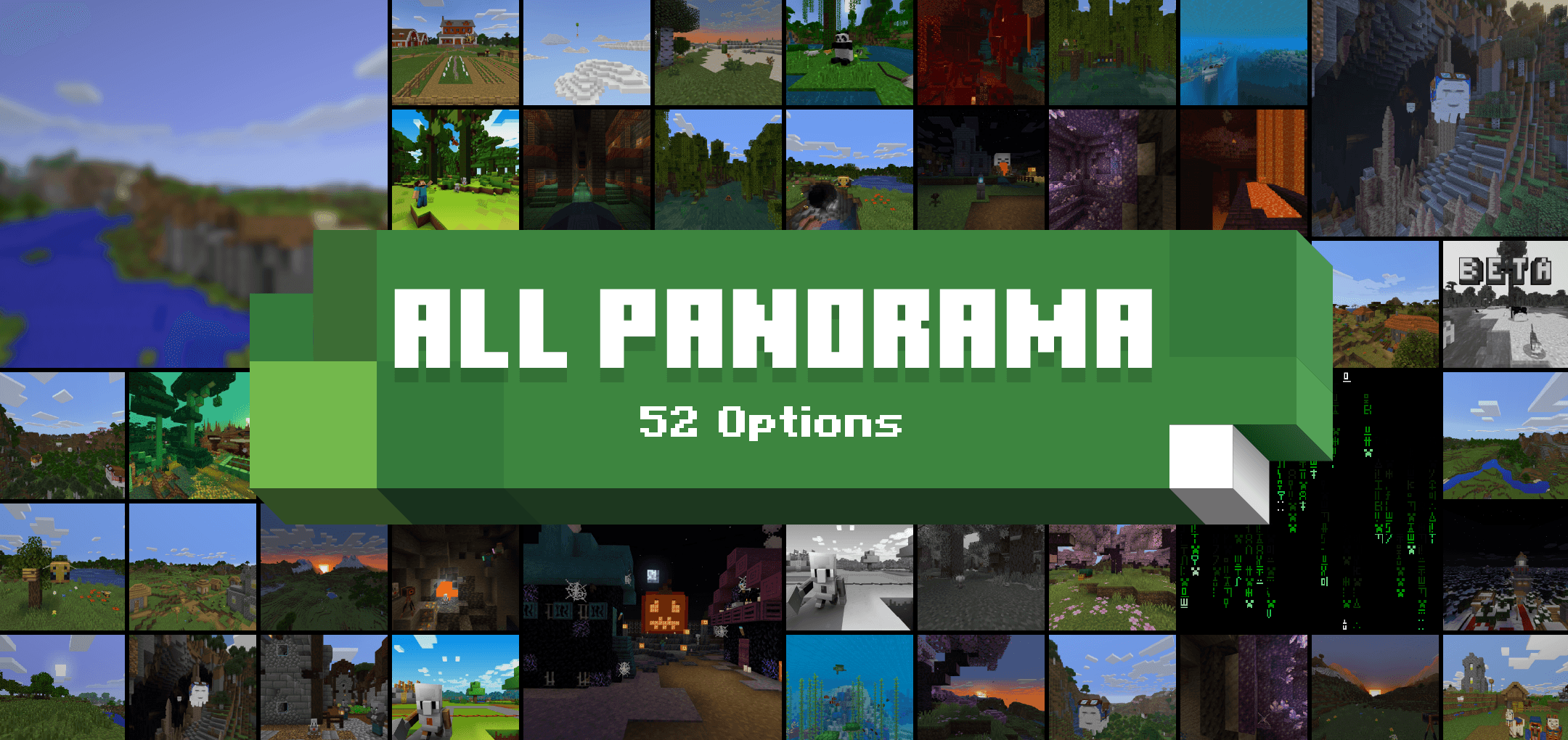


Description
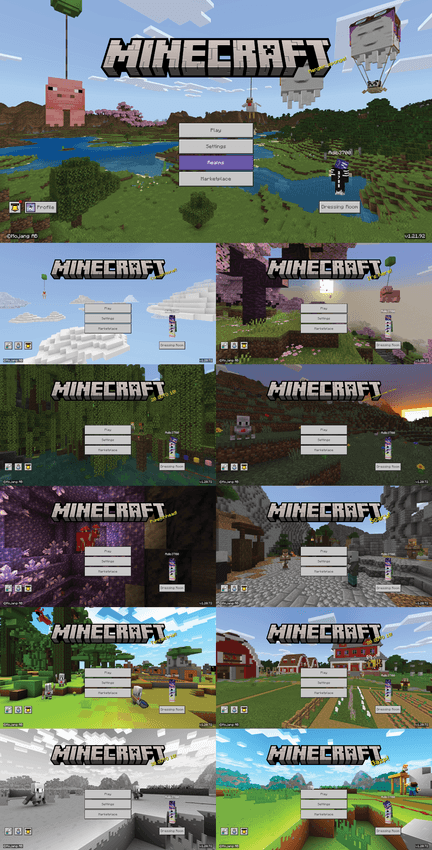
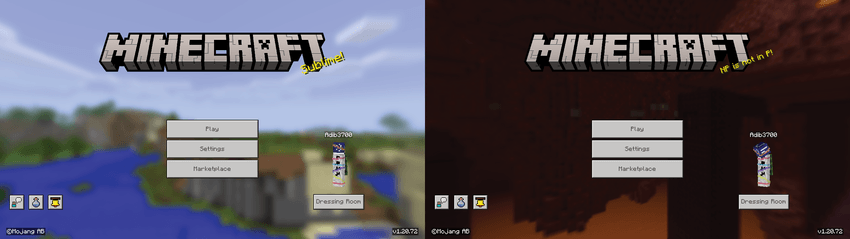
This resource pack lets you change Minecraft's panorama to any of those that have ever been added to the game. You can select any panorama from an older or newer version of Minecraft Java Edition, Bedrock Edition (including the Vibrant Visuals one), Education Edition, and Nintendo 3DS Edition, even April Fools and limited-time ones.
If you don’t like the new panorama, want to try a new panorama before it’s added, are using a texture pack that changes the panorama to something you don’t like, or just like another panorama more, you can get that with this pack!
There are currently 54 different panorama options, you can change them in the pack settings
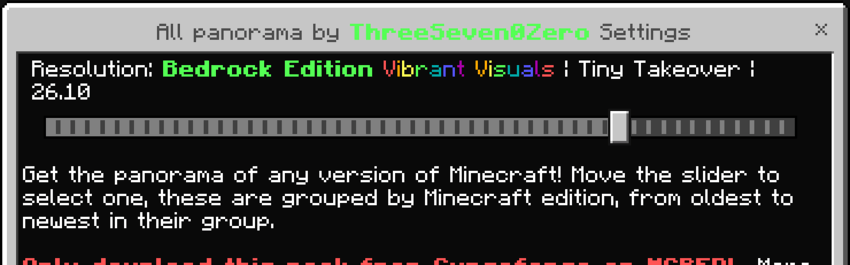
⚙️ Panorama Options
One of the options is default, which shows you the original panorama currently used for your Minecraft version (which means it doesn’t change anything). Here are some of the available panoramas:
Java & Bedrock
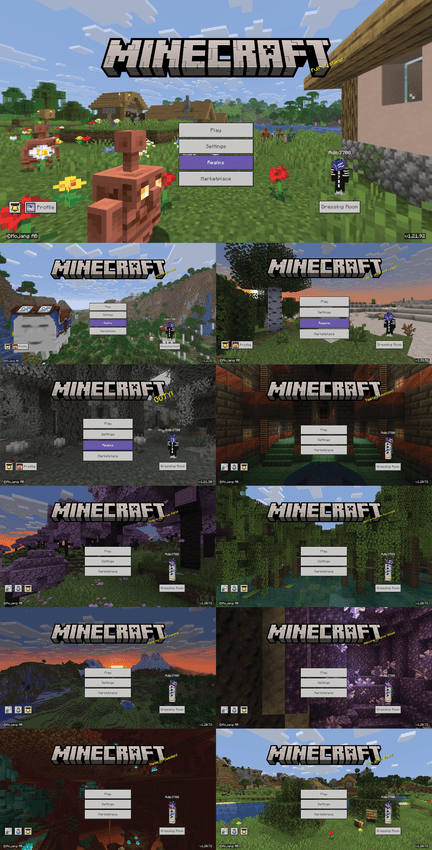
Bedrock only
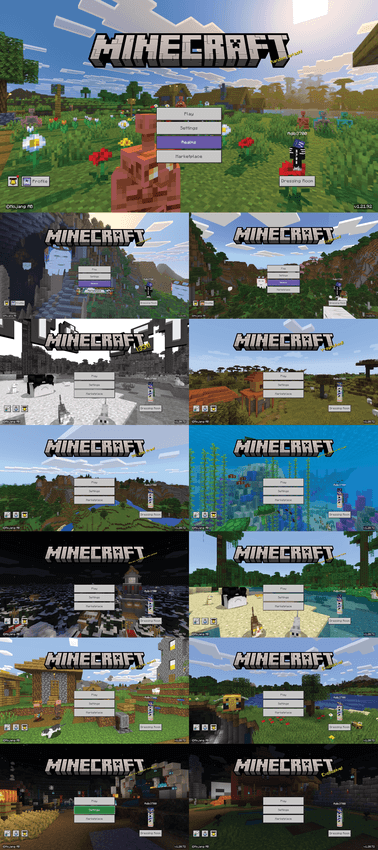
Java only
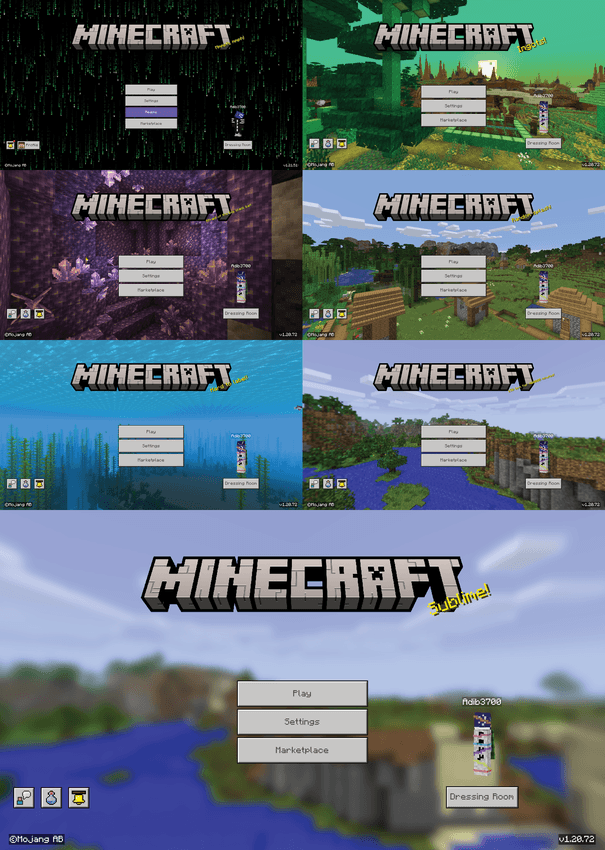
Education Edition
Nintendo 3DS Edition
✨ Features
- Full quality: Every panorama is in their highest quality, and the images are identical to the game's source files. (Read notes below)
- Every panorama: As said in the body, I have tried to include every panorama from every version of Minecraft. (Except legacy console edition, read notes below)
- Vibrant Visuals: The Vibrant Visuals panoramas are also included, in both their original HDR version (which will be used when you have Vibrant Visuals enabled) and also converted to regular panoramas, so you can use them even without having Vibrant Visuals enabled. (Again, read notes)
🔴 Note
- The regular panoramas don't work when Vibrant Visuals is enabled. I don't know if there's any good way to make that work (let me know if you do). Use one of the Vibrant Visuals panoramas if you have VV enabled (they are at the end of the 'Bedrock Edition' group, marked in rainbow colors).
- Because all the images are in full resolution, they are quite big. Currently the size of the pack is about 250 MB, so loading the pack could be a little slow depending on your device.
- The Legacy Console Edition panoramas are not included. This is because their format is different from the other panoramas, and Minecraft Bedrock doesn't directly support them. I may add them in the future.
Info
⚠️ Warning
My packs are only available on Curseforge and MCPEDL. A lot of people are stealing my packs; don't download from any other websites. Here is a list of websites that you should avoid. I even found malware once while testing them. If you find someone reuploading this texture pack or giving any direct download links to the file instead of this page, please report them at giptala6@gmail.com
❔ Help
Here’s a guide if you need help installing: https://adib3700.notion.site/ThreeSeven0Zero-Minecraft-Resource-Pack-Installation-tutorial-1ac9ff516372807ca61cf8ad8afd5339
giptala6@gmail.com - If you need any help, you can email me (say that you need help with the All Panorama pack)
- Edition: Minecraft Bedrock
- File type: .mcpack
- Minecraft versions listed: 1.18.2, 1.20.40, 1.21.30
- How to install: Download the .mcpack. → Open it — Minecraft imports it under Resource Packs. → Activate it in Global Resources, or for one world under Resource Packs → Available.
- Where to get it: Opens on CurseForge — not every file is mirrored on our own servers.
Install steps are the general flow for this file type — How to install Minecraft Bedrock texture packs walks through it step by step.
- Pack type: .mcpack — a single pack
- Manifest requires Minecraft 1.17.0 or newer
- Complete pack — everything it depends on is inside the file
- Download size: 241.8 MB
- Download link checked 26 Oct 2026 — working
These come from our own check of the pack file, not from the source page.


