Multi Resolutions
Bedrock texture pack listed for Minecraft 1.16–1.21. File opened and checked on 26 Sep 2026; installs from the MC Bedrock Mods app on Android.
This pack offers lower resolution Minecraft textures to boost performance on any device. Easily switch between different resolutions using subpacks and…
I don't know my version
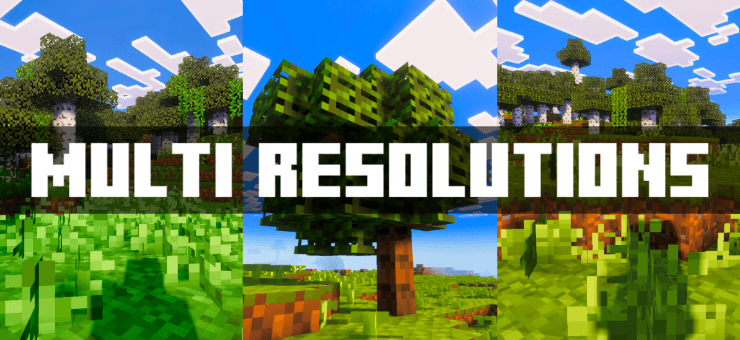
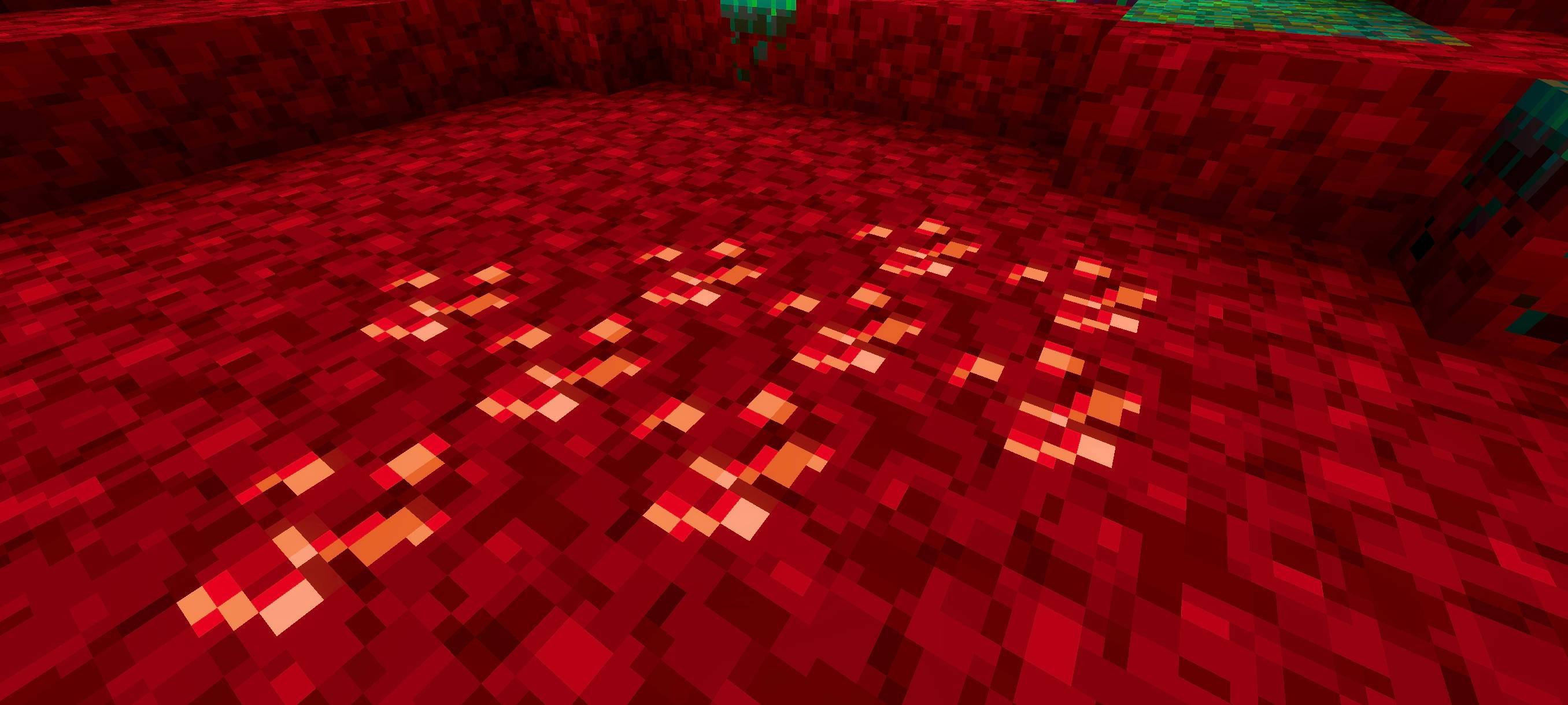
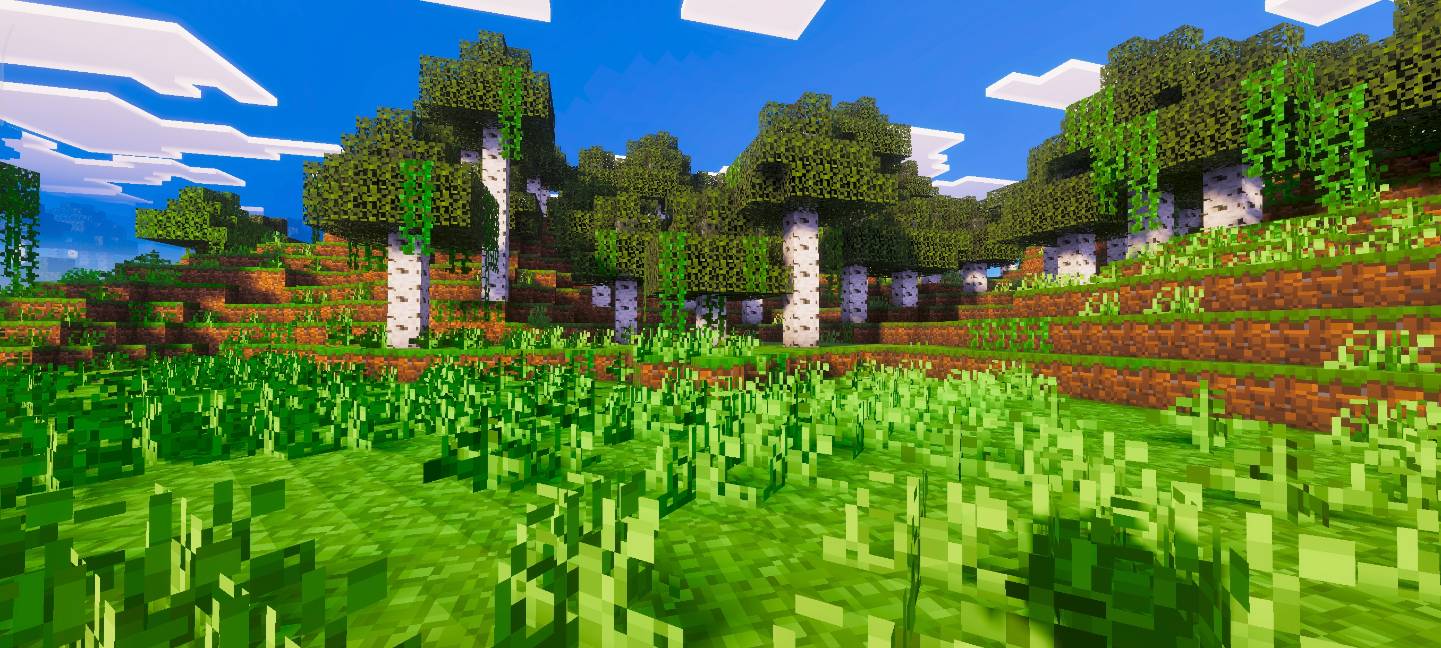
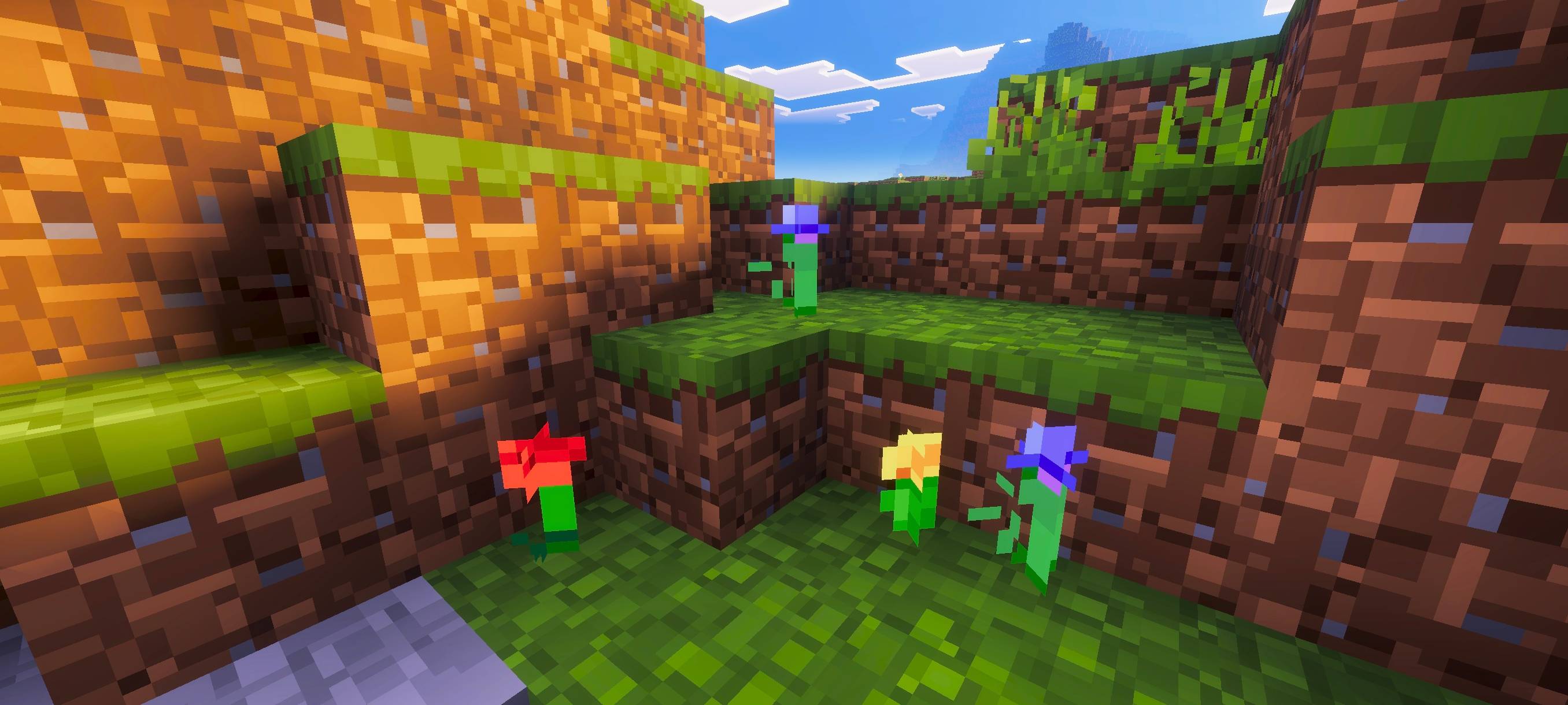
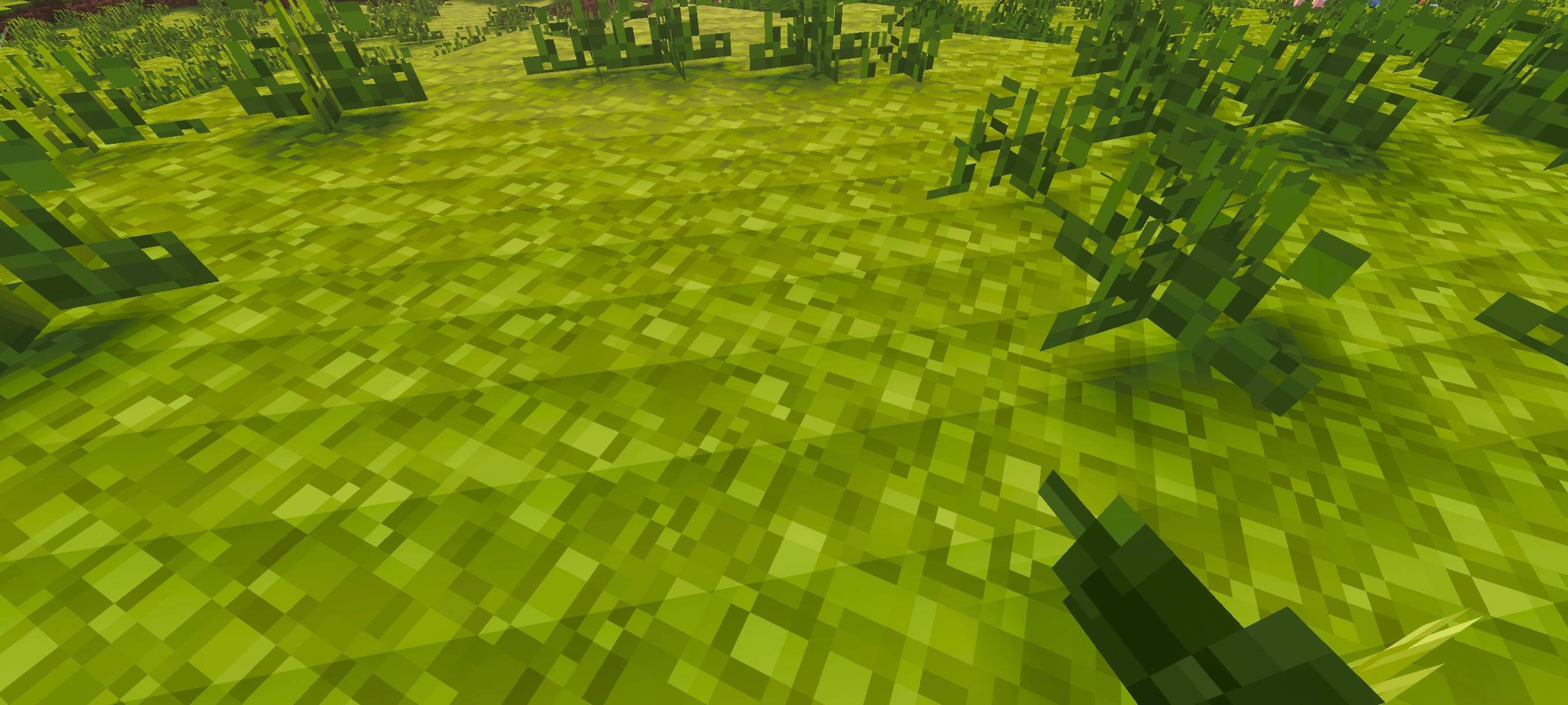
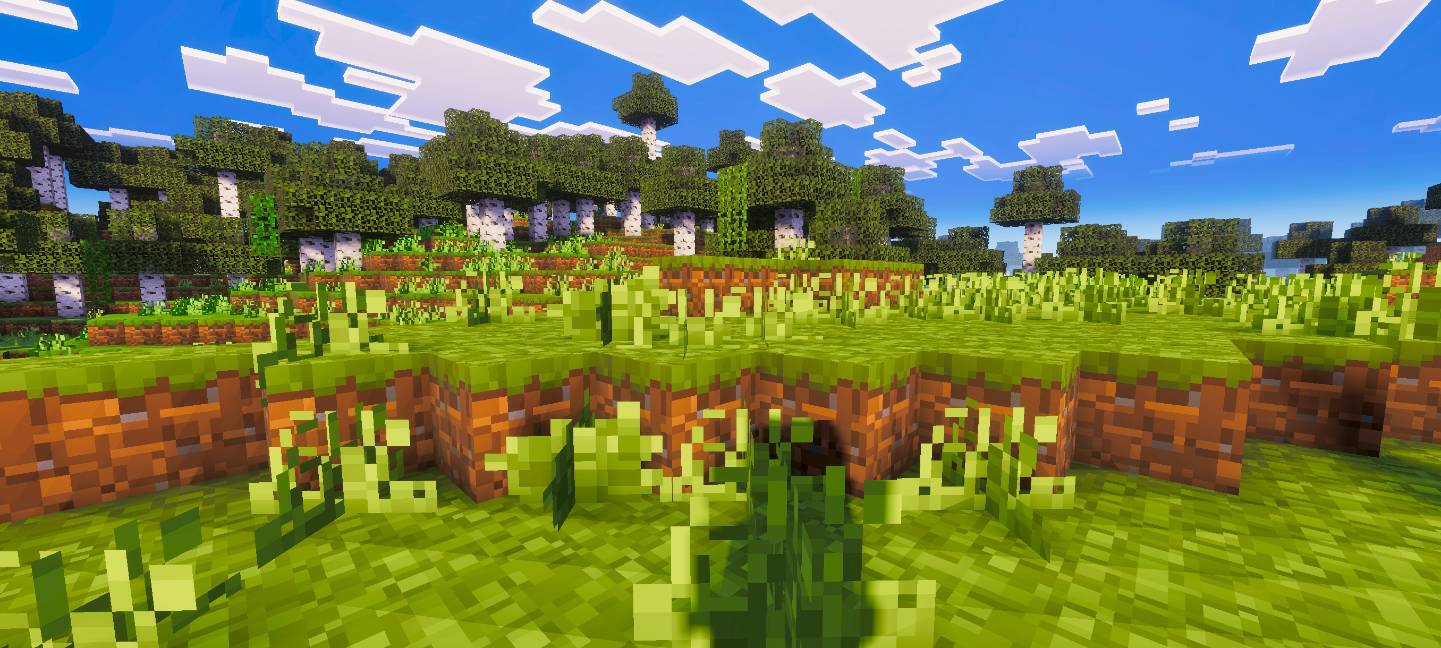
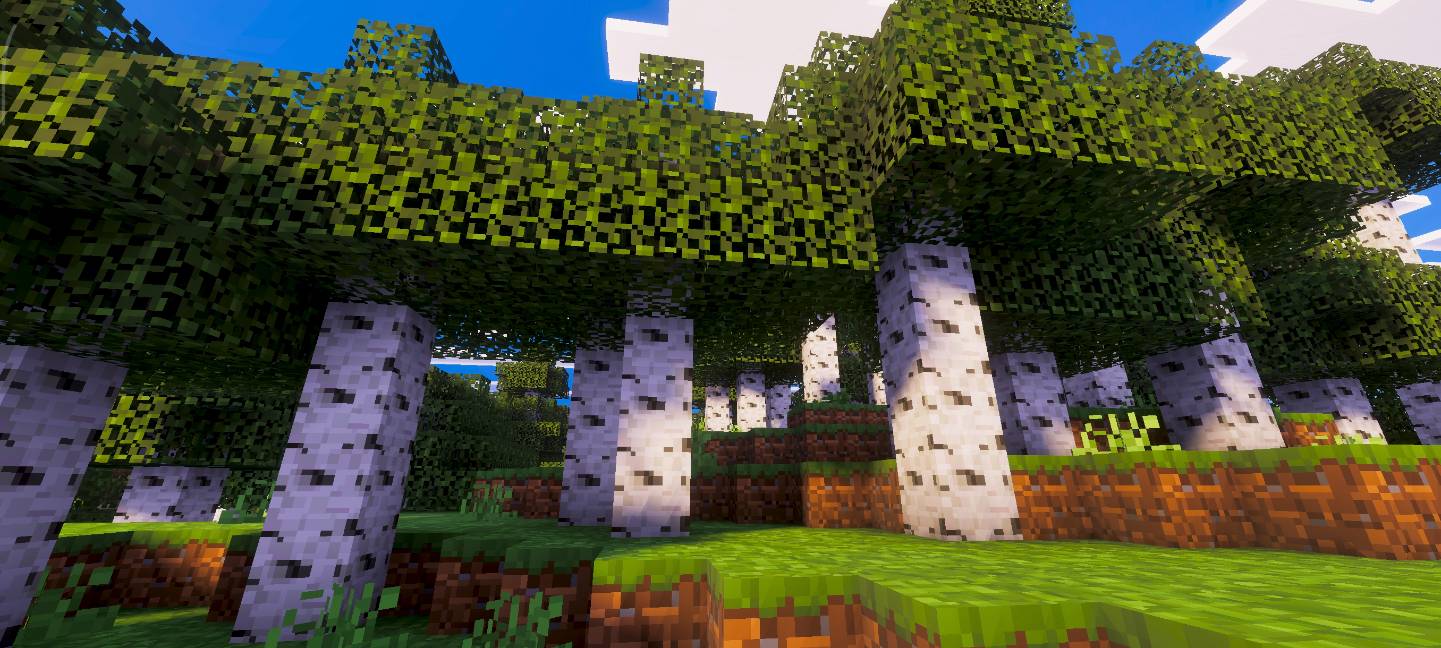
Multi Resolutions Pack
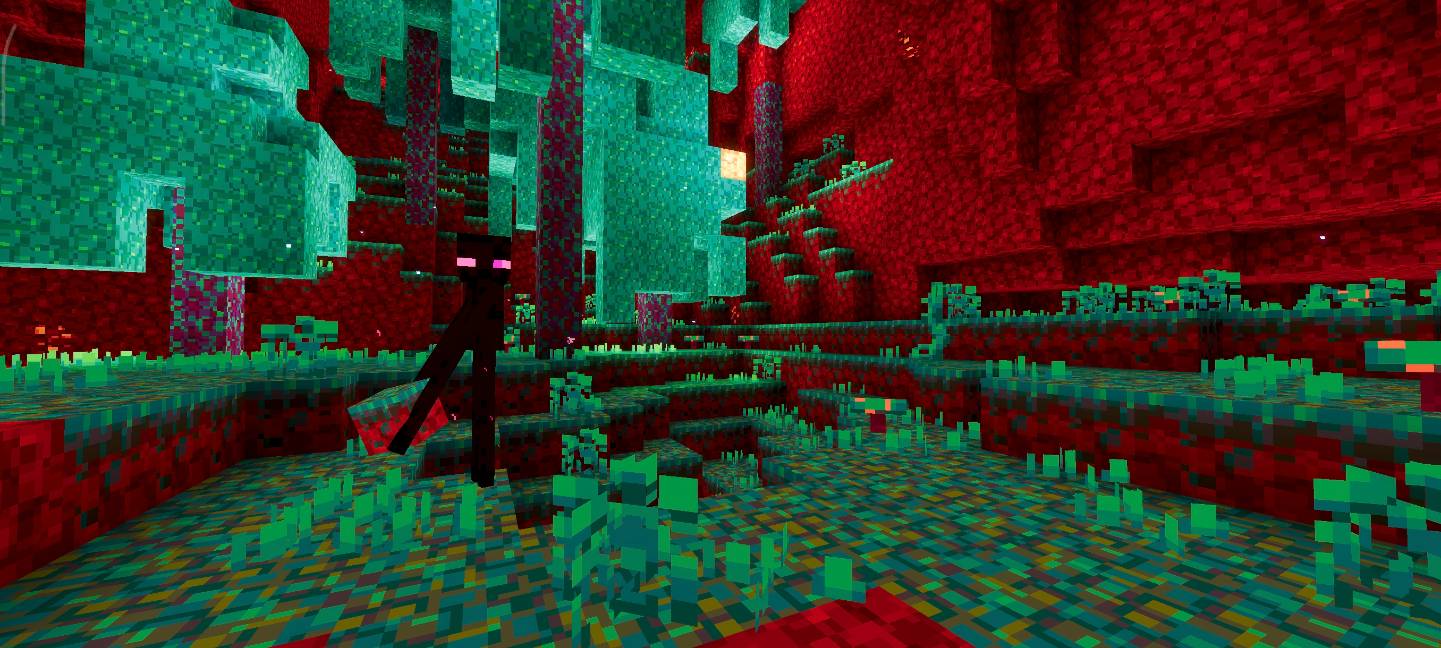
Multi Resolutions is a versatile texture pack that offers lower resolution Minecraft textures, ranging from 16x down to 1x1. While it's perfect for boosting performance on low-end devices, it's not just about fixing lag! Reducing the resolution gives your game a unique visual style that looks surprisingly refreshing. If you're bored of the standard 16x16 textures, this pack offers a whole new aesthetic experience.
What's Included?
Currently, this pack features 4 resolution options that you can easily switch between using subpacks:
- 1x1 Resolution
- 4x4 Resolution
- 8x8 Resolution
- 12x12 Resolution
Note: More resolutions are coming soon! We're actively working on adding the remaining resolution options.
How to Use
Simply apply the pack and use the subpacks feature in Minecraft to switch between different resolutions. Choose the resolution that works best for your device or the visual style you prefer!
Standalone Packs Available
I have only made standalone versions for these 4 resolutions, which are the ones most people use. I made them separate because the full multi pack will eventually include 15+ resolutions, making it very large. If you only want these specific resolutions, you can download them here. The full Multi Resolutions Pack contains all resolutions from 1 to 15.
- 1x1 Resolution - Download
- 4x4 Resolution - Download
- 8x8 Resolution - Download
- 12x12 Resolution - Download
Want That Preview Look?
To make your game look exactly like the preview screenshots, use Relta Visuals shader along with this pack!
Download Relta Visuals Here
- Edition: Minecraft Bedrock
- File type: .mcpack
- Minecraft versions listed: 1.21.124, 1.21.122
- How to install: Download the .mcpack. → Open it — Minecraft imports it under Resource Packs. → Activate it in Global Resources, or for one world under Resource Packs → Available.
- Where to get it: Opens on CurseForge — not every file is mirrored on our own servers.
Install steps are the general flow for this file type — How to install Minecraft Bedrock texture packs walks through it step by step.
- Pack type: .mcpack — a single pack
- Manifest requires Minecraft 1.16.0 or newer
- Complete pack — everything it depends on is inside the file
- Download size: 20.7 MB
- Download link checked 26 Oct 2026 — working
These come from our own check of the pack file, not from the source page.