Texture packsBedrock
Toggle ESP
Bedrock texture pack listed for Minecraft 1.19–1.21. Download on the author's site.
⬇ Download on CurseForgeTo enable esp features, turn on fancy or fast graphics. Custom Toggle is no longer due to OreUI replacing the old settings screen.
Warning: Using this on servers MAY get your account banned!
I am not responsible for the consiquences of using this pack.
This texture pack adds these toggles inside the settings page of Minecraft.

Which allows you to toggle the Esp Feature On/Off.
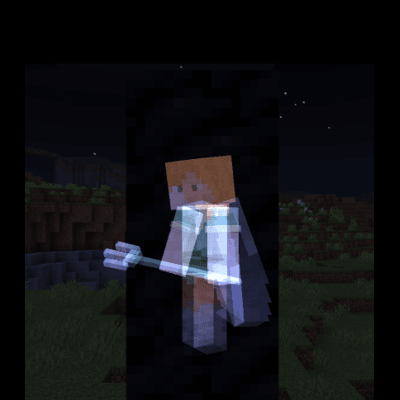
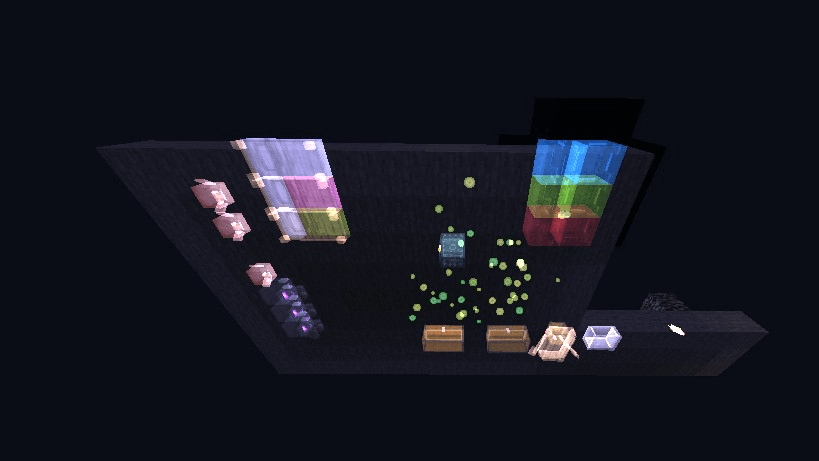
With that, this pack will allow you to see players, mobs, tile entities, projectiles and npc's through blocks.
Player behind some coal blocks:
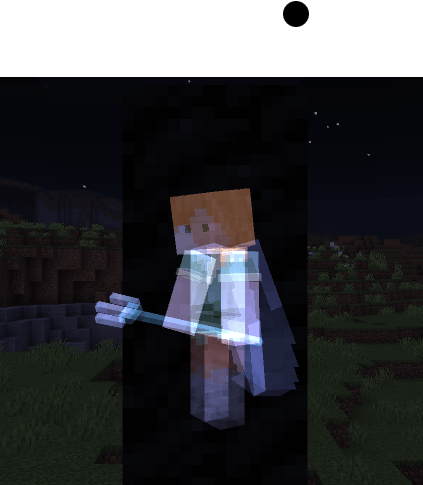
Preview:
Quick facts
- Edition: Minecraft Bedrock
- File type: .mcpack
- Minecraft versions listed: 1.21.90, 1.21.30, 1.21.50
- How to install: Download the .mcpack. → Open it — Minecraft imports it under Resource Packs. → Activate it in Global Resources, or for one world under Resource Packs → Available.
- Where to get it: Opens on CurseForge — not every file is mirrored on our own servers.
Install steps are the general flow for this file type — How to install Minecraft Bedrock texture packs walks through it step by step.
Toggle ESP is a free Minecraft Bedrock texture pack. Compatible with Minecraft 1.21.90, 1.21.30, 1.21.50, 1.21.20 and newer. Downloaded 26,722 times (via CurseForge). Download it and open it directly in the game.