Ultimate Pvp essential
Bedrock texture pack listed for Minecraft 26.x. File opened and checked on 26 Sep 2026; installs from the MC Bedrock Mods app on Android.
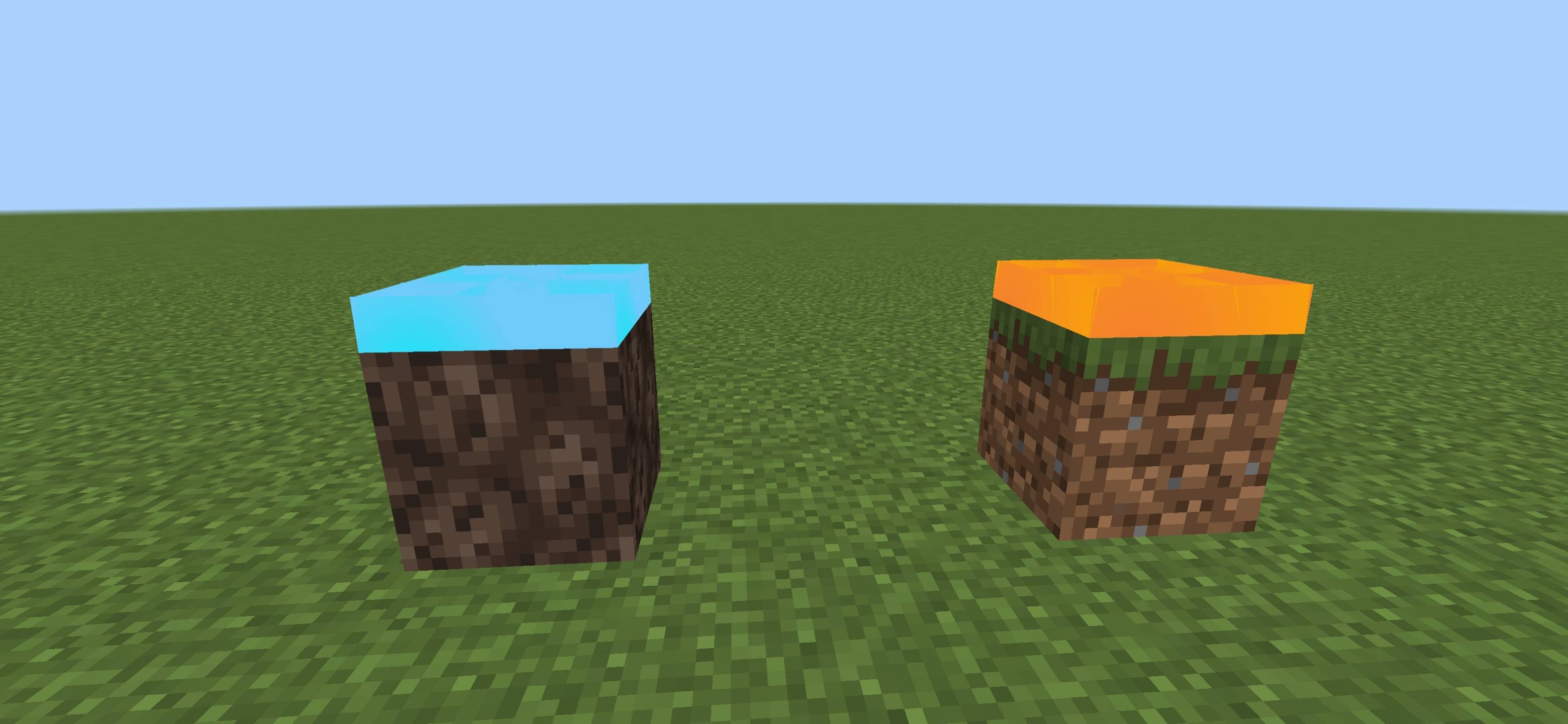
Ultimate Essential Pack combines Enchantment Hider, Fast Craft, Full Grass, Glowing Ores & Java Hitbox in one smooth PvP pack. Clean look, better…
⬇ Download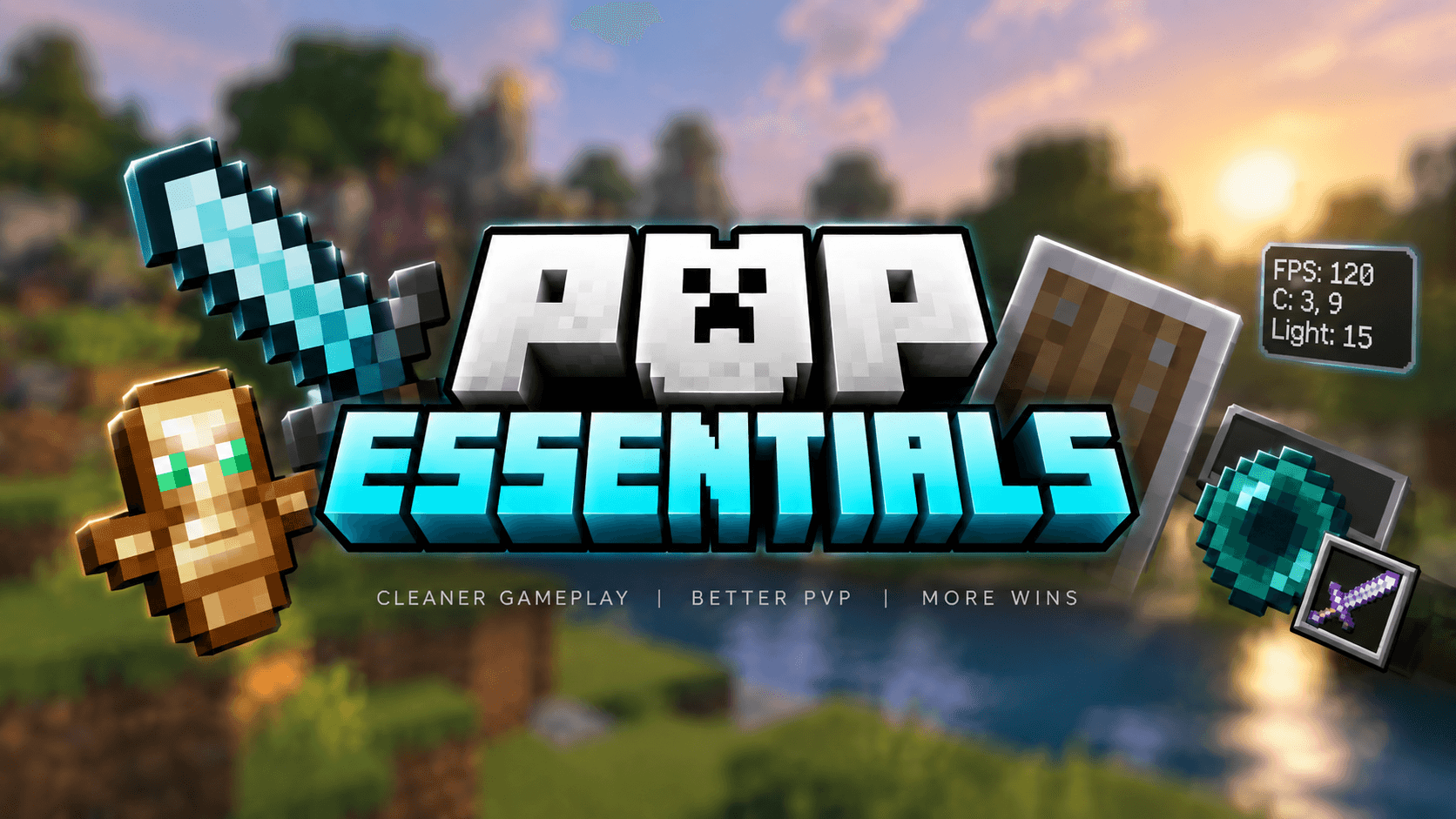
⚔️ PVP ESSENTIALS
CLEANER GAMEPLAY • BETTER VISIBILITY • BETTER PVP
🔥 ALL-IN-ONE PVP TEXTURE PACK
PvP Essentials combines multiple useful PvP resource packs into one complete package.
Instead of activating many separate packs, you can use a single pack designed to provide a cleaner screen, better visibility and a smoother PvP experience.
The pack focuses on removing unnecessary visual clutter while keeping the important parts of Minecraft easy to see during combat.
⚡ INCLUDED FEATURES
| 🎯 Custom Crosshair | Clean crosshair designed to make aiming easier during PvP. |
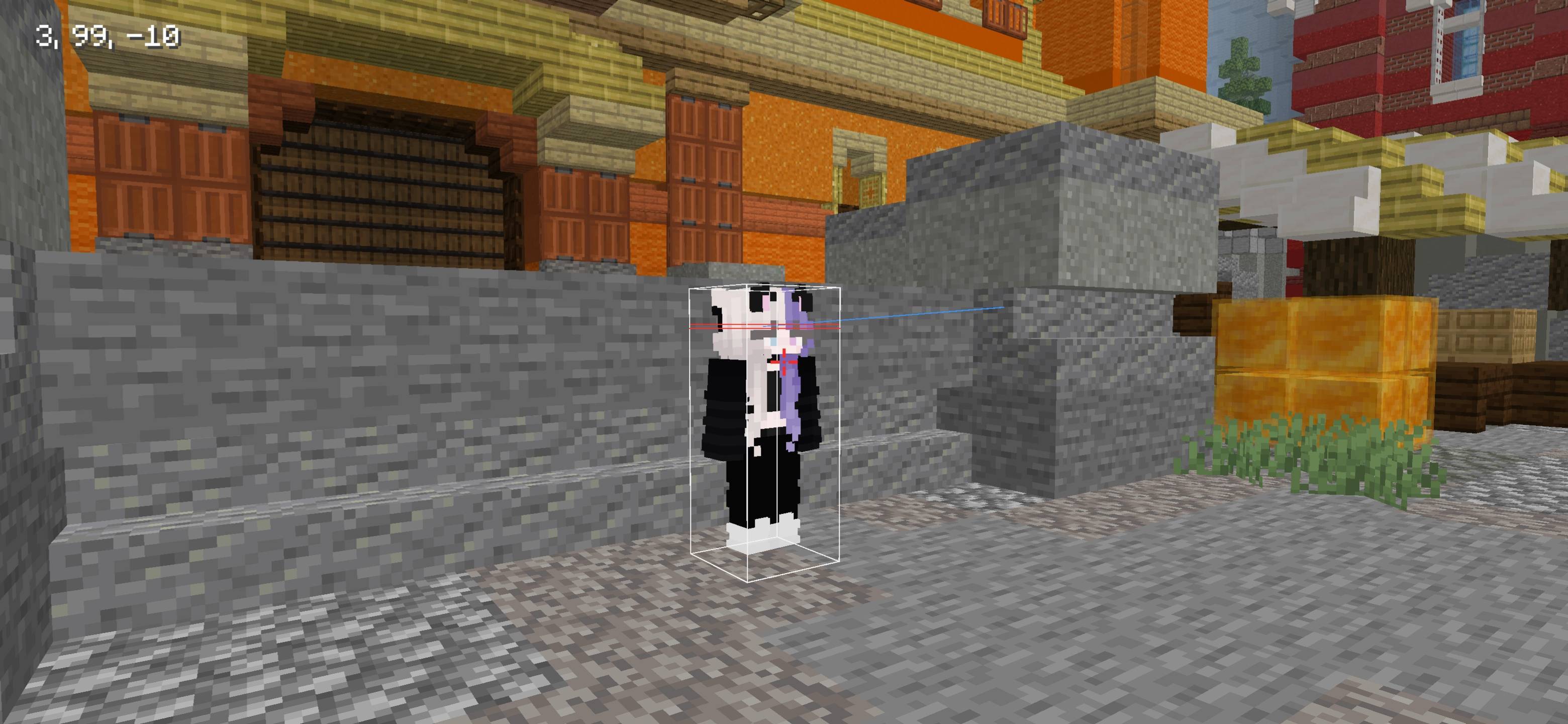
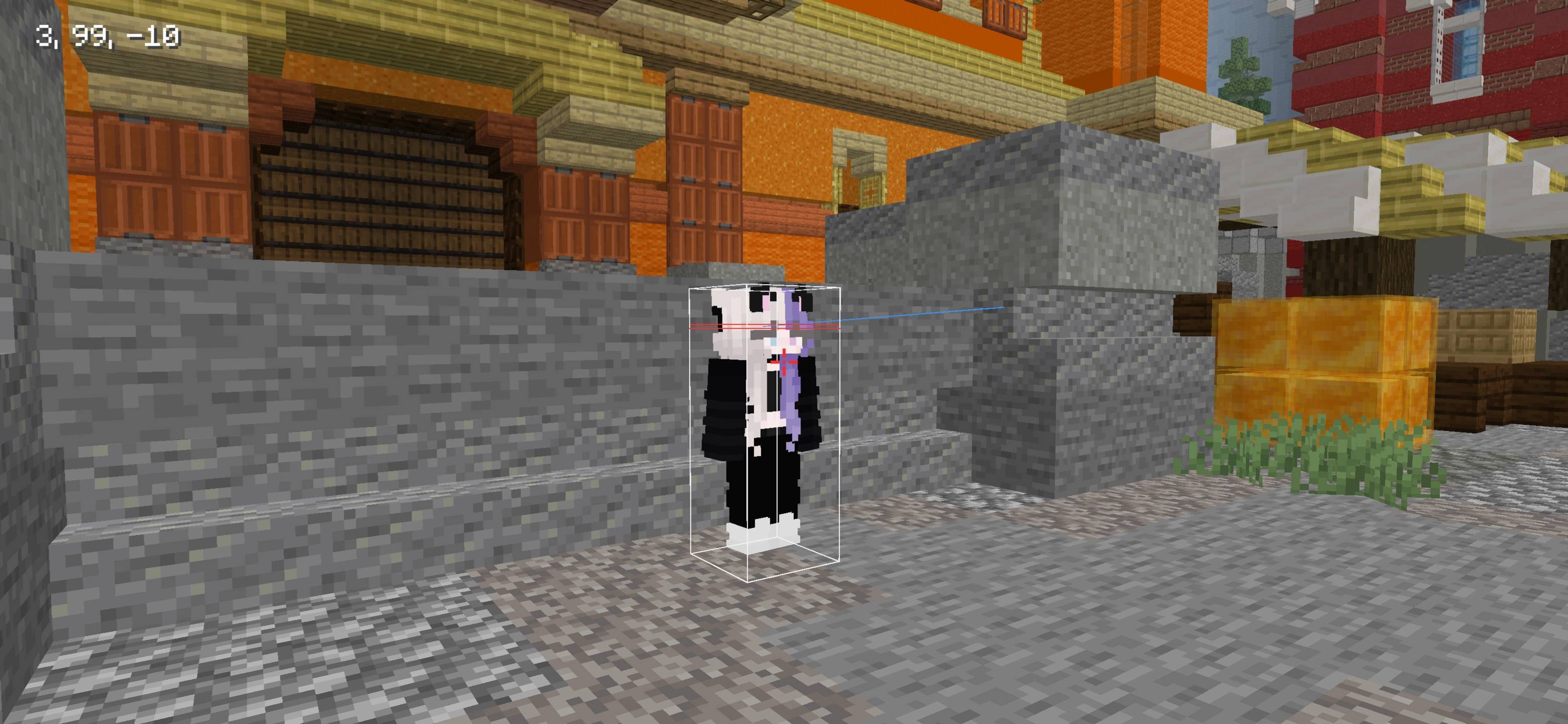
| ⬜ Java-Style Hitbox | Java-inspired entity hitboxes with a clean white appearance. |
| 🔥 Low Fire | Reduces the amount of your screen covered while burning. |
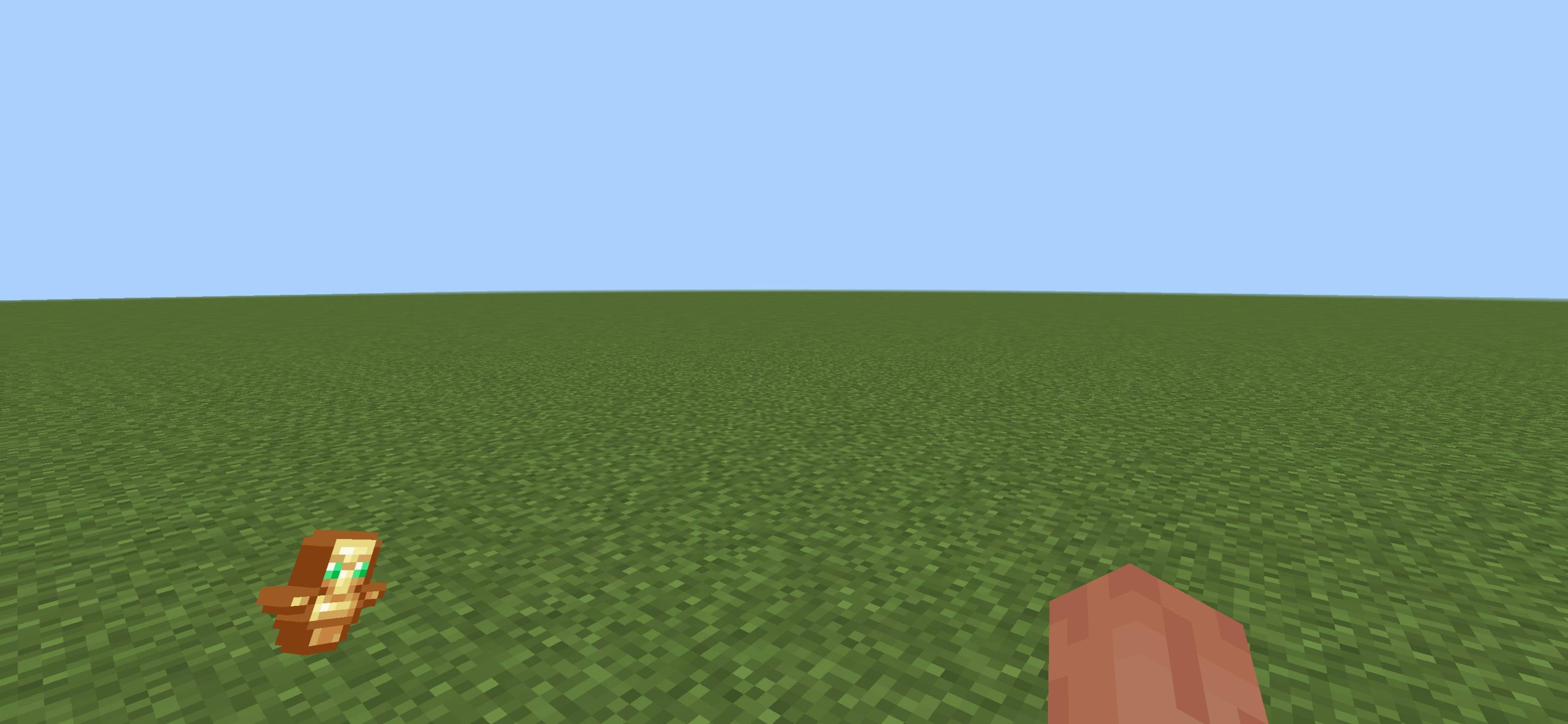
| 🗿 Small Totem | Smaller Totem of Undying for improved combat visibility. |
| 🛡️ Small Shield | Reduces the first-person shield size so it blocks less of your view. |
| ✨ Reduced Particles | Removes unnecessary particles for cleaner fights and better visibility. |
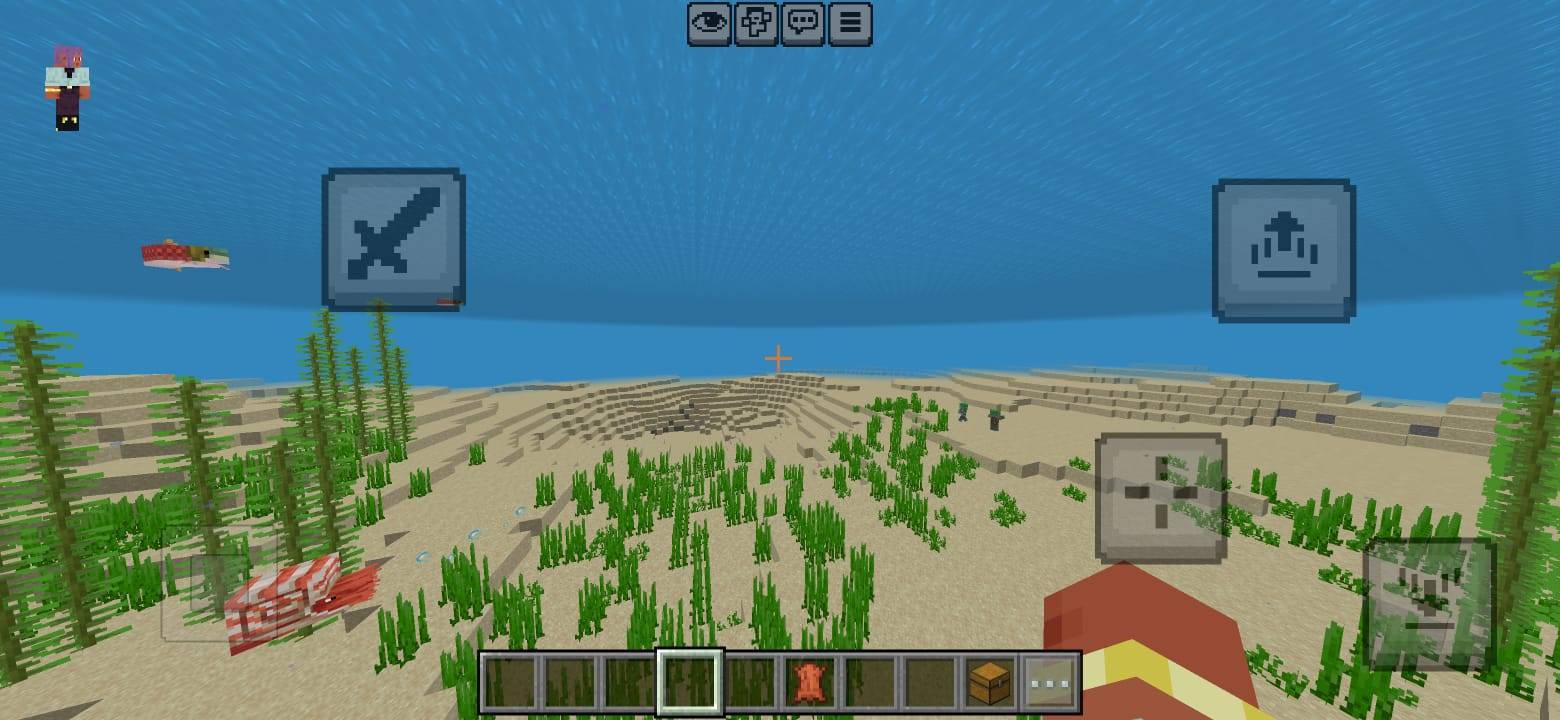
| 💧 Clear Water & Lava | Improves visibility while looking through water and lava. |
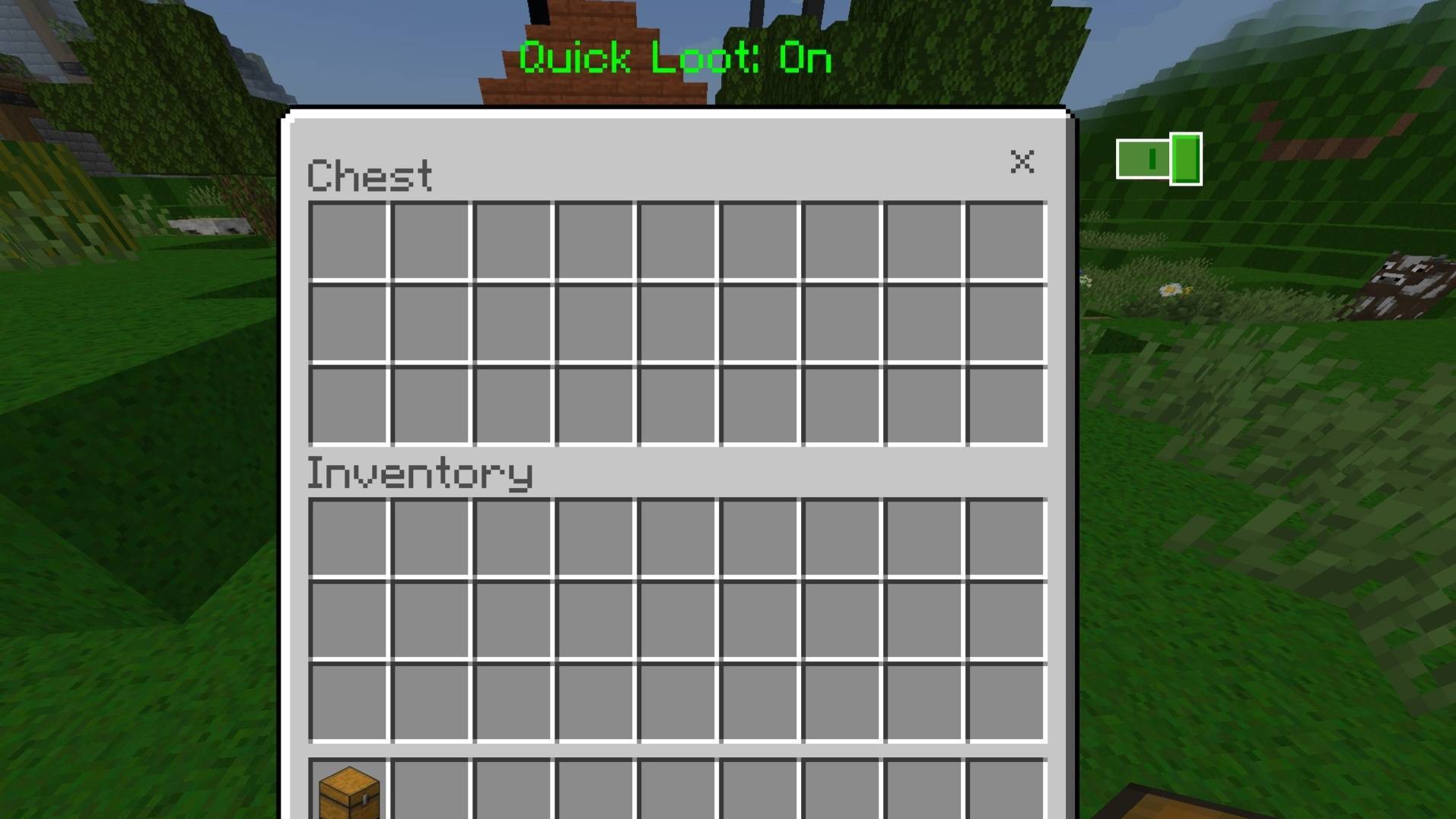
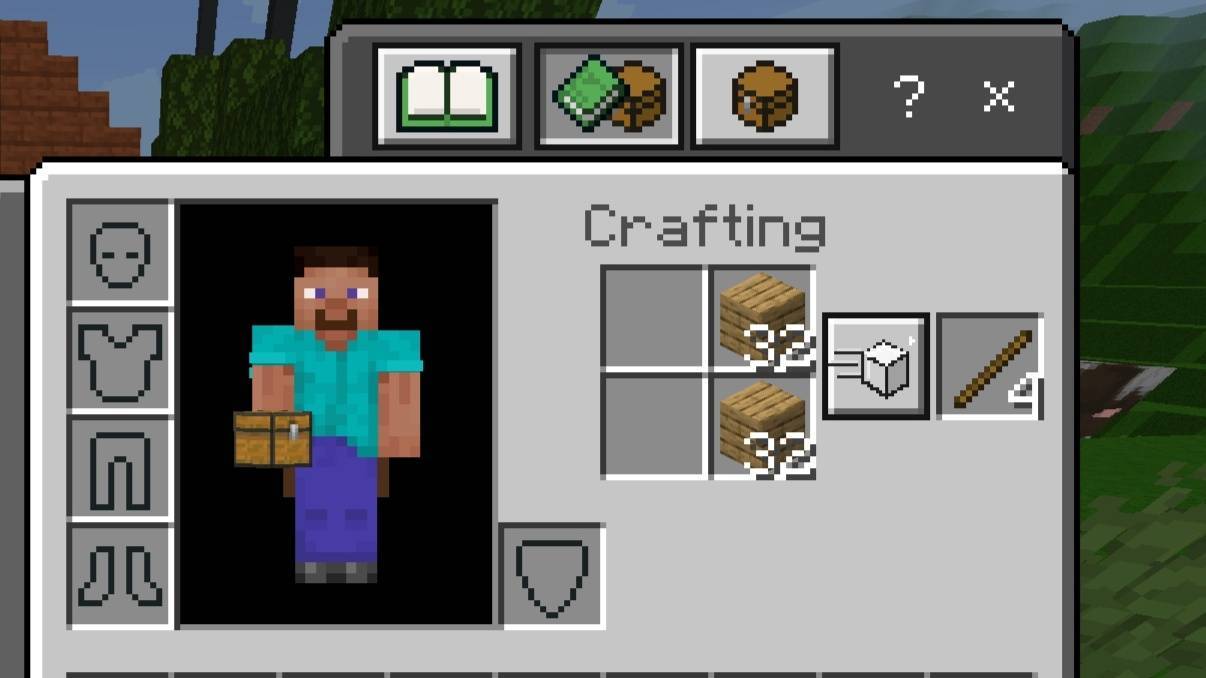
| 📦 Transparent UI | Transparent inventory and container interfaces for better awareness. |
| ⬜ White Block Outline | Cleaner white selection outline when targeting blocks. |
| 🎃 No Pumpkin Blur | Removes the pumpkin overlay and keeps your screen clear. |
| 💎 Enchantment Hider | Reduces distracting enchantment-related visual elements. |
| 👁️ HUD Hider | Helps remove unnecessary HUD elements for a cleaner screen. |
| ⚡ Fast Craft + Quick Loot | Useful PvP-oriented interface improvements for faster interactions. |
🏆 WHY PVP ESSENTIALS?
✔ Multiple PvP improvements inside one resource pack
✔ Cleaner first-person gameplay
✔ Better visibility during fights
✔ Less unnecessary screen obstruction
✔ Cleaner inventory and container interfaces
✔ White Java-style hitboxes
✔ Reduced visual distractions
✔ Designed for PvP and survival gameplay
🎮 MADE FOR PVP
PvP Essentials does not try to completely redesign Minecraft. Its purpose is to improve the parts of the game that matter during combat.
Low fire keeps your opponent visible, smaller items free up screen space, transparent interfaces improve awareness, and the custom crosshair and hitboxes help keep your focus on the fight.
📌 PACK INFORMATION
Pack: PvP Essentials
Type: Resource / Texture Pack
Category: PvP / Utility / UI
Creator: BAKU
⚠️ IMPORTANT
Some features modify the same Minecraft UI or texture files that other resource packs may also change. If another pack is enabled together with PvP Essentials, the resource-pack priority may affect which textures appear.
For the intended experience, place PvP Essentials above conflicting resource packs.
👑 CREDITS & RIGHTS
Created & Combined by BAKU
All Credits Belong to BAKU
© BAKU — All Rights Reserved
📜 USAGE TERMS
Re-uploading, redistributing, reselling or claiming this pack as your own is not allowed without permission from BAKU.
Do not extract or redistribute custom assets from this pack inside another public resource pack without permission.
You are free to use PvP Essentials normally in Minecraft worlds, multiplayer gameplay, screenshots, videos and other gameplay content.
⚔️ PVP ESSENTIALS ⚔️
CLEANER • SIMPLER • BETTER PVP
MADE BY BAKU
- Edition: Minecraft Bedrock
- File type: .mcpack
- Minecraft versions listed: 26.12, 26.20, 26.13
- How to install: Download the .mcpack. → Open it — Minecraft imports it under Resource Packs. → Activate it in Global Resources, or for one world under Resource Packs → Available.
- Where to get it: In MCModsHub, or directly above on this page.
Install steps are the general flow for this file type — How to install Minecraft Bedrock texture packs walks through it step by step.
- Pack type: .mcpack — a single pack
- Complete pack — everything it depends on is inside the file
- Download size: 188 KB
- Download link checked 15 Sept 2026 — working
These come from our own check of the pack file, not from the source page.