PandaMine's No Hurt Cam (No Vignette + No Hurt Close) FPS Boost
Bedrock texture pack listed for Minecraft 26.x. File opened and checked on 20 Oct 2026; installs from the MC Bedrock Mods app on Android.
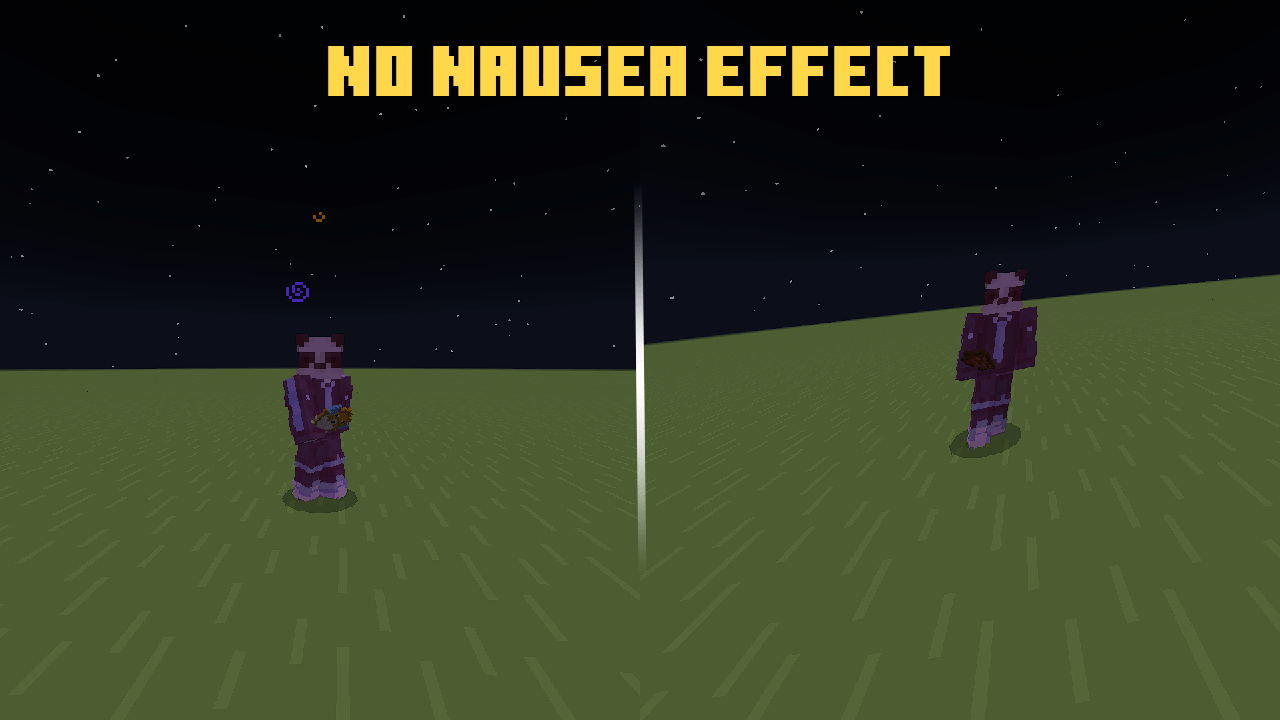
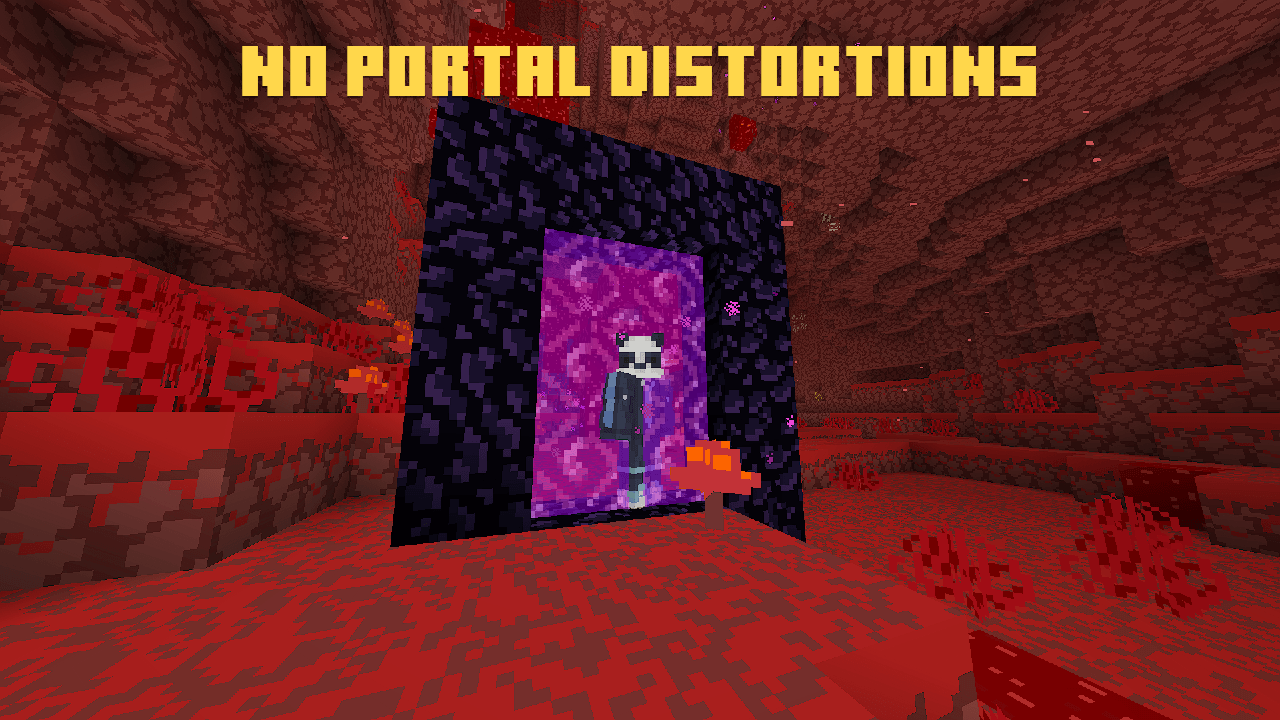
Removes screen shaking during hits and Nausea & Nether Portal wobbles. Works on Android, IOS, Windows and supports Actions & Stuff!
I don't know my version
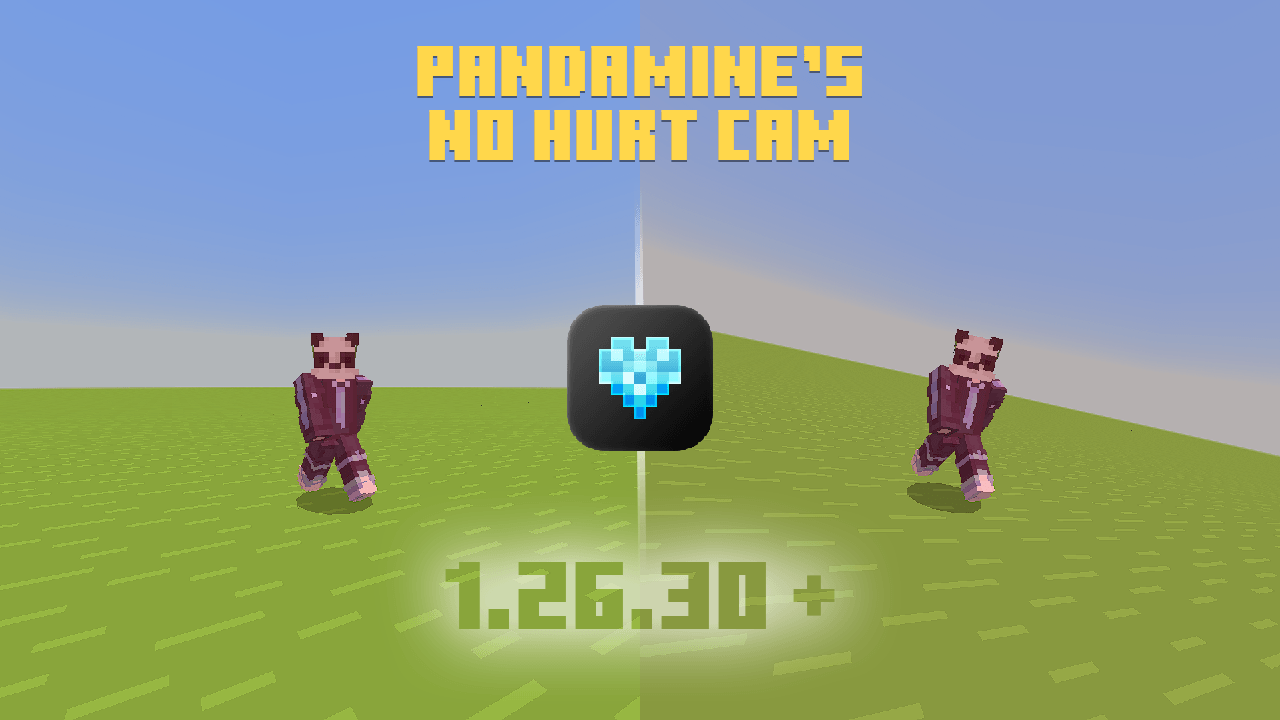
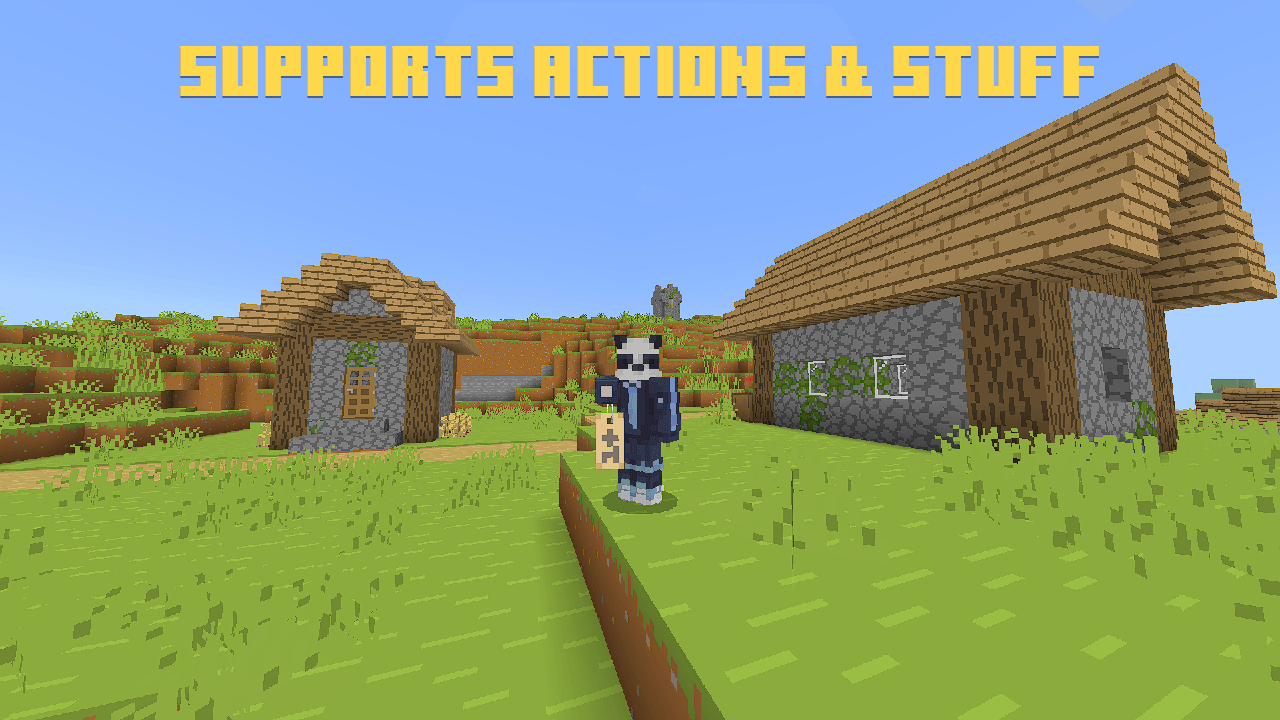
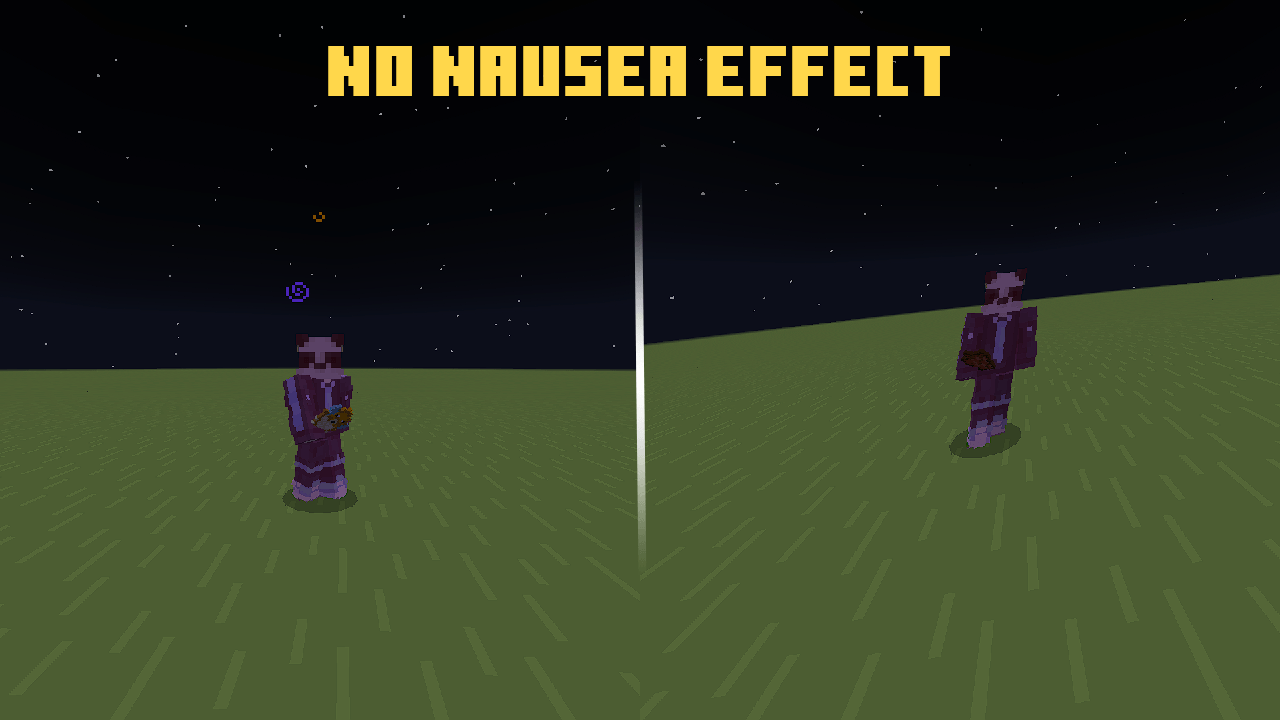
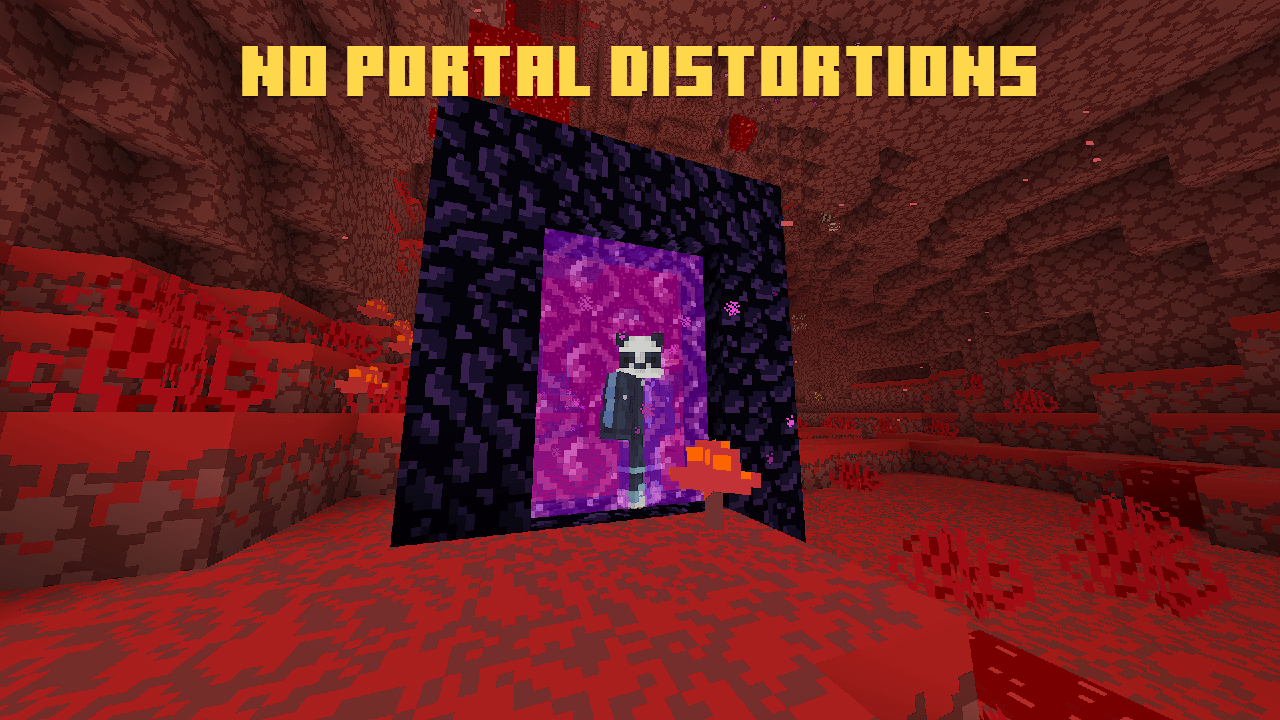

ired of screen shake and Nausea effect in Survival or PvP? This mod adds:
- No Hurt Cam (1st, 3rd, 3rd front)
- No Nether Portal distortions
- No Nausea wobble effect
- No Underwater FOV effects
- No Inventory Close on Hurt
- No Vignette effect in cave
- Loads hud UI faster
Compatible with Actions & Stuff, Vibrant Visuals & RTX.
Requires:
- PandaMine's Mip Mapper
- Damage Tilt - 0%
Installation Guide below!
Showcase

Installation Guide
Android
- Download MT Manager or APK Editor 3.0
- Copy "cameras" and "__brarchive" folders from downloaded file
- Using MT Manager or APK Editor paste them inside APK path:
"/assets/assets/resource_packs/vanilla/" - Click "Replace" and build and install that APK.
IOS
- You need Jailbreak for this.
Windows
- Downlaod IOBit or Windows Explorer
IOBit Tutorial (Youtube)
Windows Explorer:
- Copy "cameras" and "__brarchive" folders from downloaded file
- Paste it in
"C:\XboxGames\Minecraft for Windows\Content\data\resource_packs\vanilla\" - Then click on "Replace all"
Allowed ✅
- Showcase the mod in any video as long there's this Curseforge link.
- Share this mod using CurseForge link.
Not Allowed ❌
- Steal the code for any addon or texture pack.
- Modify the pack for Public use.
- Monetize for own benefit.
- Upload and share on any 3rd-party website.
Violators will face DMCA takedowns, legal claims.
Downloading from other websites can give malware.
About
Author: PandaMine5
Discord: pandamine5x
Follow me for more packs!

- Edition: Minecraft Bedrock
- File type: .mcpack
- Minecraft versions listed: 26.40, 26.50, 26.20
- How to install: Download the .mcpack. → Open it — Minecraft imports it under Resource Packs. → Activate it in Global Resources, or for one world under Resource Packs → Available.
- Where to get it: Opens on CurseForge — not every file is mirrored on our own servers.
Install steps are the general flow for this file type — How to install Minecraft Bedrock texture packs walks through it step by step.
- Pack type: .mcpack — a single pack
- Manifest requires Minecraft 1.26.0 or newer
- Complete pack — everything it depends on is inside the file
- Download size: 21 KB
- Download link checked 5 Oct 2026 — working
These come from our own check of the pack file, not from the source page.