Clear Touch Buttons
Bedrock texture pack listed for Minecraft 1.17–1.21. File opened and checked on 2 Oct 2026; installs from the MC Bedrock Mods app on Android.
⬇ Download on CurseForge
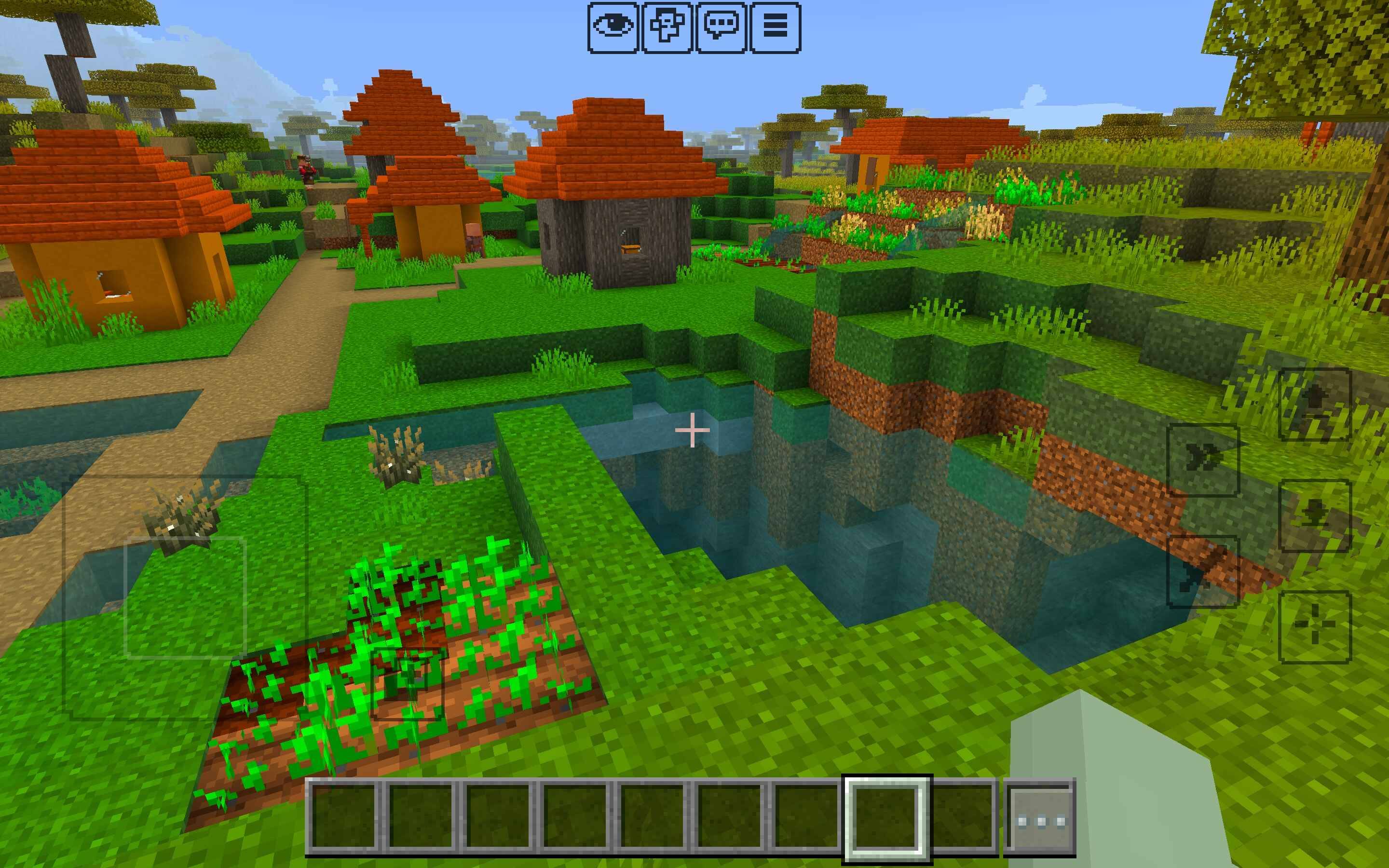
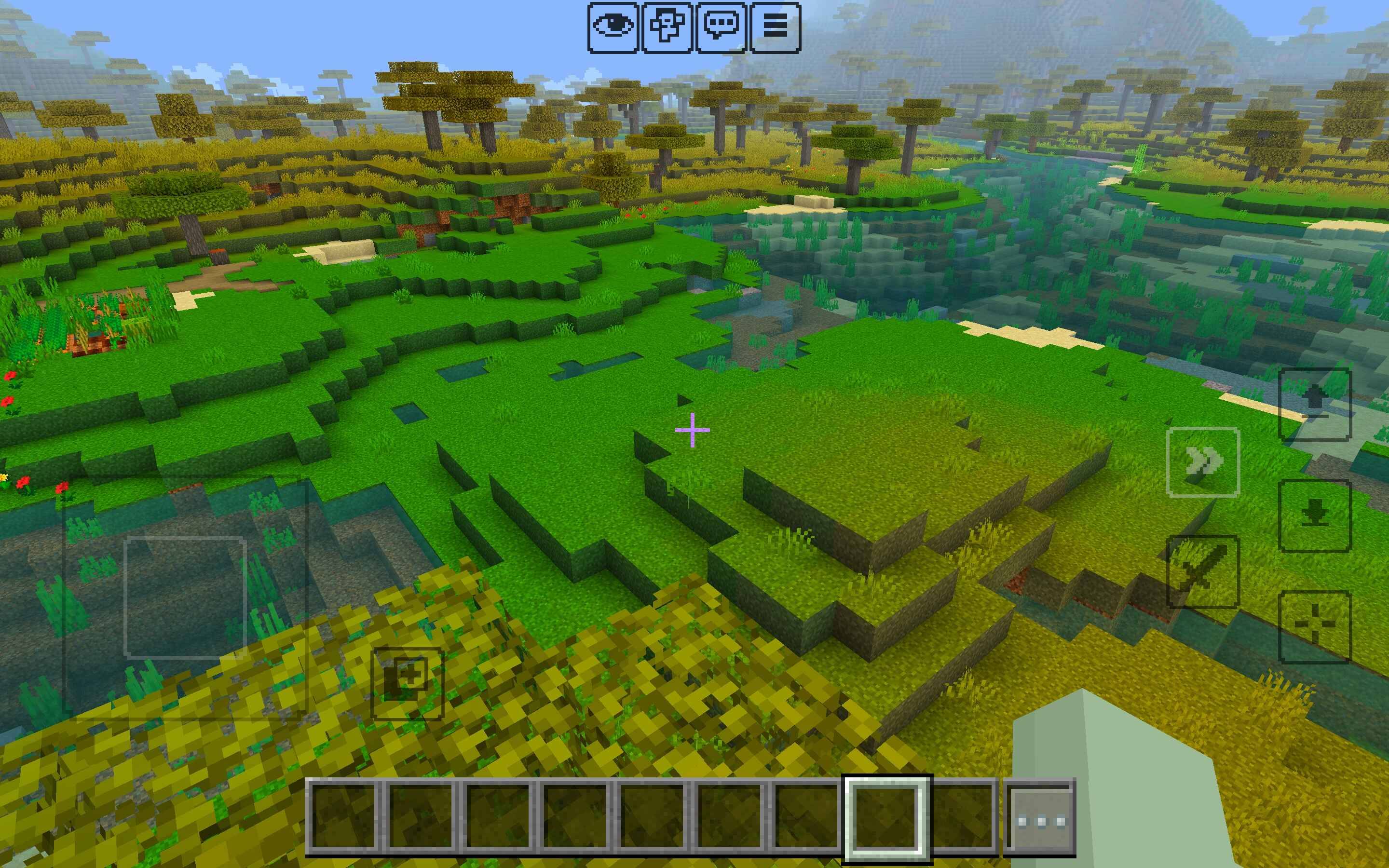
This texture pack refines Minecraft Bedrock Edition’s touch controls by making the buttons clear and neat instead of bulky and distracting. They remain visible enough to use comfortably but no longer take up unnecessary space on your screen.
Sleek, transparent touch buttons for mobile
Preserves full functionality of all controls
Lightweight and easy to install
Compatible with the latest Bedrock versions
Play with a more polished, distraction-free view while still keeping your buttons accessible.
- Edition: Minecraft Bedrock
- File type: .mcpack
- Minecraft version listed: 1.21
- How to install: Download the .mcpack. → Open it — Minecraft imports it under Resource Packs. → Activate it in Global Resources, or for one world under Resource Packs → Available.
- Where to get it: Opens on CurseForge — not every file is mirrored on our own servers.
Install steps are the general flow for this file type — How to install Minecraft Bedrock texture packs walks through it step by step.
- Save it as Clear Touch Buttons.mcaddon before opening — it downloads as .mcpack, but it is a .mcaddon pack
- Manifest requires Minecraft 1.17.0 or newer
- Complete pack — everything it depends on is inside the file
- Download size: 271 KB
- Download link checked 6 Oct 2026 — working
These come from our own check of the pack file, not from the source page.