
Agni Shader HD 2.0.5 | Vibrant Visuals!
Bedrock texture pack listed for Minecraft 1.21–26.x. File opened and checked on 11 Sep 2026; installs from the MC Bedrock Mods app on Android.
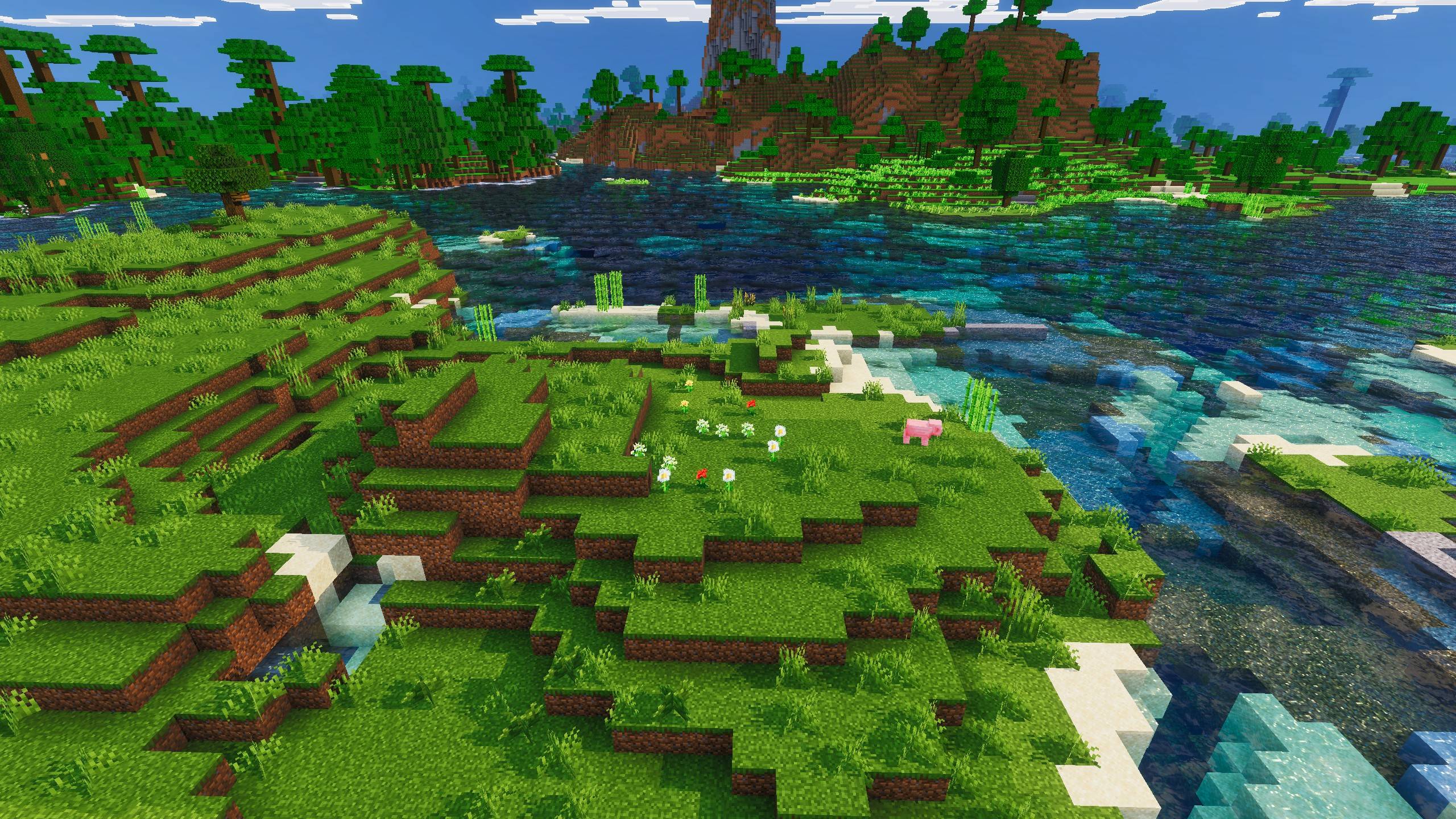
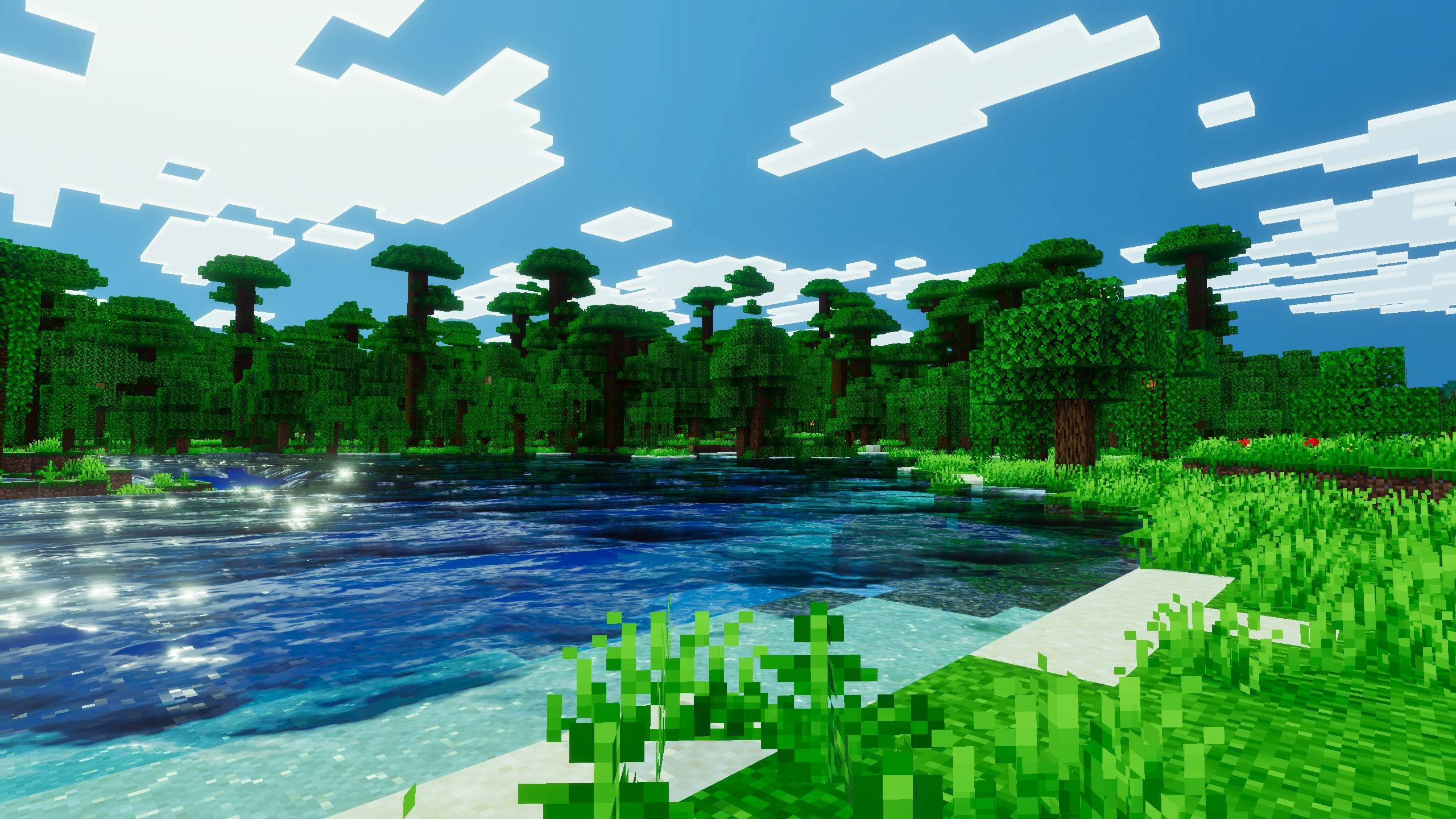
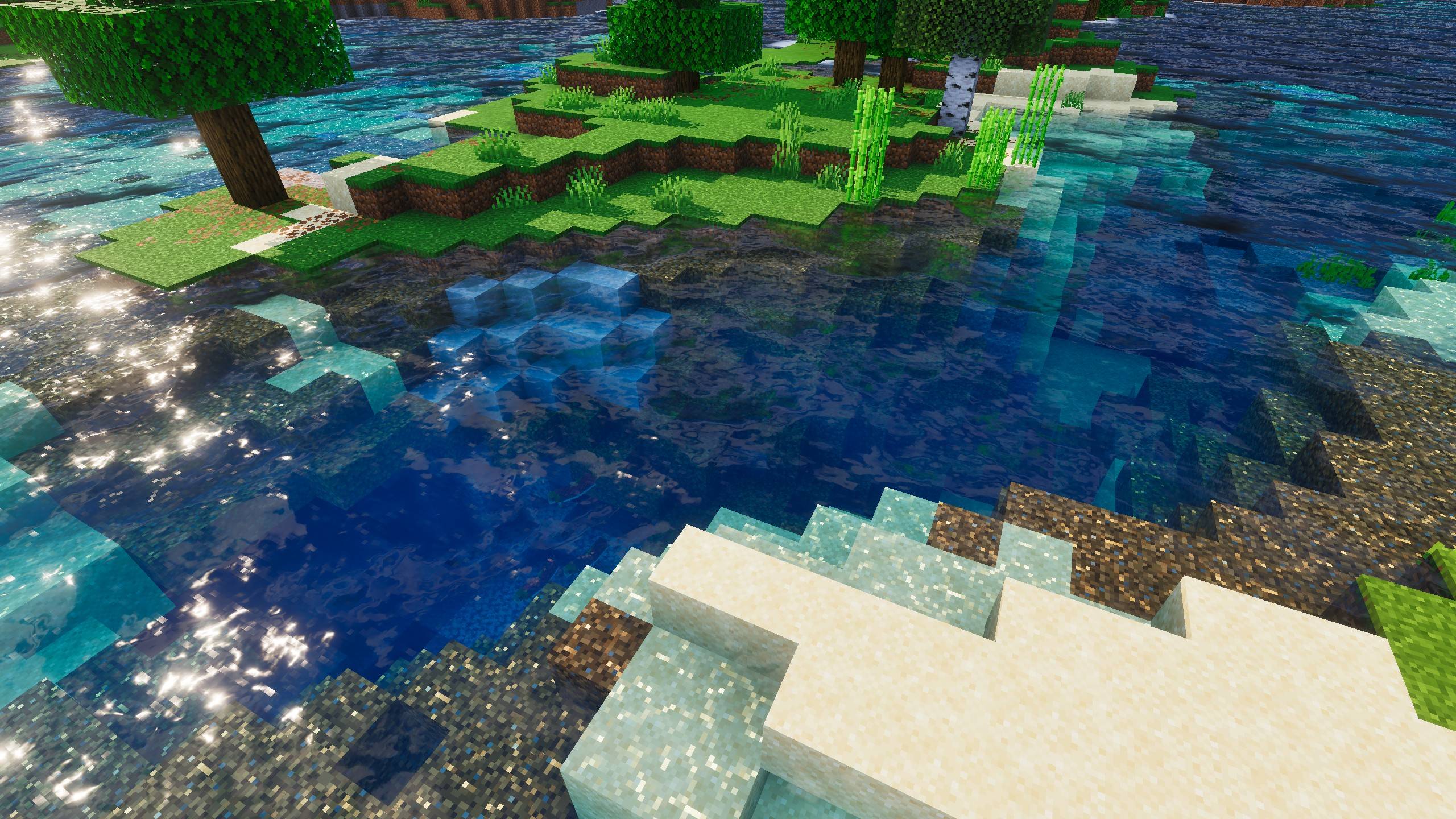
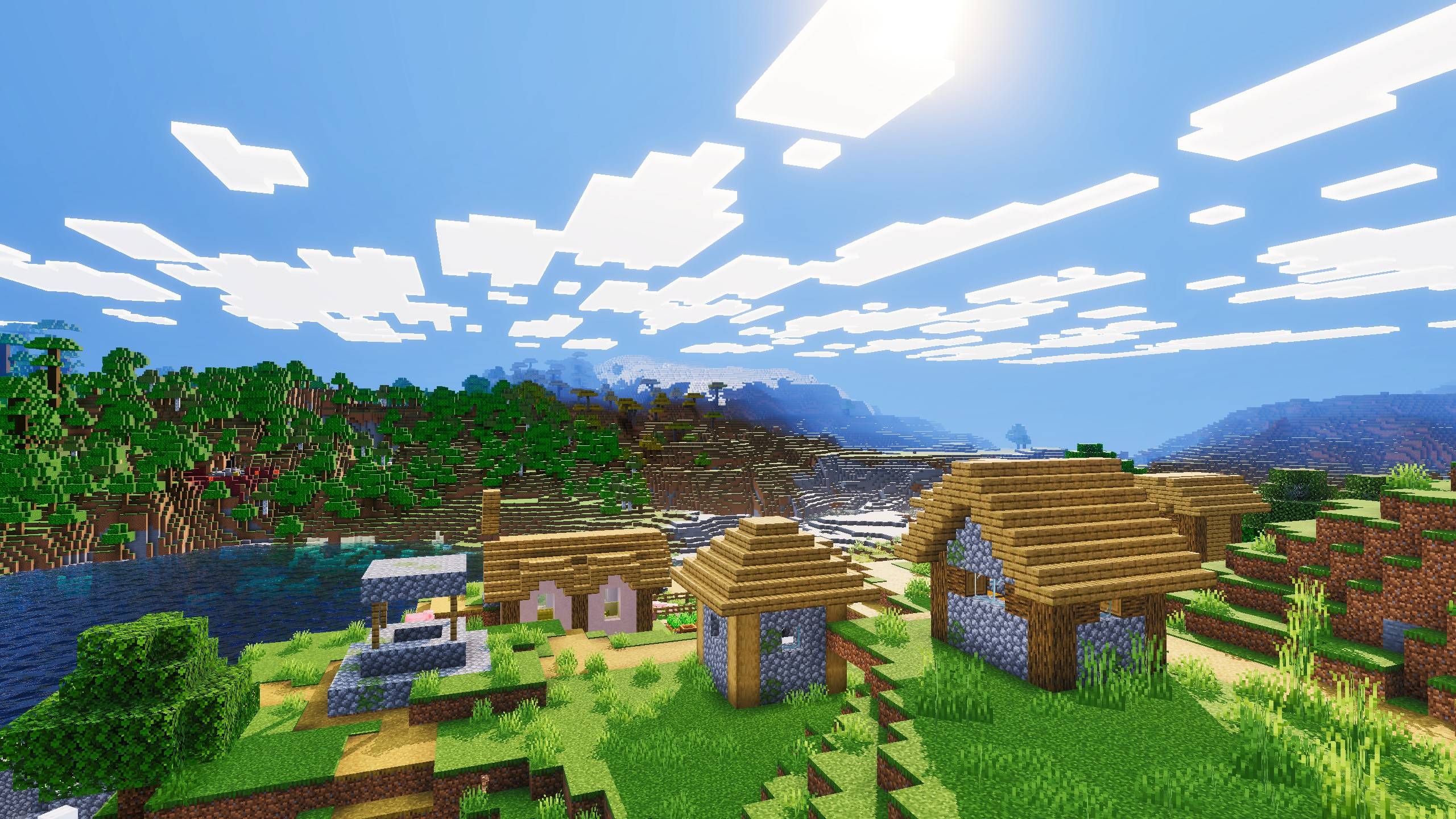
AGNI Shaders HD adds realistic lighting, soft and blocky shadow options, and enhanced water effects for Minecraft Bedrock Edition. Created by Blue Print.
I don't know my version
Want to host a powerful and reliable Minecraft or Hytale server?
Get started with Godlike click here
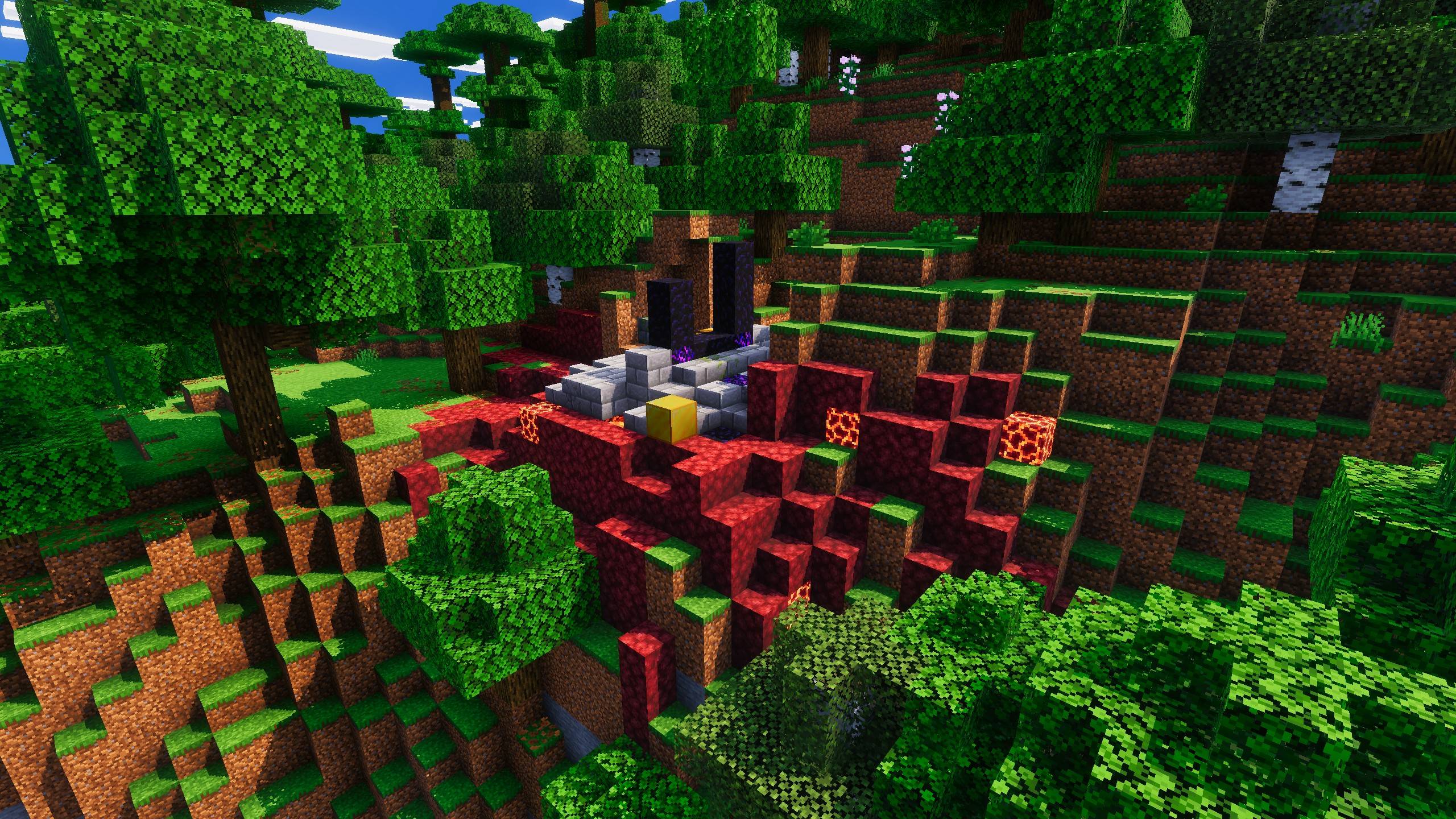
I Introduce: The Agni Shader. This is shader not just enhances the visuals but is also optimized for low-end devices. It offers a balanced look that is both realistic and mystical.
The Shader And It's Features
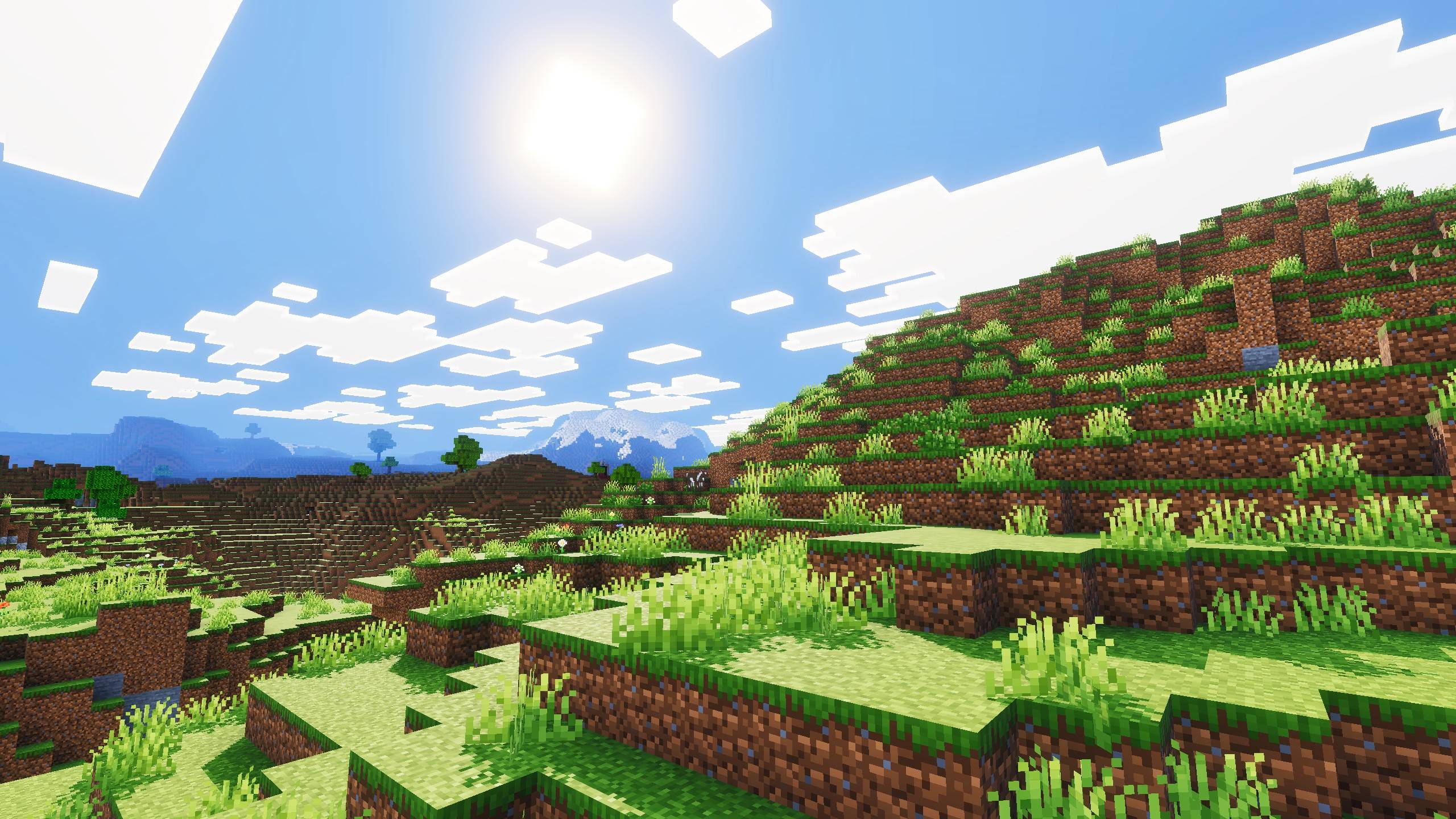
Lighting: The lighting in the shader is very dynamic. Overall, it provides realistic and visually appealing lighting. The reflections and shadows are just the cherry on top. All these configurations make the lighting look truly amazing in the shader.
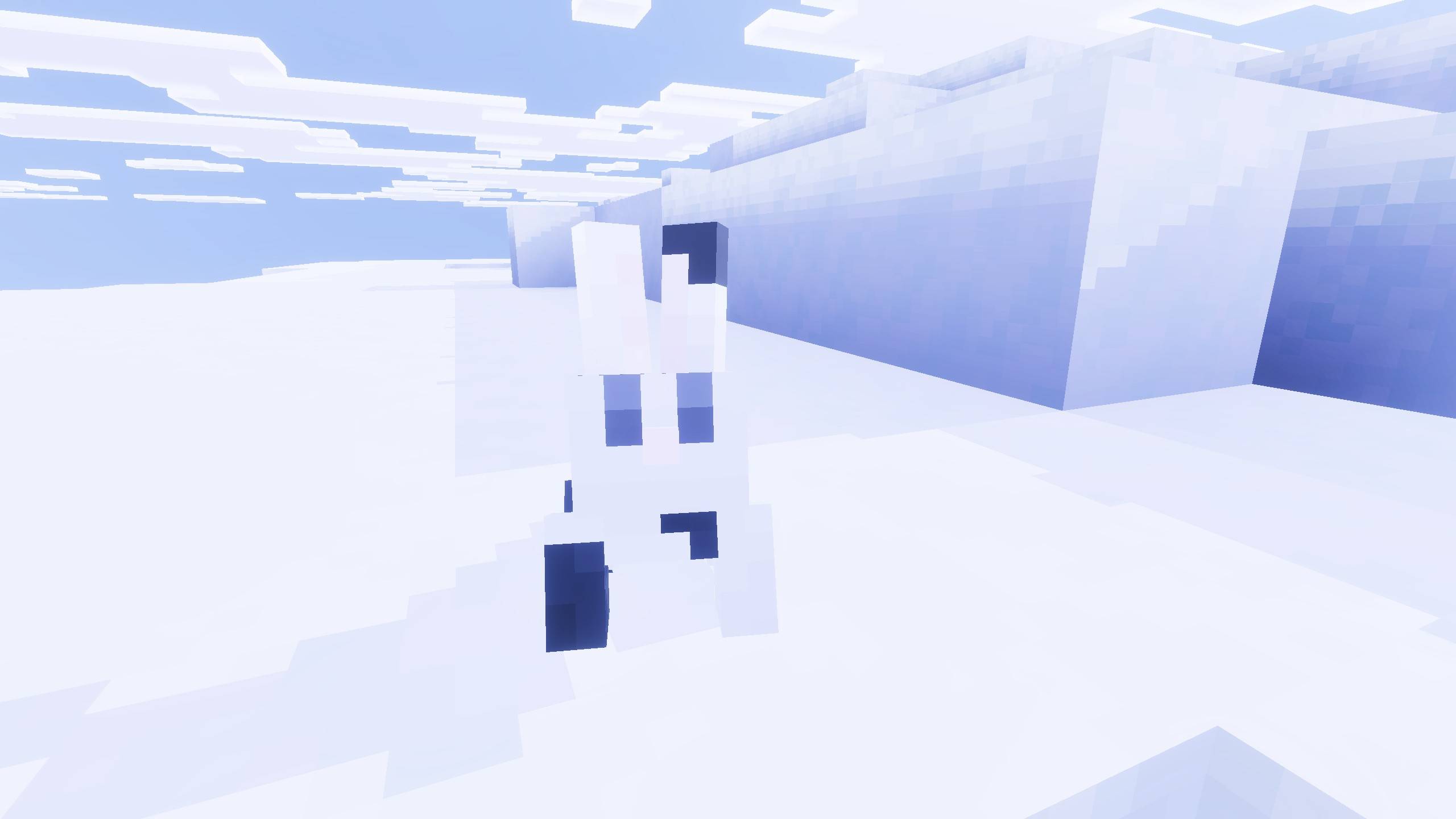
Atmosphere/Sky: This is one of the most important parts of any shader. The sky here is mystical, yet my focus was also on making it look natural and real. It's a perfect balance between the real and the unreal.
Color Grading: Rich and natural colors ensure the shader remains vibrant and beautiful, something that should appeal to most players.
Performance: This was one of my main goals: to achieve better performance than standard shaders. Not only does it perform better, but it also maintains similar visual quality. The shader is generally more performance-friendly than regular ones.
Important
- Also Make Sure Vibrant Visuals is selected as the graphics Mode in the video settings:
Recommended Video Settings:
- First, activate the Lunac shaders in your world.
- Make sure you're inside the world, then go to Settings > Video Settings.
- In Graphics Mode, make sure "Vibrant Visuals" is selected.
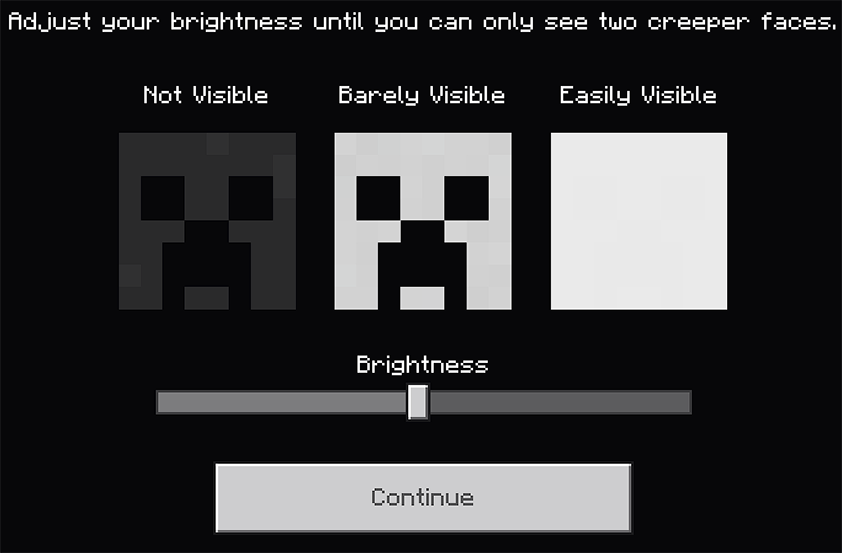
1. You are allowed to make video on the texture but give credits in video description. Please Only give original MCPEDL/CurseForge link.
2. You are not allowed to edit and publish it on the internet.
3. You are not allowed to publish the texture on any other website and claim it as yours
Download the New Bedrock Manager application to easily install and manage your minecraft addons, worlds and more!
Download Now! (Windows only, android in future) 
Enjoy!
 👉 Click the banner or [start here] to get going.
💬 Curious what players think? Check out the community discussion on [Best Minecraft Server Hosting].
- Edition: Minecraft Bedrock
- File type: .mcpack
- Minecraft versions listed: 1.21.81, 1.21.93, 1.21.90
- How to install: Download the .mcpack. → Open it — Minecraft imports it under Resource Packs. → Activate it in Global Resources, or for one world under Resource Packs → Available.
- Where to get it: Opens on CurseForge — not every file is mirrored on our own servers.
Install steps are the general flow for this file type — How to install Minecraft Bedrock texture packs walks through it step by step.
- Pack type: .mcpack — a single pack
- Manifest requires Minecraft 1.21.0 or newer
- Complete pack — everything it depends on is inside the file
- Download size: 1.7 MB
- Download link checked 5 Oct 2026 — working
These come from our own check of the pack file, not from the source page.


