
Texture packsBedrock
Clean Hud
Bedrock texture pack listed for Minecraft 1.16–1.21. File opened and checked on 26 Sep 2026; installs from the MC Bedrock Mods app on Android.
Tired of the distracting default hud? Refresh the look to a modern and simplistic look with the Clean Hud pack.
⬇ Download on CurseForge
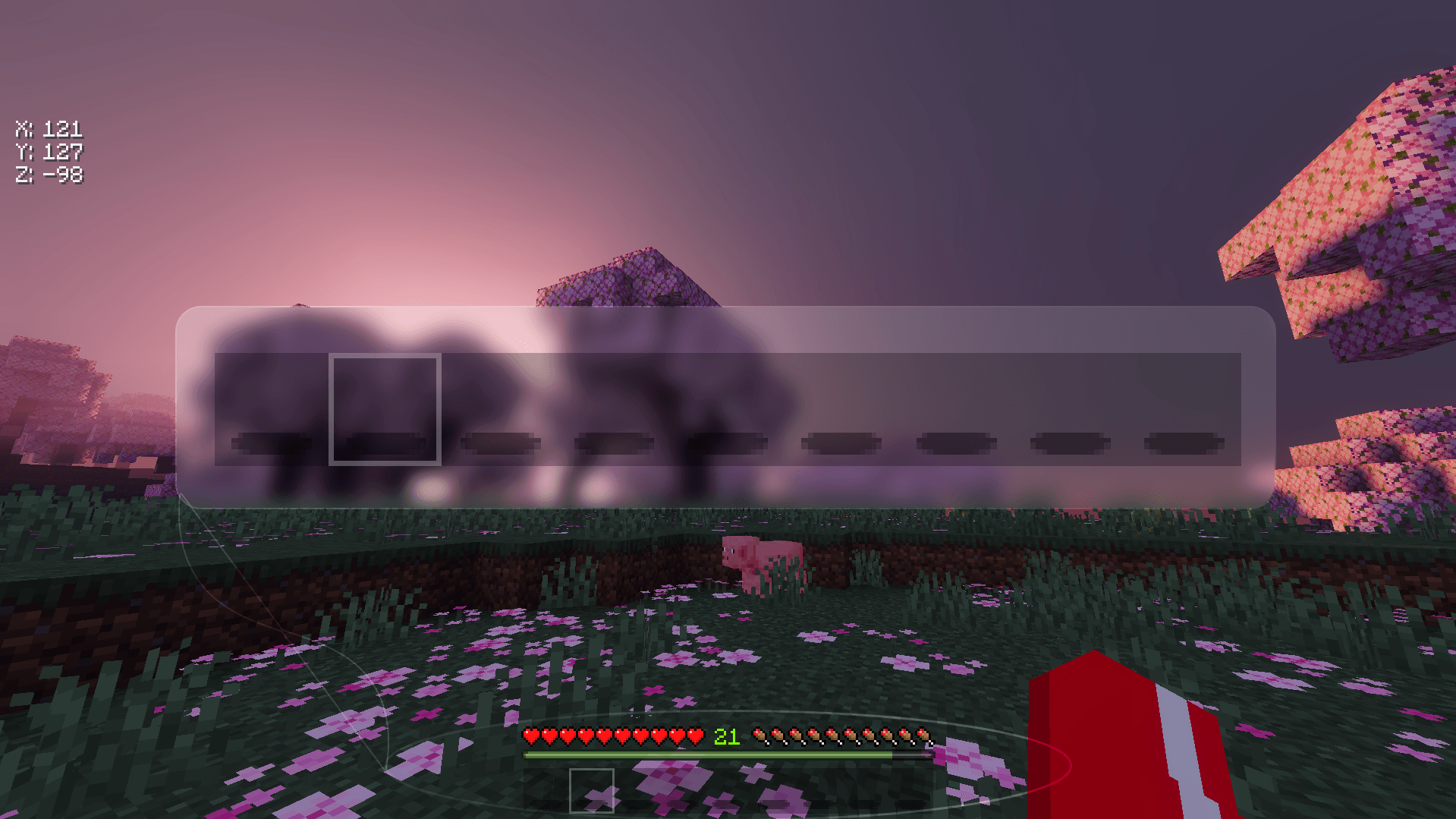
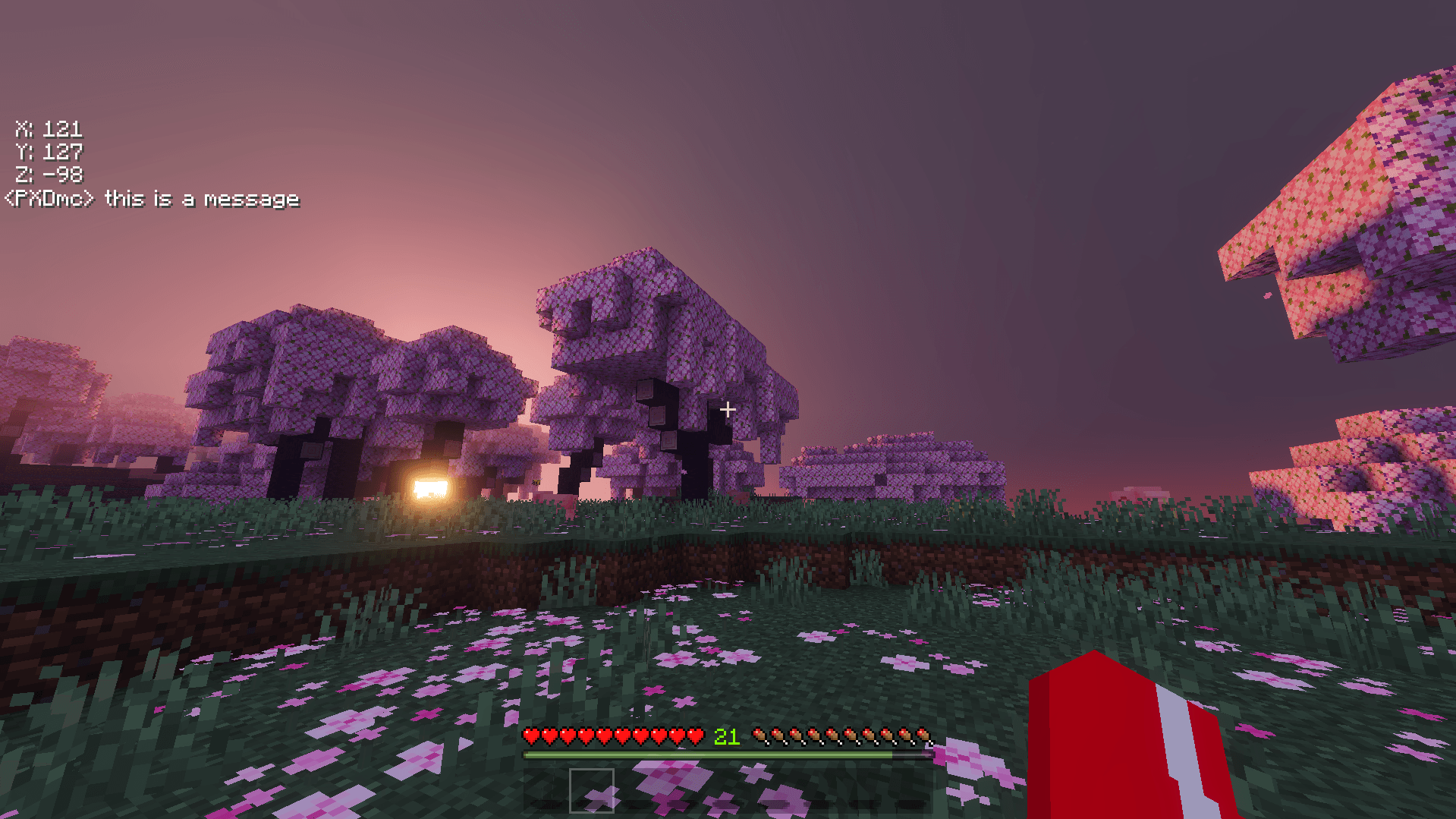
CLEAN HOTBAR

a smooth and minimal look for the hotbar and selector.
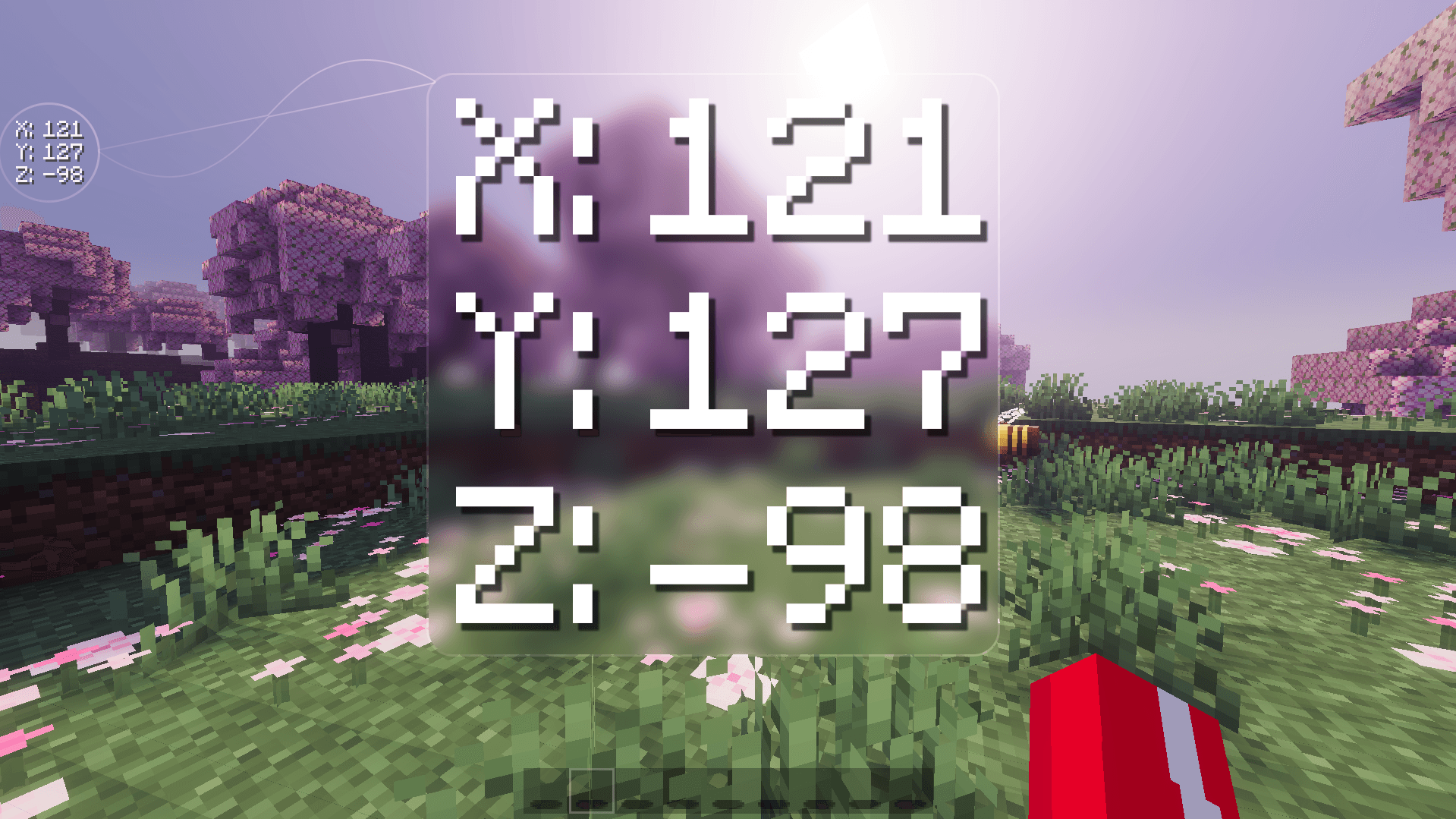
VERTICAL COORDINATES

coordinates labelled and arranged vertically for a minimal and clean look
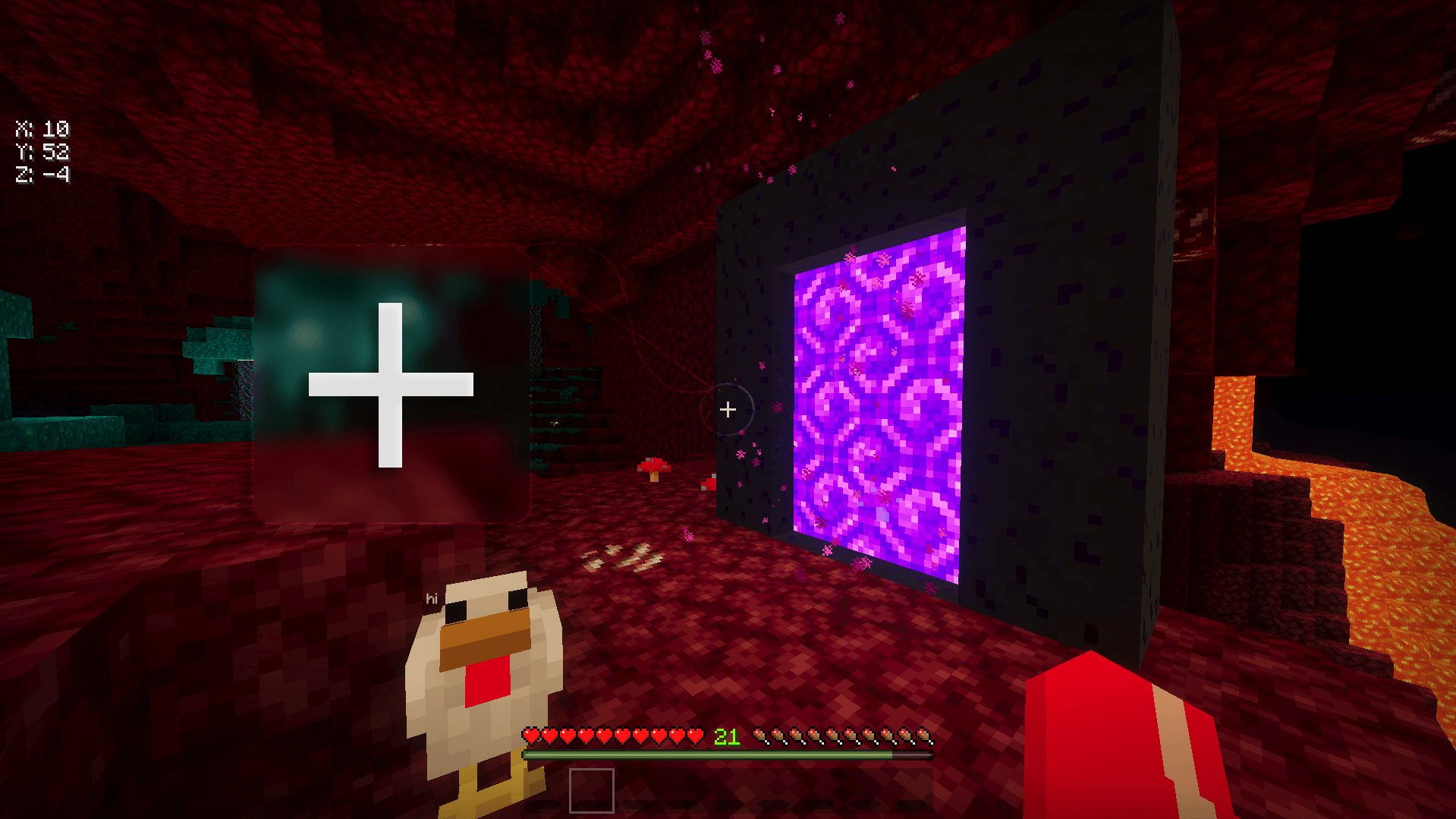
BETTER CROSSHAIR

a more minimal crosshair that stays true to vanilla
TRANSPARENT CHAT

no more distracting black backgrounds behind every message so you can immerse yourself into the game
Quick facts
- Edition: Minecraft Bedrock
- File type: .mcpack
- Minecraft versions listed: 1.20.40, 1.21.30, 1.18.2
- How to install: Download the .mcpack. → Open it — Minecraft imports it under Resource Packs. → Activate it in Global Resources, or for one world under Resource Packs → Available.
- Where to get it: Opens on CurseForge — not every file is mirrored on our own servers.
Install steps are the general flow for this file type — How to install Minecraft Bedrock texture packs walks through it step by step.
File checked by MCModsHub
- Pack type: .mcpack — a single pack
- Manifest requires Minecraft 1.16.100 or newer
- Complete pack — everything it depends on is inside the file
- Download size: 132 KB
- Download link checked 5 Oct 2026 — working
These come from our own check of the pack file, not from the source page.