HomeBedrockTexture packsPonky's Custom Capes
Ponky's Custom Capes
Texture packsBedrock

Ponky's Custom Capes

by ponkyy · on CurseForge

Which Minecraft do you have?

Every version of the game needs its own build. Pick yours, then download — the wrong build installs fine and then does nothing in the game.

⬇ Download for 1.21.132⬇ Download for 1.21.100
I don't know my version
Open Minecraft and look at the bottom-left corner of the main screen — the version is printed there, like v1.26.30.
The game writes a 1. in front; the buttons above leave it off. v1.26.30 in the game is 26.30 here.
Ponky's Custom Capes — screenshot 1

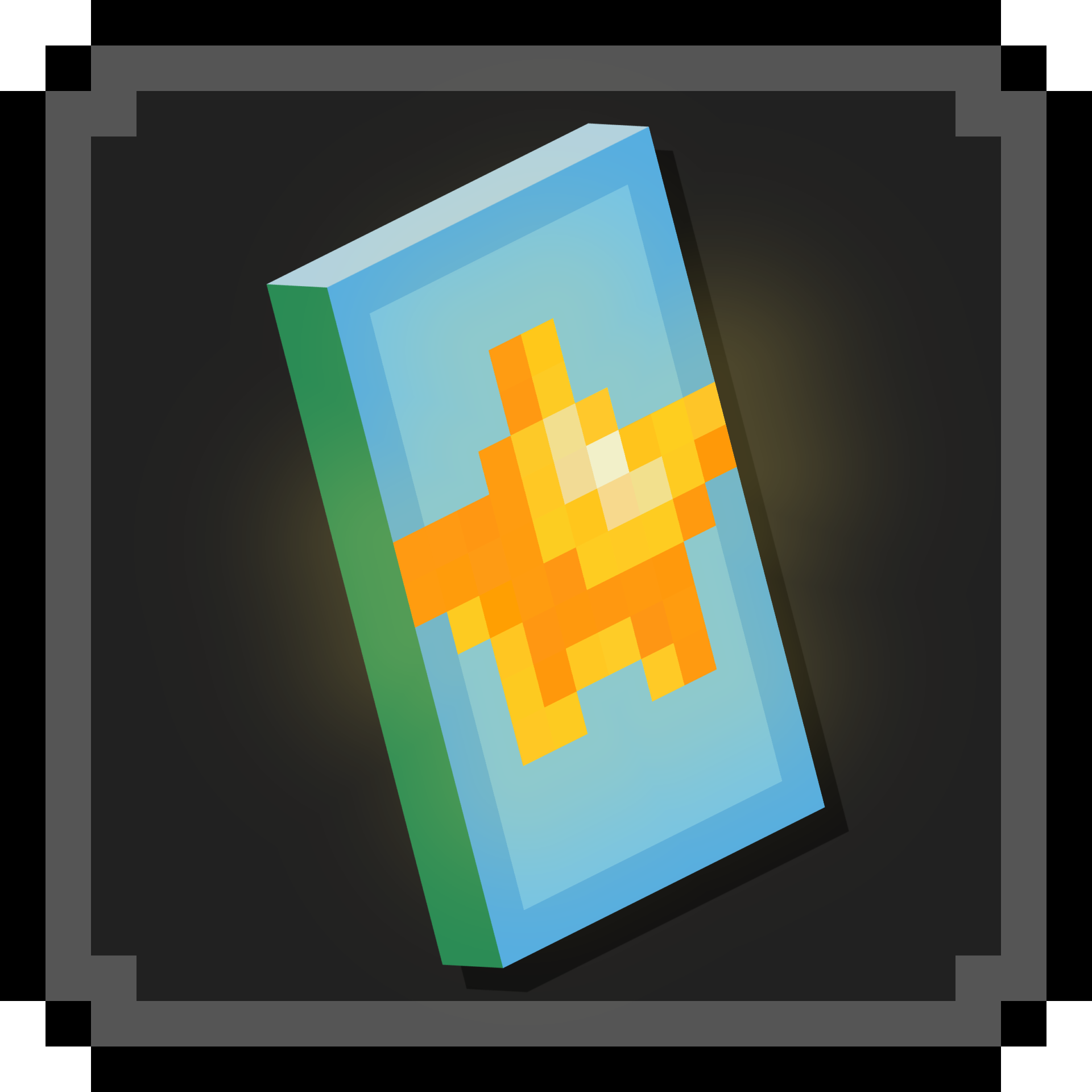
This pack allows you to display a working cape, which other players can see. All players will require the resource pack

All you need to do is edit your skin file!

Support me: https://coff.ee/ponky


Tutorial:

First, create your cape. I recommend a sizing of 10x16, but if you wish to, a 20x32 cape can be used with a 128x skin (this is not recommended and can lead to visual issues).

You can now have two layers on your cape! The main layer, and the over layer. Either can be left blank if you want to.

Any design will work, but only fully opaque or fully transparent pixels will display correctly (for now). Due to the new modeling logic, the cape can be any shape you like and will still display as 3D!

Next, place your cape into your skin file, moving the relevant sections to their place, as detailed below. Use the key as a reference:

Finally, import your skin, activate the resource pack and enjoy your fancy new cape!! (Note: the cape won't show up in the dressing room)


Changes in V1.1:

Changes in V1.2:

Quick facts

Install steps are the general flow for this file type — How to install Minecraft Bedrock texture packs walks through it step by step.

Verified by MCModsHub

These come from our own check of the pack file, not from the source page.

Explore more