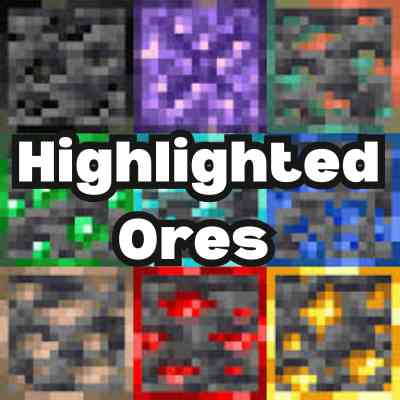
Better Highlighted Ores
Bedrock texture pack listed for Minecraft 1.17–1.21. File opened and checked on 30 Sep 2026; installs from the MC Bedrock Mods app on Android.
⬇ Download on CurseForge
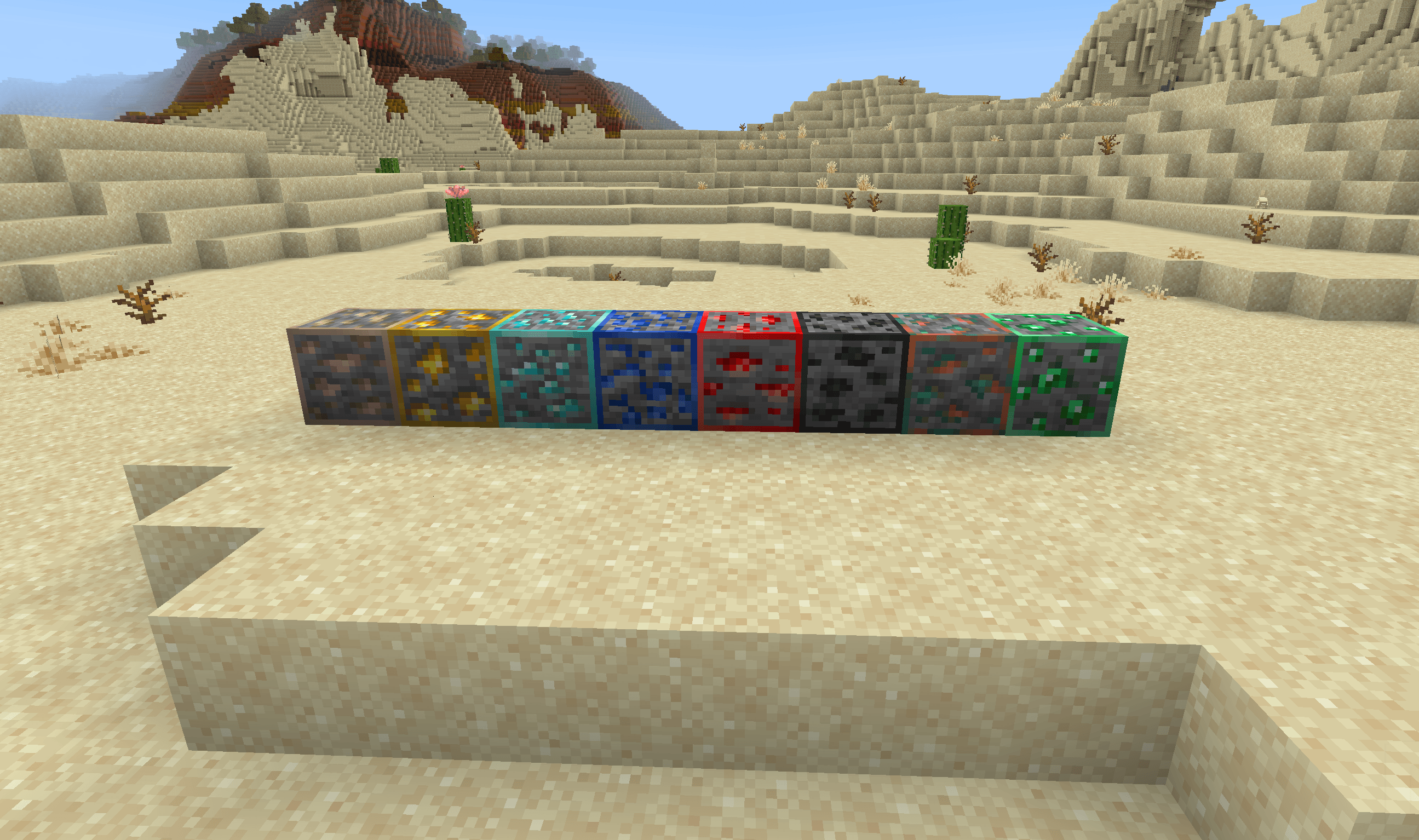
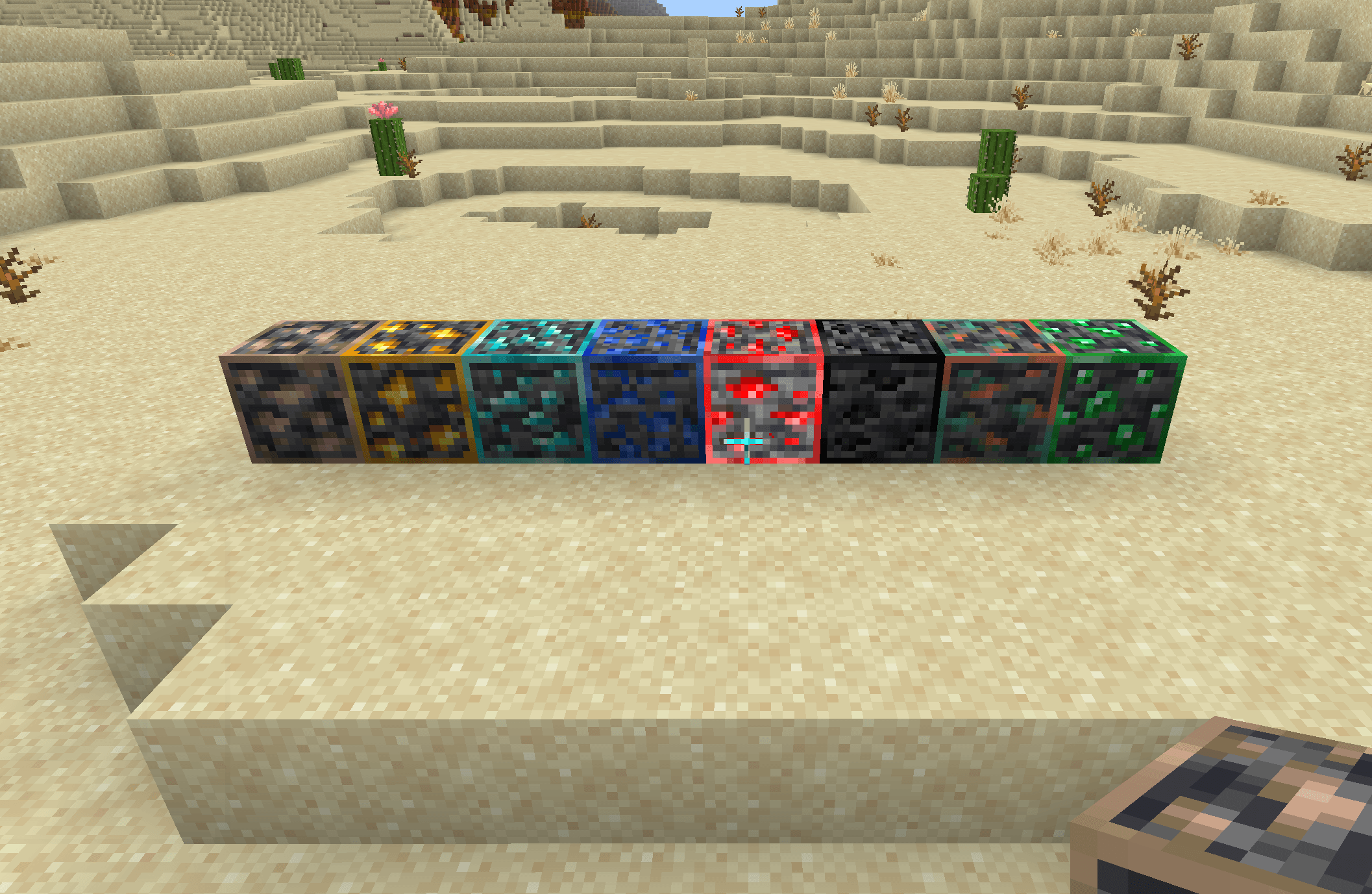
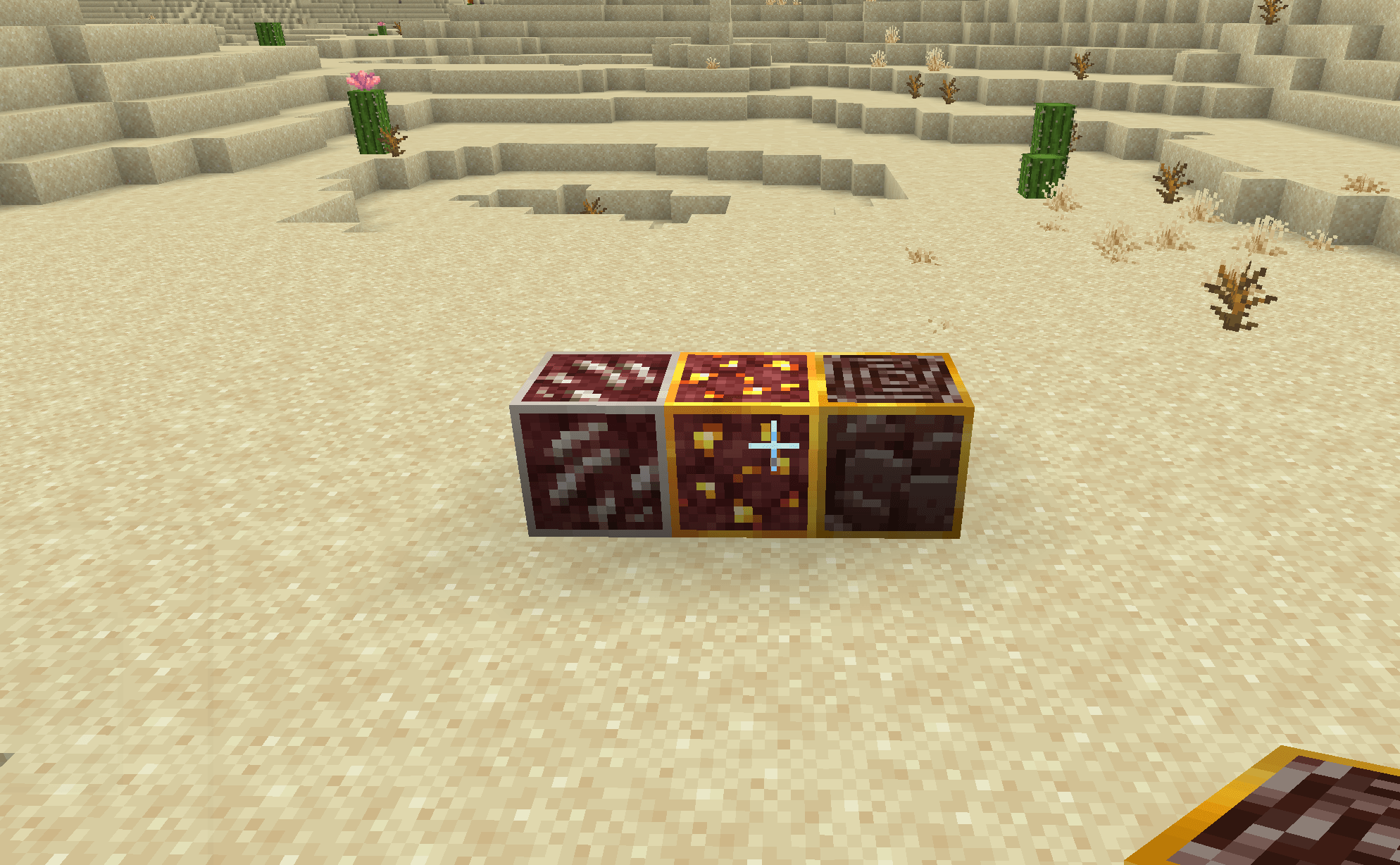
This texture pack highlights all Minecraft ores with clean, visible borders to make them stand out from surrounding blocks — without adding any glowing or x-ray effects. Includes every overworld and nether ore: coal, iron, copper, gold, redstone, lapis, diamond, emerald, nether gold, ancient debris, and nether quartz. Perfect for survival mining and cave exploration while keeping the game fair and balanced.
- Edition: Minecraft Bedrock
- File type: .mcpack
- Minecraft versions listed: 1.18, 1.19, 1.20
- How to install: Download the .mcpack. → Open it — Minecraft imports it under Resource Packs. → Activate it in Global Resources, or for one world under Resource Packs → Available.
- Where to get it: Opens on CurseForge — not every file is mirrored on our own servers.
Install steps are the general flow for this file type — How to install Minecraft Bedrock texture packs walks through it step by step.
- Save it as Highlighted Ores.mcaddon before opening — it downloads as .mcpack, but it is a .mcaddon pack
- Manifest requires Minecraft 1.17.0 or newer
- Complete pack — everything it depends on is inside the file
- Download size: 37 KB
- Download link checked 5 Oct 2026 — working
These come from our own check of the pack file, not from the source page.