Texture packsBedrock
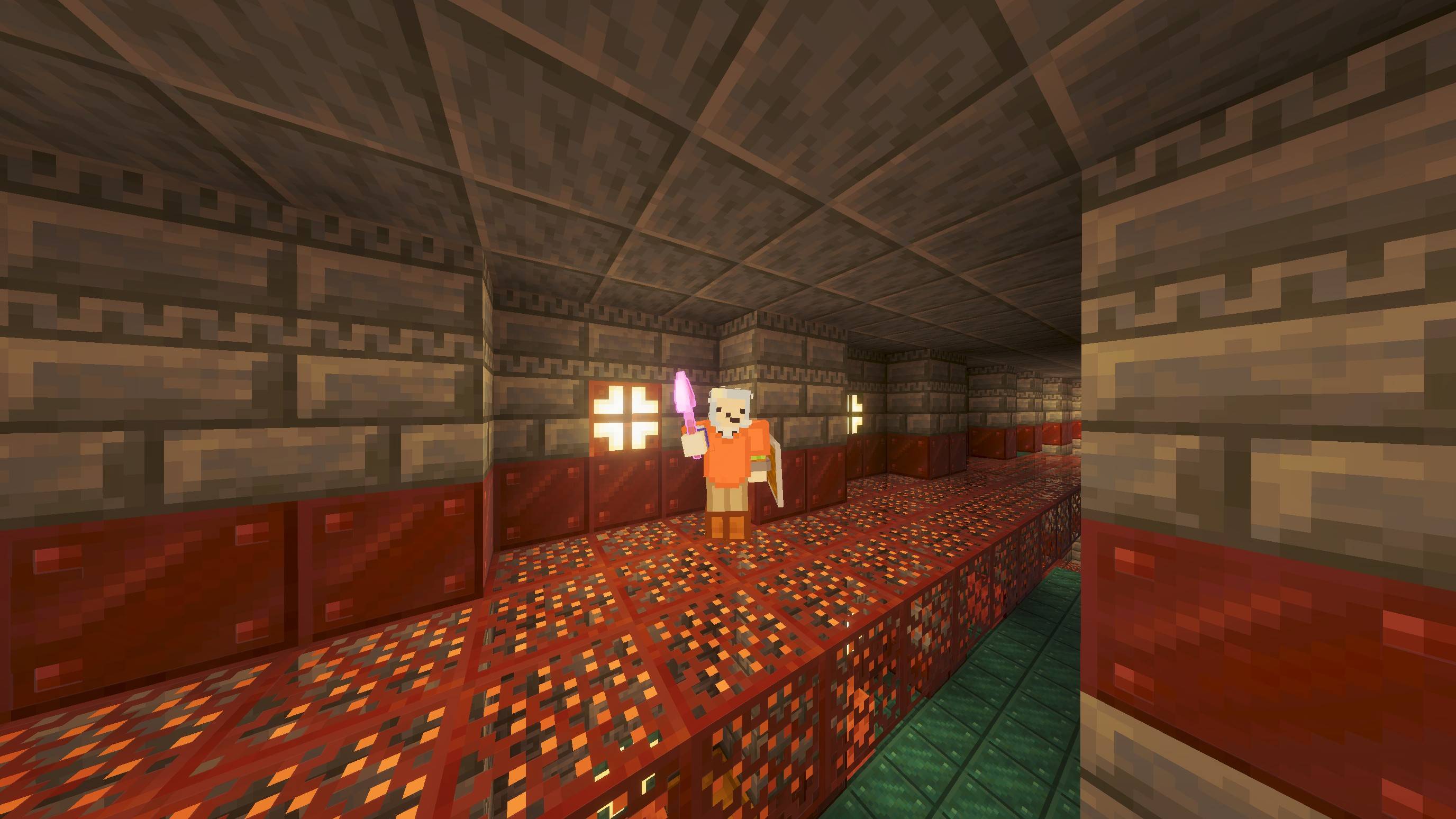
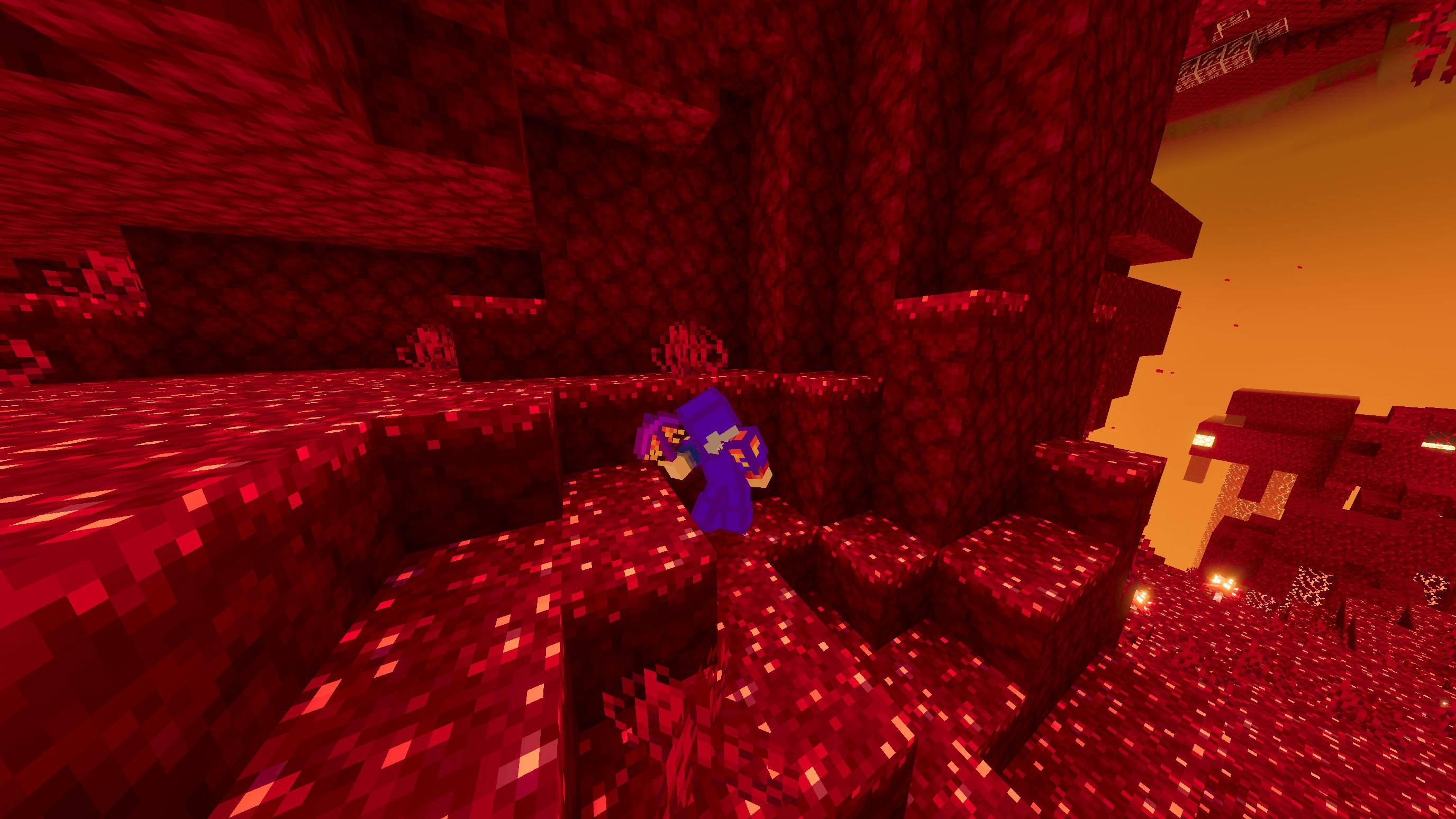
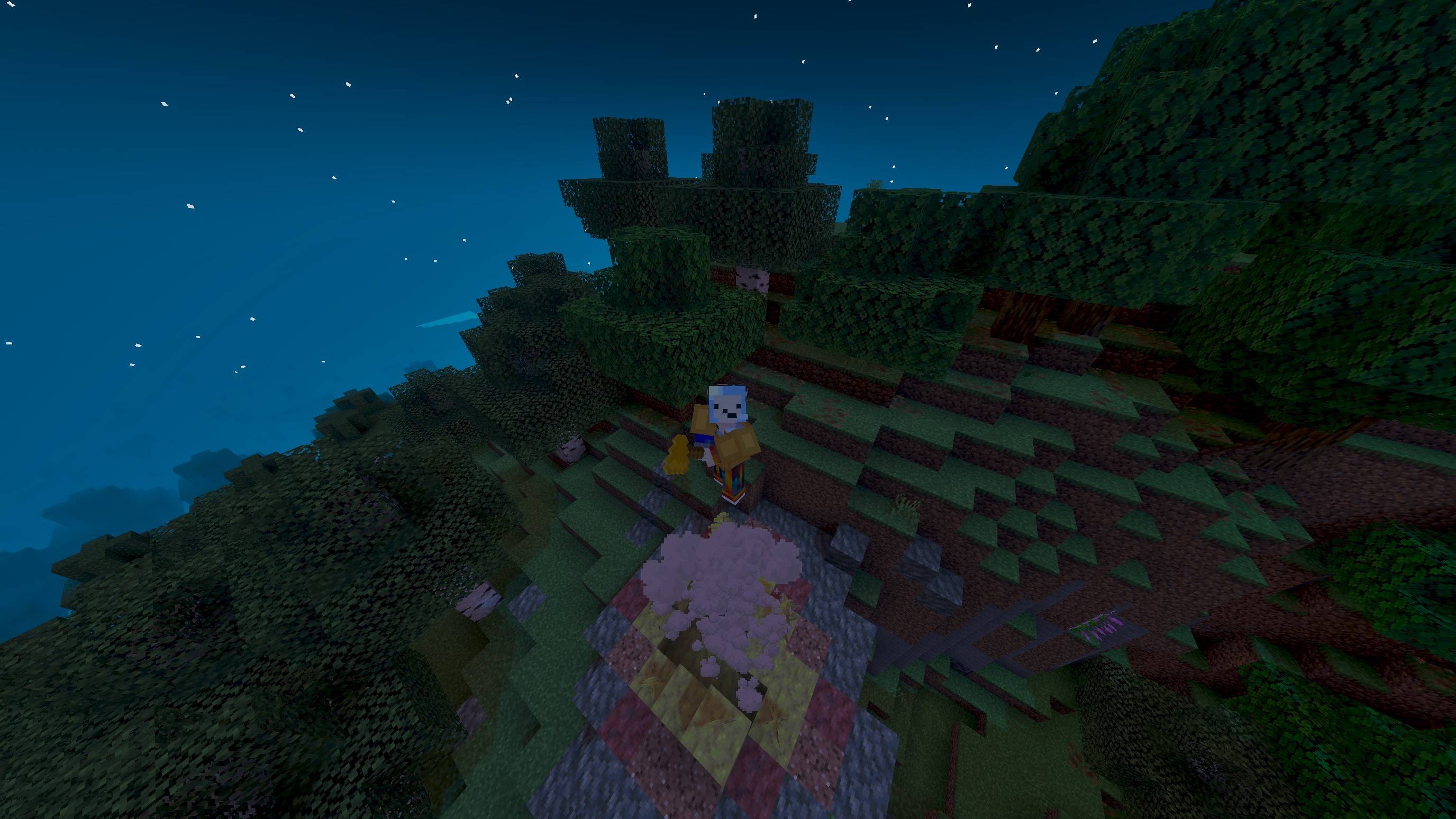
Th1rdy4321's Combat+
Bedrock texture pack listed for Minecraft 1.17. File opened and checked on 26 Sep 2026; installs from the MC Bedrock Mods app on Android.
WIP PvP pack with tools and armor. Free Minecraft Bedrock texture pack for 1.17.
⬇ DownloadThe author built this one for Minecraft 1.17. On other versions it may install and then do nothing.
Quick facts
- Edition: Minecraft Bedrock
- File type: .mcpack
- Minecraft version listed: 1.17
- How to install: Download the .mcpack. → Open it — Minecraft imports it under Resource Packs. → Activate it in Global Resources, or for one world under Resource Packs → Available.
- Where to get it: In MCModsHub, or directly above on this page.
Install steps are the general flow for this file type — How to install Minecraft Bedrock texture packs walks through it step by step.
File checked by MCModsHub
- Pack type: .mcpack — a single pack
- Complete pack — everything it depends on is inside the file
- Download size: 545 KB
- Download link checked 17 Jul 2026 — working
These come from our own check of the pack file, not from the source page.