Cyberline GUI | v1.0.4 Better UI Update
Bedrock texture pack listed for Minecraft 1.13–1.21. File opened and checked on 22 Sep 2026; installs from the MC Bedrock Mods app on Android.
⬇ Download on CurseForge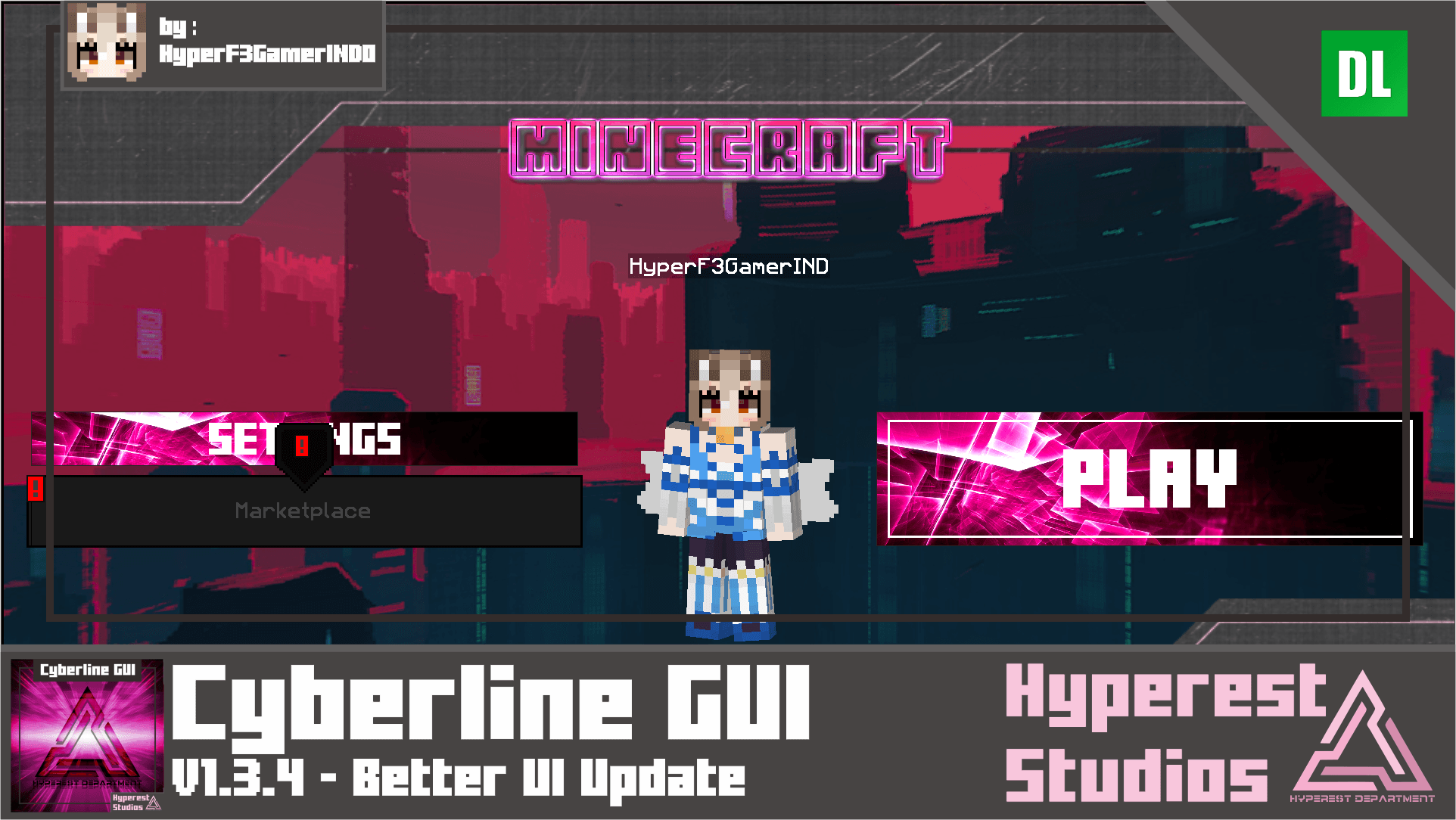
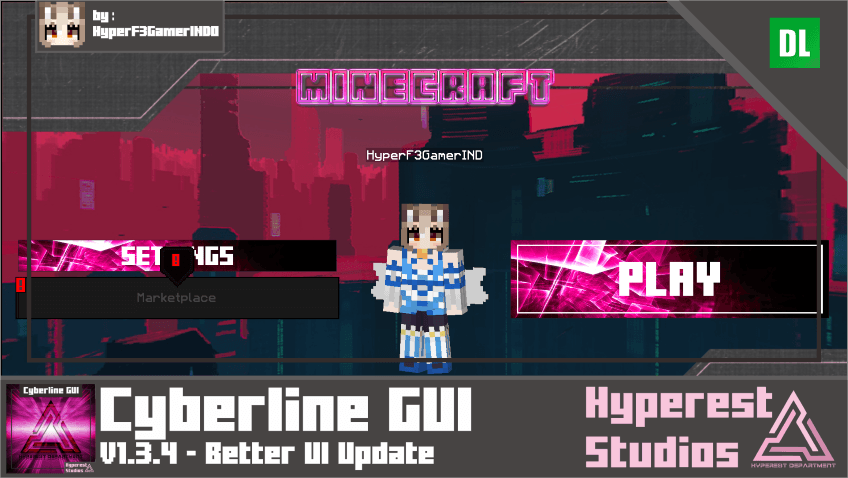
Anyone like futuristic interface!? if you like it then download this Cyberline GUI! this is really perfect for futuristic theme. And perfectly if you like purple, red, and Japanese themed for your Minecraft theme!
Basic Information
Cyberline GUI Specifications
- Content That Change:
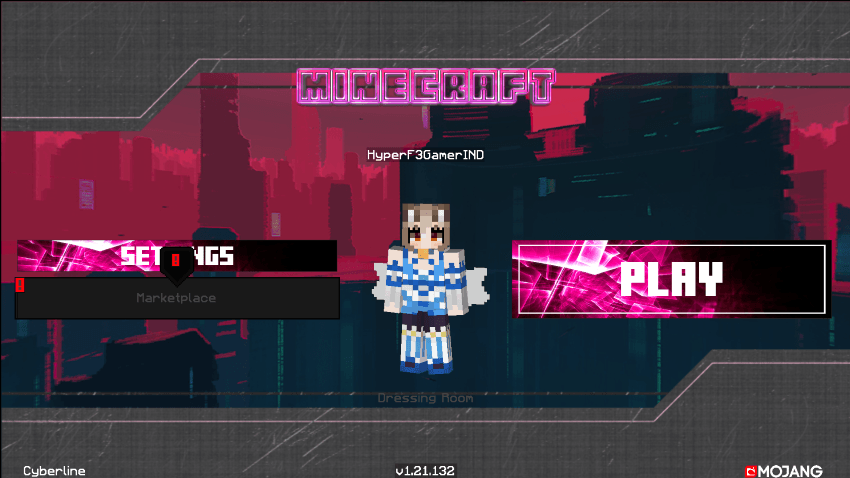
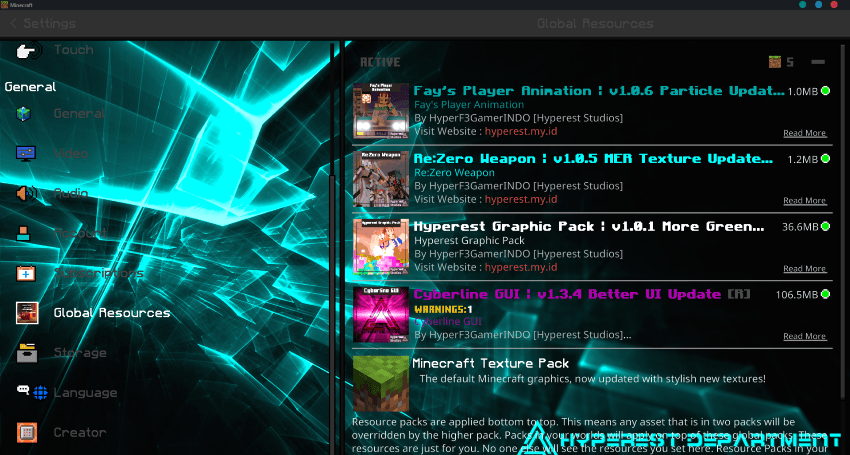
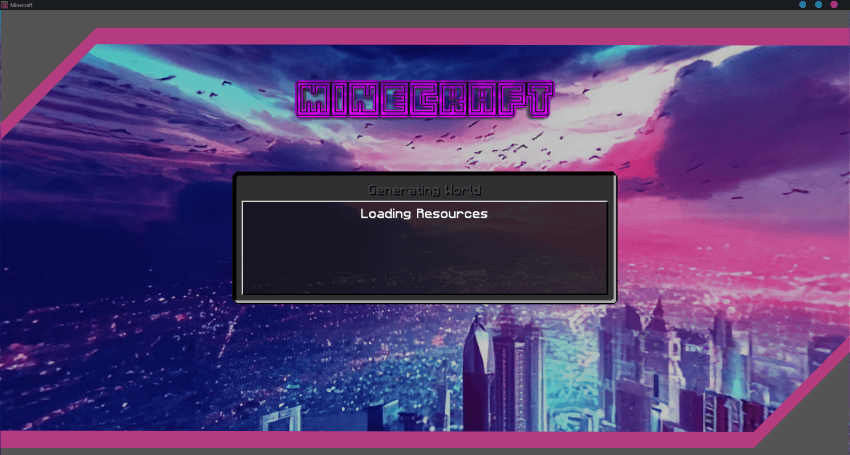
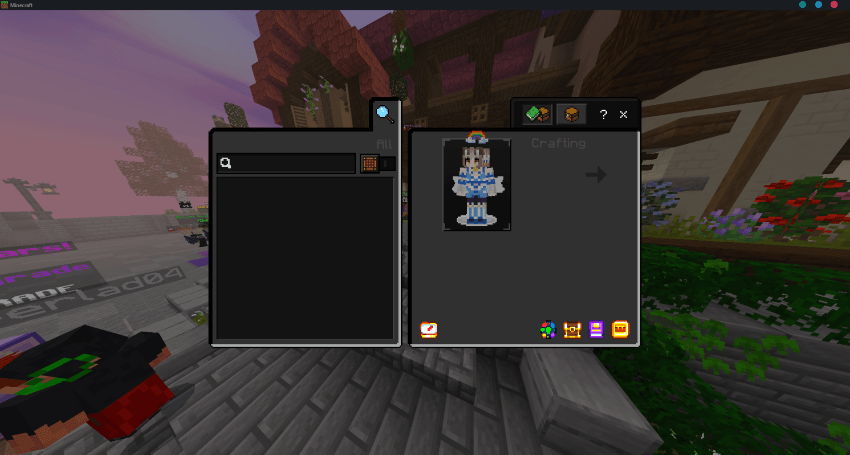
Start Screen, Settings, Play Screen, Add server, Loading Screen, Inventory, Pause Screen, Dressing Room, Hud.
Cyberline GUI Visual
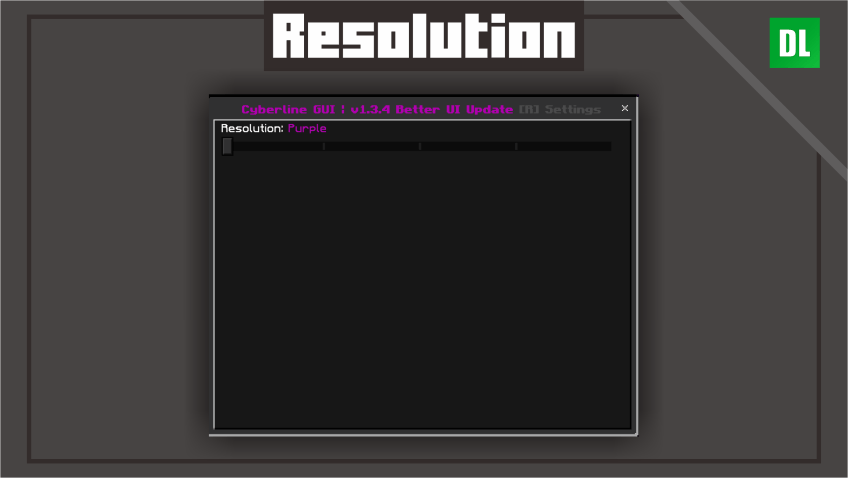
To change the visual at Global Resources > Active the pack > click Gear icon.
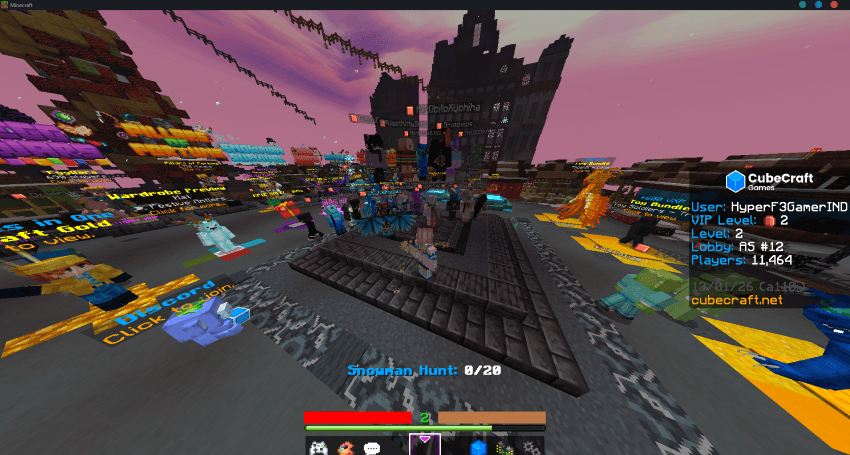
Video
Note
- BUG KNOWN: Marketplace Crashing.


Join our Discord and submit your ideas!
Visit website for more info about this addon!
If you are content creator, please use MCPEDL, ModBay or Planet Minecraft link if you want to share it, do not relink or use direct link to Mediafire! Do not upload to another websites or applications without my permission.
You can modify this pack for yourself only.
- Edition: Minecraft Bedrock
- File type: .mcpack
- Minecraft versions listed: 1.20.40, 1.21.30, 1.18.2
- How to install: Download the .mcpack. → Open it — Minecraft imports it under Resource Packs. → Activate it in Global Resources, or for one world under Resource Packs → Available.
- Where to get it: Opens on CurseForge — not every file is mirrored on our own servers.
Install steps are the general flow for this file type — How to install Minecraft Bedrock texture packs walks through it step by step.
- Pack type: .mcpack — a single pack
- Manifest requires Minecraft 1.13.0 or newer
- Complete pack — everything it depends on is inside the file
- Download size: 80.0 MB
- Download link checked 5 Oct 2026 — working
These come from our own check of the pack file, not from the source page.