
Texture packsBedrock
Inventory Optimizer
Bedrock texture pack listed for Minecraft 1.21–26.x. File opened and checked on 15 Oct 2026; installs from the MC Bedrock Mods app on Android.
⬇ Download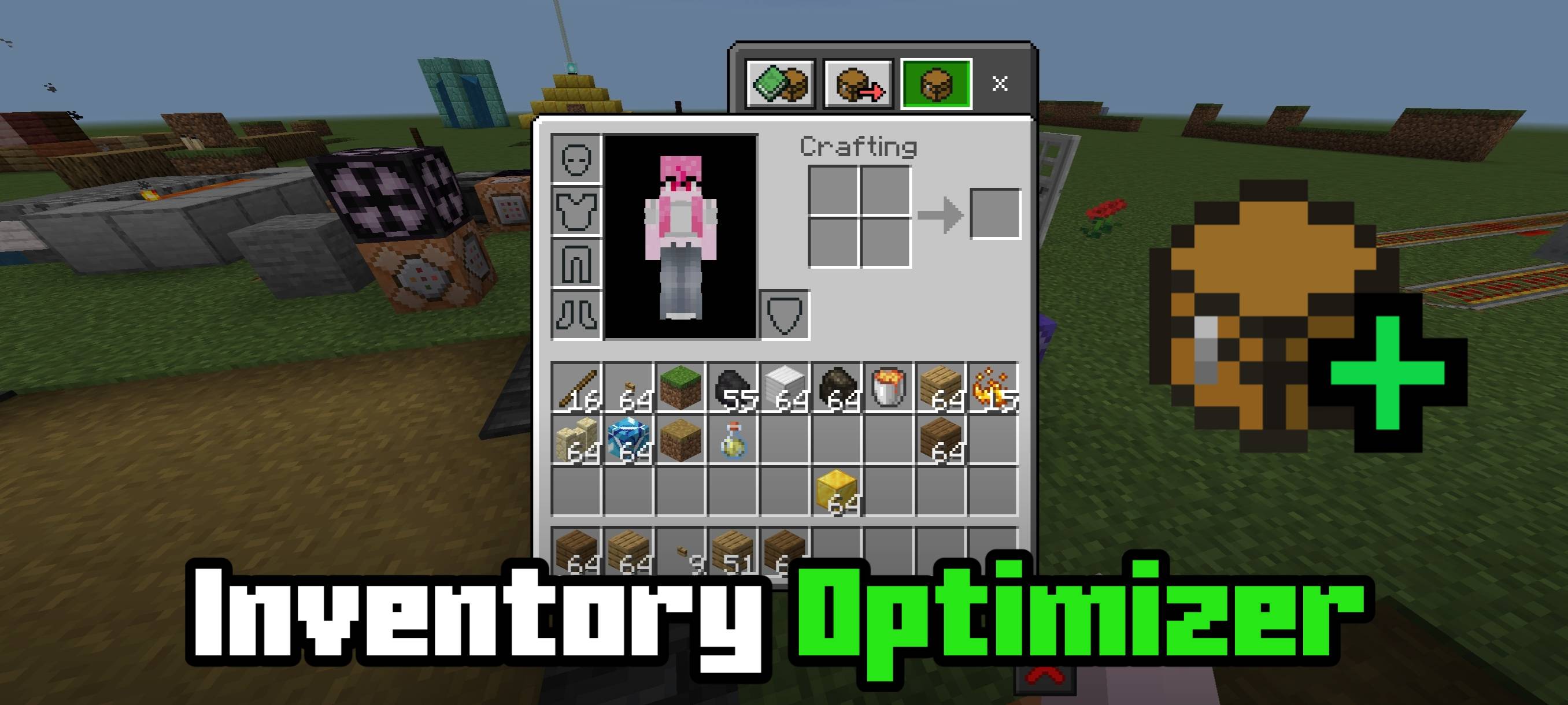
An UI texture pack that optimizes the inventory screen making it load faster by rewriting the code.
How does this work?
This texture pack rewrites the inventory screen code, making it more efficient. It also removes several features that contribute to poor game performance, such as screen animations, flying item animations, and the recipe book panel.
Notes
- I recommend using this pack for playing on mini games or low-end devices that really need it, because this pack removes most of the features from the recipe book and only leaves the search bar and 9 recipe book container slots.
Showcase Before & After
Quick facts
- Edition: Minecraft Bedrock
- File type: .mcpack
- Minecraft versions listed: 1.21.101, 1.21.100, 1.21.111
- How to install: Download the .mcpack. → Open it — Minecraft imports it under Resource Packs. → Activate it in Global Resources, or for one world under Resource Packs → Available.
- Where to get it: In MCModsHub, or directly above on this page.
Install steps are the general flow for this file type — How to install Minecraft Bedrock texture packs walks through it step by step.
File checked by MCModsHub
- Pack type: .mcpack — a single pack
- Complete pack — everything it depends on is inside the file
- Download size: 5 KB
- Download link checked 5 Oct 2026 — working
These come from our own check of the pack file, not from the source page.