Night Vision for RenderDragon
Bedrock texture pack listed for Minecraft 1.19–1.21. File opened and checked on 19 Sep 2026; installs from the MC Bedrock Mods app on Android.
I don't know my version
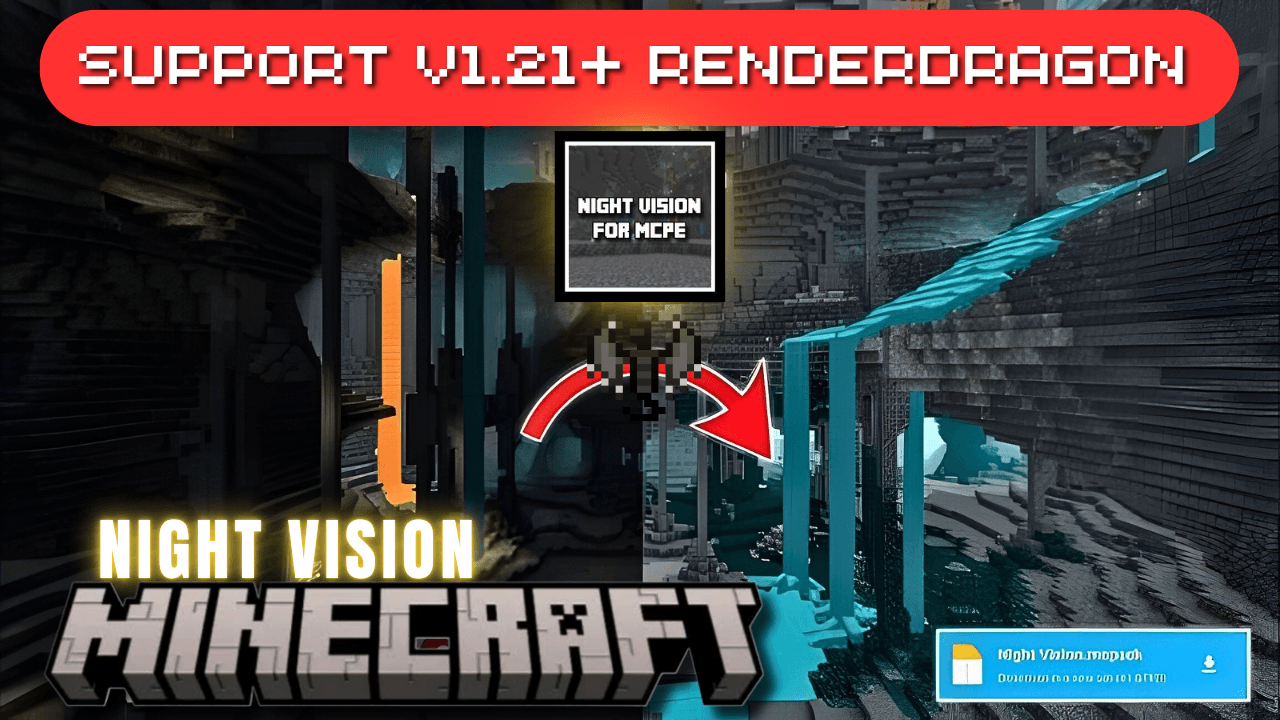
Unlock the full potential of your nighttime adventures in Minecraft with this Night Vision Texture Pack for Bedrock Edition, fully compatible with the RenderDragon engine. Whether you're exploring deep caves, building in the dark, or surviving hostile mobs at night, this night vision resource pack gives you crystal-clear visibility without the need for potions or torches.
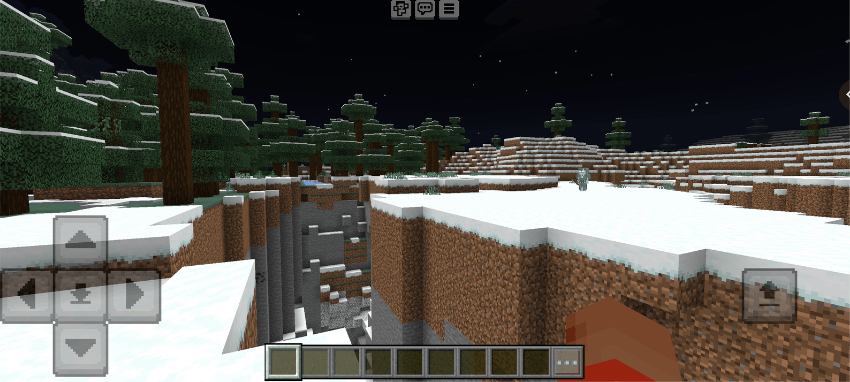
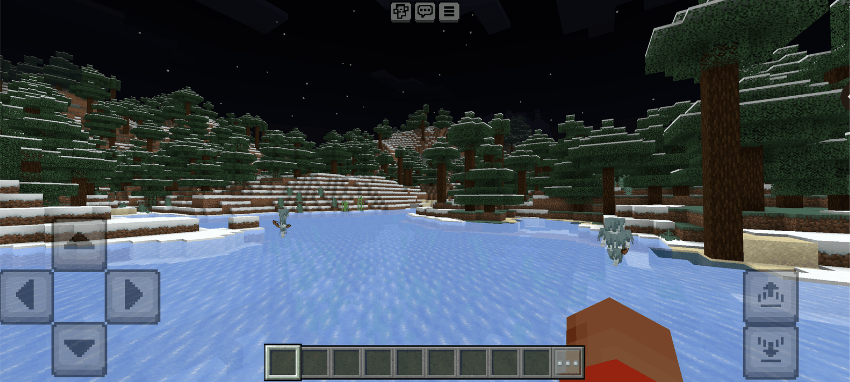
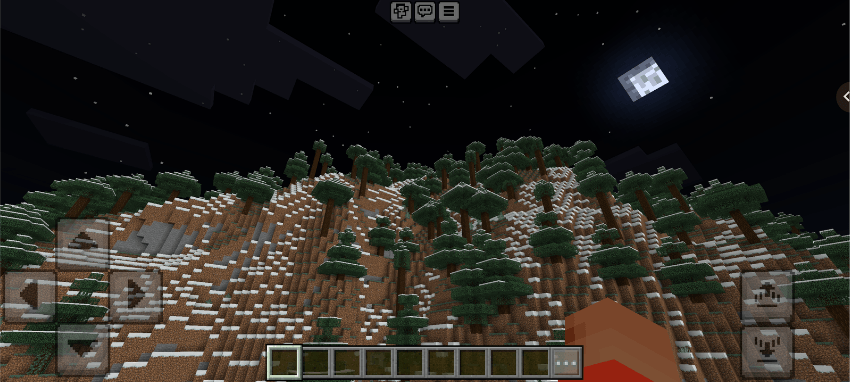
Screenshots:-
Installation:-
Download the Resource Pack
Start by downloading the .mcpack file you want to use.
Install the Required Tools
For Android: Download either Minecraft PATCH APK or MaterialBinLoader from the Play Store or the YSS Server.
For Windows: Download Better RenderDragon from GitHub.
Locate the .mcpack File
Find the downloaded .mcpack file on your device (Android or Windows).
Import the Pack into Minecraft
Tap or double-click the .mcpack file. When prompted, choose Minecraft to open it. This will automatically import the pack into the game.
Activate the Pack
Open Minecraft, go to your world settings, and activate the imported pack under Resource Packs or Behavior Packs as needed.
- Edition: Minecraft Bedrock
- File type: .mcpack
- Minecraft versions listed: 1.21.81, 1.21.93, 1.21.90
- How to install: Download the .mcpack. → Open it — Minecraft imports it under Resource Packs. → Activate it in Global Resources, or for one world under Resource Packs → Available.
- Where to get it: Opens on CurseForge — not every file is mirrored on our own servers.
Install steps are the general flow for this file type — How to install Minecraft Bedrock texture packs walks through it step by step.
- Save it as Night Vision.mcaddon before opening — it downloads as .mcpack, but it is a .mcaddon pack
- Manifest requires Minecraft 1.19.20 or newer
- Complete pack — everything it depends on is inside the file
- Download size: 5.3 MB
- Download link checked 5 Oct 2026 — working
These come from our own check of the pack file, not from the source page.