Texture packsBedrock
Blue is beautiful (bedrock edition)
I don't know my version
Open Minecraft and look at the bottom-left corner of the main screen — the version is printed there, like v1.26.30.
The game writes a 1. in front; the buttons above leave it off. v1.26.30 in the game is 26.30 here.


I finally made the original Blue is Beautiful in bedrock so now bedrock players can enjoy the texture pack. :)
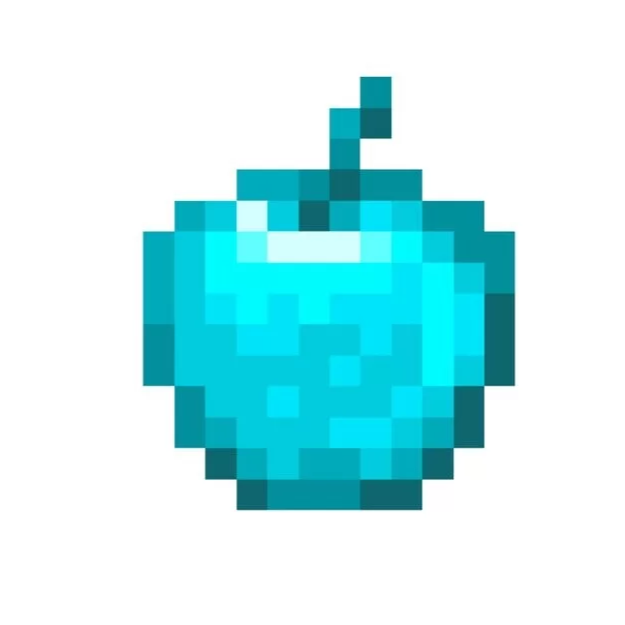
This mod makes everything look more better and blue such as diamond weapons,tools, armour and lots of foodstuff. It also updates all the old 1.8.9 textures to make it look like the newest version of Minecraft.
Note : I have used alternate diamonds and alternate iron texture packs but everything else we have made.
Quick facts
- Edition: Minecraft Bedrock
- File type: .mcpack
- Minecraft versions listed: 1.21.21, 1.20.40, 1.20.60
- How to install: Download the .mcpack. → Open it — Minecraft imports it under Resource Packs. → Activate it in Global Resources, or for one world under Resource Packs → Available.
- Where to get it: Opens on CurseForge — not every file is mirrored on our own servers.
Install steps are the general flow for this file type — How to install Minecraft Bedrock texture packs walks through it step by step.
Verified by MCModsHub
- Pack type: .mcpack — a single pack
- Complete pack — everything it depends on is inside the file
- Download size: 261 KB
- Download link checked 26 Aug 2026 — working
These come from our own check of the pack file, not from the source page.