Better Combat Resources
Bedrock texture pack listed for Minecraft 1.21–26.x. File opened and checked on 20 Sep 2026; installs from the MC Bedrock Mods app on Android.
I don't know my version
Members in my discord server get early access to all add-ons/packs
Donators to my PayPal get exclusive prelease content/sneak peaks through my discord server^ (and it helps support me wanting to keep these projects going)
If you download an updated version, after already downloading a previous one, and your game says duplicate pack detected PLEASE contact me, I will fix it for you. (Some updates I forgot to update the UUIDS for anyone who wants to attempt fixing it themselves)
If it is your first time seeing and downloading this pack you only need to download and activate the latest version, and it includes all previous features. No need to download older versions. (You dont even need to download the 1.21.8x versions if you're playing on that version, the 1.21.9x and older versions should also work on .8x because they are made to be backwards compatible.
For Bedrock Edition!!! Because don't you get tired of searching for better combat resources, and almost everything is for java edition?
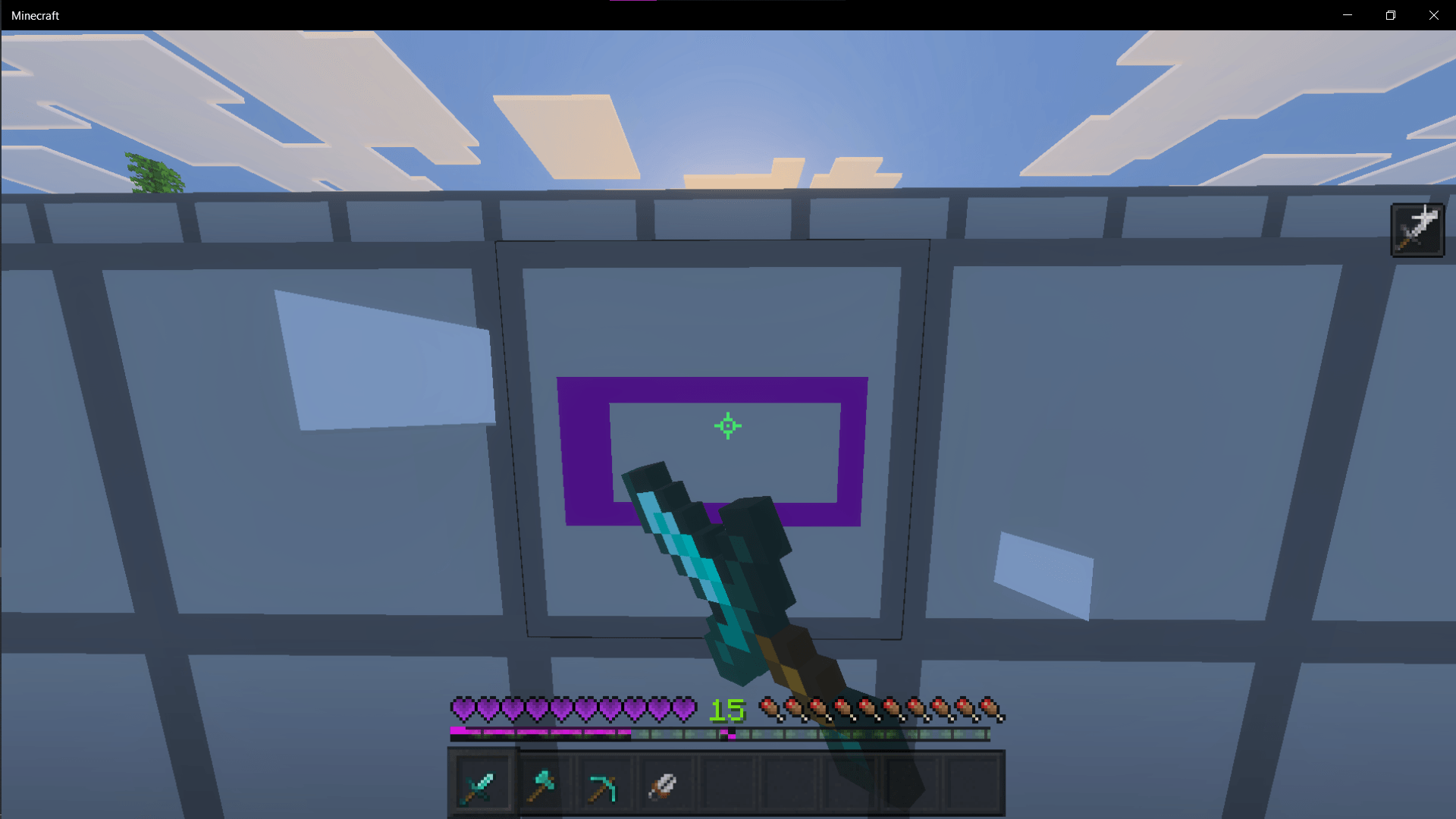
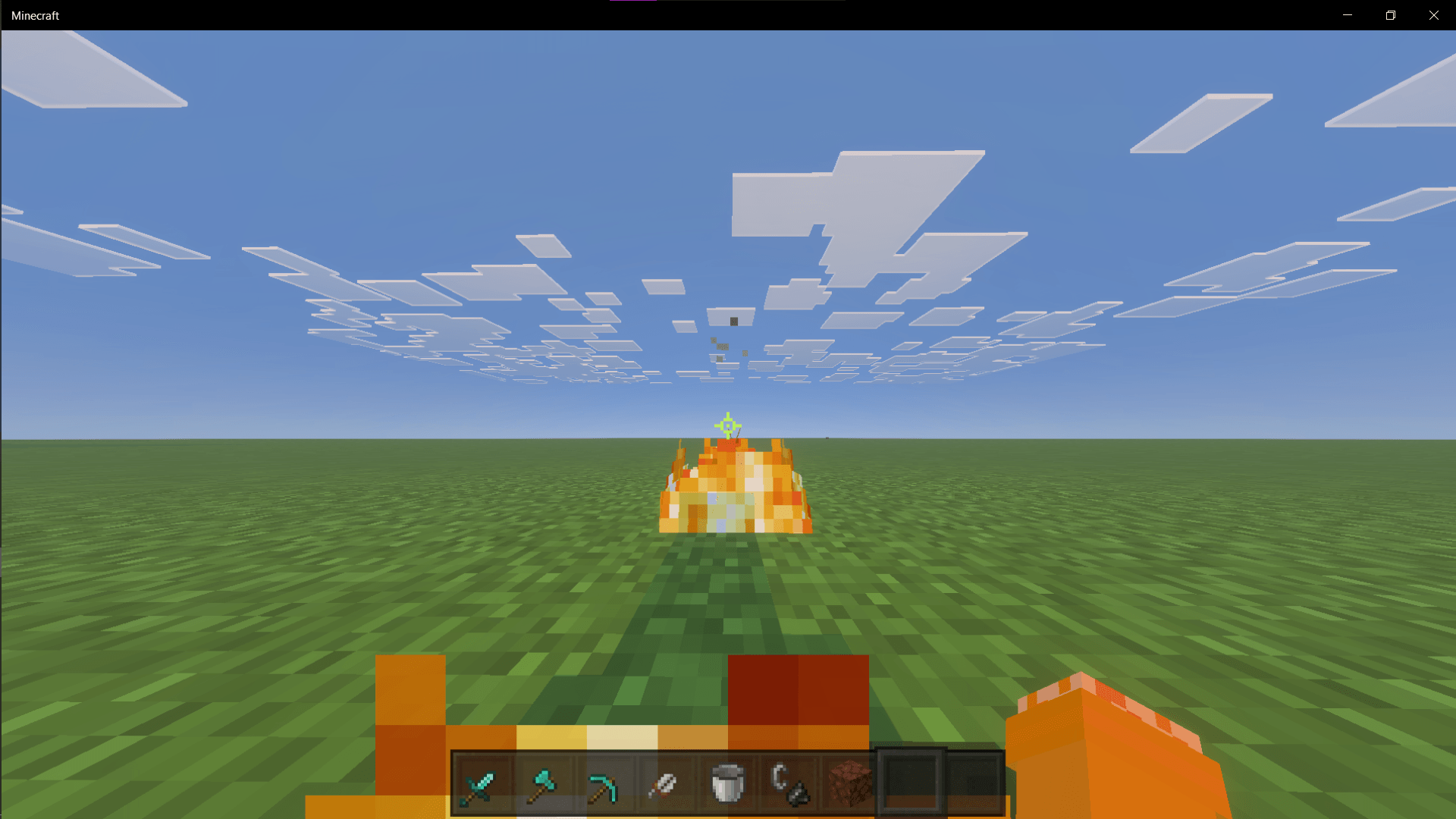
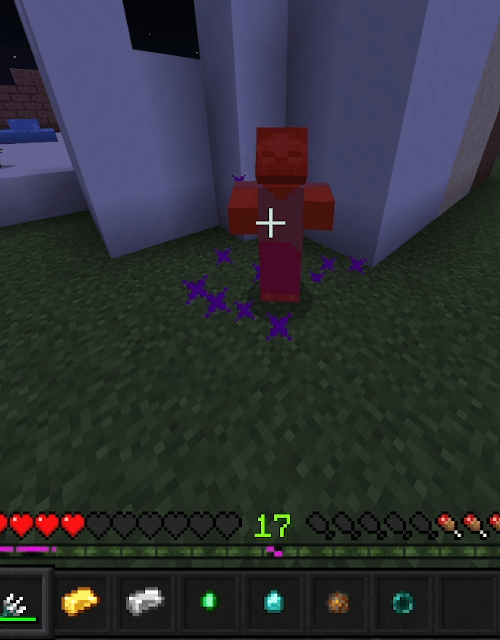
Better textures for PVP in Minecraft, It shortens all swords, axes, and picks. (And shears) Turns wool to solid colors so it's easier to see, adds a low fire effect so it doesnt blind your screen, and changes the breaking texture to a progress bar you can set to be 12 different colors in the packs settings, can go in global.
Keep in mind this: Certain colors of the progress bars only render on certain blocks, for example the yellow one wont render well on a blue colored block. This is a Bedrock limitation as it renders the breaking texture as transparent which is not datadriven so I can't override it. White does not render at all, I kept it there so in the future if they change this the textures are there.
- Edition: Minecraft Bedrock
- File type: .mcpack
- Minecraft versions listed: 1.21.94, 1.21.101, 1.21.100
- How to install: Download the .mcpack. → Open it — Minecraft imports it under Resource Packs. → Activate it in Global Resources, or for one world under Resource Packs → Available.
- Where to get it: Opens on CurseForge — not every file is mirrored on our own servers.
Install steps are the general flow for this file type — How to install Minecraft Bedrock texture packs walks through it step by step.
- Pack type: .mcpack — a single pack
- Manifest requires Minecraft 1.21.50 or newer
- Complete pack — everything it depends on is inside the file
- Download size: 1.9 MB
- Download link checked 5 Oct 2026 — working
These come from our own check of the pack file, not from the source page.