Texture packsBedrock
Dark UI MCBE
Bedrock texture pack listed for Minecraft 1.21. File opened and checked on 28 Sep 2026; installs from the MC Bedrock Mods app on Android.
⬇ Download on CurseForge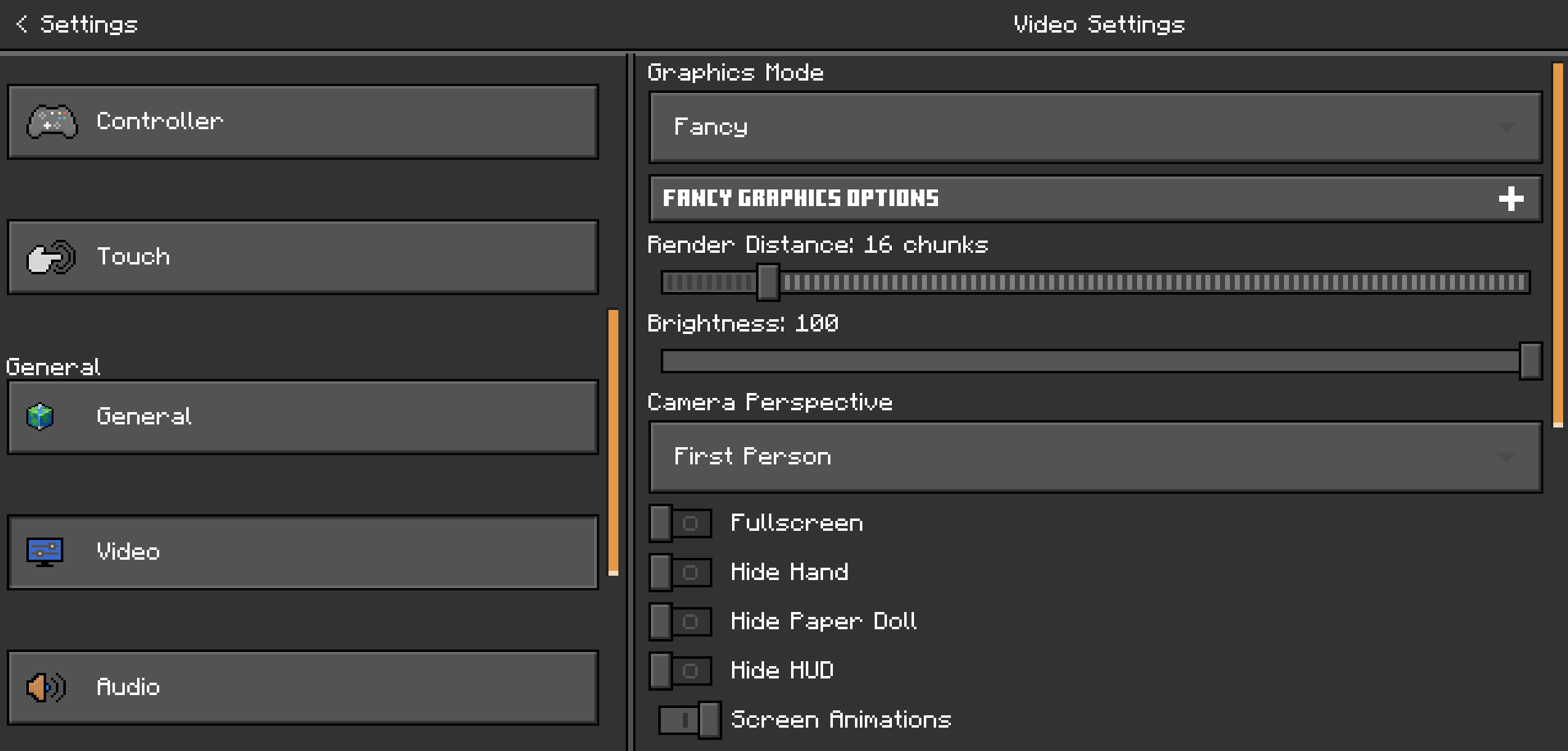
Dark UI Pack for Minecraft Bedrock/MCPE
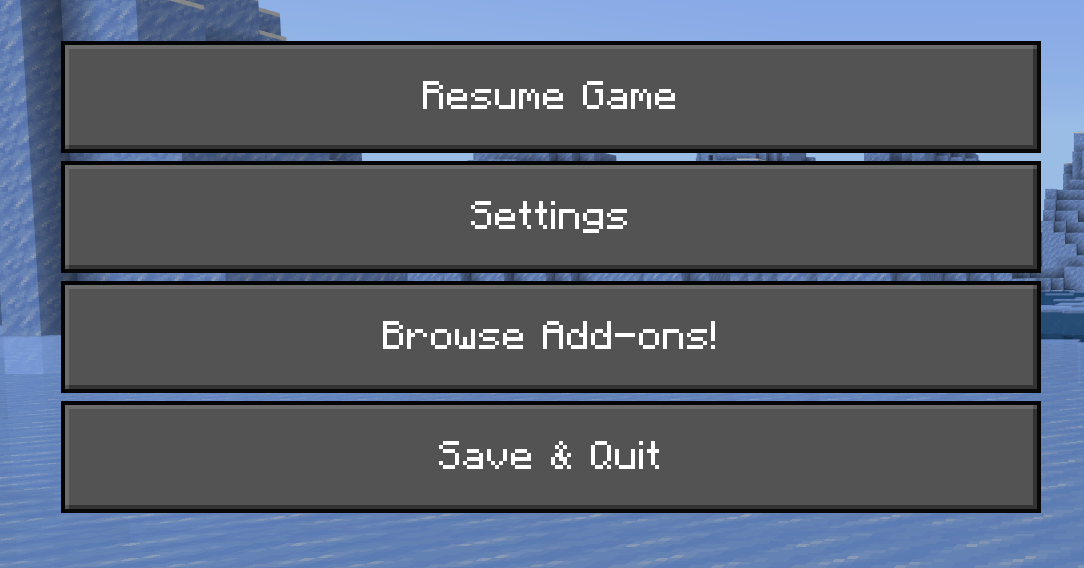
Do you enjoy playing Minecraft at night or for long hours? The Dark UI Pack gives your game a stylish dark theme that is easy on the eyes and looks premium. Instead of the default bright interface, this pack adds a smooth and modern dark layout across menus, inventories, and settings — all while keeping the original vanilla-style design.
✨ Why Use Dark UI?
- Reduces eye strain during night-time gameplay
- Looks modern and premium
- Perfect for OLED/AMOLED devices
- Keeps original Minecraft layout (only visuals updated)
- Lightweight and lag-free
📌 Features
- Dark theme for menus & inventory
- Better contrast for icons and buttons
- Consistent UI across all screens
- Easy to install, no scripts needed
- Works on MCPE & Bedrock (Mobile, Windows, Console)
📥 How to Install
- Download the
.mcpackfile - Tap or open it to import into Minecraft
- Go to Settings → Global Resources
- Enable the Dark UI Pack
- Restart the game (optional)
✅ Compatibility
| Version | Support |
|---|---|
| Minecraft Bedrock 1.19+ | ✅ |
| Minecraft MCPE (Android/iOS) | ✅ |
| Windows 10/11 Bedrock | ✅ |
| Realms/Servers | ✅ |
Quick facts
- Edition: Minecraft Bedrock
- File type: .mcpack
- Minecraft versions listed: 1.21.81, 1.21.90, 1.21.101
- How to install: Download the .mcpack. → Open it — Minecraft imports it under Resource Packs. → Activate it in Global Resources, or for one world under Resource Packs → Available.
- Where to get it: Opens on CurseForge — not every file is mirrored on our own servers.
Install steps are the general flow for this file type — How to install Minecraft Bedrock texture packs walks through it step by step.
File checked by MCModsHub
- Pack type: .mcpack — a single pack
- Manifest requires Minecraft 1.21.100 or newer
- Complete pack — everything it depends on is inside the file
- Download size: 197 KB
- Download link checked 5 Oct 2026 — working
These come from our own check of the pack file, not from the source page.