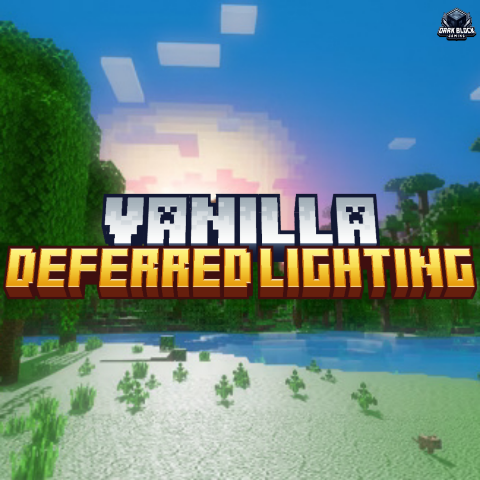
Vanilla Deferred Lighting (Deferred Shader)
Bedrock texture pack listed for Minecraft 1.21. Download on the author's site.
⬇ Download on CurseForge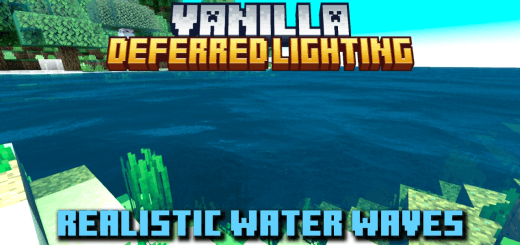
Realistic Water Waves, and much more..
As you know Minecraft Bedrock Edition now has a new type of shaders support, which is really great and you can find a lot of pack/shaders for this, but...
Vanila Deferred Lighting (VDL) is different because this resource pack does not changes any lighting, which means you can enjoy full vanilla or default shader experience. (which means, this pack works as a switch to enable Deferred Technical Preview)
Here are some images....
<figure class="image">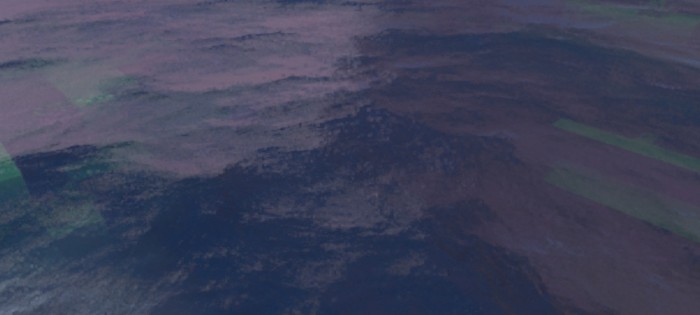 </figure>
<figure class="image">
</figure>
<figure class="image">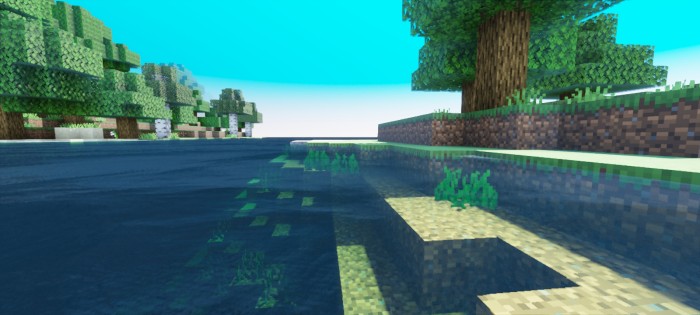 </figure>
<figure class="image">
</figure>
<figure class="image">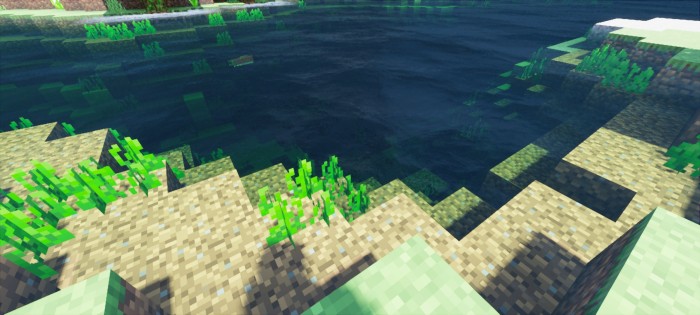 </figure>
<figure class="image">
</figure>
<figure class="image">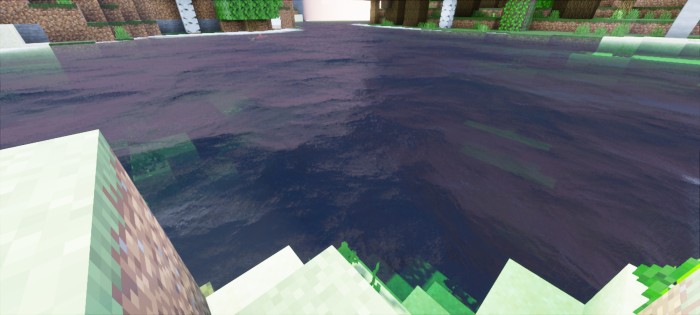 </figure>
<figure class="image">
</figure>
<figure class="image">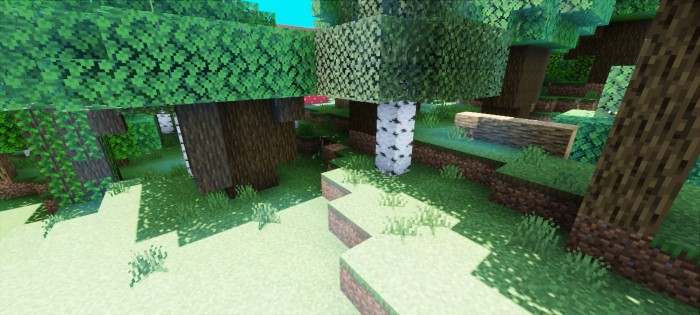 </figure>
<figure class="image">
</figure>
<figure class="image">Pack Settings....
Pack setting is simple, just click on the gear icon and chose from the avilable options!
Important...
- Currently this only works on beta/preview and this feature is not optimised enough so it may cause some problems, bugs or glitches.
- After activating the pack, don't forget to enable "Render Dragon Features for Creators" experimental feature
- And also change graphics mode to "Deferred Technical Preview" in world's video settings.
- Make sure you are in beta/preview version 1.21.30.22 or above!
- Edition: Minecraft Bedrock
- File type: .mcpack
- Minecraft version listed: 1.21
- How to install: Download the .mcpack. → Open it — Minecraft imports it under Resource Packs. → Activate it in Global Resources, or for one world under Resource Packs → Available.
- Where to get it: Opens on CurseForge — not every file is mirrored on our own servers.
Install steps are the general flow for this file type — How to install Minecraft Bedrock texture packs walks through it step by step.
Vanilla Deferred Lighting (Deferred Shader) is a free Minecraft Bedrock texture pack. Compatible with Minecraft 1.21. Downloaded 30,502 times (via CurseForge). Download it and open it directly in the game.