Invisible Touch Controls - like PC
Bedrock texture pack listed for Minecraft 1.21. File opened and checked on 10 Oct 2026; installs from the MC Bedrock Mods app on Android.
⬇ Download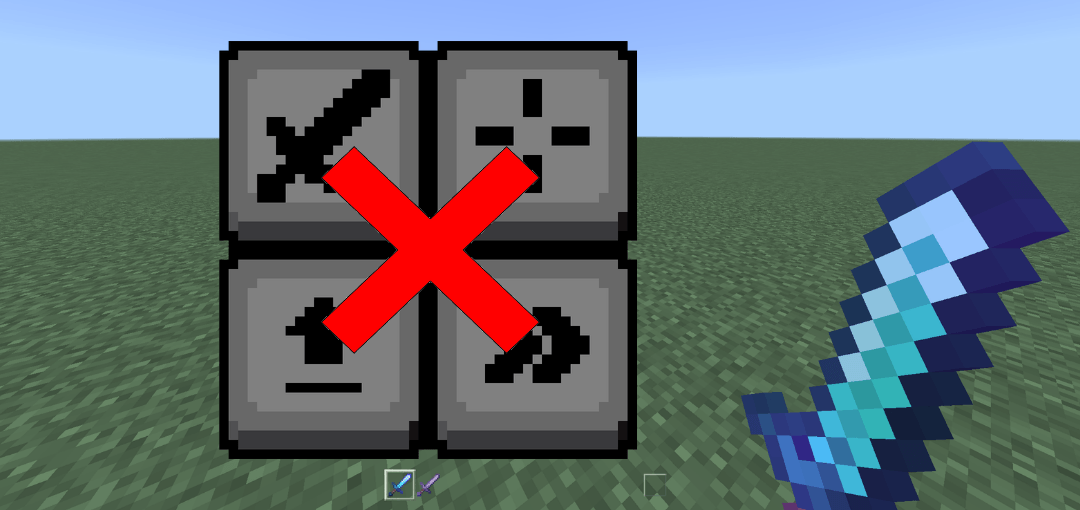
Configurable Invisible Touch Controls
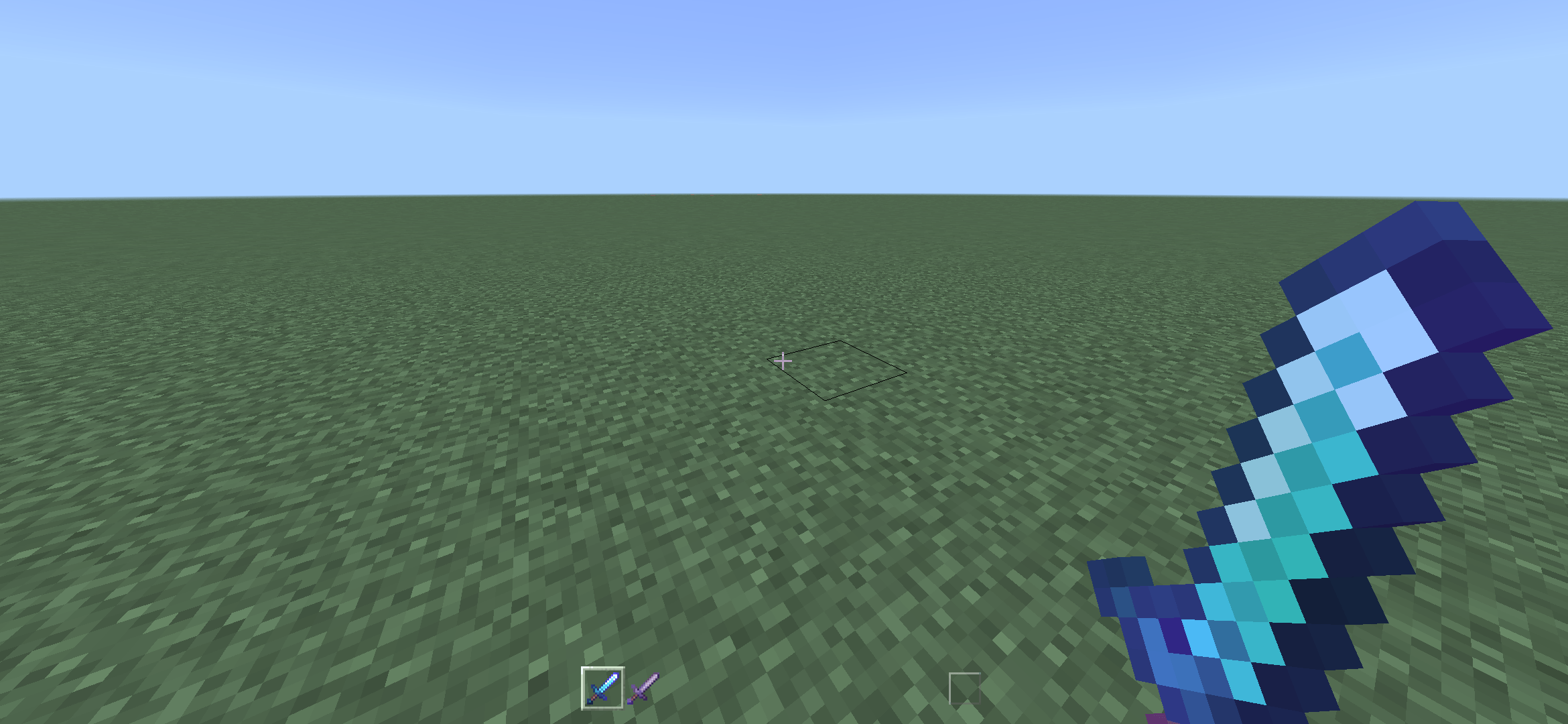
Hide those ugly big buttons and make your phone screen look like a PC screen! This pack strips away all the clutter so you can actually see what you're doing. Great for content creators too - your videos will finally look like PC footage. Also, this pack makes the hotbar way cleaner. And the pack is customizable!
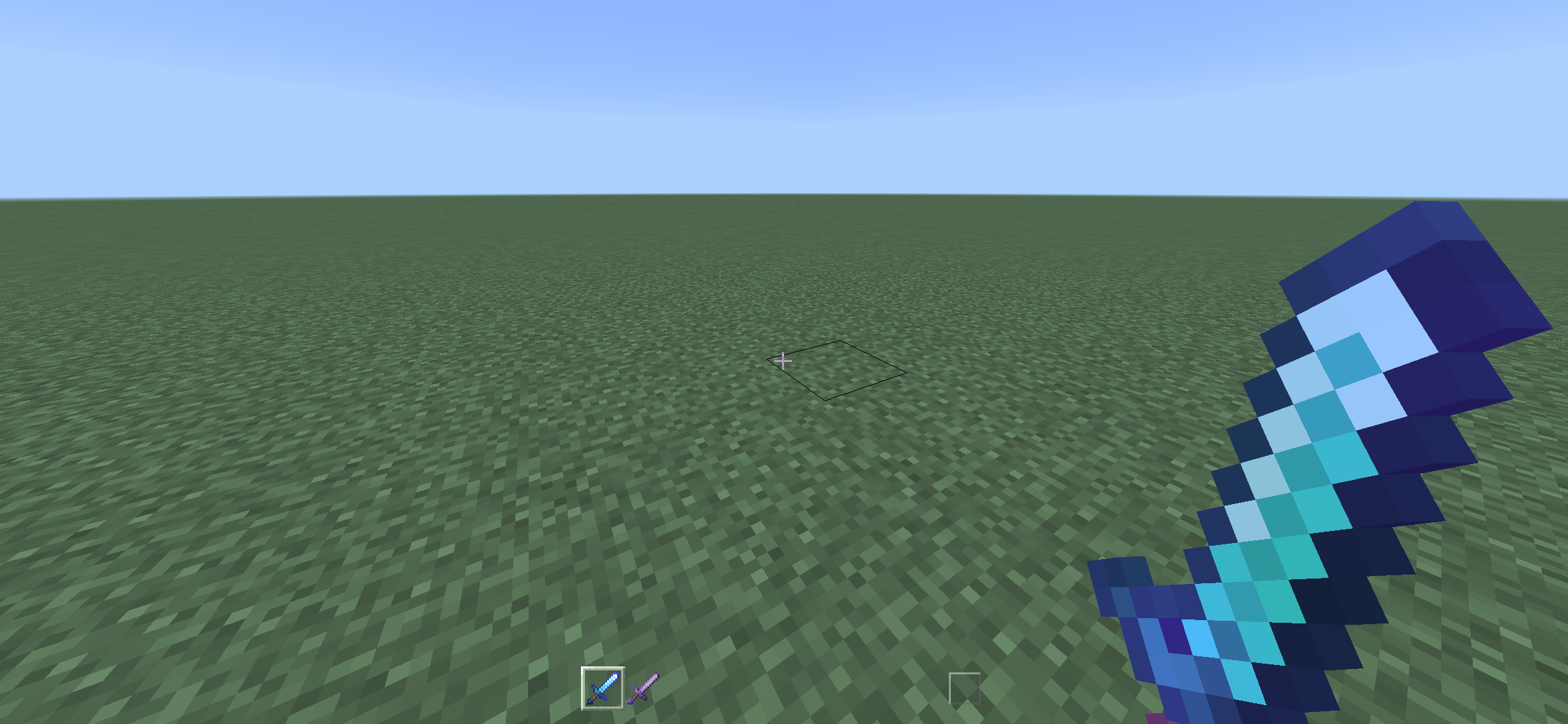
Screenshot captured on 12 render distance, -2 GUI scale, using the Hidden Icons mode. On Android device (2340x1080). Note: Old screenshot, now the hollow box is also hidden.

Choose a subpack:
- Visible Icons — Recommended. Hides all buttons excluding the top 4: Perspective, Chat, Menu, and Emote.
- Hidden Icons — Fully invisible controls. Closest you’ll get to PC gameplay.

I recommend starting with Visible Icons, then switching to Hidden Icons after a week or two, whenever muscle memory is built.
By the way, this actually helps performance a bit since we’re replacing those big textures with tiny 1x1 blank textures. (This doesn’t mean you’ll see dots on your screen!)
Feel free to give feedback in comments!
- Edition: Minecraft Bedrock
- File type: .mcpack
- Minecraft versions listed: 1.21.81, 1.21.93, 1.21.73
- How to install: Download the .mcpack. → Open it — Minecraft imports it under Resource Packs. → Activate it in Global Resources, or for one world under Resource Packs → Available.
- Where to get it: In MCModsHub, or directly above on this page.
Install steps are the general flow for this file type — How to install Minecraft Bedrock texture packs walks through it step by step.
- Pack type: .mcpack — a single pack
- Complete pack — everything it depends on is inside the file
- Download size: 100 KB
- Download link checked 5 Oct 2026 — working
These come from our own check of the pack file, not from the source page.