Low Lag | No Animations | No Effects | No Practicles
Bedrock texture pack listed for Minecraft 1.21. File opened and checked on 12 Oct 2026; installs from the MC Bedrock Mods app on Android.
⬇ DownloadThe author built this one for Minecraft 1.21.120. On other versions it may install and then do nothing.
Fix Lag Mod – Optimize Minecraft for Smooth, Seamless Gameplay
Minecraft is famous for its vast worlds and dynamic effects, but sometimes all that beauty can come at a cost – lag, frame drops, and distracting animations. Fix Lag Mod is designed to solve all these issues, delivering a smoother and more enjoyable gaming experience.
With Fix Lag Mod, you’ll enjoy several key improvements:
Remove all unnecessary effects and animations: From particle effects, dust, water ripples, to excessive movement animations – everything that can slow your game down is eliminated, resulting in higher FPS and smoother performance.
Full Bright – Maximum Lighting: No more dark caves or pitch-black nights. Everything is brightly lit, making exploration, building, and survival easier than ever.
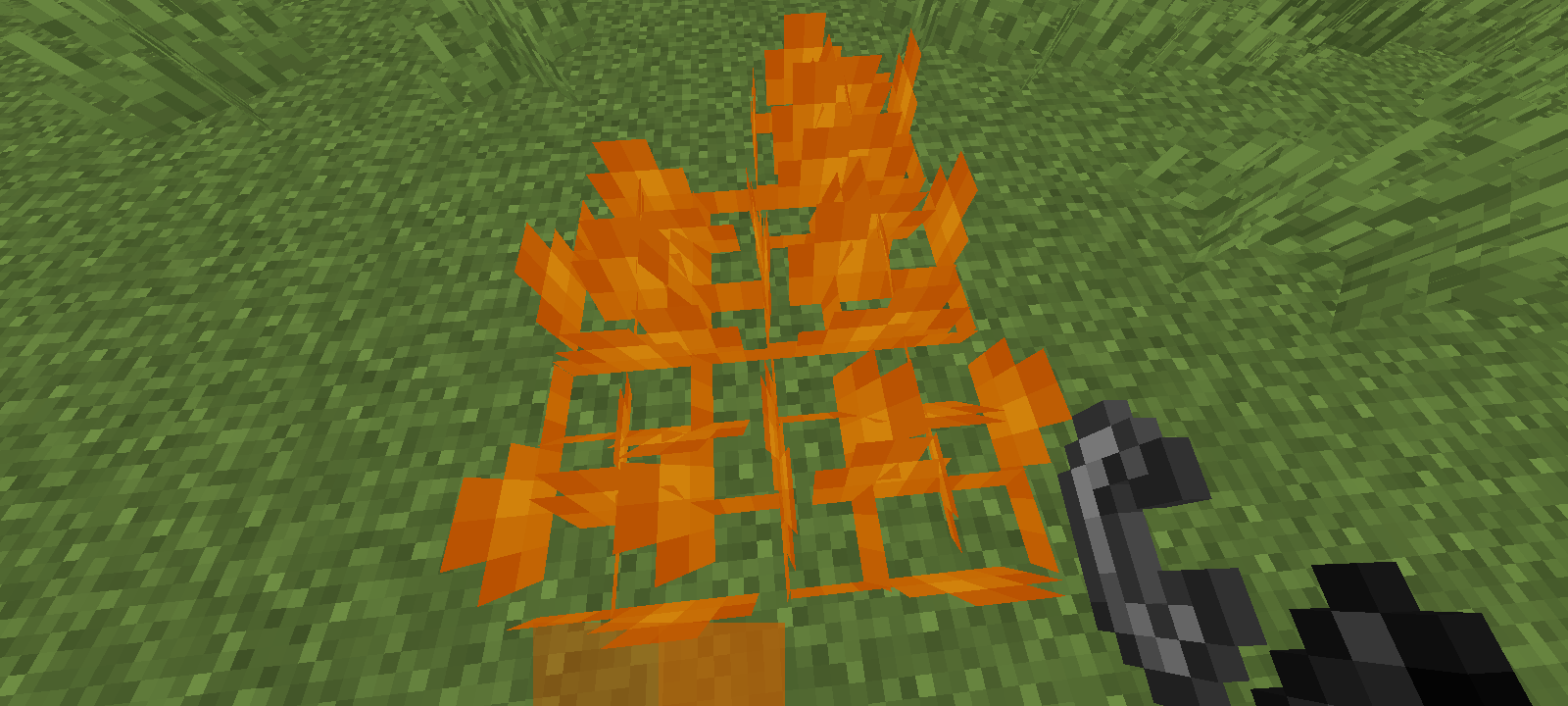
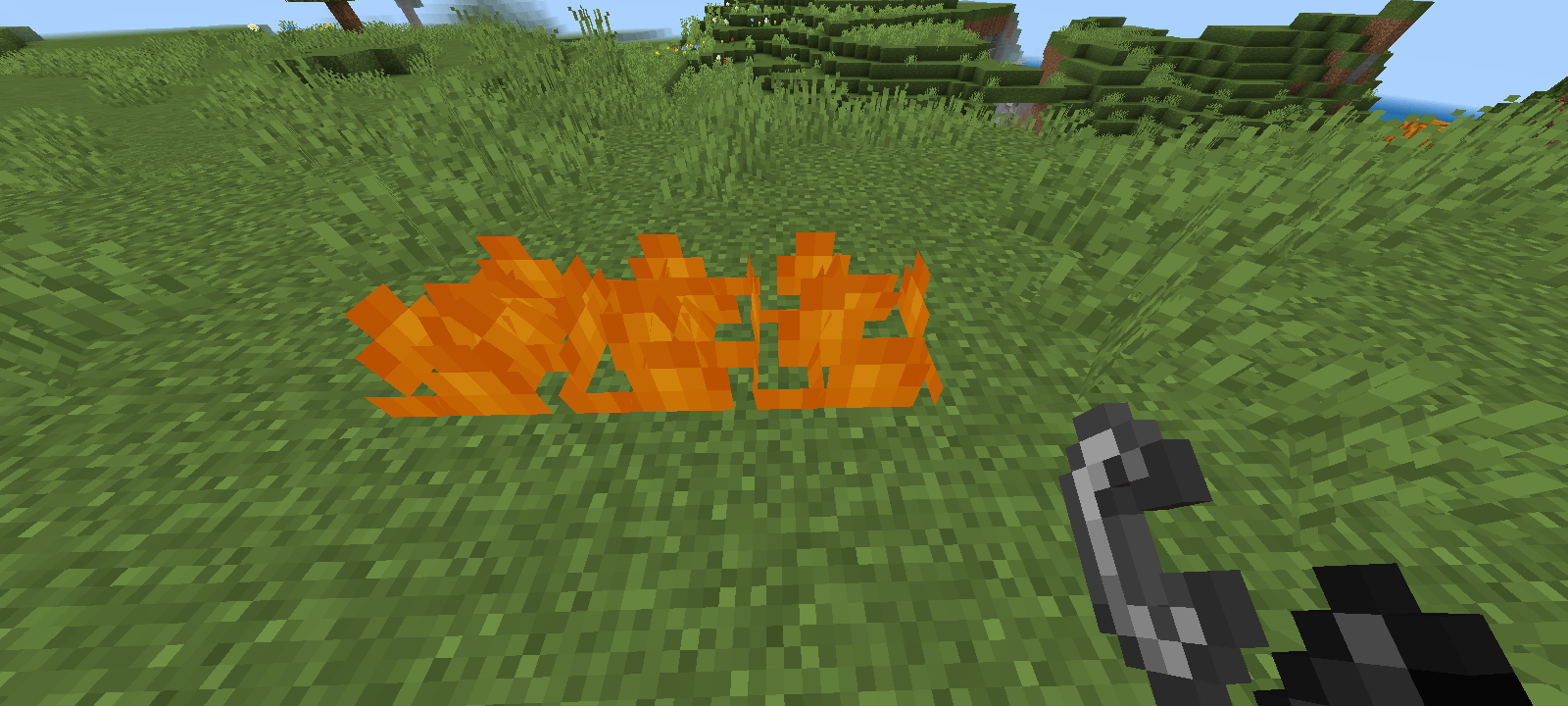
Reduce fire effects when burning: When your character catches fire, the screen no longer flashes red or shakes violently, allowing you to maintain clear visibility and control.
This mod doesn’t just improve performance; it also creates a more relaxed, distraction-free Minecraft experience. It’s especially ideal for low-end devices or players who want to focus on building and exploring without unnecessary visual clutter.
Install Fix Lag Mod today and transform Minecraft into a smoother, brighter, and more comfortable world!
- Edition: Minecraft Bedrock
- File type: .mcpack
- Minecraft version listed: 1.21.120
- How to install: Download the .mcpack. → Open it — Minecraft imports it under Resource Packs. → Activate it in Global Resources, or for one world under Resource Packs → Available.
- Where to get it: In MCModsHub, or directly above on this page.
Install steps are the general flow for this file type — How to install Minecraft Bedrock texture packs walks through it step by step.
- Pack type: .mcpack — a single pack
- Complete pack — everything it depends on is inside the file
- Download size: 1.1 MB
- Download link checked 5 Oct 2026 — working
These come from our own check of the pack file, not from the source page.