Cat RTX
Bedrock texture pack listed for Minecraft 1.16–1.21. File opened and checked on 20 Sep 2026; installs from the MC Bedrock Mods app on Android.
I don't know my version
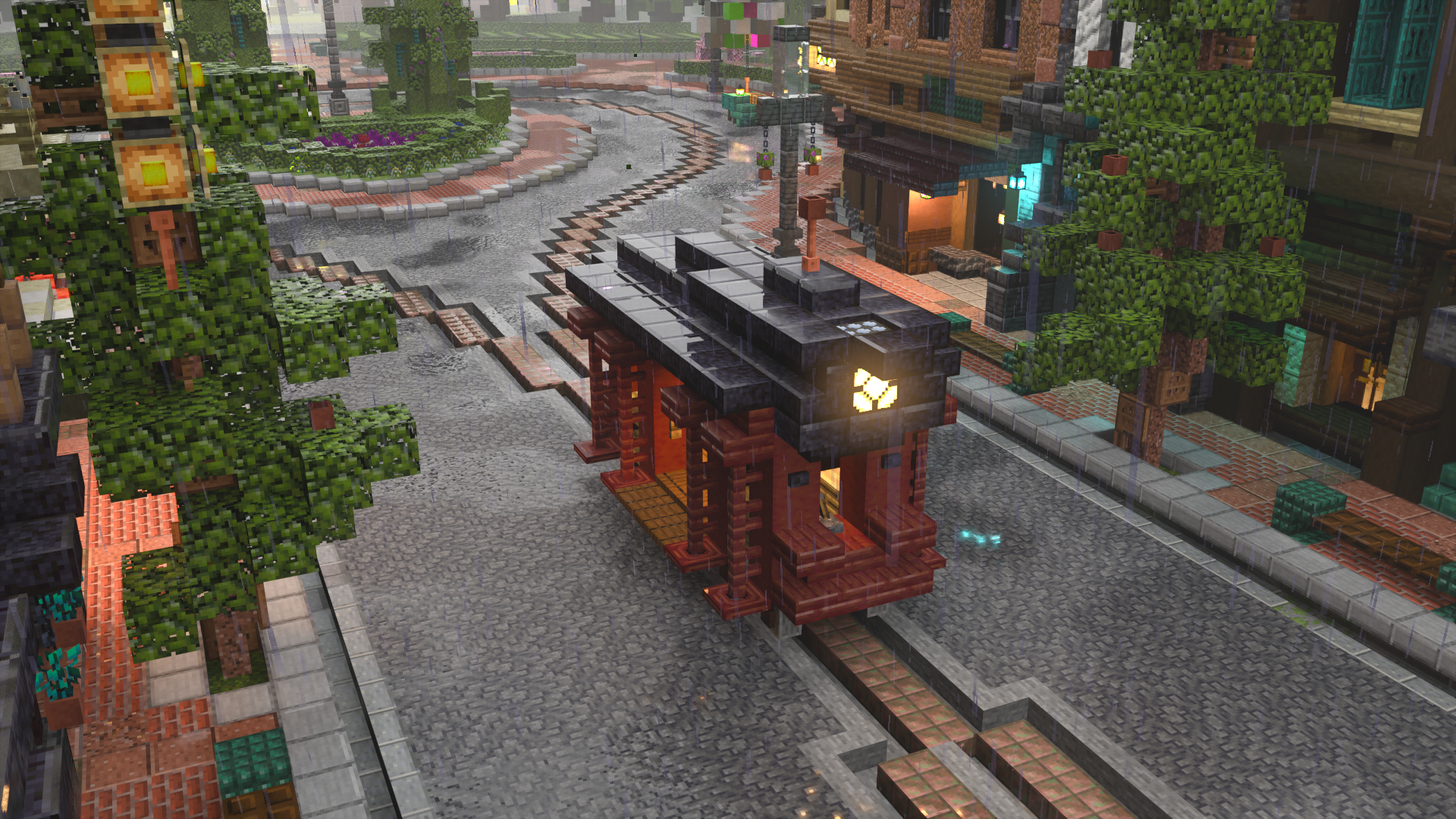
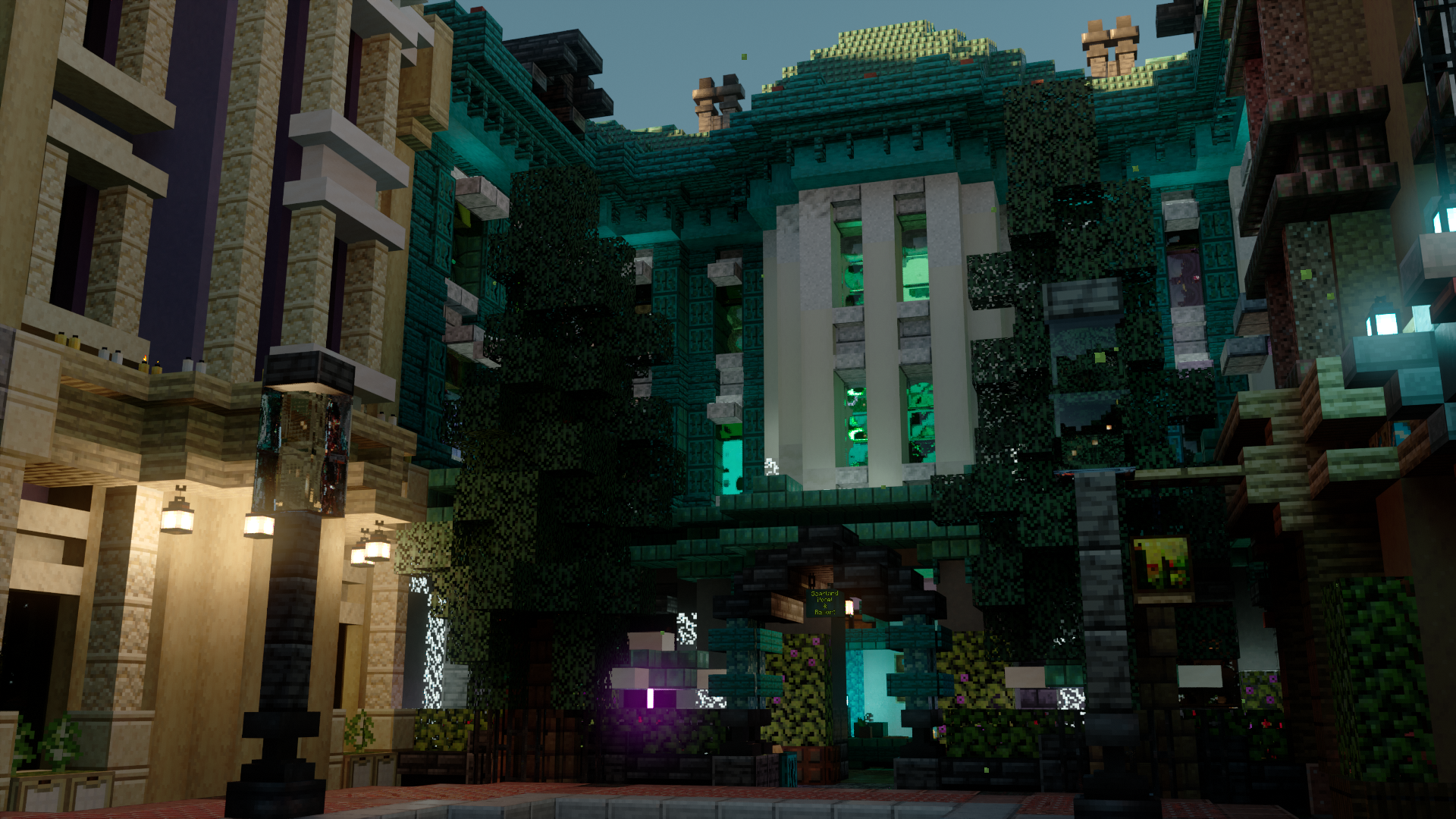
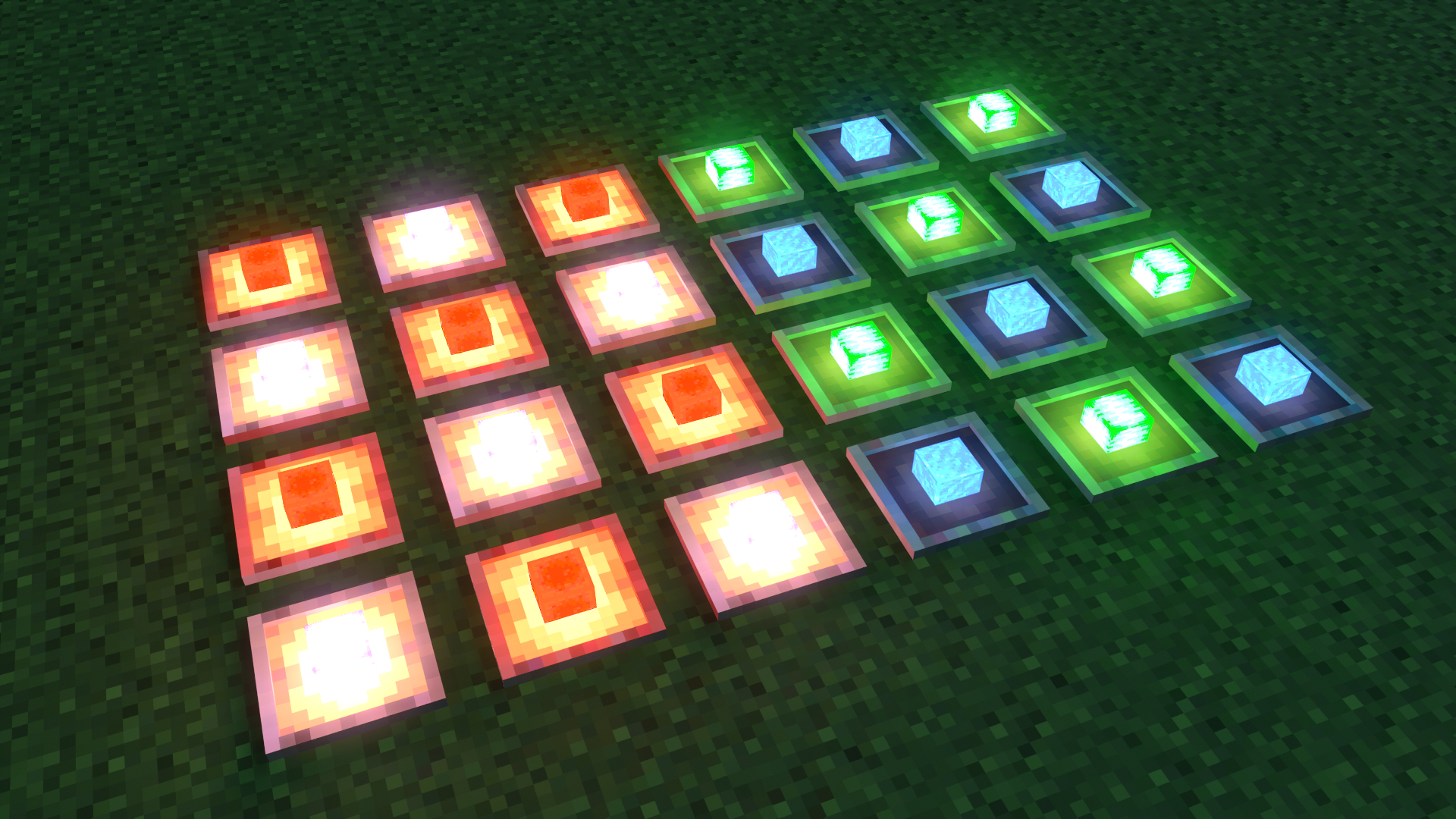
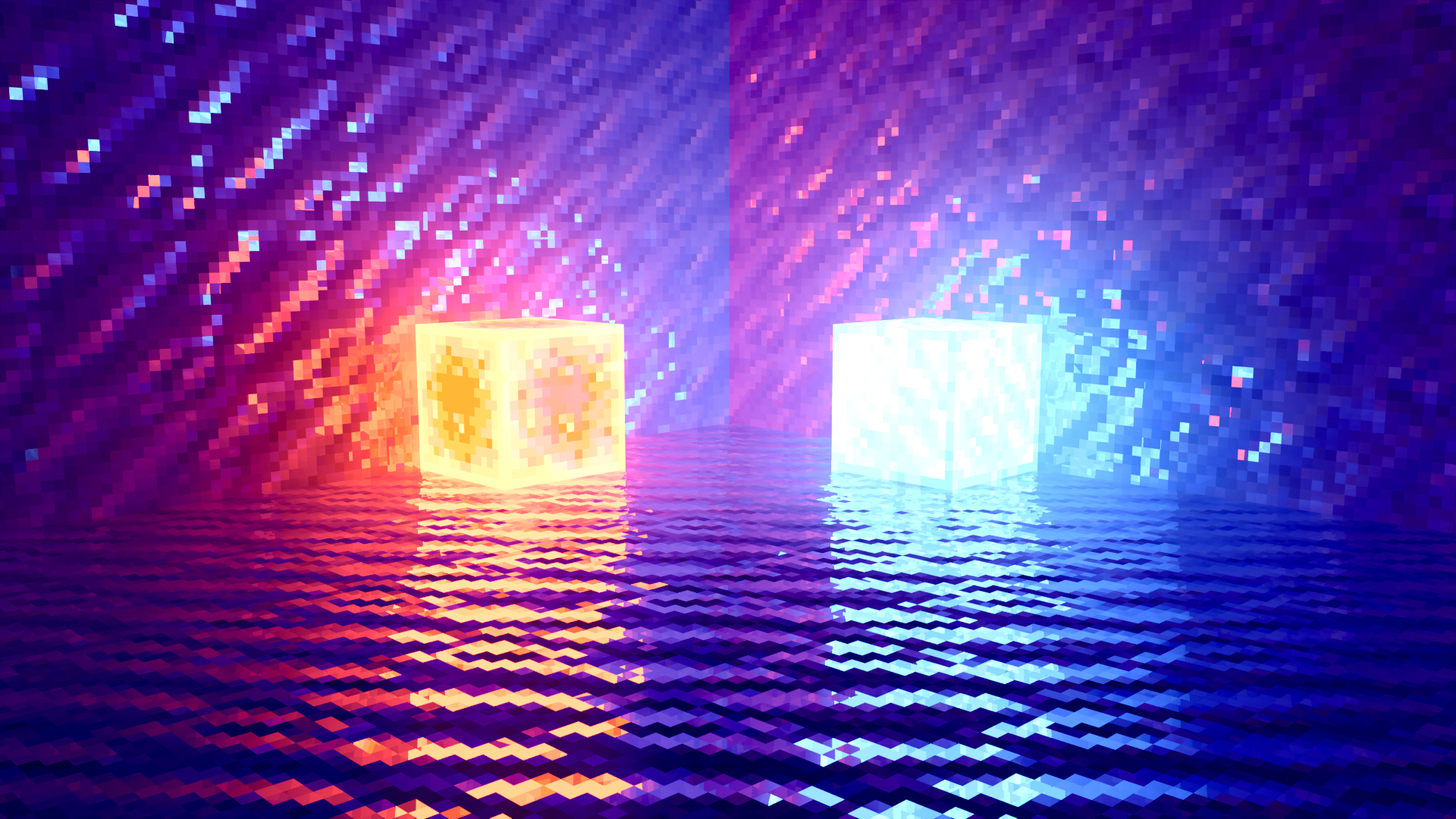
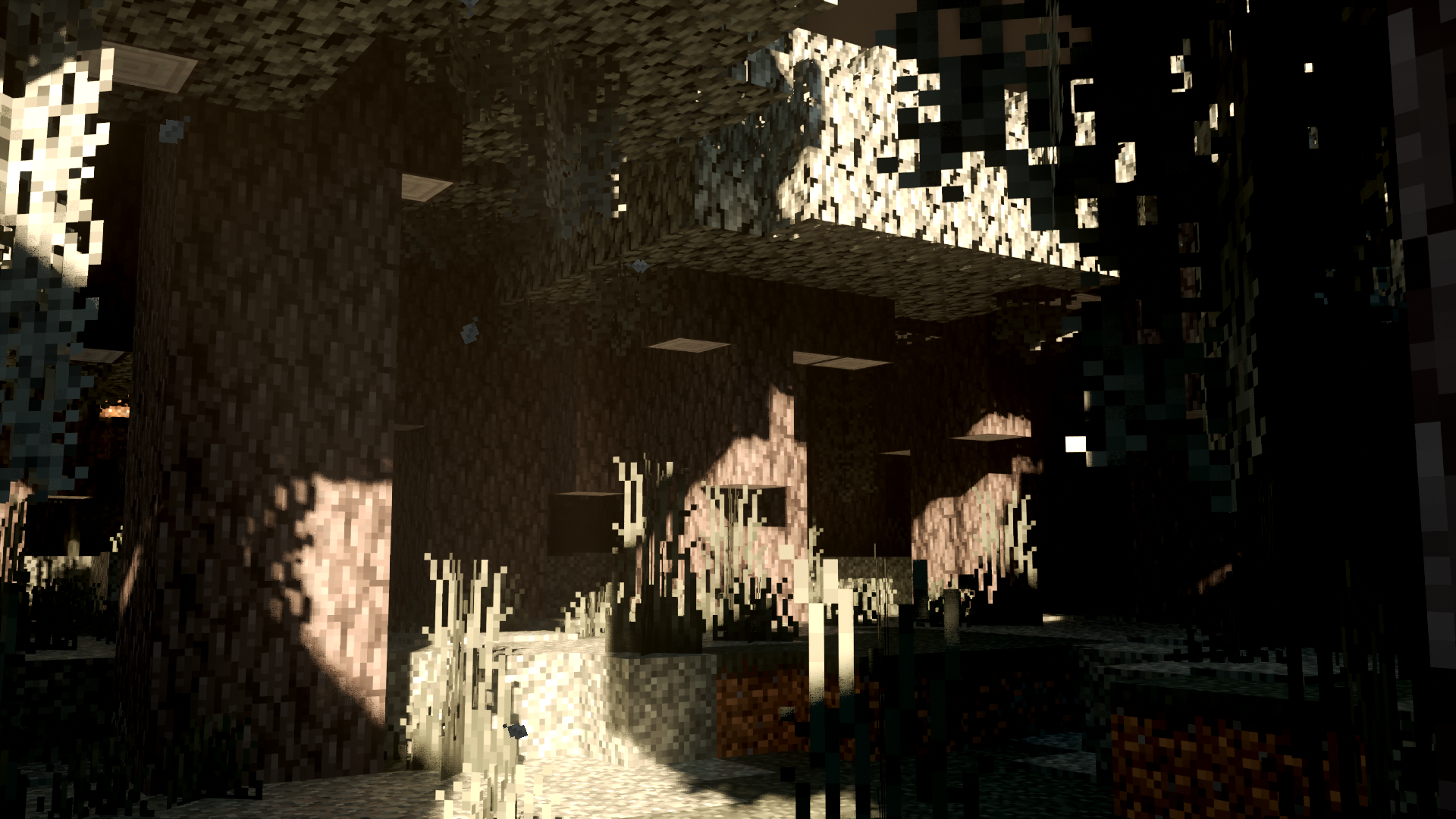
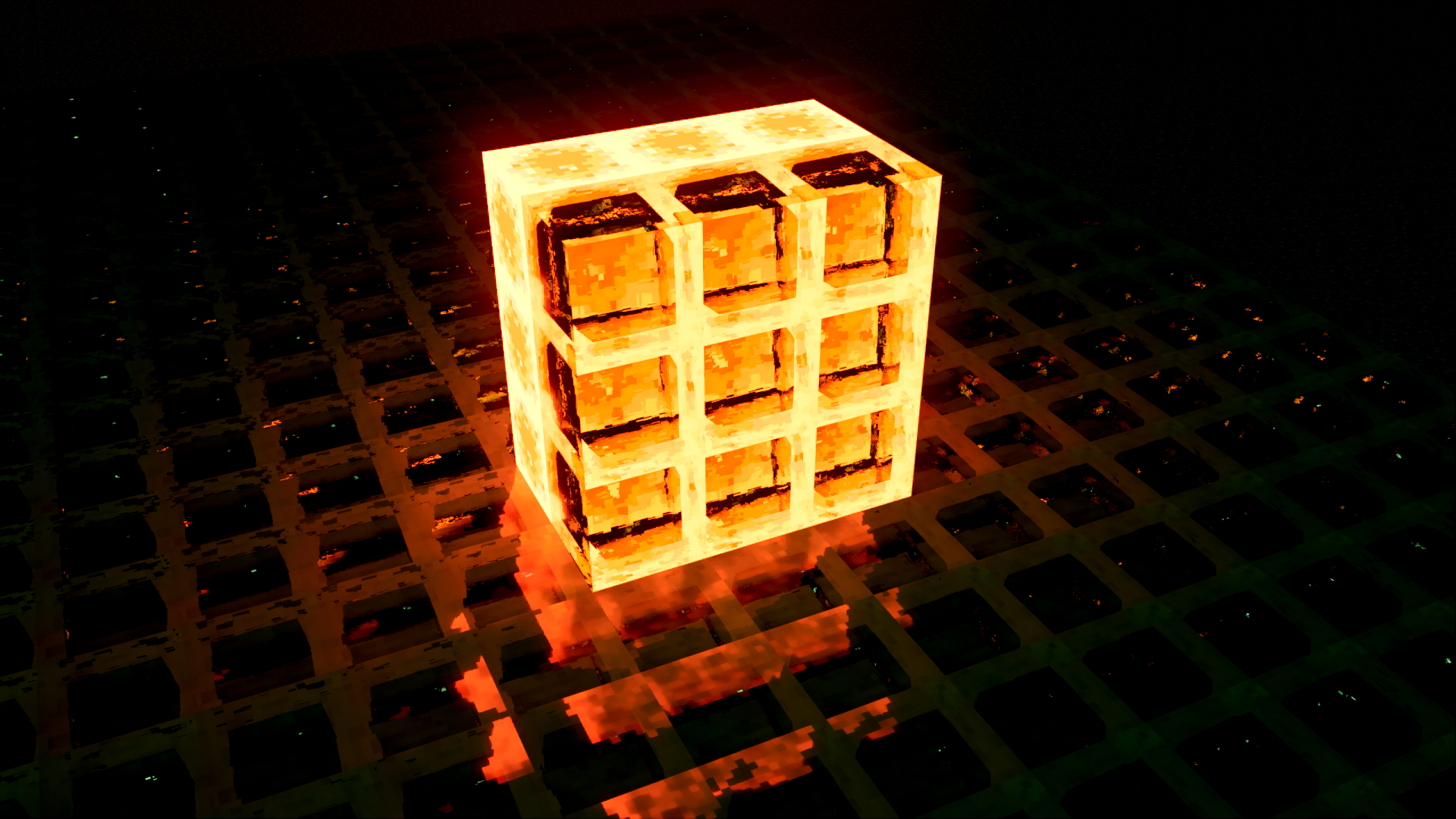
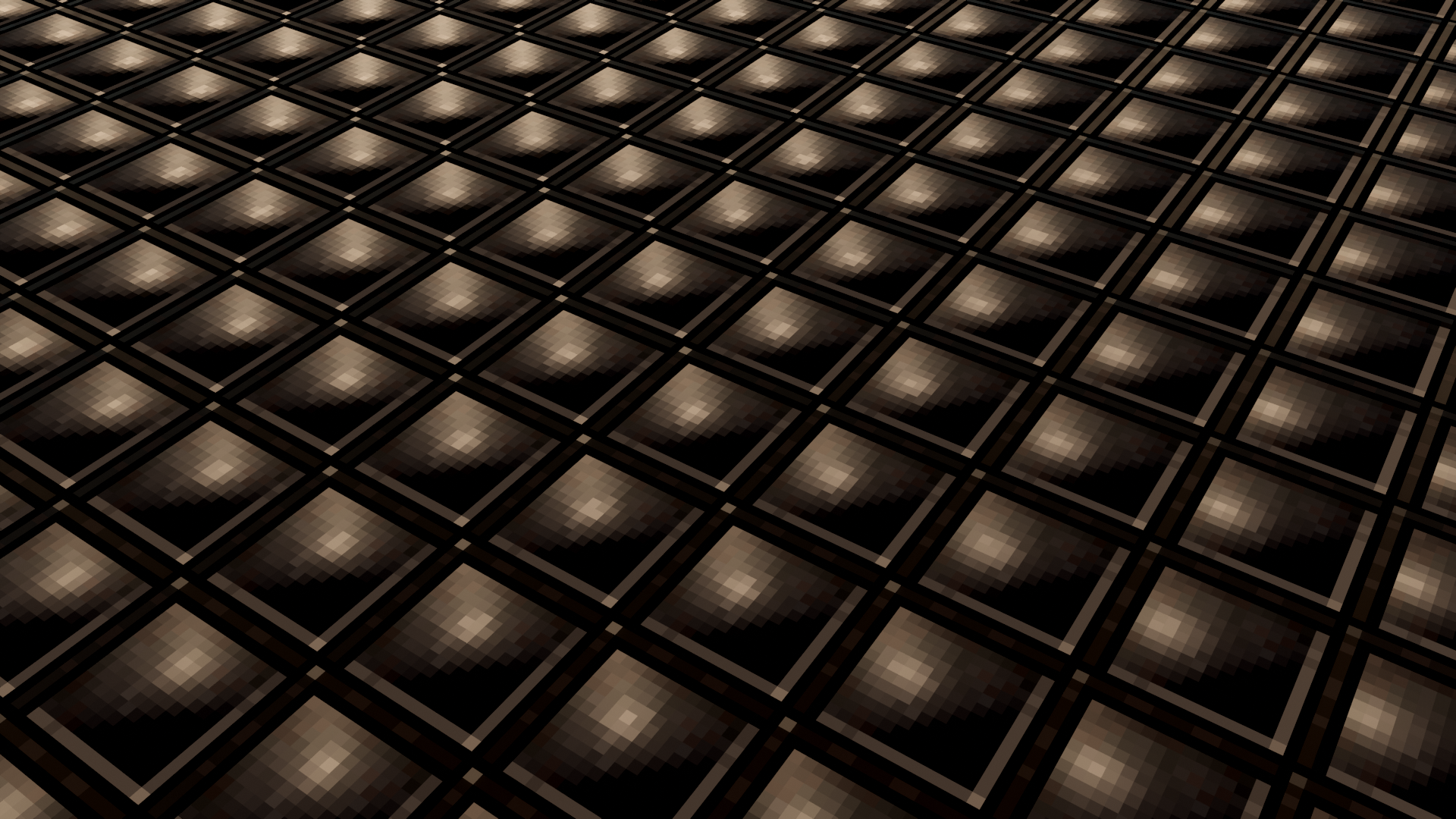
Cat RTX is a Ray Tracing pack for Minecraft Bedrock (Win10/11) that uses normal maps! The goal of Cat RTX is to make the world ambience much better whilst keeping lights and everything else very vibrant!
DISCLAIMER: TO USE THIS PACK YOU ARE REQUIRED TO HAVE A COMPUTER WITH RTX COMPATIBLE CAPABILITIES!!! THIS WILL NOT WORK ON MOBILE DEVICES!!!
Cat RTX is in a very early state and most blocks are not yet given RTX materials.
Join The Cat’s Labs Discord:
Special Add-On Packs, Discussions, and More!
INSTALLING BetterRTX
Here are the instructions on how to get Better RTX:
-Visit the Minecraft RTX discord: https://discord.gg/minecraft-rtx-691547840463241267
-Go to #brtx-install-info
-Get the latest version of BetterRTX through the most recent GitHub link (Or Use the GUI Installer)
-All install instructions for BetterRTX are provided in the Minecraft RTX discord and if it is not working it is best to ask for help
Upon installing Better RTX install this pack as normal and it should work (If it doesn't work go to #betterrtx-help)
- Edition: Minecraft Bedrock
- File type: .mcpack
- Minecraft versions listed: 1.21.90, 1.21.82, 1.21.93
- How to install: Download the .mcpack. → Open it — Minecraft imports it under Resource Packs. → Activate it in Global Resources, or for one world under Resource Packs → Available.
- Where to get it: Opens on CurseForge — not every file is mirrored on our own servers.
Install steps are the general flow for this file type — How to install Minecraft Bedrock texture packs walks through it step by step.
- Save it as Cat RTX (1.2a).mcaddon before opening — it downloads as .mcpack, but it is a .mcaddon pack
- Manifest requires Minecraft 1.20.10 or newer
- Complete pack — everything it depends on is inside the file
- Download size: 1.6 MB
- Download link checked 26 Oct 2026 — working
These come from our own check of the pack file, not from the source page.
📺 Bedrock videos for Cat RTX watch on YouTube ↗
🎬Made a video about Cat RTX? Feature it #1 here for free — put the mcmodshub.com link near the top of your description, or in a pinned comment.→



Related Bedrock mods
Xiao Reimagined Reborn Shader v3.0
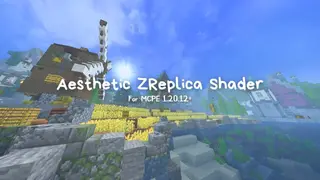
Zreplica Graphic Shader (1.21+) – RenderDragon, FPS Friendly, All Devices
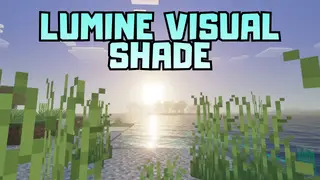
Lumine Visual Shade Shader (1.26+) – MCPE/Bedrock
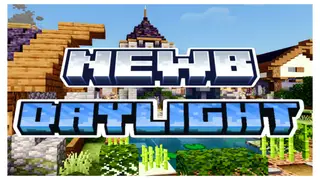
Newb X Daylight Shader (1.26+) – MCPE/Bedrock
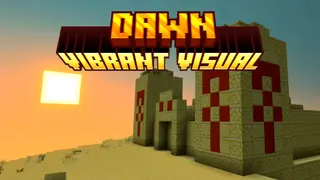
Dawn Shader (1.21+) – MCPE/Bedrock