Book Saver
Bedrock texture pack listed for Minecraft 1.20–1.21. Download on the author's site.
⬇ Download on CurseForge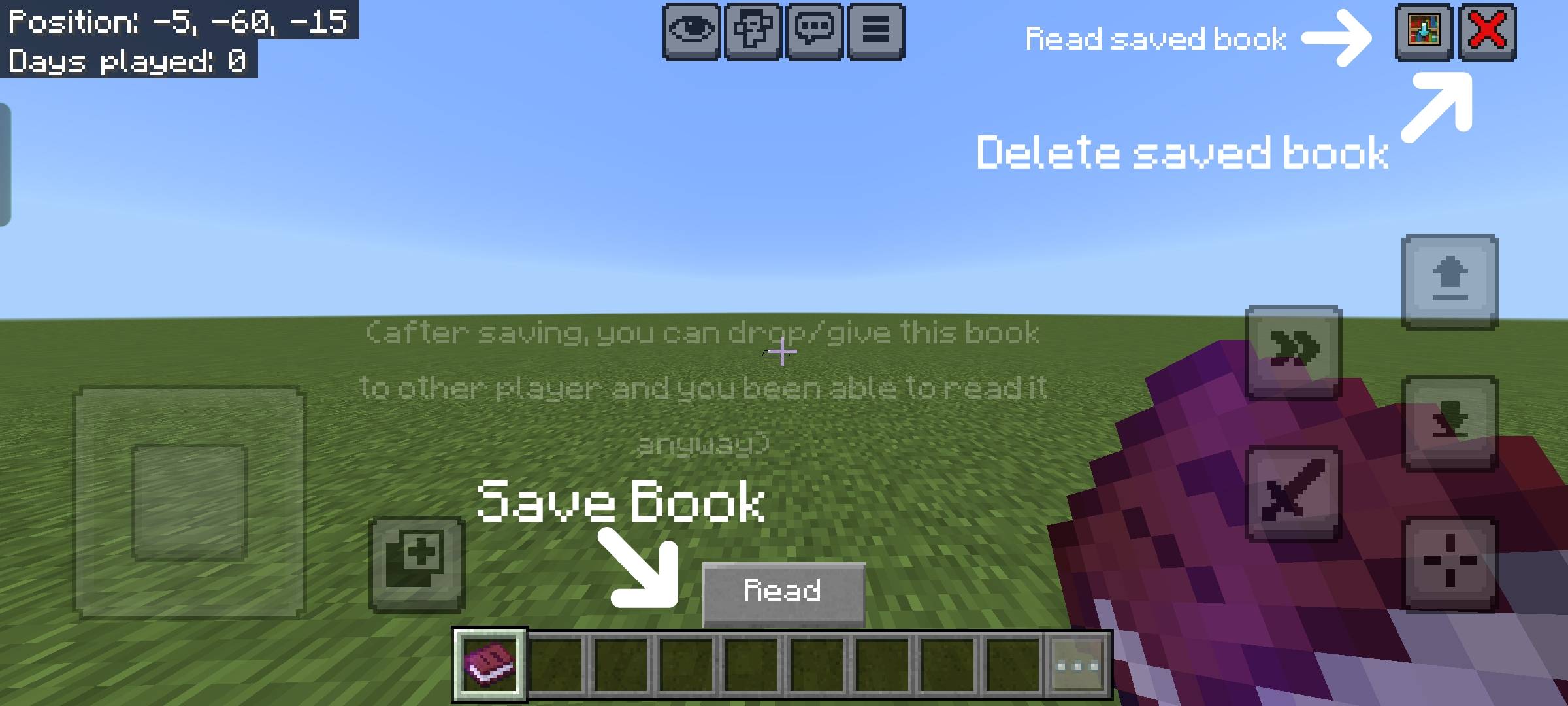
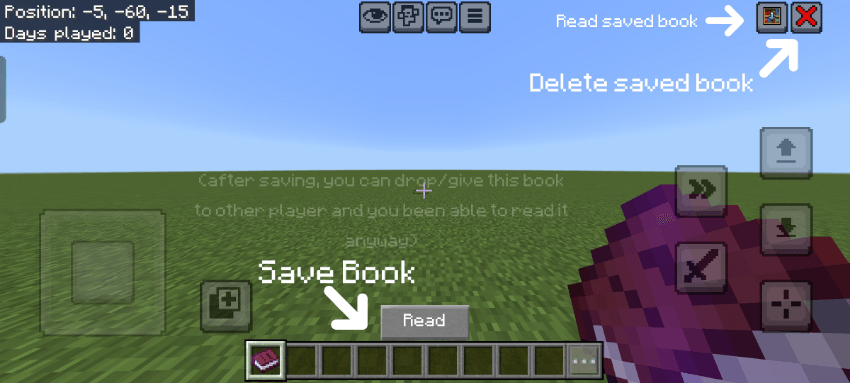 How to save book:
Step 1: Select book in your hotbar and click "Read".
Step 2: Drop this book to other player or put in the chest.
Step 3: Click on the button with same texture as this resource pack logo.
And you can read this book without need to have it in your inventory!
If you need to save another book instead of the previous one, then:
Step 1: Click on red cross button
Step 2: Do the steps in "How to save book" instructions but on another book you need to save.
- Edition: Minecraft Bedrock
- File type: .mcpack
- Minecraft versions listed: 1.21.30, 1.21.50, 1.20.60
- How to install: Download the .mcpack. → Open it — Minecraft imports it under Resource Packs. → Activate it in Global Resources, or for one world under Resource Packs → Available.
- Where to get it: Opens on CurseForge — not every file is mirrored on our own servers.
Install steps are the general flow for this file type — How to install Minecraft Bedrock texture packs walks through it step by step.
Book Saver is a free Minecraft Bedrock texture pack. Compatible with Minecraft 1.21.30, 1.21.50, 1.20.60, 1.21.20 and newer. Downloaded 110 times (via CurseForge). Download it and open it directly in the game.