HomeBedrockTexture packsHotbar Numbered
Hotbar Numbered
Texture packsBedrock

Hotbar Numbered

by Lazy_Legend · on CurseForge

Which Minecraft do you have?

Every version of the game needs its own build. Pick yours, then download — the wrong build installs fine and then does nothing in the game.

⬇ Download for 26.10–26.20⬇ Download for 26.0.02–26.3⬇ Download for 26.0⬇ Download for 1.21–1.21.132
I don't know my version
Open Minecraft and look at the bottom-left corner of the main screen — the version is printed there, like v1.26.30.
The game writes a 1. in front; the buttons above leave it off. v1.26.30 in the game is 26.30 here.
Hotbar Numbered — screenshot 1

Numbered Hotbar 

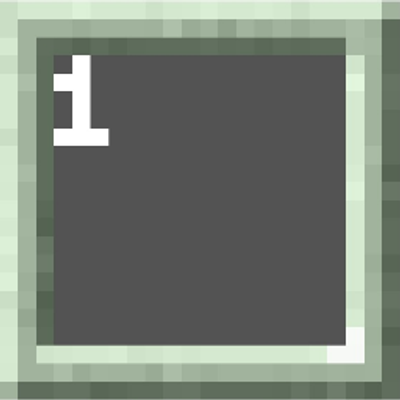
Enhance your Minecraft experience with the Numbered Hotbar resource pack! This lightweight utility is designed to help players navigate their inventory with precision and speed by adding clear numerical indicators to every hotbar slot.


Key Features:

Multi-Versions Support: Support 1.20+ to 1.26+ Without any lag and error.


Visual Clarity: Adds distinct numbers (1-9) to each hotbar slot, making it easier to identify your items at a glance.


Clean Design: Maintains the classic Minecraft aesthetic while providing functional utility for both Survival and PvP players.


Why use Numbered Hotbar?

Whether you are a competitive PvP player needing fast hotkey switches or a builder managing multiple tools, these numbered textures provide the visual cues necessary for a more efficient workflow.

Quick facts

Install steps are the general flow for this file type — How to install Minecraft Bedrock texture packs walks through it step by step.

Verified by MCModsHub

These come from our own check of the pack file, not from the source page.

Explore more