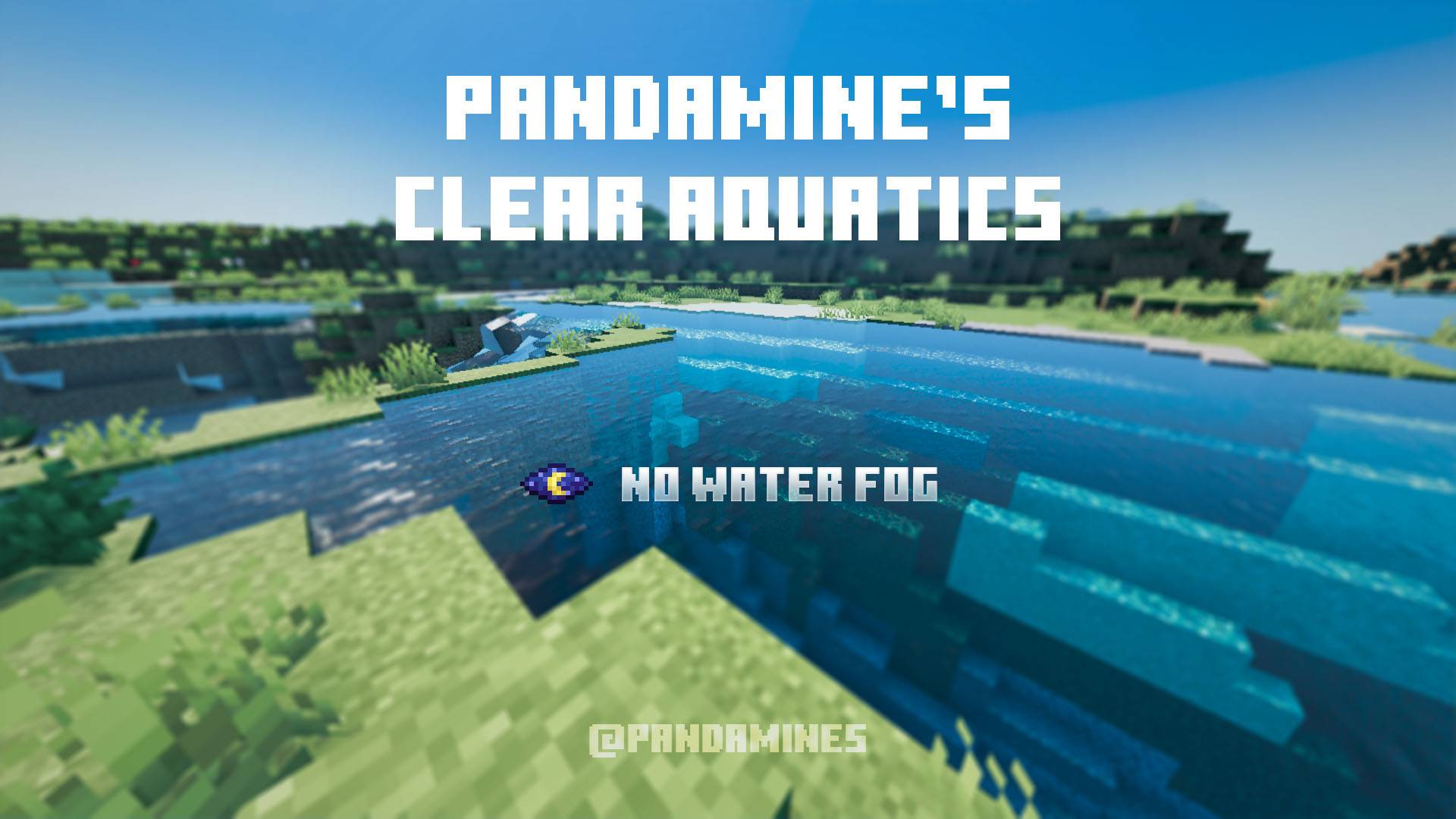
PandaMine's Clear Aquatics | Clear Water + No Water Fog | Fancy + Vibrant Visuals Support
Bedrock texture pack listed for Minecraft 1.21–26.x. File opened and checked on 30 Aug 2026; installs from the MC Bedrock Mods app on Android.
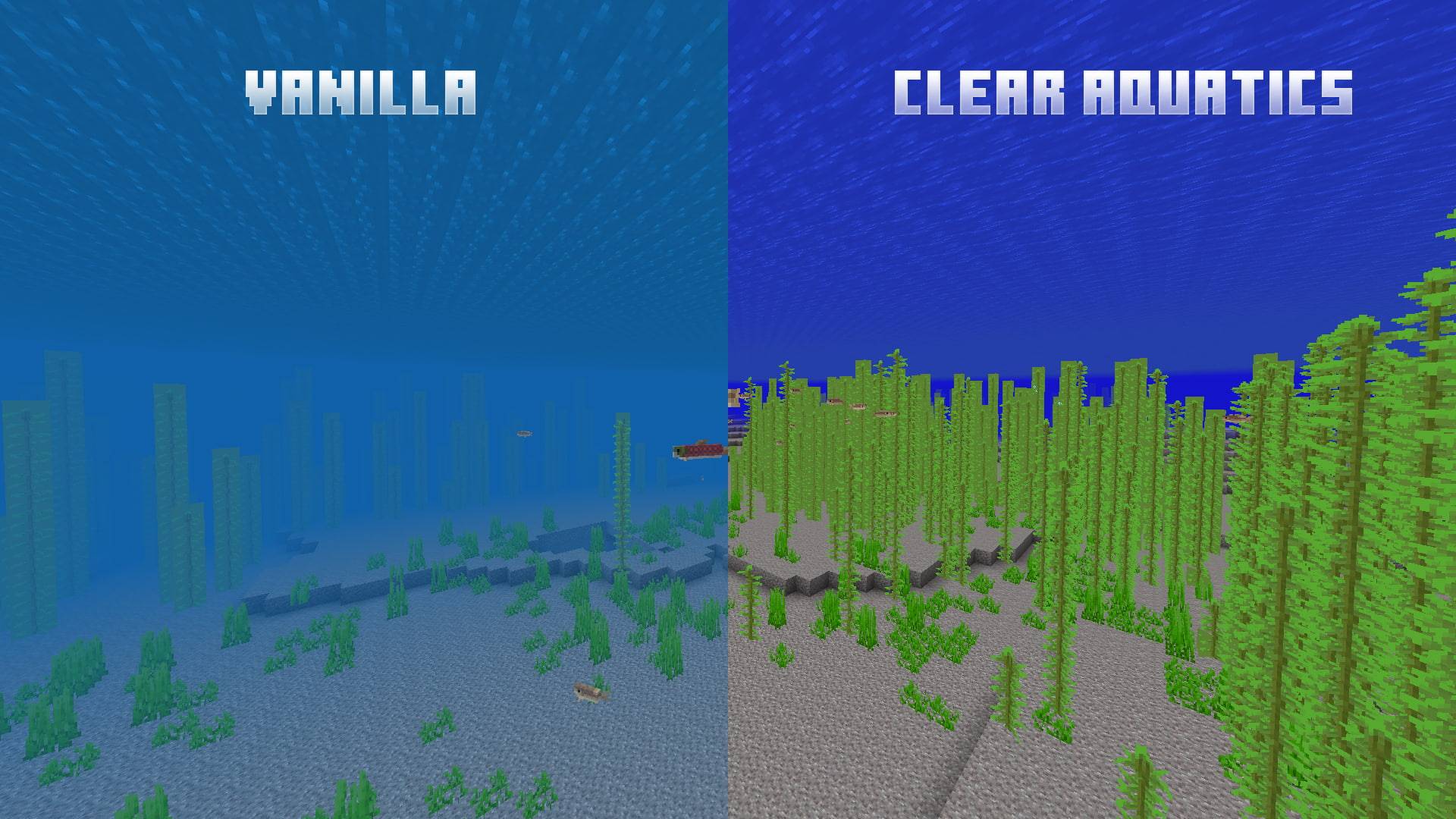
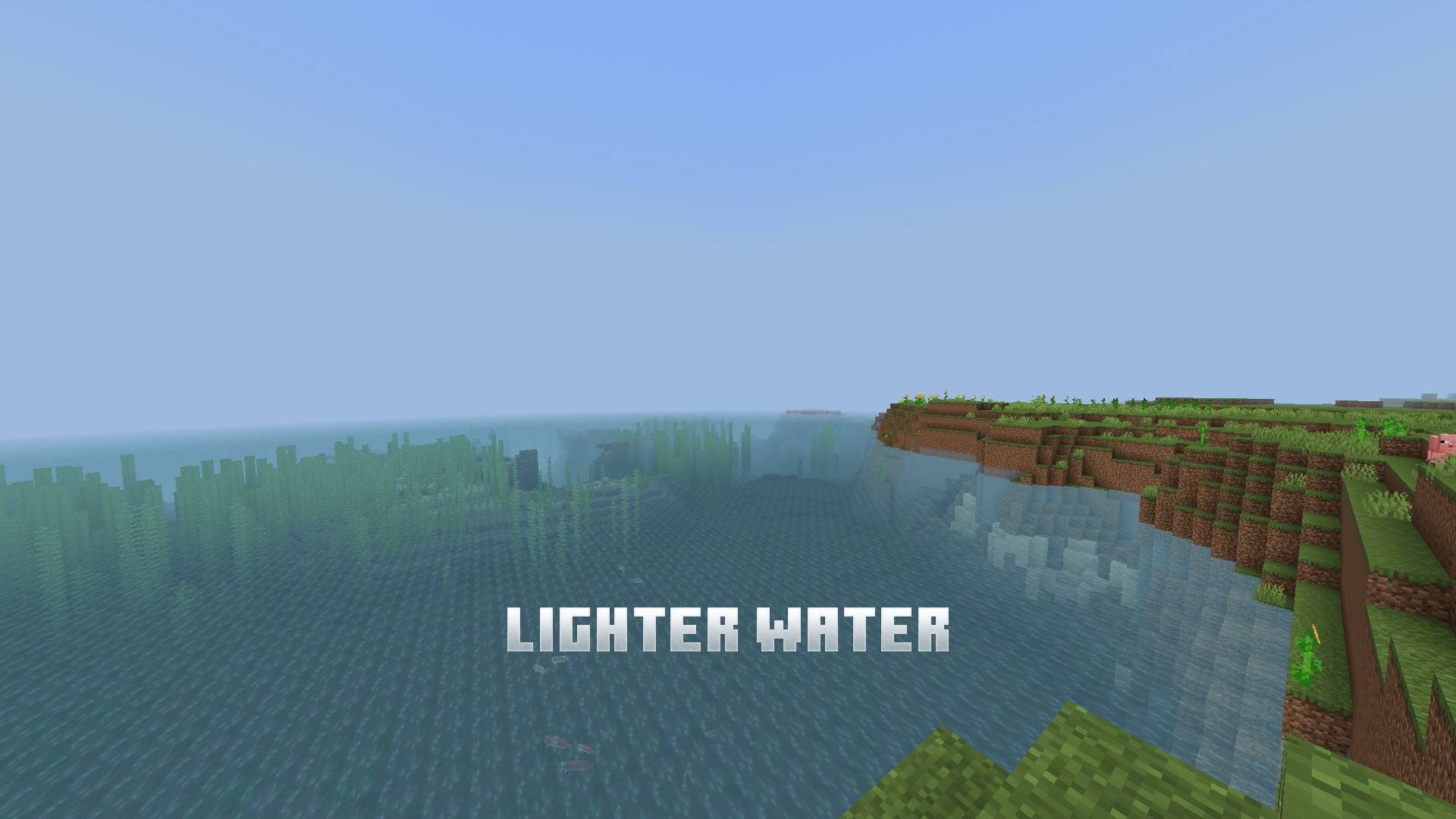
The best Clear Water pack - removes water fog, adds Lighter, Java, A&S water variations, gives Night Vision-like visibility.
I don't know my version
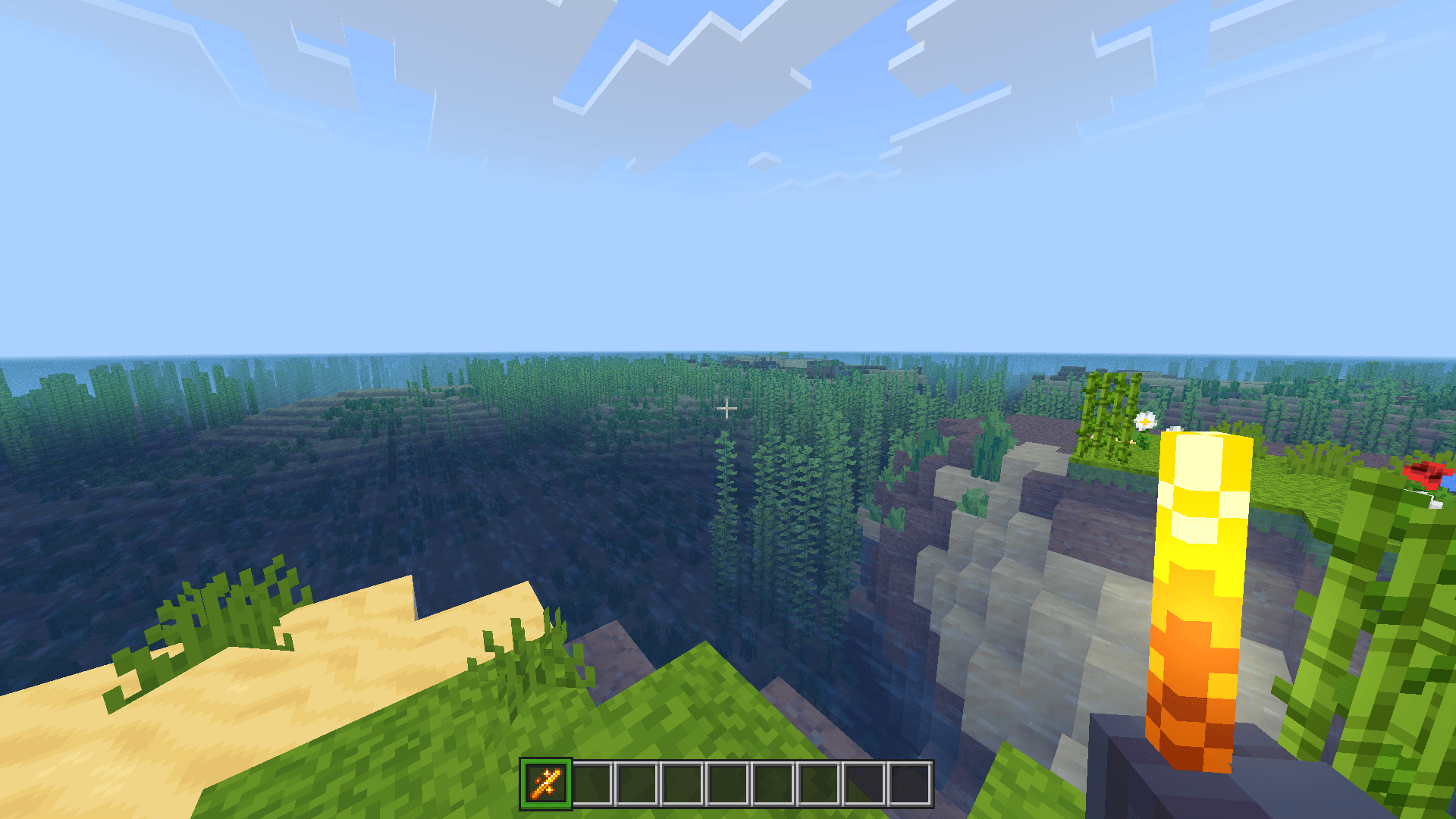
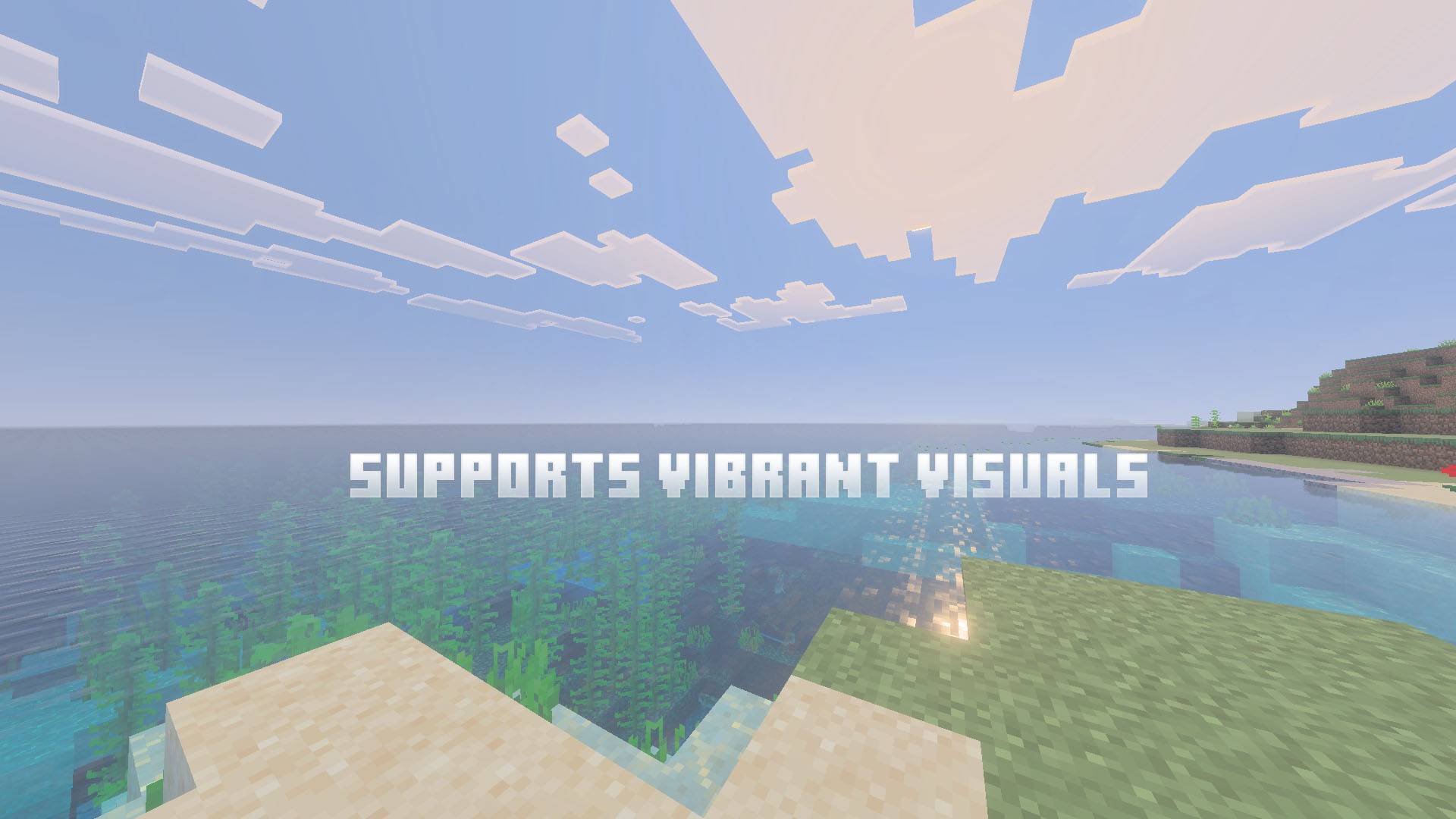
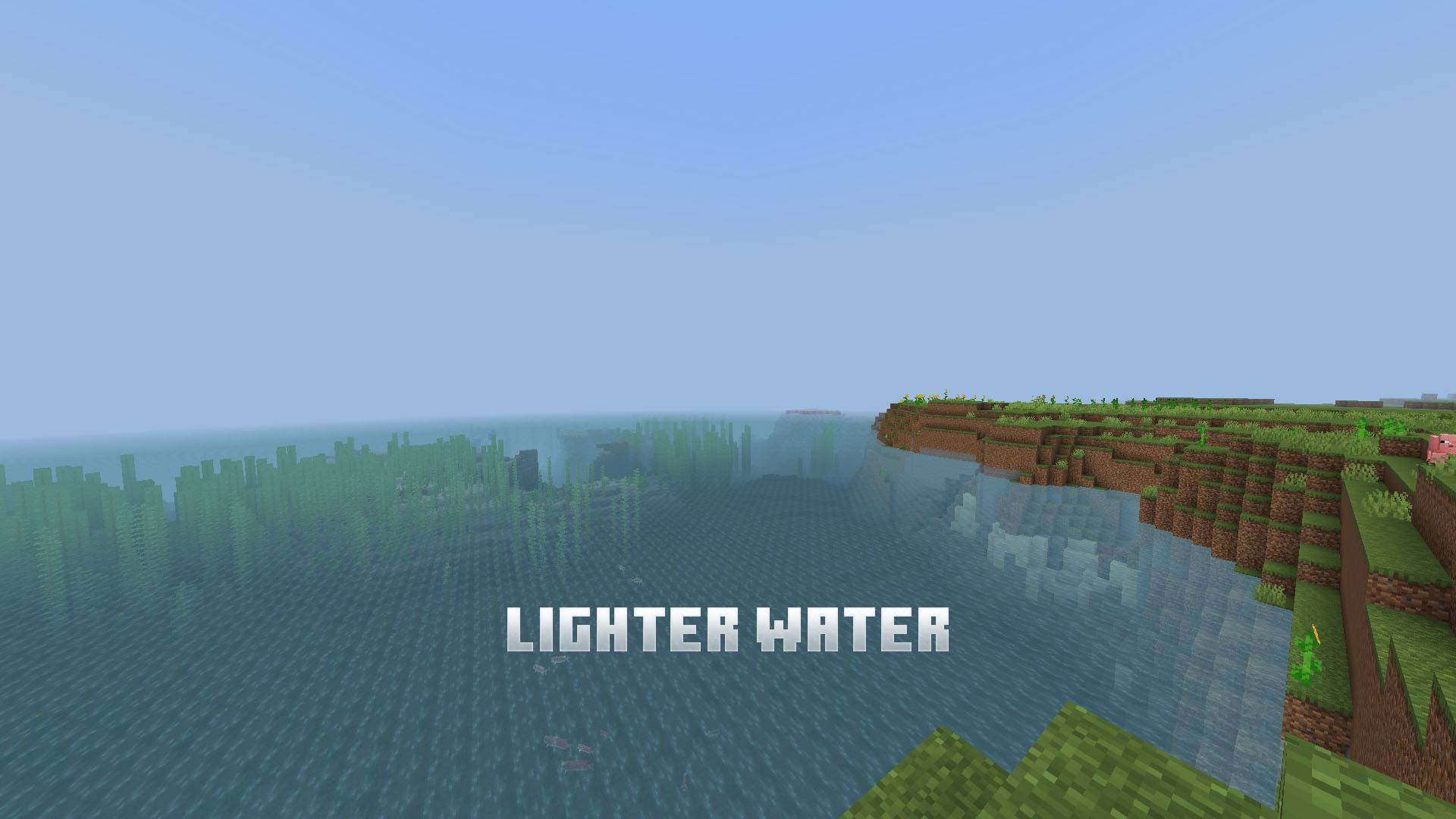
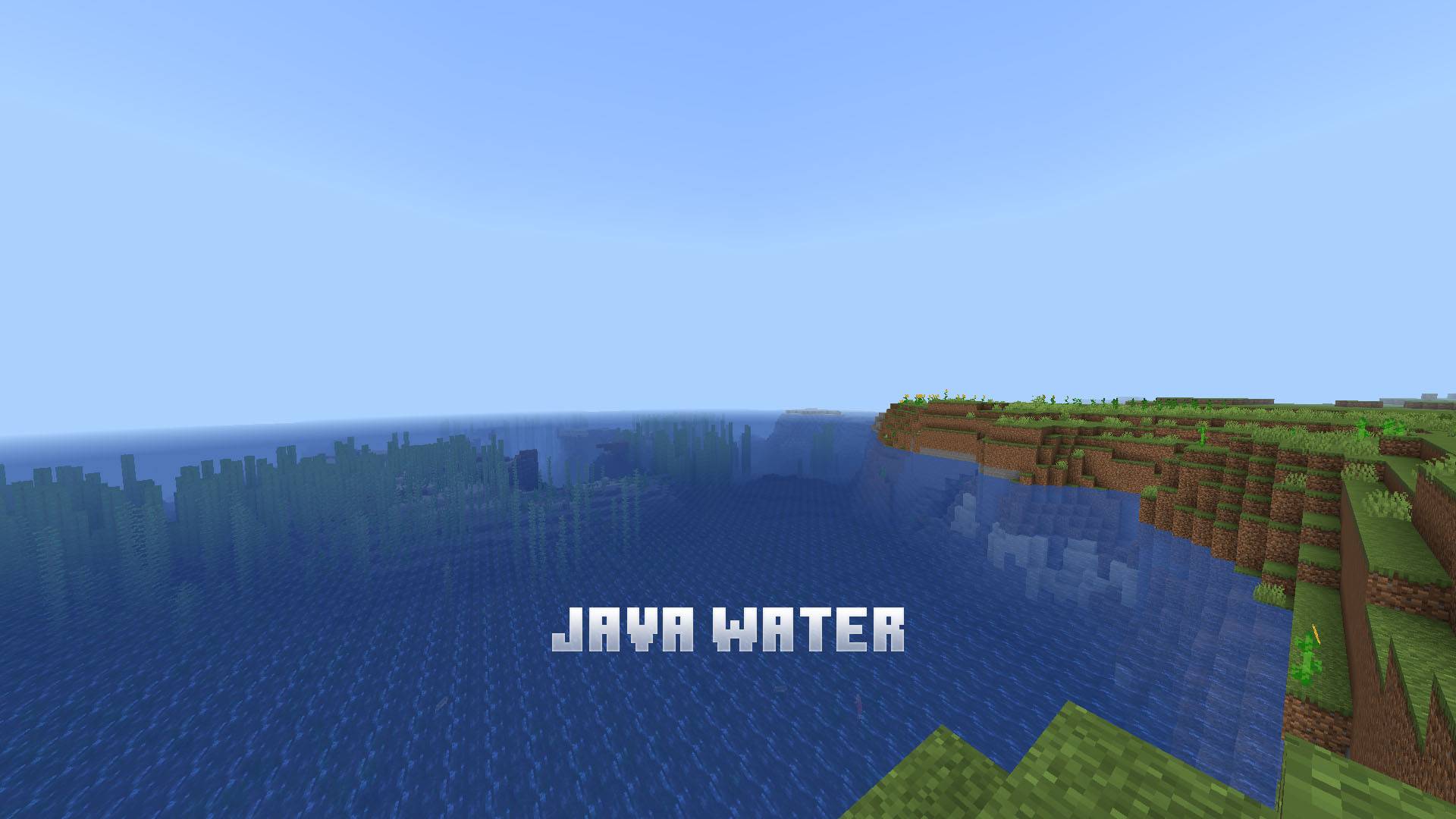
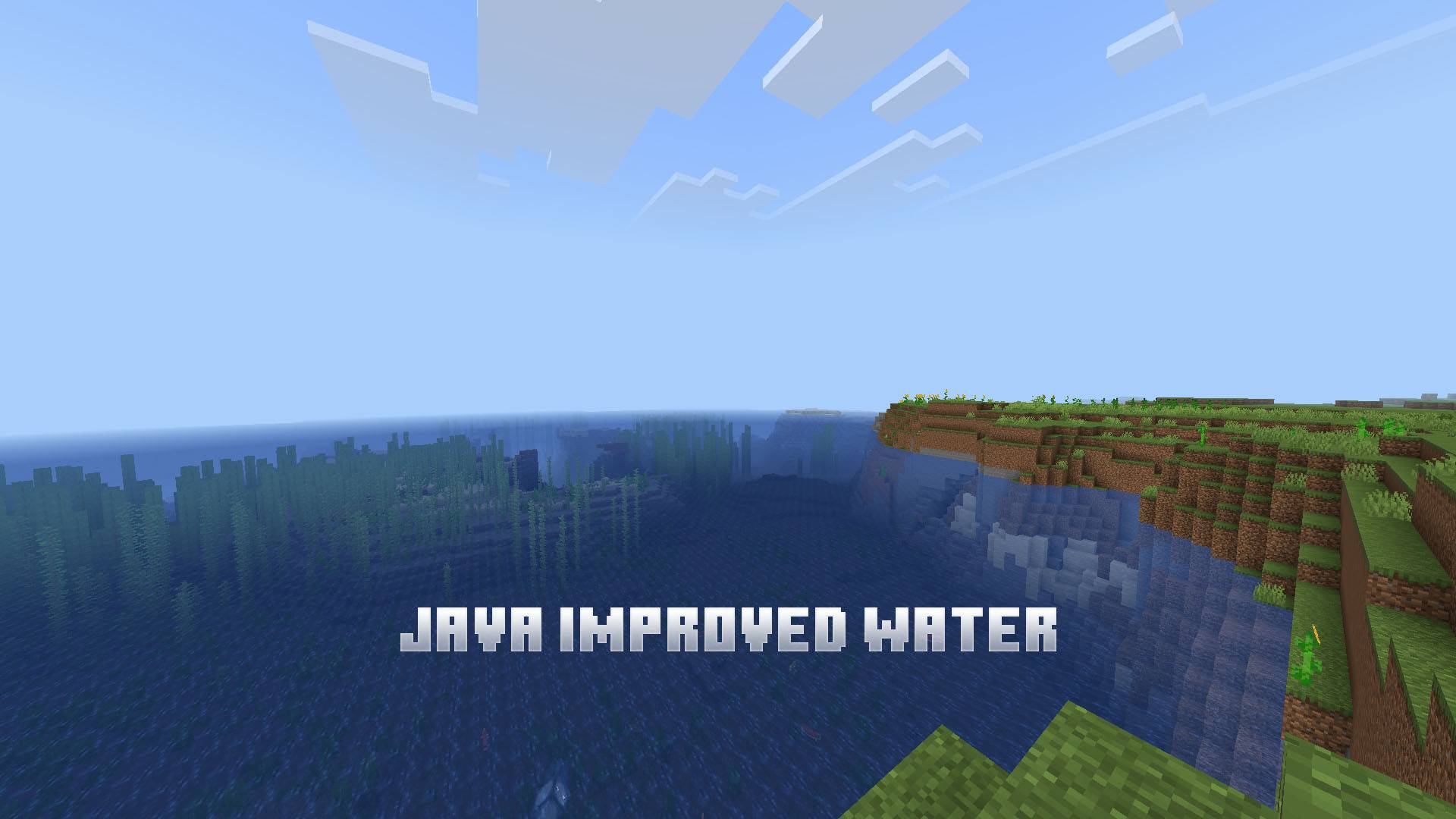
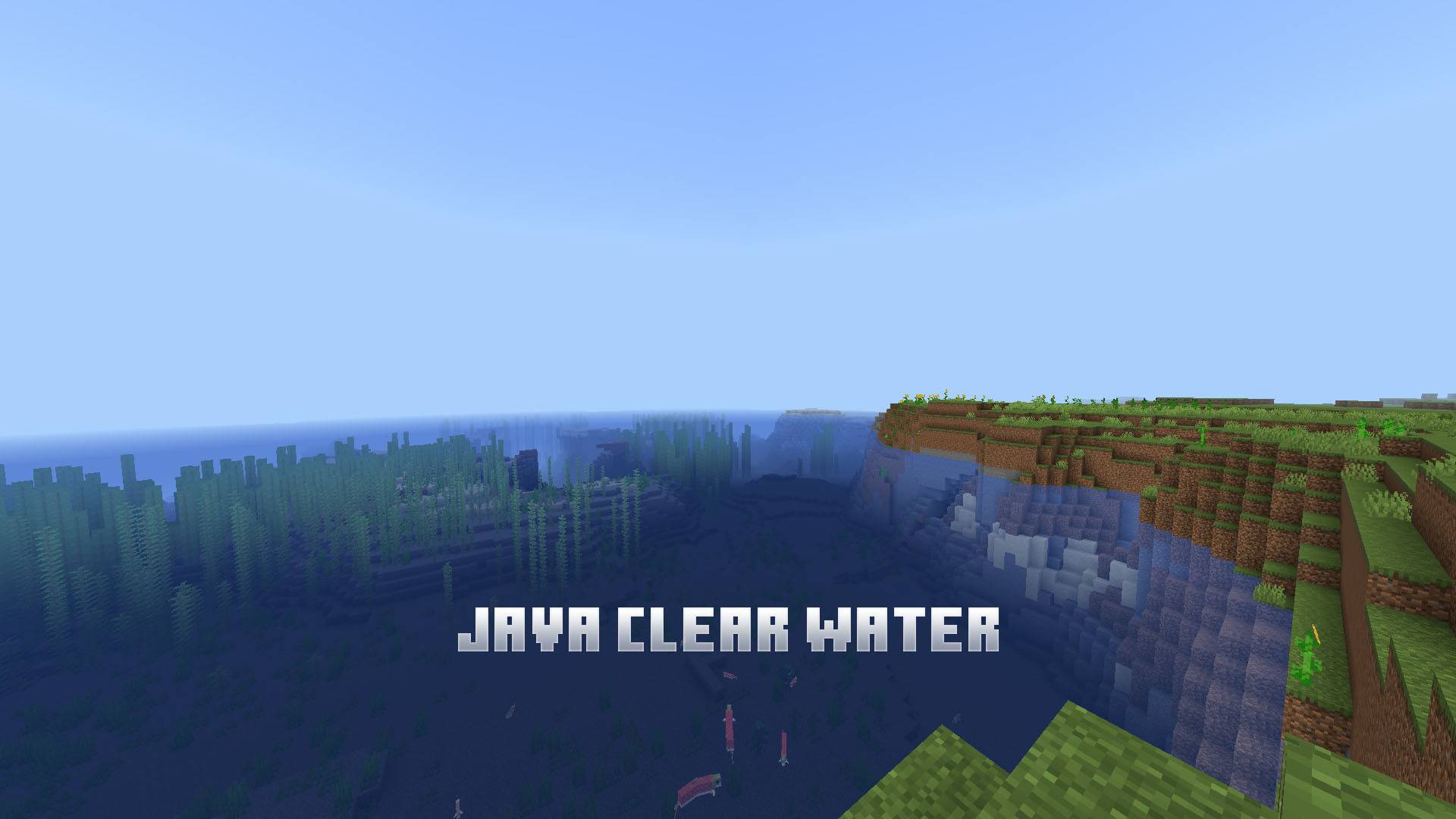
Adds Lighter, Java, Action & Stuff water variations.
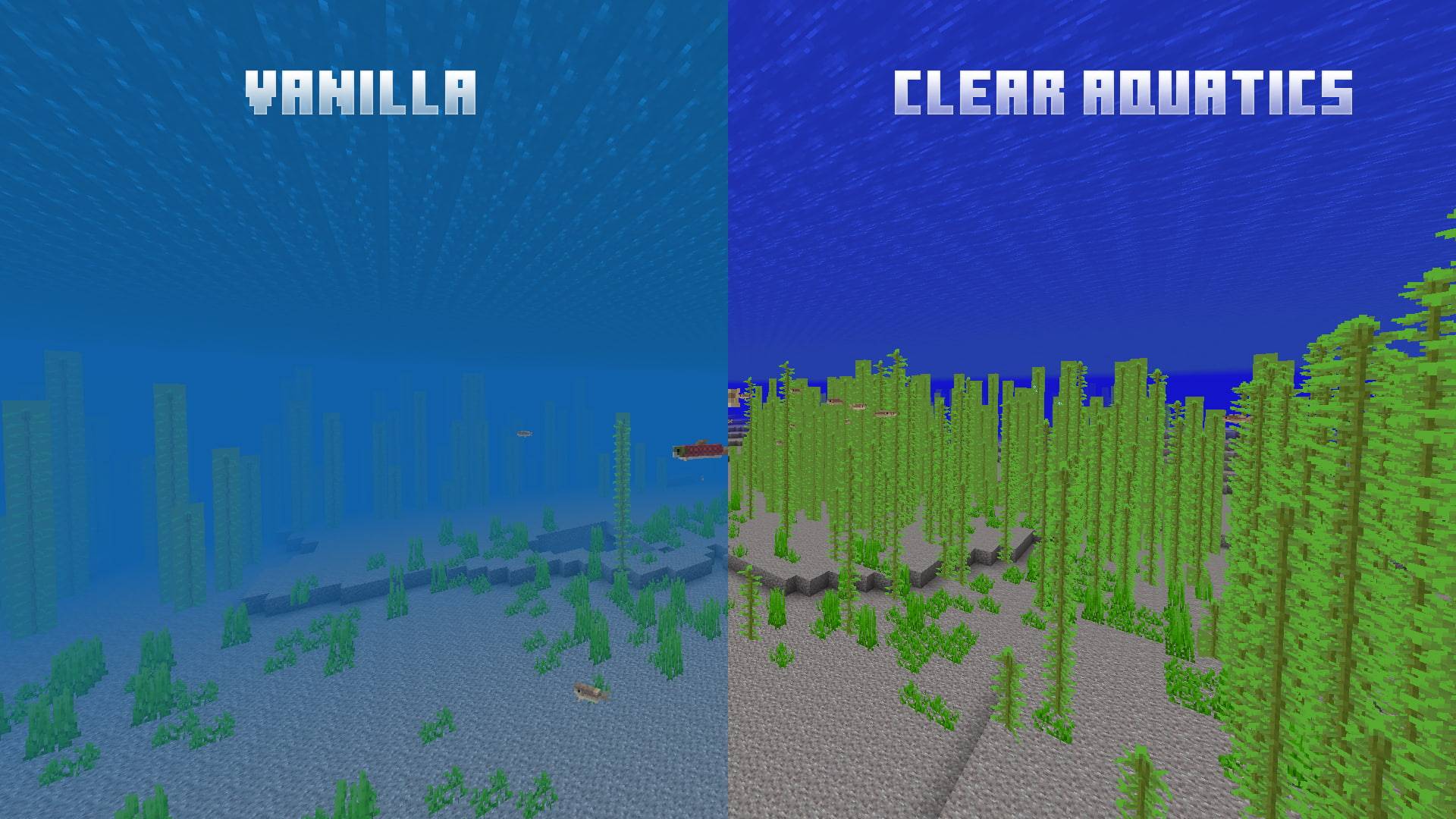
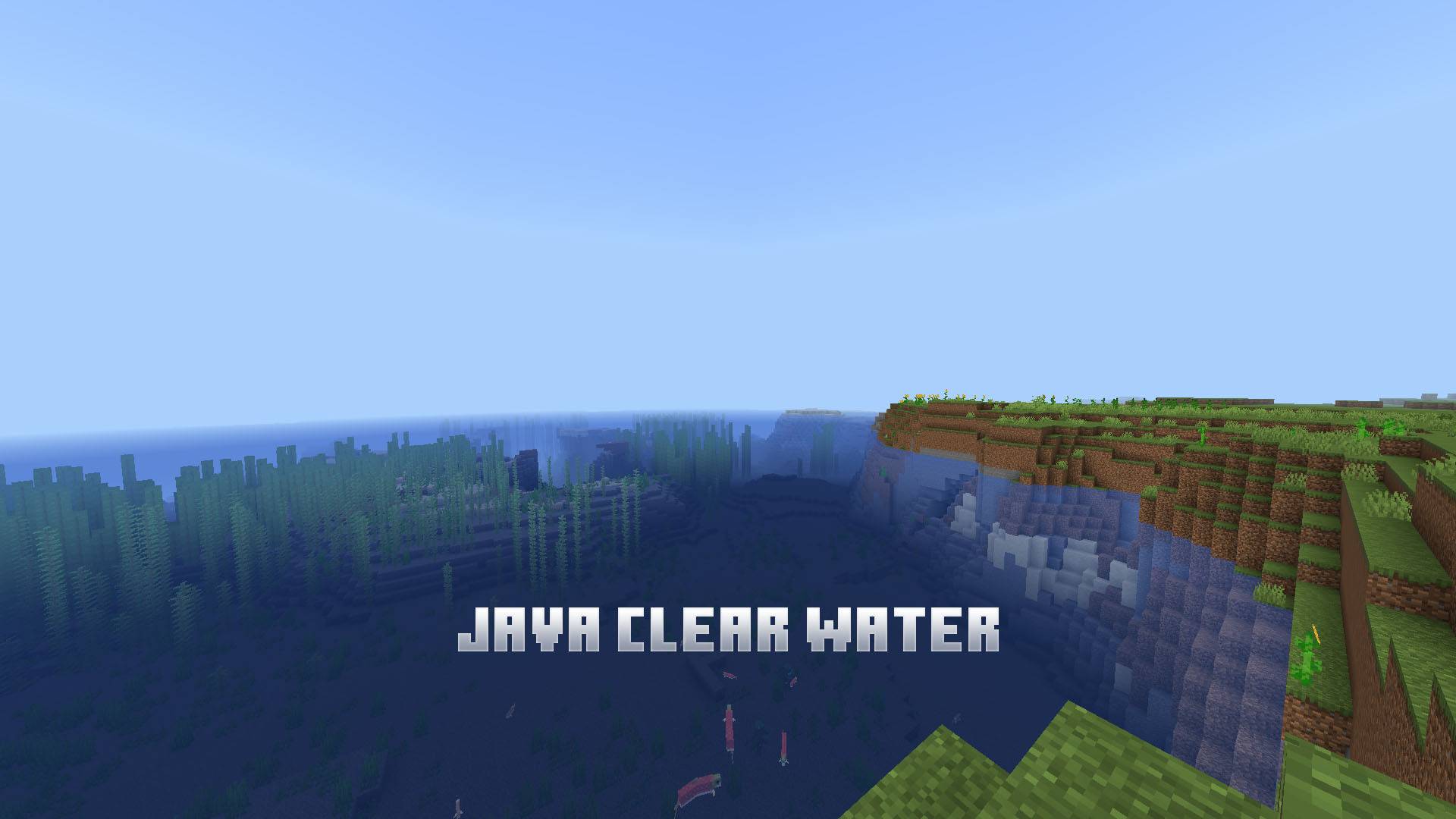
Making water look much clearer and removing water fog like Night Vision!
Features:
- No Water fog.
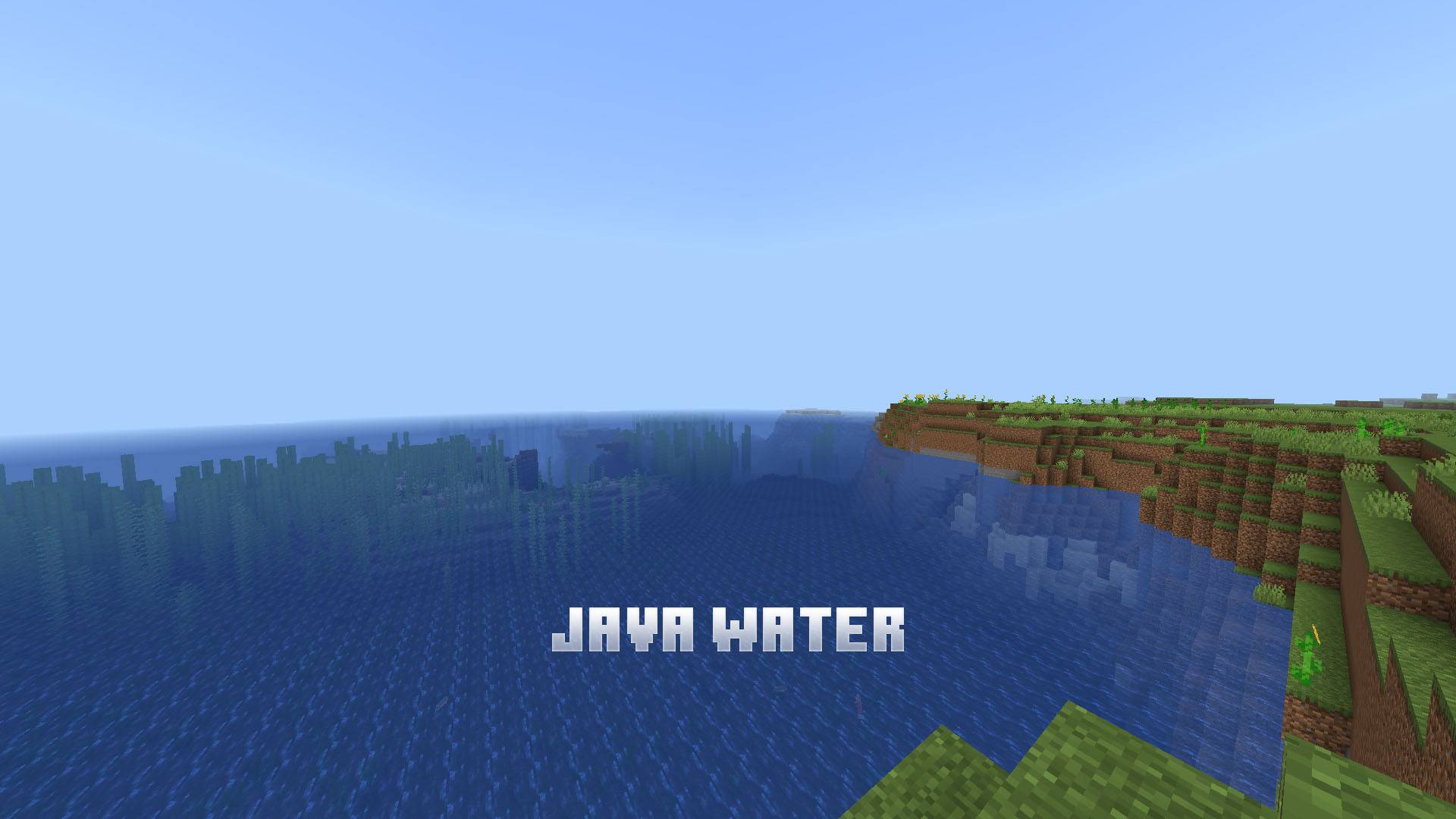
- Java-Edition water.
- Night Vision-like visibility.
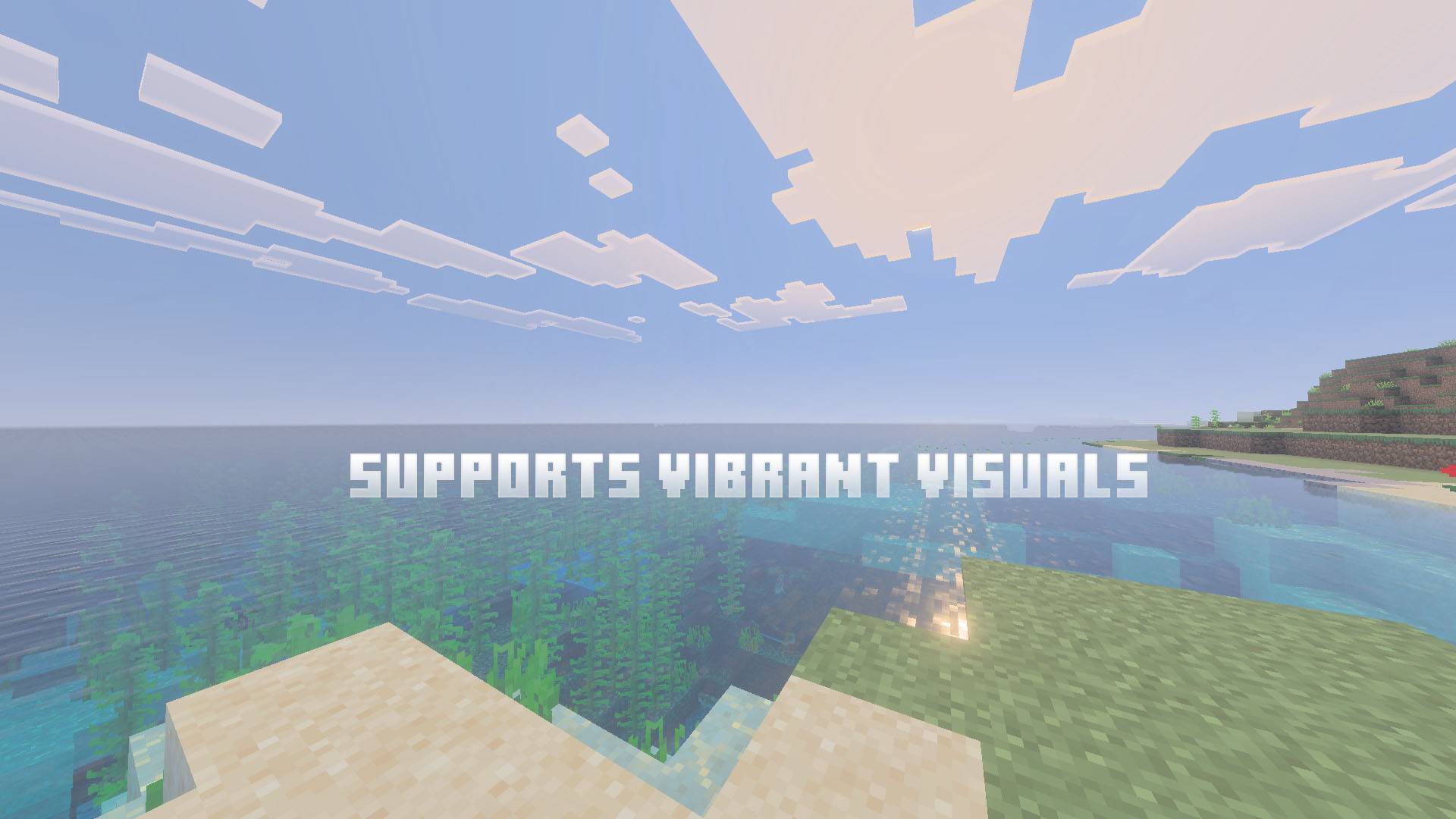
- Works with Vibrant Visuals and RTX.
Subpacks:
- Lighter water
- Java water
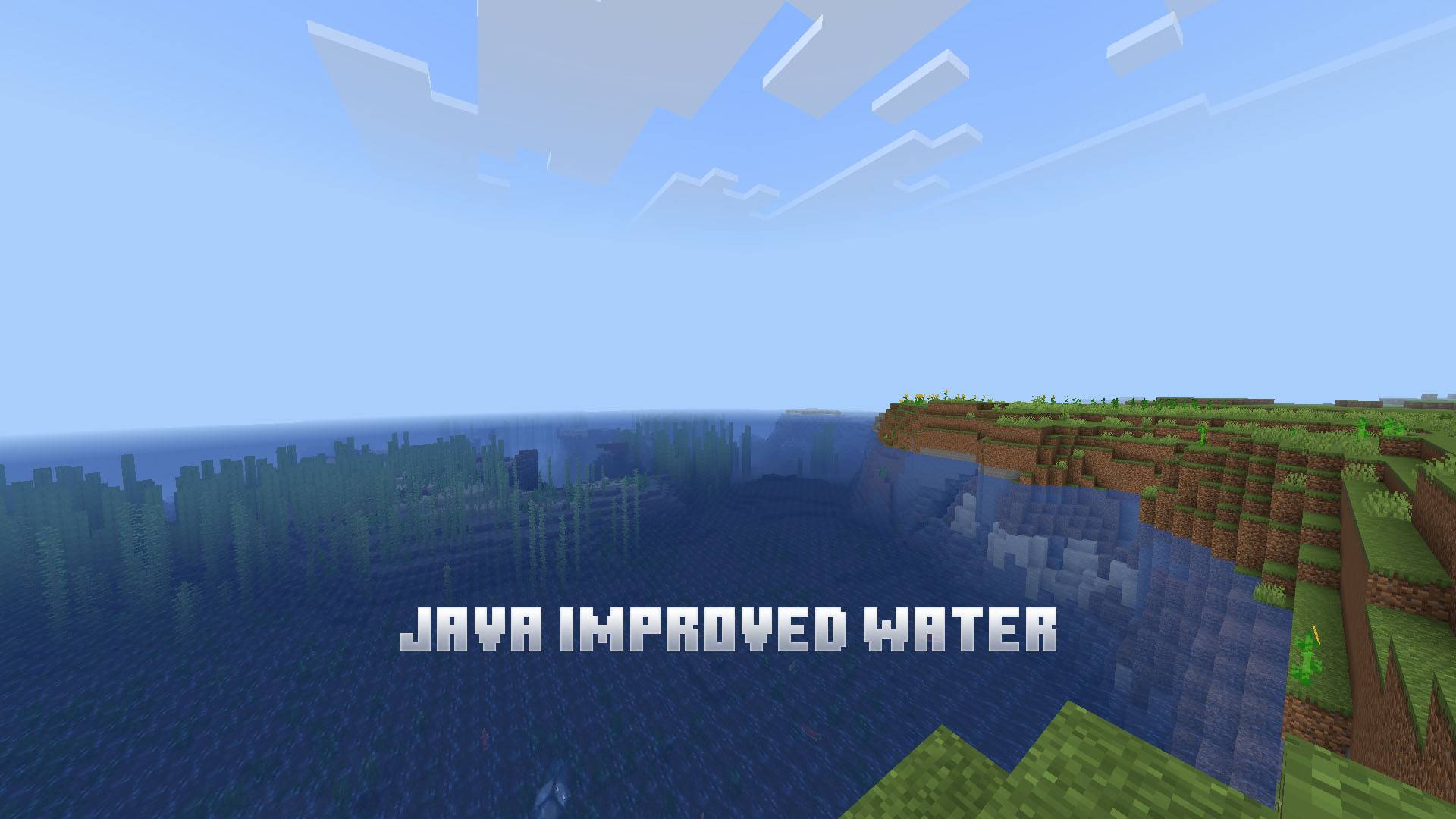
- Java Improved water
- Java Clear water
- Action & Stuff water
Requires:
Try:
Place above other packs to avoid bugs.
Vibrant Visuals
Change this setting to remove water fog.

Lighter Water
Java Water
Java Improved Water
Java Clear Water
Action & Stuff water
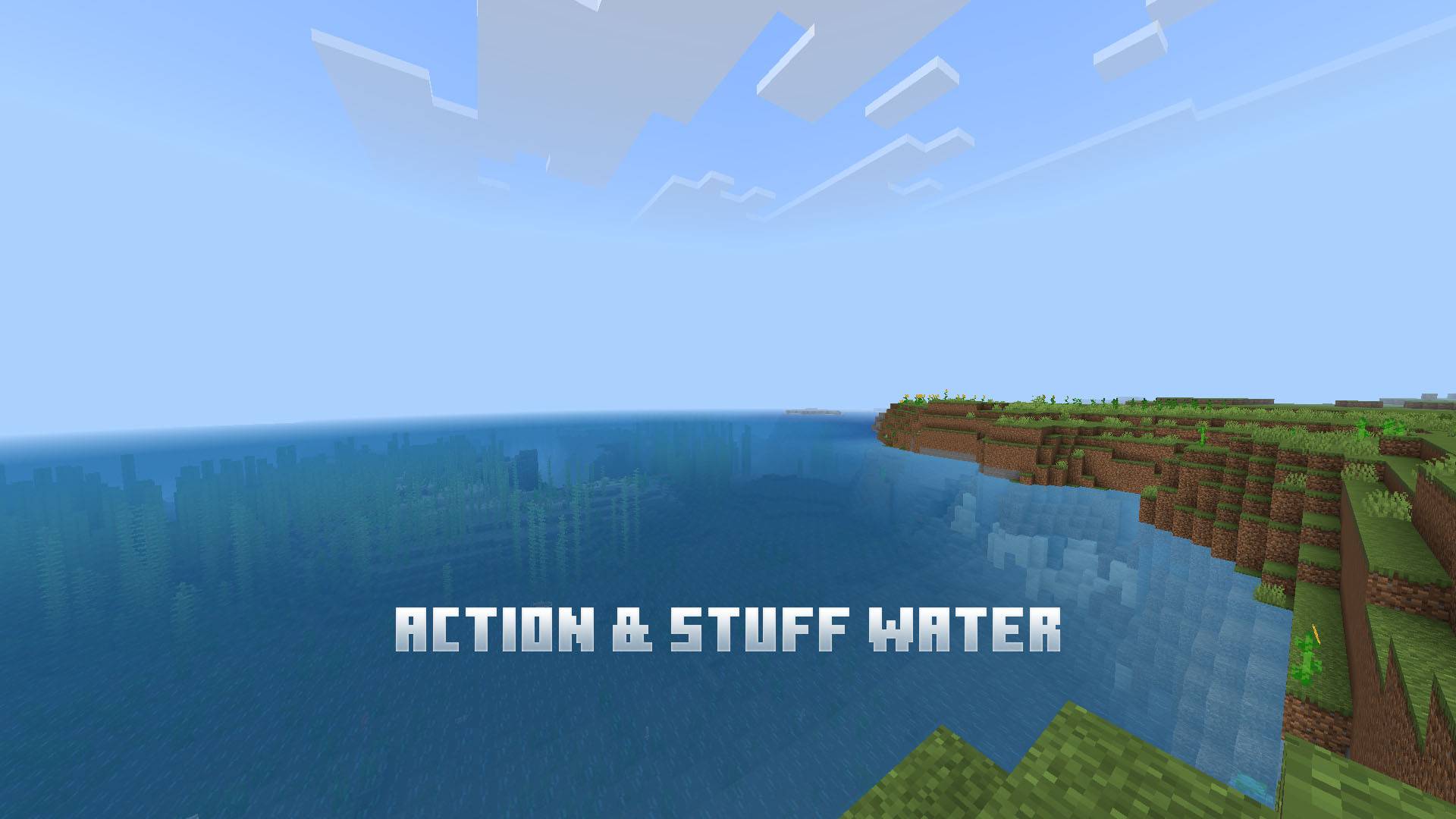
Works with Actions & Stuff!
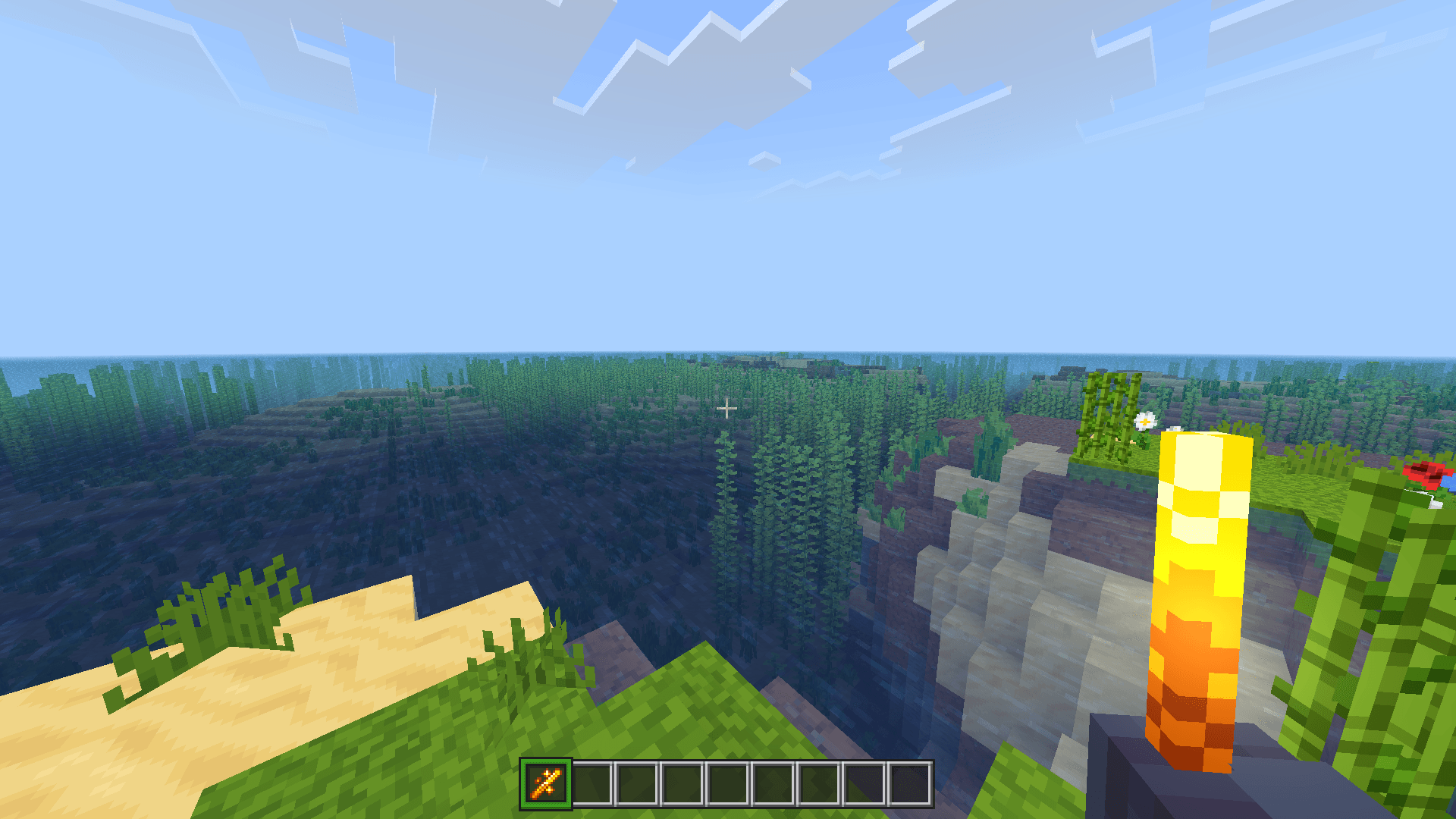
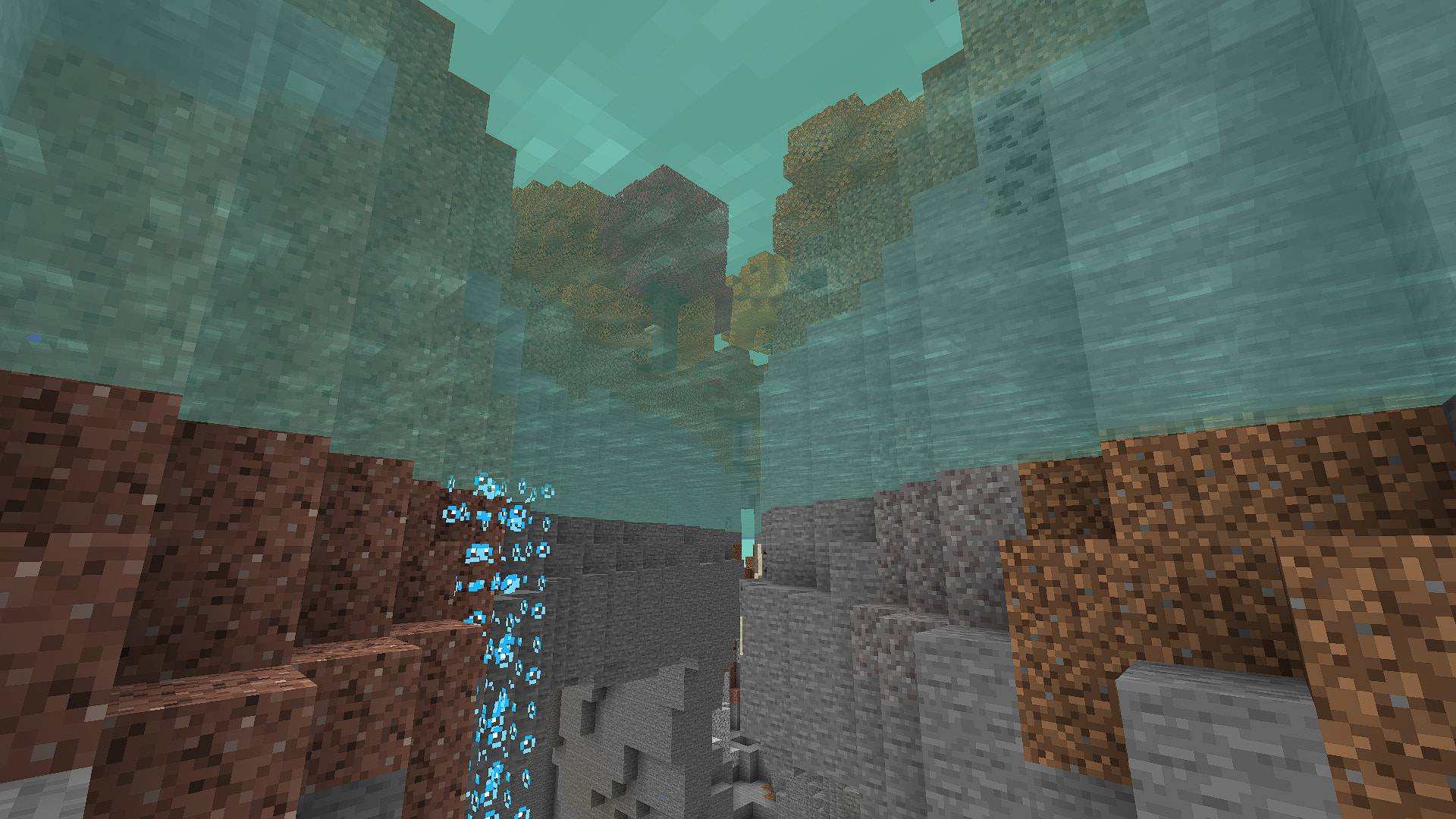
Disclaimer: this pack doesn't use A&S assets, but visually replicates A&S water.
For any copyright or inqueries contact on discord below.
Allowed ✅
- Showcase the pack in any video as long there's this Curseforge or MCPEDL link.
Not Allowed ❌
- Steal any code or assets (like icons, textures..) for any addon or texture pack and claim as own.
- Monetize for own benefit.
- Upload and share on any 3rd-party website.
- Violating this will get you DMCA takedowns, and upto 80% revenue share if it was monetized.
Violators will face DMCA takedowns, legal claims.
About
Discord: pandamine5x
Follow me for more packs!

- Edition: Minecraft Bedrock
- File type: .mcpack
- Minecraft versions listed: 26.40, 26.50, 1.21.93
- How to install: Download the .mcpack. → Open it — Minecraft imports it under Resource Packs. → Activate it in Global Resources, or for one world under Resource Packs → Available.
- Where to get it: In MCModsHub, or directly above on this page.
Install steps are the general flow for this file type — How to install Minecraft Bedrock texture packs walks through it step by step.
- Pack type: .mcpack — a single pack
- Complete pack — everything it depends on is inside the file
- Download size: 91 KB
- Download link checked 25 Aug 2026 — working
These come from our own check of the pack file, not from the source page.