Clean Chat & Scoreboard: No Black Backgrounds
tthis the ultimate solution for Minecraft Bedrock/MCPE. This resource pack completely removes the annoying black boxes from your Chat, Scoreboard, and…
⬇ Download on CurseForge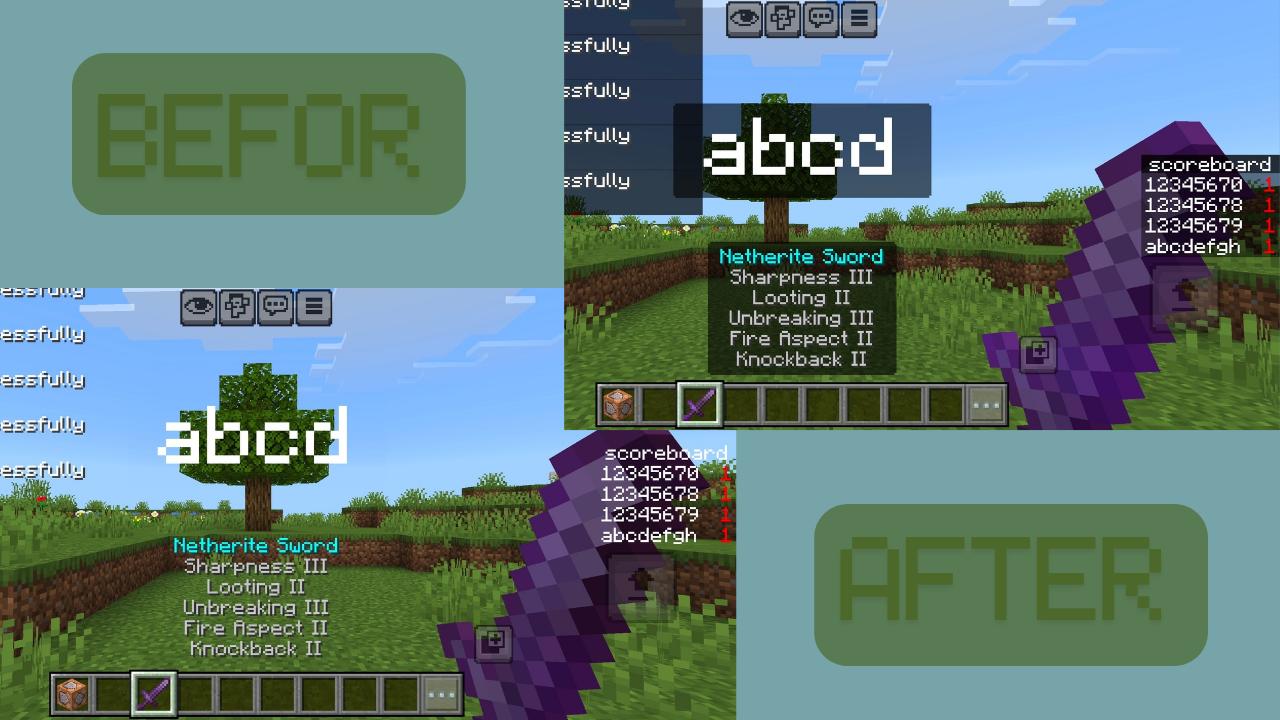
Clean Chat & Scoreboard - No Black Backgrounds!
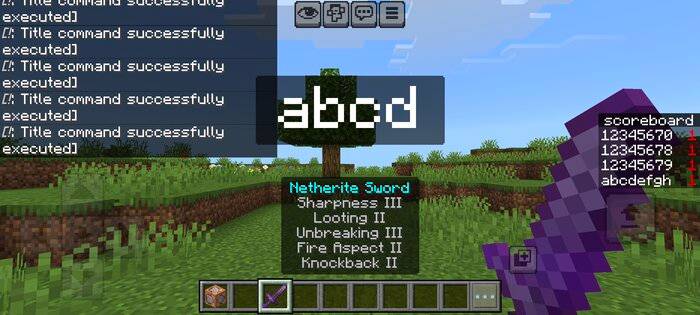
Before
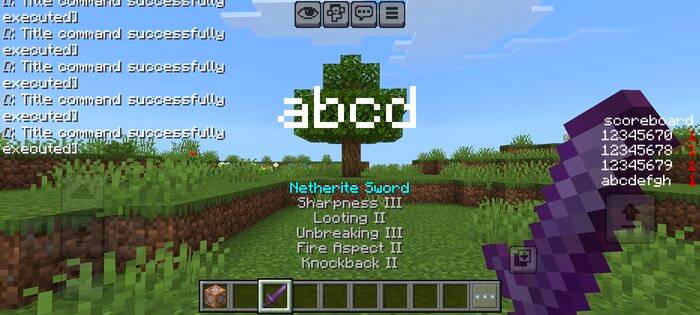
After
Are you tired of those clunky, dark boxes blocking your view? Clean Chat & Scoreboard is the ultimate resource pack for Minecraft Bedrock players who want a sleek, modern, and transparent HUD. This pack removes all unnecessary black backgrounds, letting you focus on the game, not the UI clutter.
Key Features:
Crystal Clear Chat: No more black overlays behind your messages.
Clean Scoreboard: Your rankings and stats now float perfectly on the screen without a dark background.
Action bar, title, name item: No stupid black background appears.
Minimalist UI: Removes black boxes from Titles, Subtitles, and Action Bars for a cleaner experience.
Performance Optimized: Lightweight and works on all Bedrock platforms (Mobile, PC, Console).
Installation Guide:
Download the .mcpack file.
Open it to import into Minecraft.
Go to Settings > Global Resources and activate Clean Chat & Scoreboard.
Important: Move this pack to the TOP of your active list to ensure it overrides other U
I textures.
- Edition: Minecraft Bedrock
- File type: .mcpack
- Minecraft versions listed: 1.21.30, 1.21.50, 1.21.20
- How to install: Download the .mcpack. → Open it — Minecraft imports it under Resource Packs. → Activate it in Global Resources, or for one world under Resource Packs → Available.
- Where to get it: Opens on CurseForge — not every file is mirrored on our own servers.
Install steps are the general flow for this file type — How to install Minecraft Bedrock texture packs walks through it step by step.
- Pack type: .mcpack — a single pack
- Manifest requires Minecraft 1.14.0 or newer
- Complete pack — everything it depends on is inside the file
- Download size: 15 KB
- Download link checked 25 Aug 2026 — working
These come from our own check of the pack file, not from the source page.