Enchantment Guide
Bedrock texture pack listed for Minecraft 1.19–1.21. File opened and checked on 1 Oct 2026; installs from the MC Bedrock Mods app on Android.
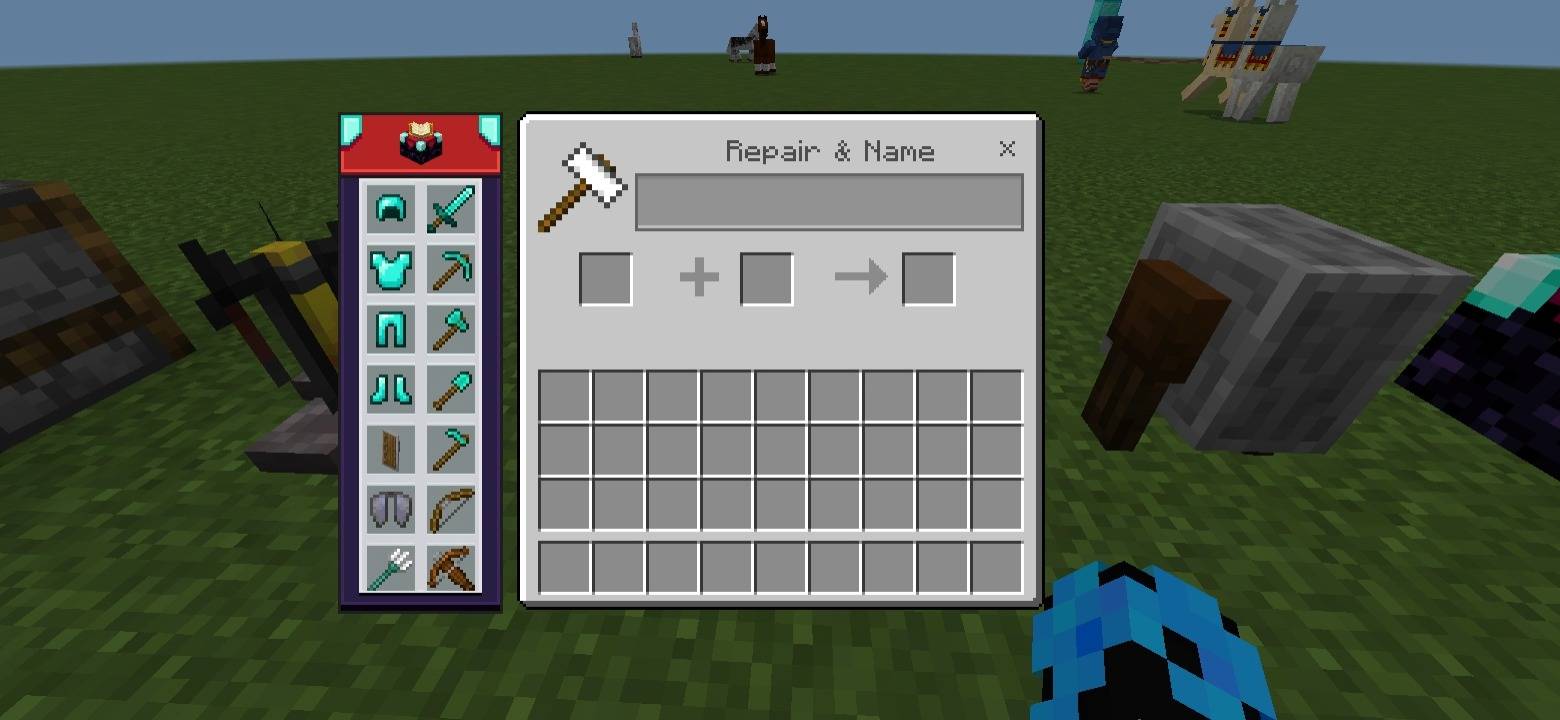
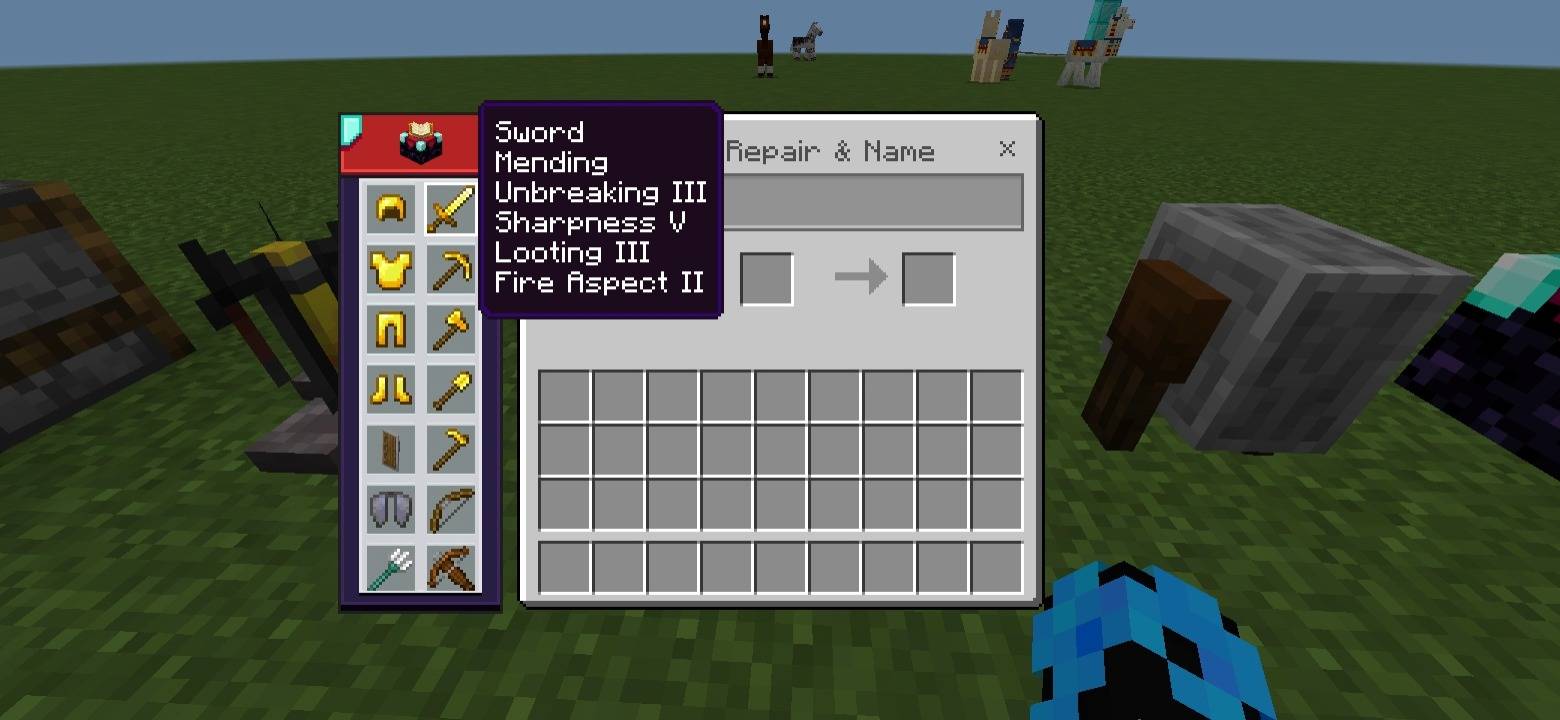
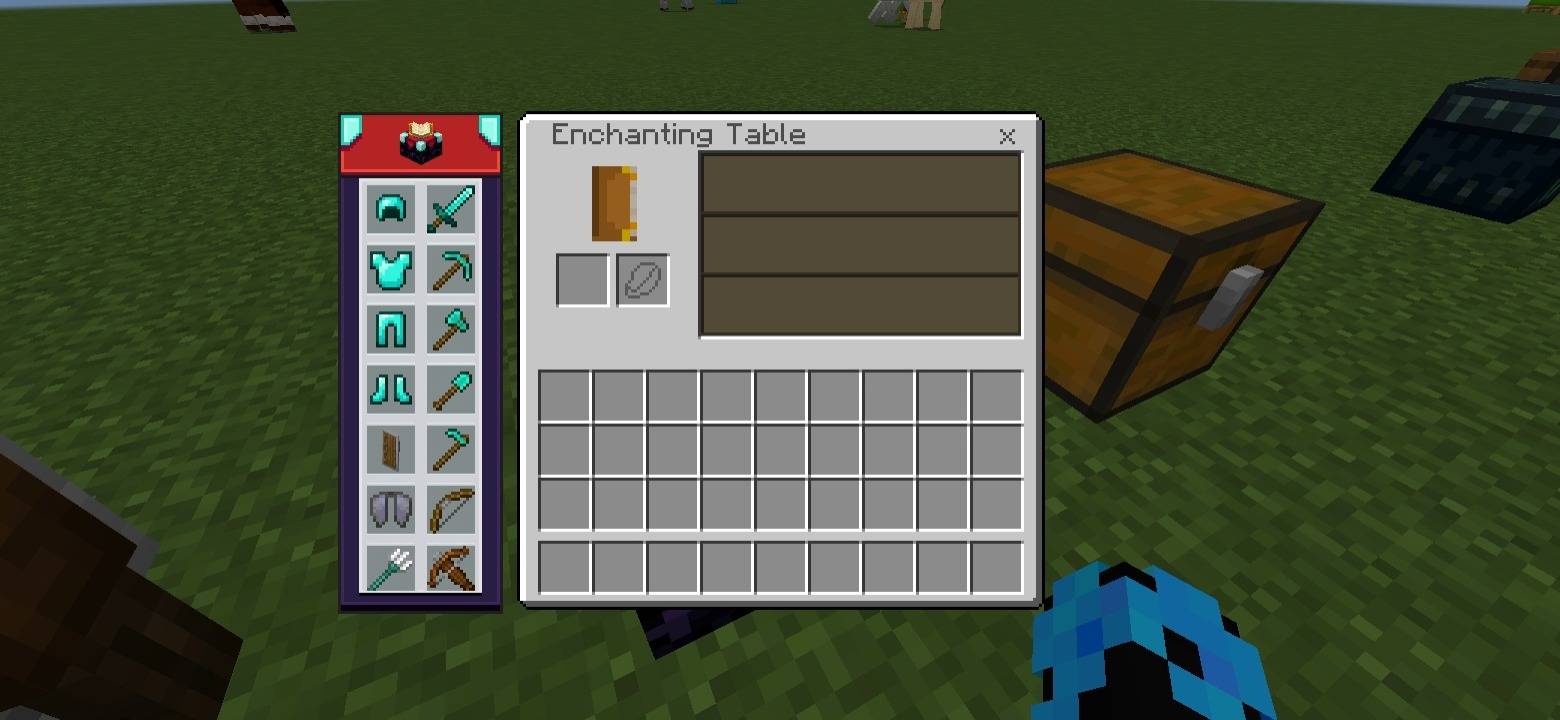
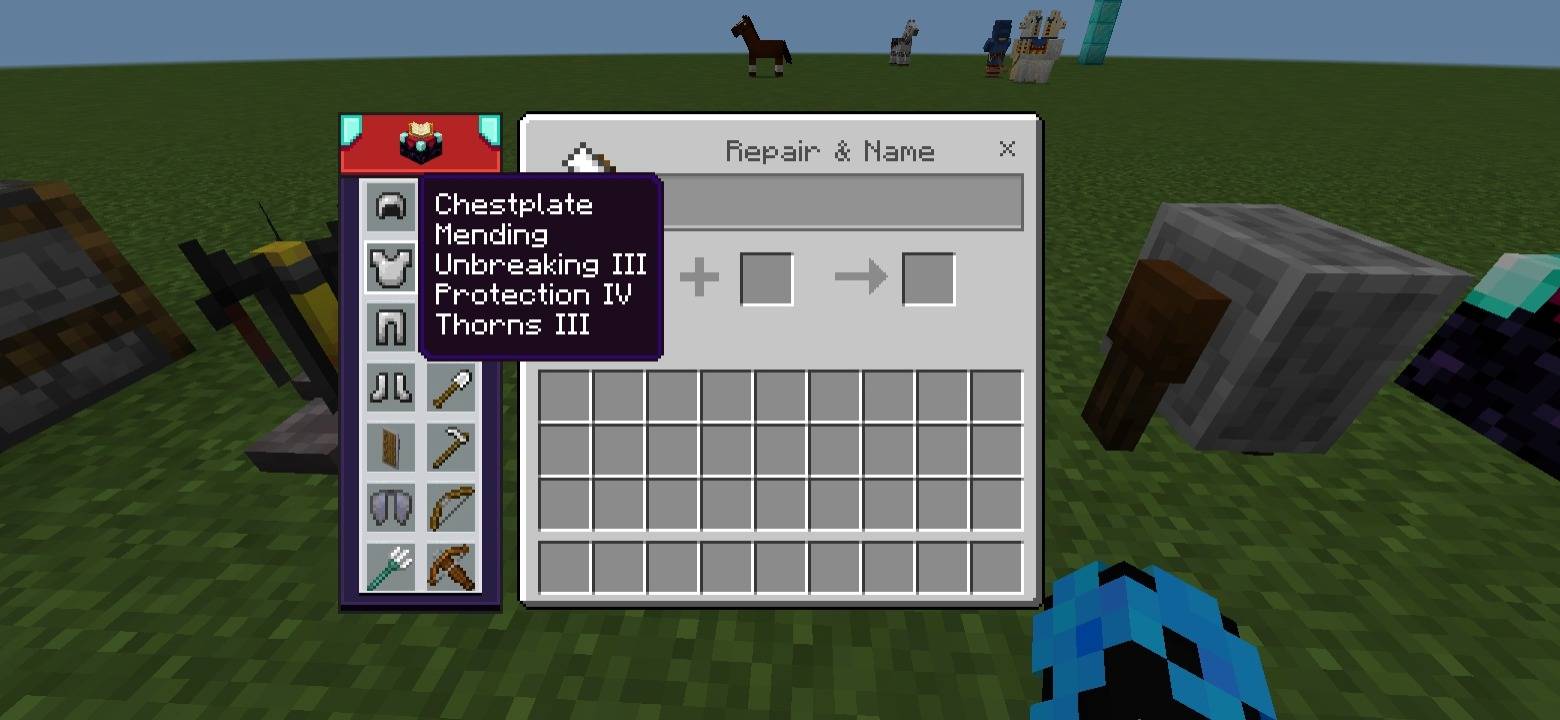
Enchantment Guide Pack shows the best enchantments for tools, weapons, and armor. Hover or click items in the guide to see recommended enchantments and…
I don't know my version
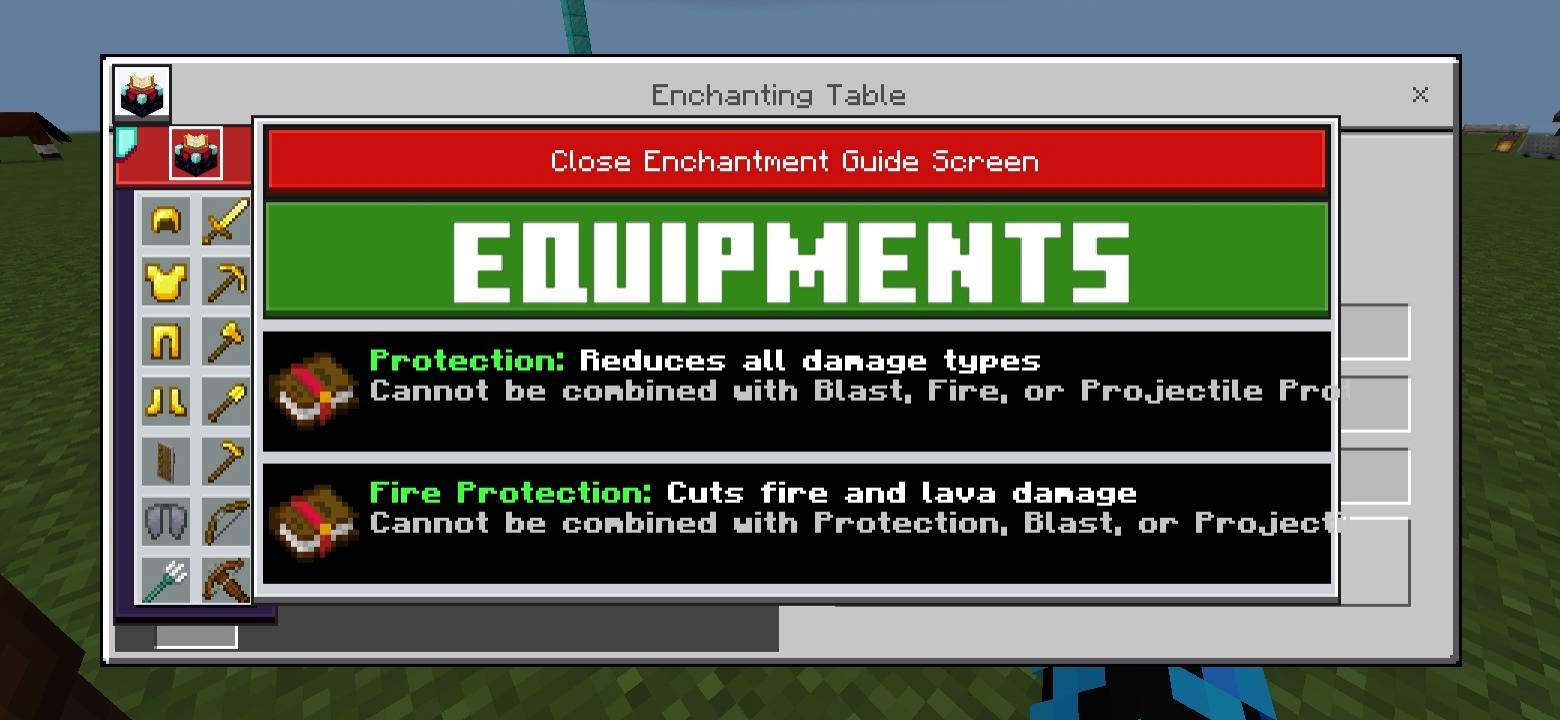
Enchantment Guide
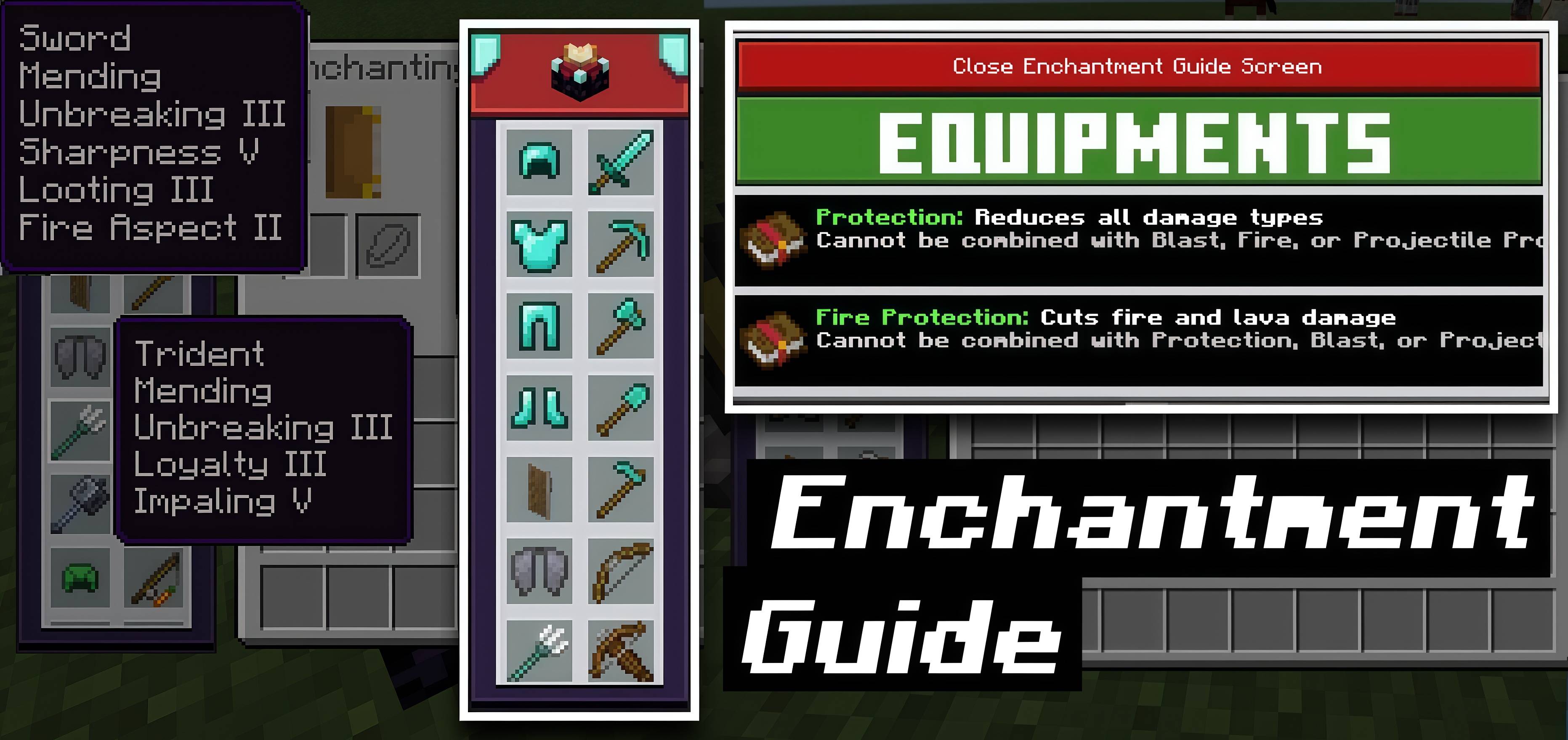
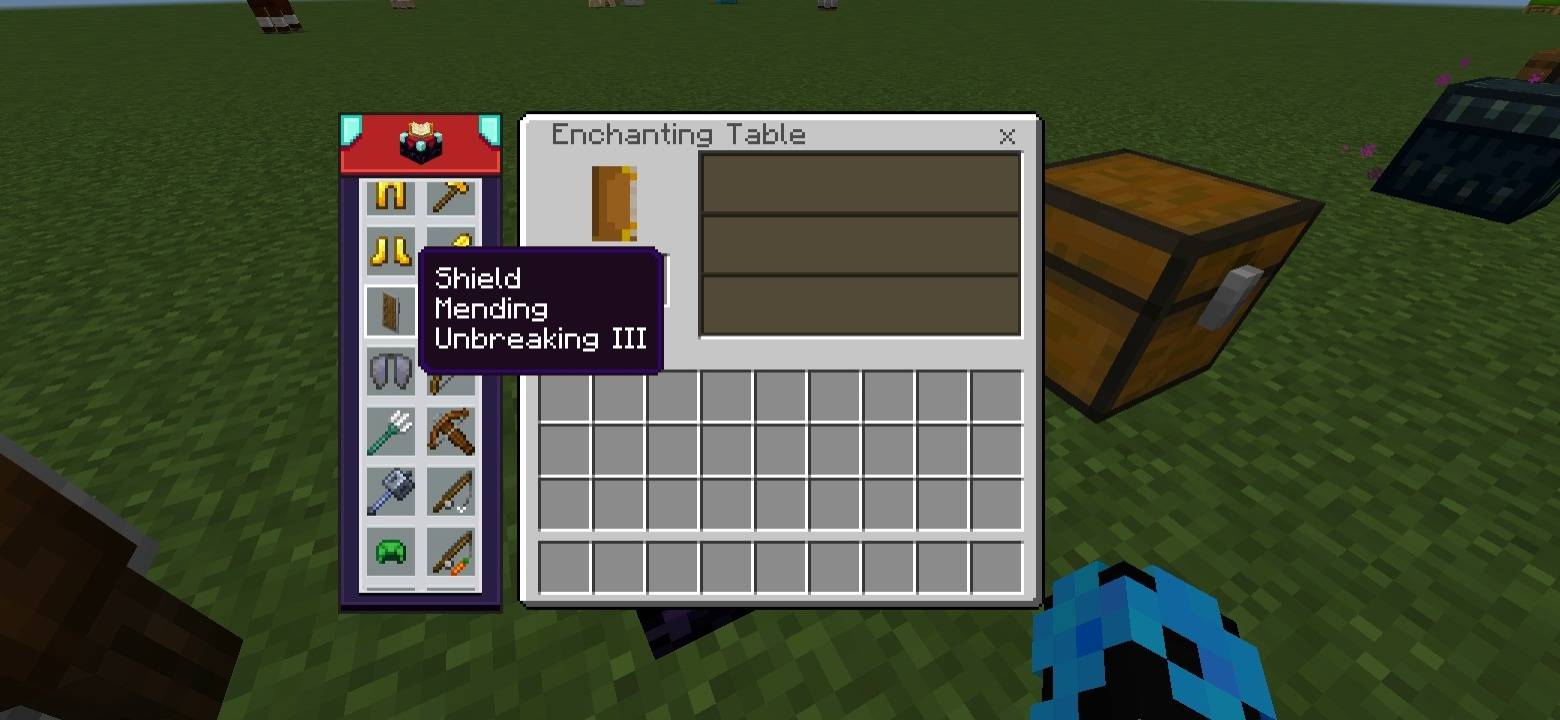
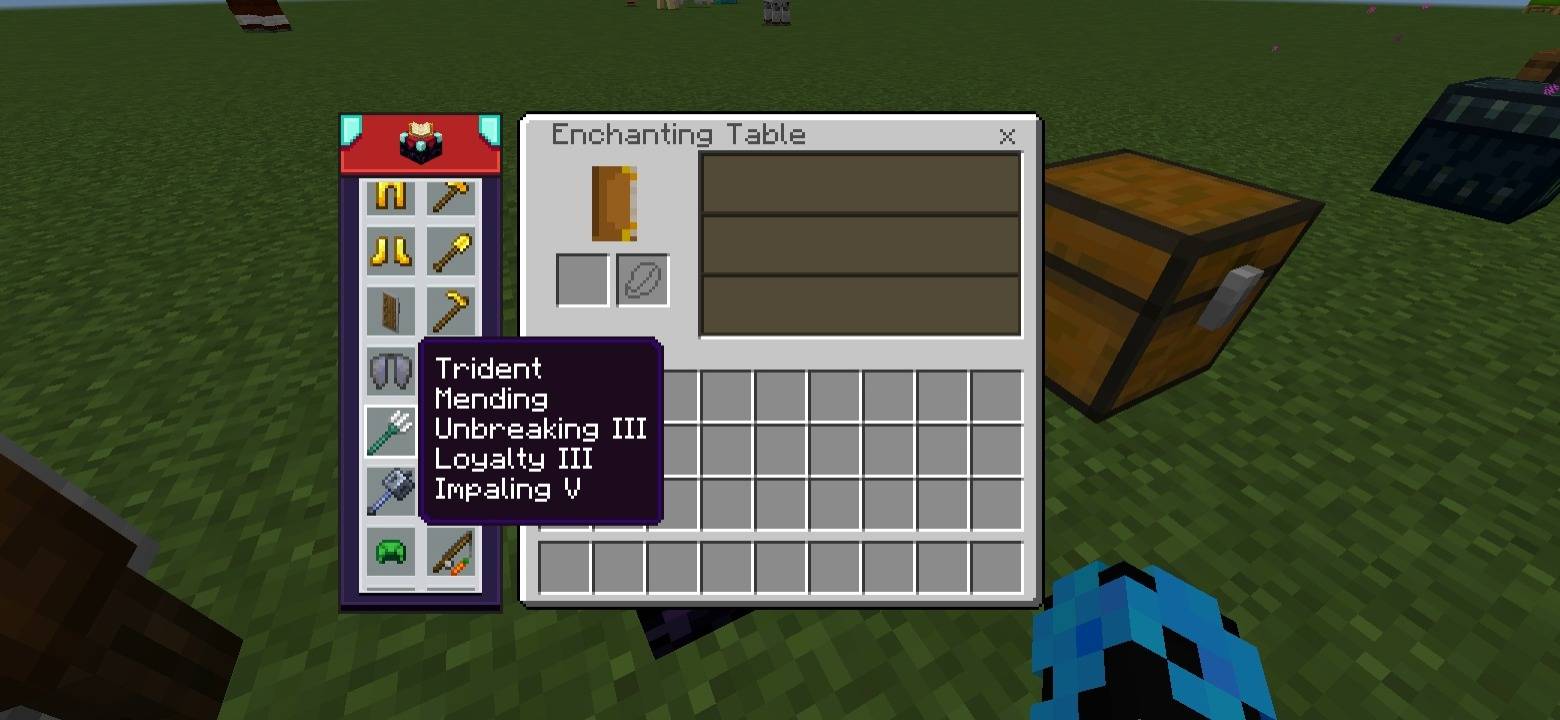
This interactive guide shows the best enchantments for tools, weapons, and armor. Click or hover on any item to see its recommended enchantments.
Features
- Interactive guide for all tools, weapons, and armor
- Click or hover on an item to see recommended enchantments
- View detailed info about each enchantment via the Enchantment Table icon
- Works directly inside the anvil and enchantment table
- Simple and easy-to-use for Minecraft players
Standalone Pack: This is a standalone pack of NeBux UI+.
Credit: The idea of this pack is inspired from NotNicto's pack.
Compatible with Pocket UI?: Yes
If you enjoy my packs and want to support me, you can do so on Ko-fi:
nebux18- Edition: Minecraft Bedrock
- File type: .mcpack
- Minecraft versions listed: 1.21.130, 1.19, 1.20
- How to install: Download the .mcpack. → Open it — Minecraft imports it under Resource Packs. → Activate it in Global Resources, or for one world under Resource Packs → Available.
- Where to get it: In MCModsHub, or directly above on this page.
Install steps are the general flow for this file type — How to install Minecraft Bedrock texture packs walks through it step by step.
- Pack type: .mcpack — a single pack
- Complete pack — everything it depends on is inside the file
- Download size: 1.9 MB
- Download link checked 15 Sept 2026 — working
These come from our own check of the pack file, not from the source page.