
Texture packsBedrock
Item Info Viewer v1.1
Bedrock texture pack listed for Minecraft 1.21. File opened and checked on 26 Sep 2026; installs from the MC Bedrock Mods app on Android.
⬇ Download on CurseForge
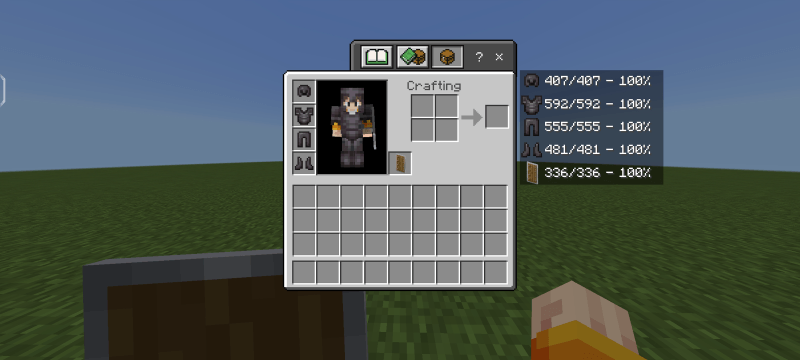
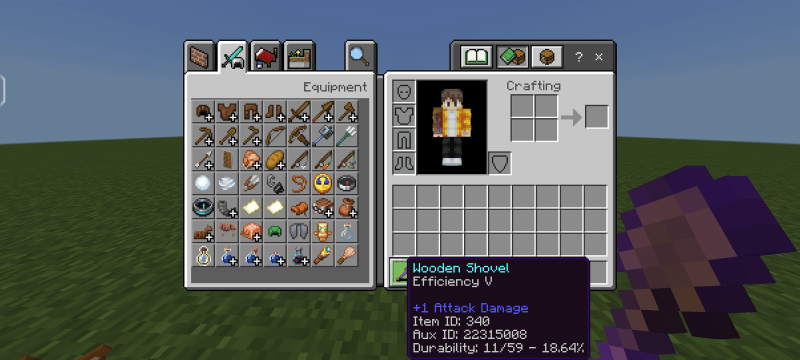
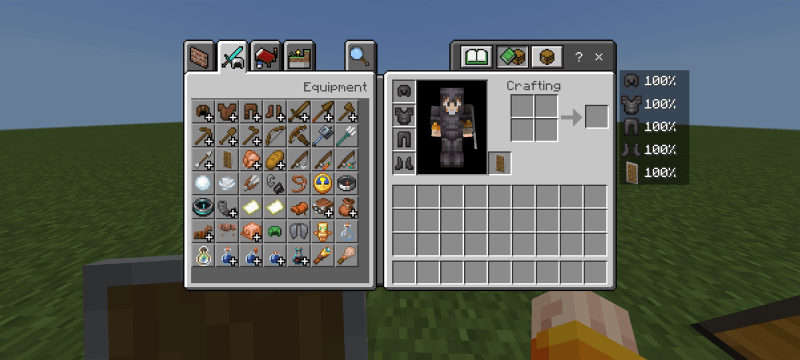
Item Info Viewer displays item information across HUD, inventory, and hover text in inventory. see stack count, durability, and IDs instantly.
Join our community!
Discord Server
Screenshots:
Default: These 3 twaeks are persent in all subpacks
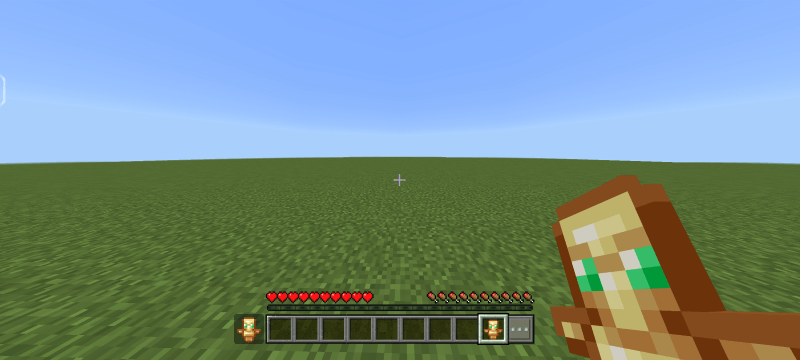
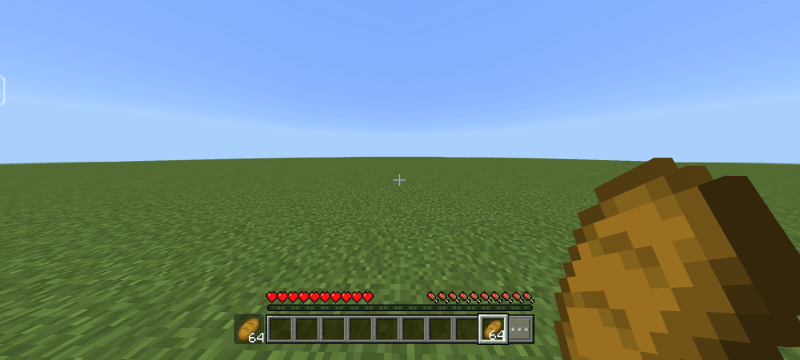
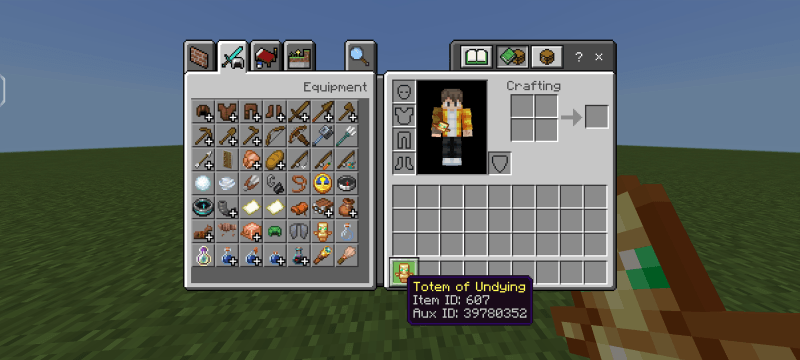
Subpack 1: Durability Number and Percentage
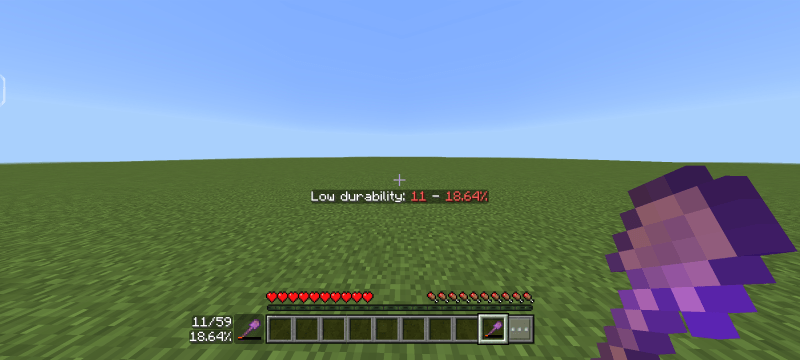
Subpack 2: Durability Percentage
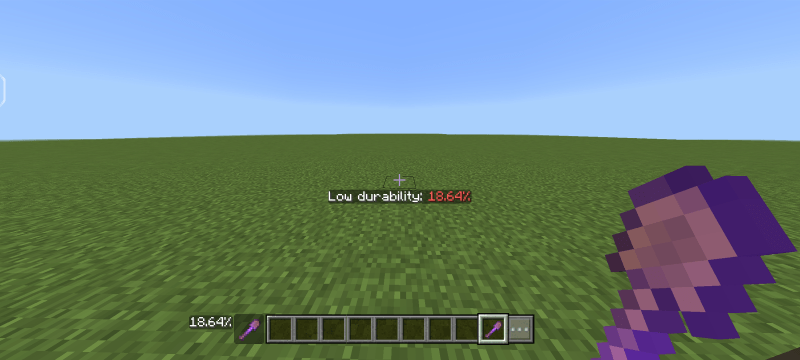
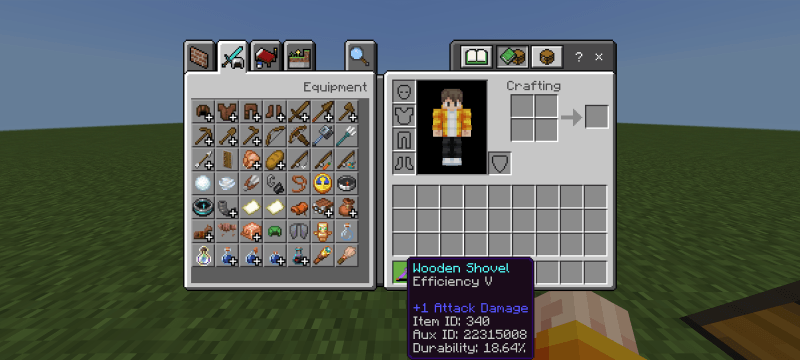
Subpack 3: Durability Number
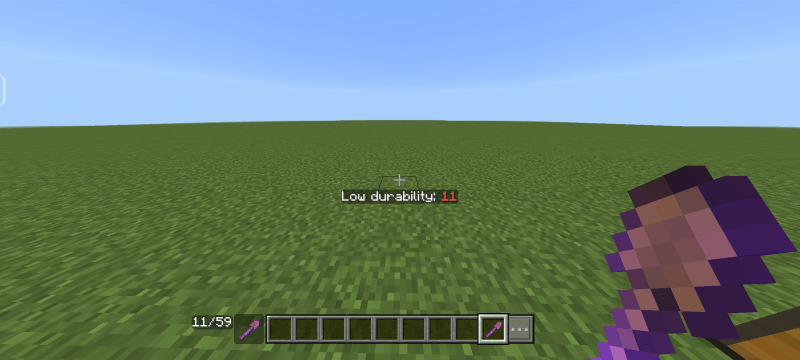
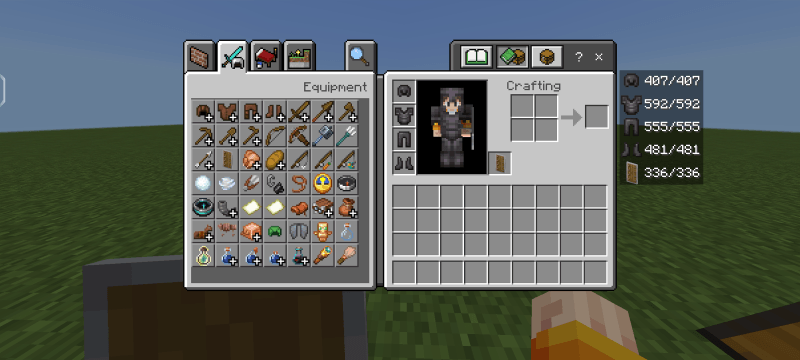
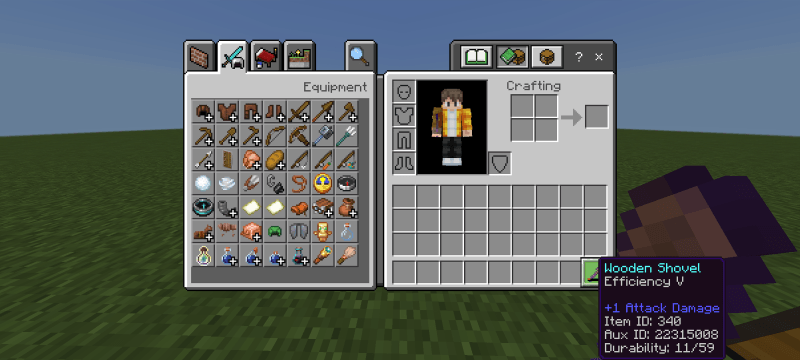
Terms of Use:
You're allowed to:
• Make Videos/Reviews/Previews on Item Info Viewer as long you credit Vectz
• Addition or Customize in Item Info Viewer is only for personal use.
• Use Item Info Viewer In your realms or servers as long you credit Vectz.
• Always share the CurseForge official Item Info Viewer page link.
You're not allowed to:
• Use Item Info Viewer in Your Own Public Project without permission of Vectz.
• Claim ownership of Item Info Viewer or its content.
• Resell or redistribute Item Info Viewer or its content.
• Post Item Info Viewer on other website.
Credits:
Speacial thanks to DimzCraft and EchoRif for allowing to use some codes for Durability Viewer.
Made by: Vectz
Discord username: vectz69
If you encounter any bug, please report them on my Discord server.
Quick facts
- Edition: Minecraft Bedrock
- File type: .mcpack
- Minecraft versions listed: 1.21.101, 1.21.100, 1.21.111
- How to install: Download the .mcpack. → Open it — Minecraft imports it under Resource Packs. → Activate it in Global Resources, or for one world under Resource Packs → Available.
- Where to get it: Opens on CurseForge — not every file is mirrored on our own servers.
Install steps are the general flow for this file type — How to install Minecraft Bedrock texture packs walks through it step by step.
File checked by MCModsHub
- Pack type: .mcpack — a single pack
- Manifest requires Minecraft 1.21.0 or newer
- Complete pack — everything it depends on is inside the file
- Download size: 10 KB
- Download link checked 26 Oct 2026 — working
These come from our own check of the pack file, not from the source page.