Texture packsBedrock
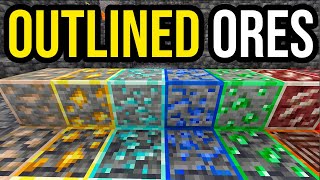
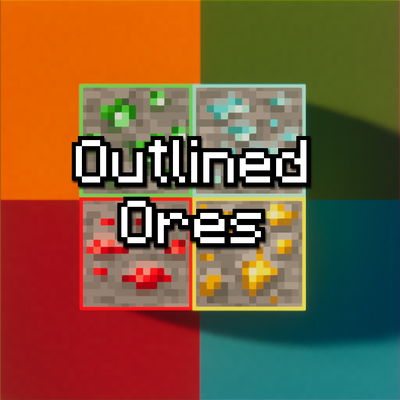
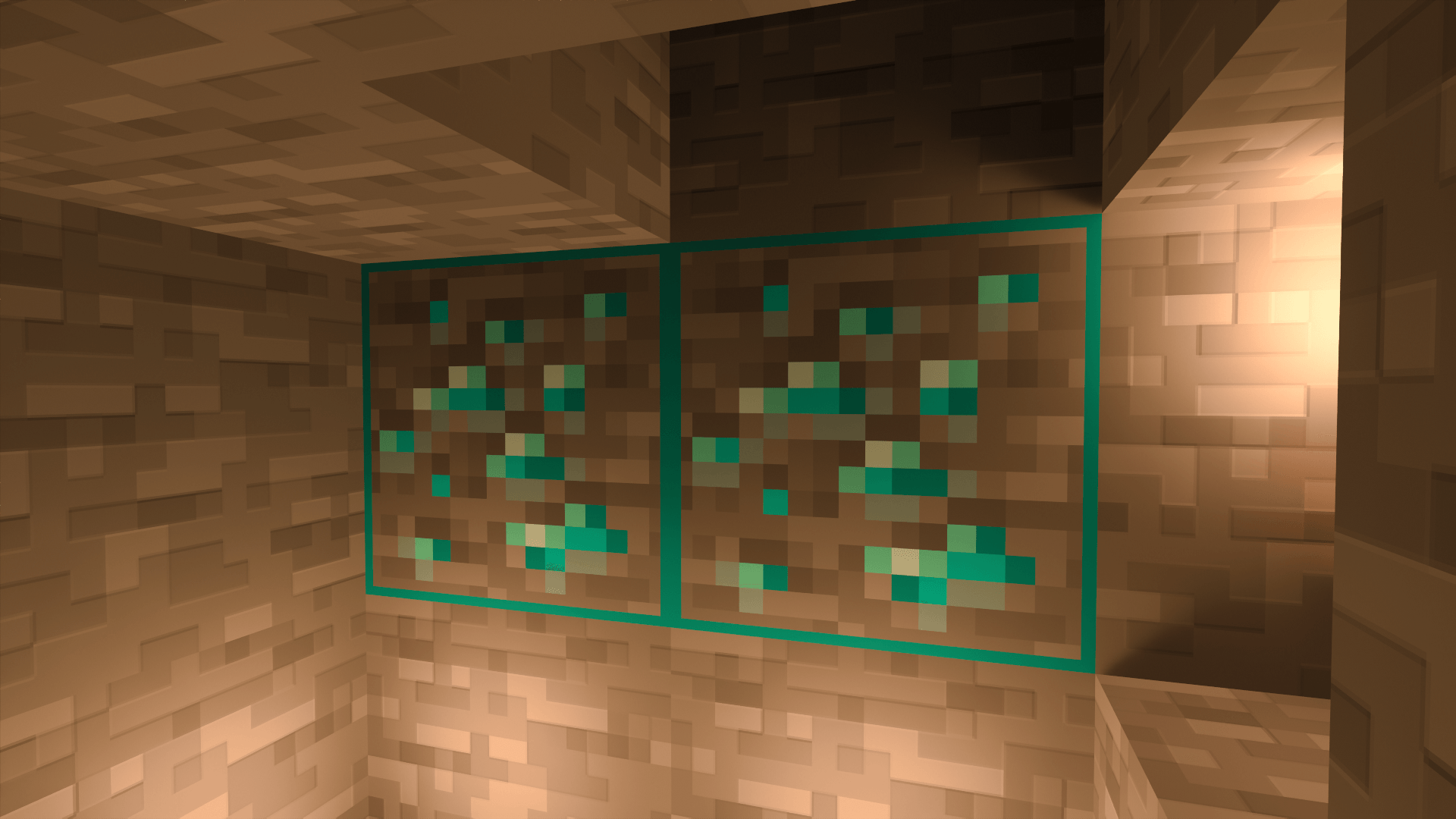
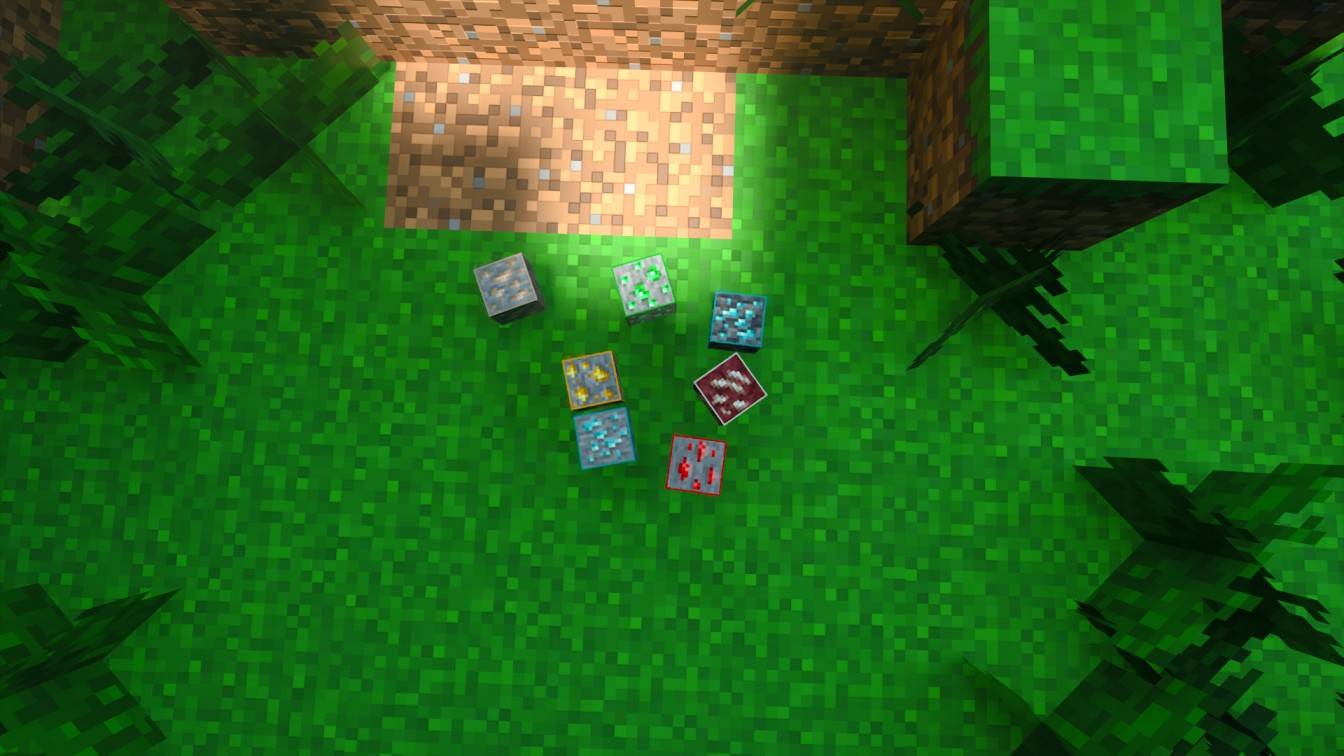
Minecraft Outlined Ore
Bedrock texture pack listed for Minecraft 1.21. File opened and checked on 8 Sep 2026; installs from the MC Bedrock Mods app on Android.
⬇ Download
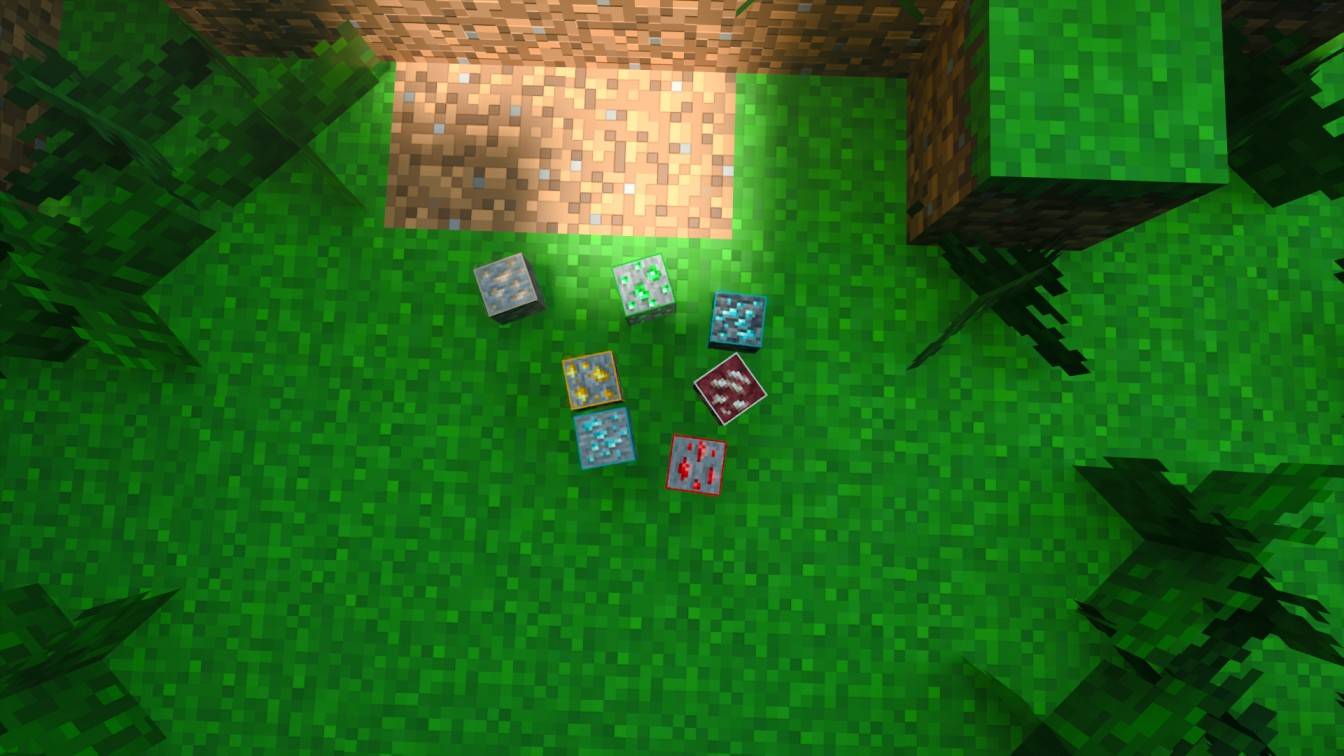
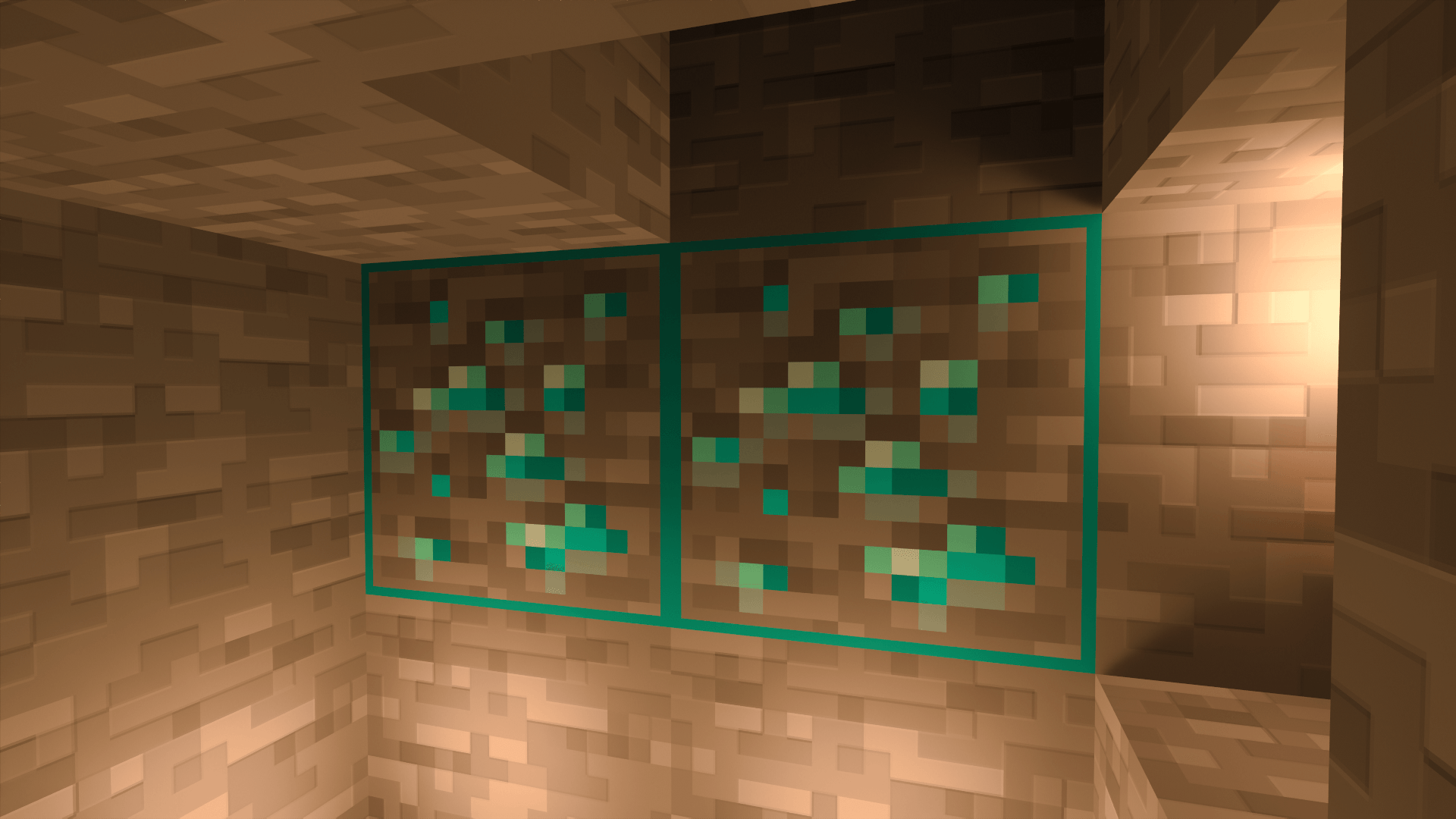



Outlined Ore

Preview
Installation Guide (.mcpack / .zip)
- Download the .mcpack or .zip file from the Files tab.
- For .mcpack: Double-click it to open Minecraft and automatically import it.
- For .zip: Extract it manually to the
games/com.mojang/resource_packsfolder on your device. - Launch Minecraft → Settings → Global Resources → Apply "Outlined Ore".
Compatibility
- Minecraft Bedrock Edition 1.16+
- Pocket Edition on Android & iOS
Found a bug or got a cool idea? Come hang out in our Discord server!
Discord Server Link : https://discord.gg/ffuXxfD6cW
Quick facts
- Edition: Minecraft Bedrock
- File type: .mcpack
- Minecraft versions listed: 1.21.93, 1.21.90, 1.21.101
- How to install: Download the .mcpack. → Open it — Minecraft imports it under Resource Packs. → Activate it in Global Resources, or for one world under Resource Packs → Available.
- Where to get it: In MCModsHub, or directly above on this page.
Install steps are the general flow for this file type — How to install Minecraft Bedrock texture packs walks through it step by step.
File checked by MCModsHub
- Pack type: .mcpack — a single pack
- Complete pack — everything it depends on is inside the file
- Download size: 50 KB
- Download link checked 25 Aug 2026 — working
These come from our own check of the pack file, not from the source page.