A&S Glowing Ore
Bedrock texture pack listed for Minecraft 1.20–1.21. File opened and checked on 2 Sep 2026; installs from the MC Bedrock Mods app on Android.
⬇ Download on CurseForgeThe author built this one for Minecraft 1.21.122. On other versions it may install and then do nothing.
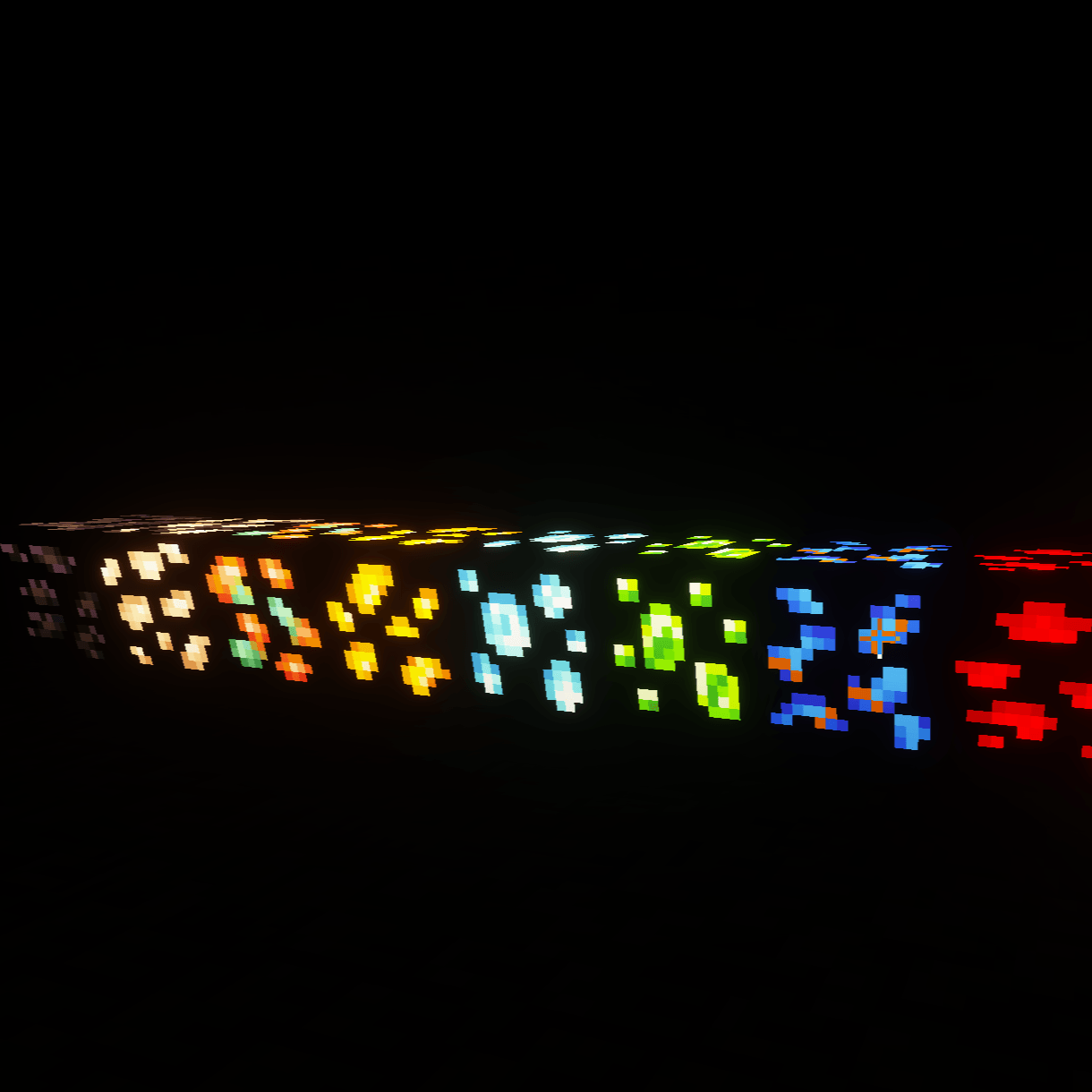
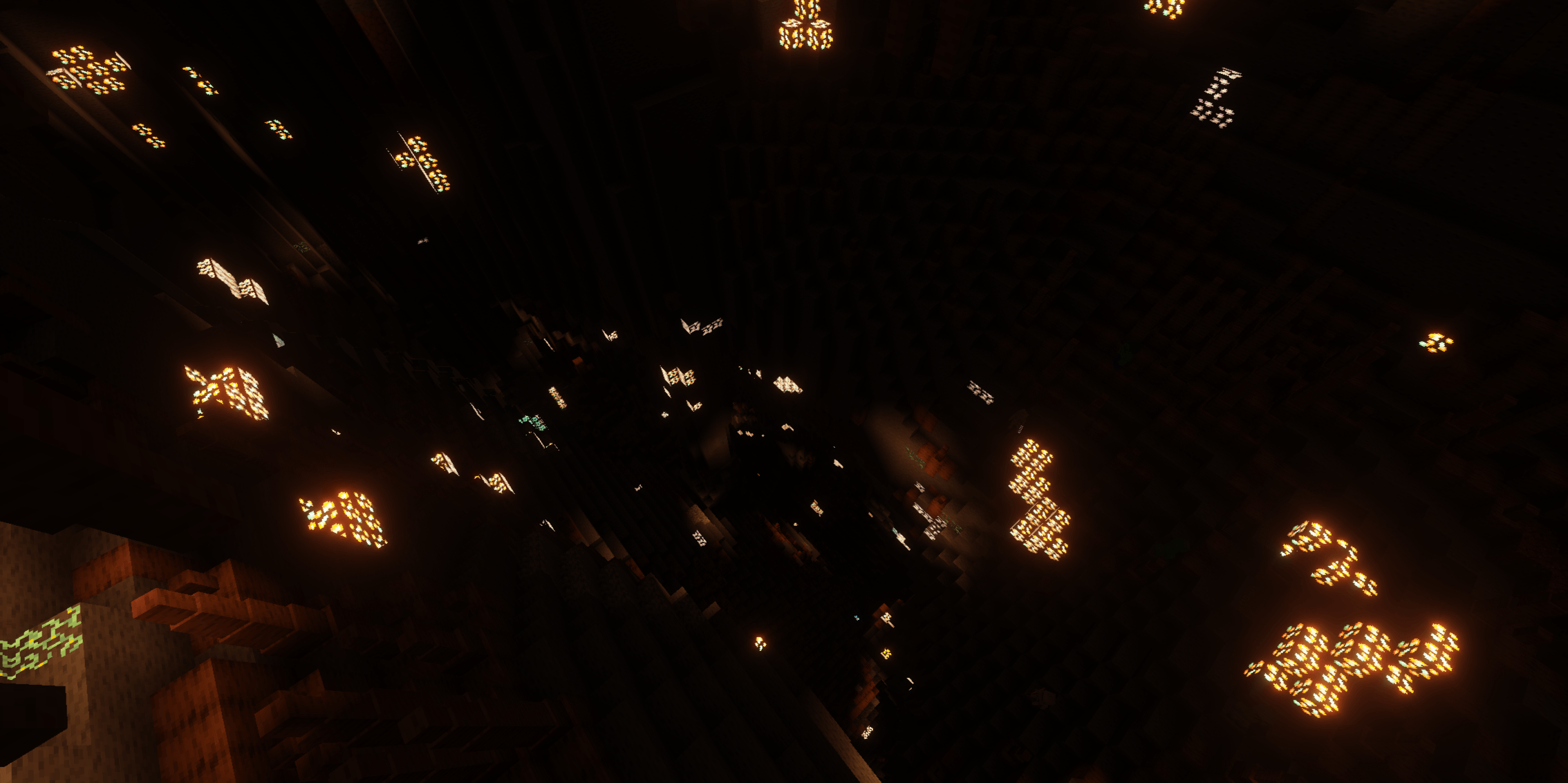
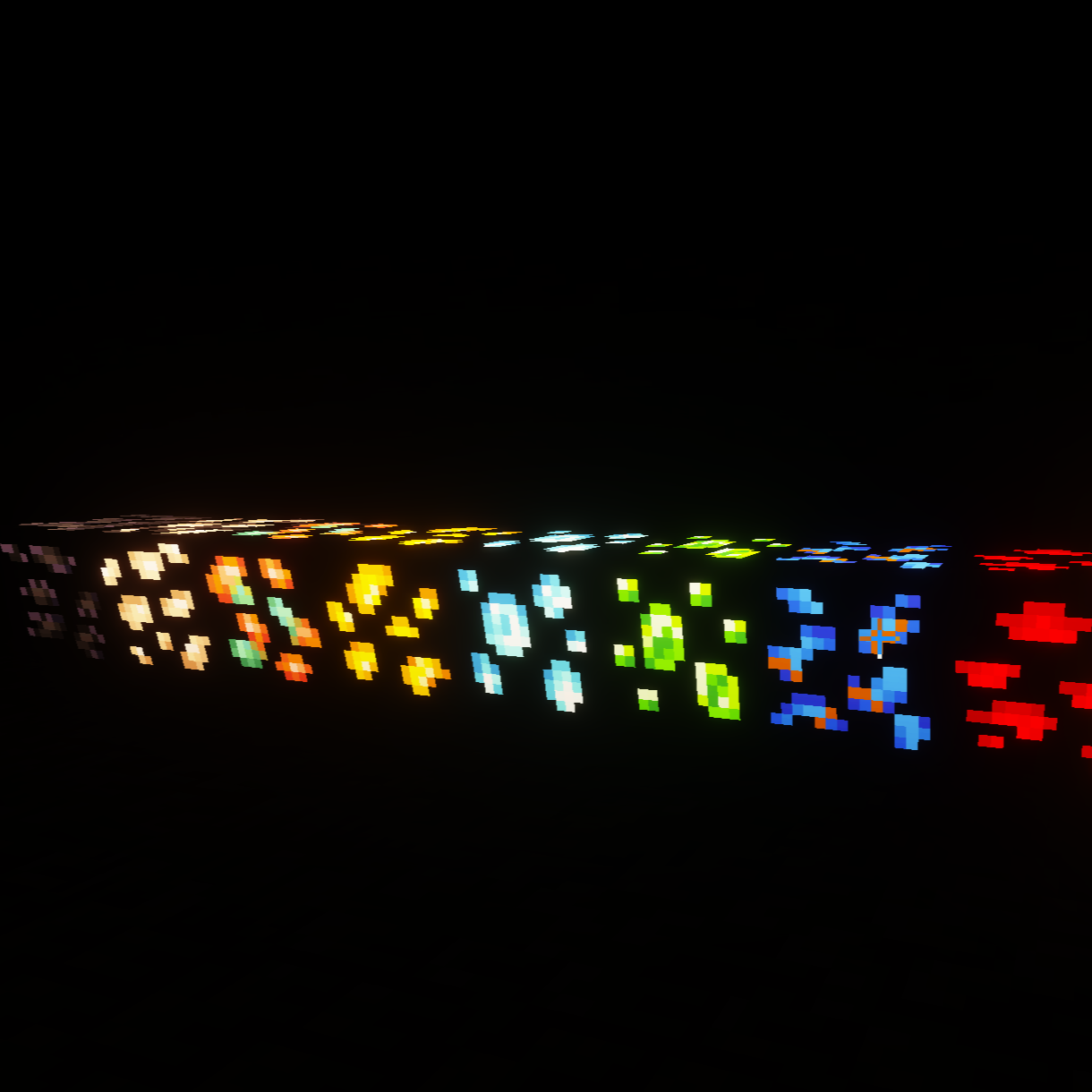
This Pack makes it so that your ores glow while using the A&S x64 subpack. For it to work you have to be using Vibrant visuals. This pack is made primarily for A&S x64, if you want a pack for the x16 or x32, just use a normal glowing ore pack.
List of everything that glows:
- Resin Clumps
- Activated Creeking Hear
- Coal Ores
- Copper Ores
- Block of Raw Copper
- Iron Ores
- Block of Raw Iron
- Gold Ores
- Block of Raw Gold
- Gold Nether Ore
- Gilded Blackstone
- Diamond Ores
- Enchantment Table
- Nether Quarts Ore
- Ancient Debrist
In the future I plan to add a toggle for those who would like the Refined Metal, Mineral, and Gems blocks to glow as well.
- Edition: Minecraft Bedrock
- File type: .mcpack
- Minecraft version listed: 1.21.122
- How to install: Download the .mcpack. → Open it — Minecraft imports it under Resource Packs. → Activate it in Global Resources, or for one world under Resource Packs → Available.
- Where to get it: Opens on CurseForge — not every file is mirrored on our own servers.
Install steps are the general flow for this file type — How to install Minecraft Bedrock texture packs walks through it step by step.
- Pack type: .mcpack — a single pack
- Manifest requires Minecraft 1.20.0 or newer
- Complete pack — everything it depends on is inside the file
- Download size: 602 KB
- Download link checked 5 Oct 2026 — working
These come from our own check of the pack file, not from the source page.