Texture packsBedrock
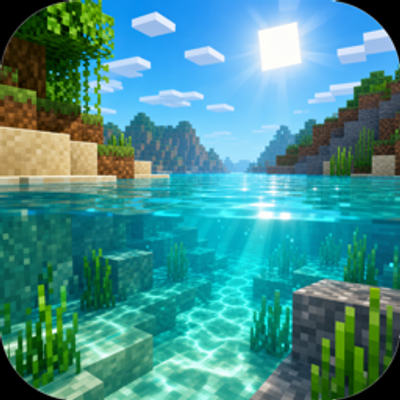
Clear Water | FPS Booster
Bedrock texture pack listed for Minecraft 1.21–26.x. File opened and checked on 27 Sep 2026; installs from the MC Bedrock Mods app on Android.
Clear Water FPS Booster is a lightweight Minecraft Bedrock visual pack that makes water easier to see through, calms busy water effects, and slows fluid…
I don't know my version
Open Minecraft and look at the bottom-left corner of the main screen — the version is printed there, like v1.26.30.
The game writes a 1. in front; the buttons above leave it off. v1.26.30 in the game is 26.30 here.
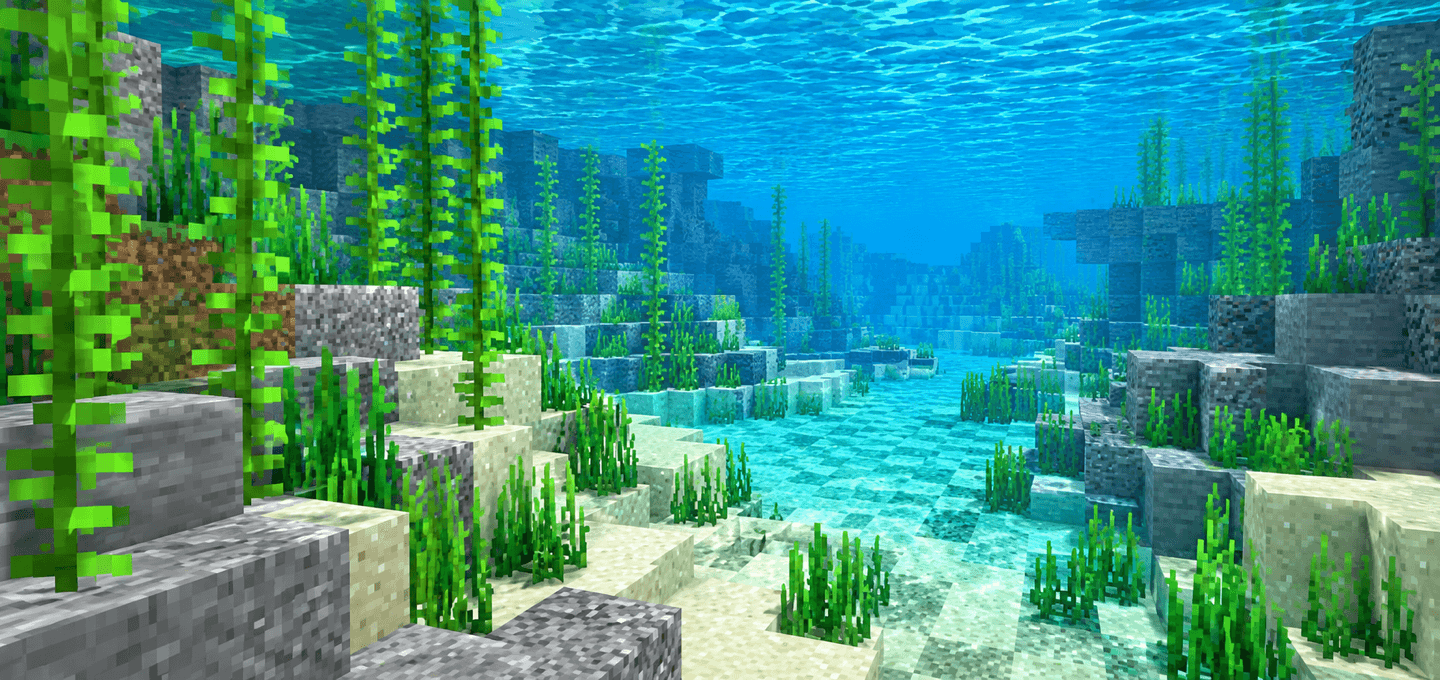
Clear Water FPS Booster makes Minecraft Bedrock water cleaner, clearer, and easier to play around on low-end devices.
It keeps the vanilla style, but tunes the effects that often make oceans, rivers, rain, and underwater views feel noisy.
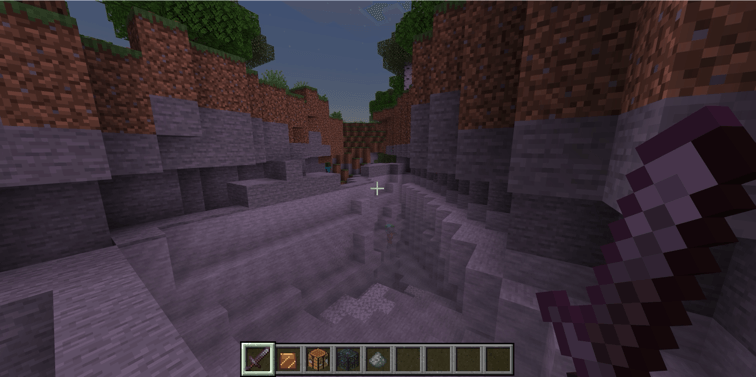
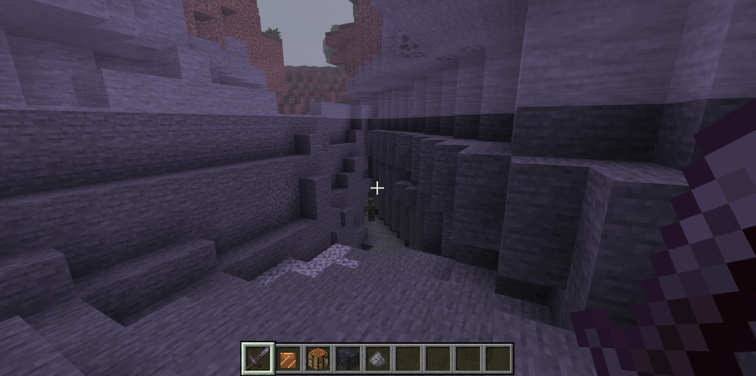
Features
- Clearer water surface color
- Higher water surface transparency
- Longer underwater fog distance
- Neutral water tint across vanilla biomes, including Pale Garden
- Nearly invisible clean still and flowing water textures
- Calmer water splash, drip, wake, and bubble effects
- Cleaner flowing-water animation without the chunky vanilla noise
- Slower water, lava, fire, portal, kelp, sculk, lantern, and similar animated textures
- Reduced common particle clutter for busy vanilla effects
How to use
- Import the
.mcaddonfile into Minecraft Bedrock. - Activate the Clear Water FPS Booster resource pack for your world. No behavior pack or experiments are required.
- Put the Clear Water resource pack above other visual packs if another pack also changes water, fog, particles, or animated textures.
Notes
- This is not an RTX pack.
- This is not a realistic water shader.
- Performance gains may vary depending on your device, world complexity, entity count, simulation load, and render distance.
- The pack is designed as a practical low-end visual optimization, not a cinematic graphics overhaul.
Requirements
- Minecraft Bedrock Edition 1.26.50 or higher.
- No external dependency required

Quick facts
- Edition: Minecraft Bedrock
- File type: .mcpack
- Minecraft versions listed: 26.50, 26.0.02, 26.0
- How to install: Download the .mcpack. → Open it — Minecraft imports it under Resource Packs. → Activate it in Global Resources, or for one world under Resource Packs → Available.
- Where to get it: Opens on CurseForge — not every file is mirrored on our own servers.
Install steps are the general flow for this file type — How to install Minecraft Bedrock texture packs walks through it step by step.
File checked by MCModsHub
- Pack type: .mcaddon — behaviour and resource pack in one file
- Manifest requires Minecraft 1.26.30 or newer
- Complete pack — everything it depends on is inside the file
- Download size: 188 KB
- Download link checked 6 Oct 2026 — working
These come from our own check of the pack file, not from the source page.