BlueMods Optimization (FPS Booster)
Bedrock texture pack listed for Minecraft 1.20–26.x. File opened and checked on 1 Oct 2026; installs from the MC Bedrock Mods app on Android.
BlueMods Optimization Resource Pack for Minecraft Bedrock Edition is used to enhance your gameplay while using the pack.
I don't know my version
BlueMods Optimization
https://bluemods.neocities.org
Want more FPS and a cleaner look? This pack removes annoying particles, gives you a sleek dark interface, and cleans up world generation. Great for low-end PCs and mobile or if you just hate visual clutter. Game feels way smoother.



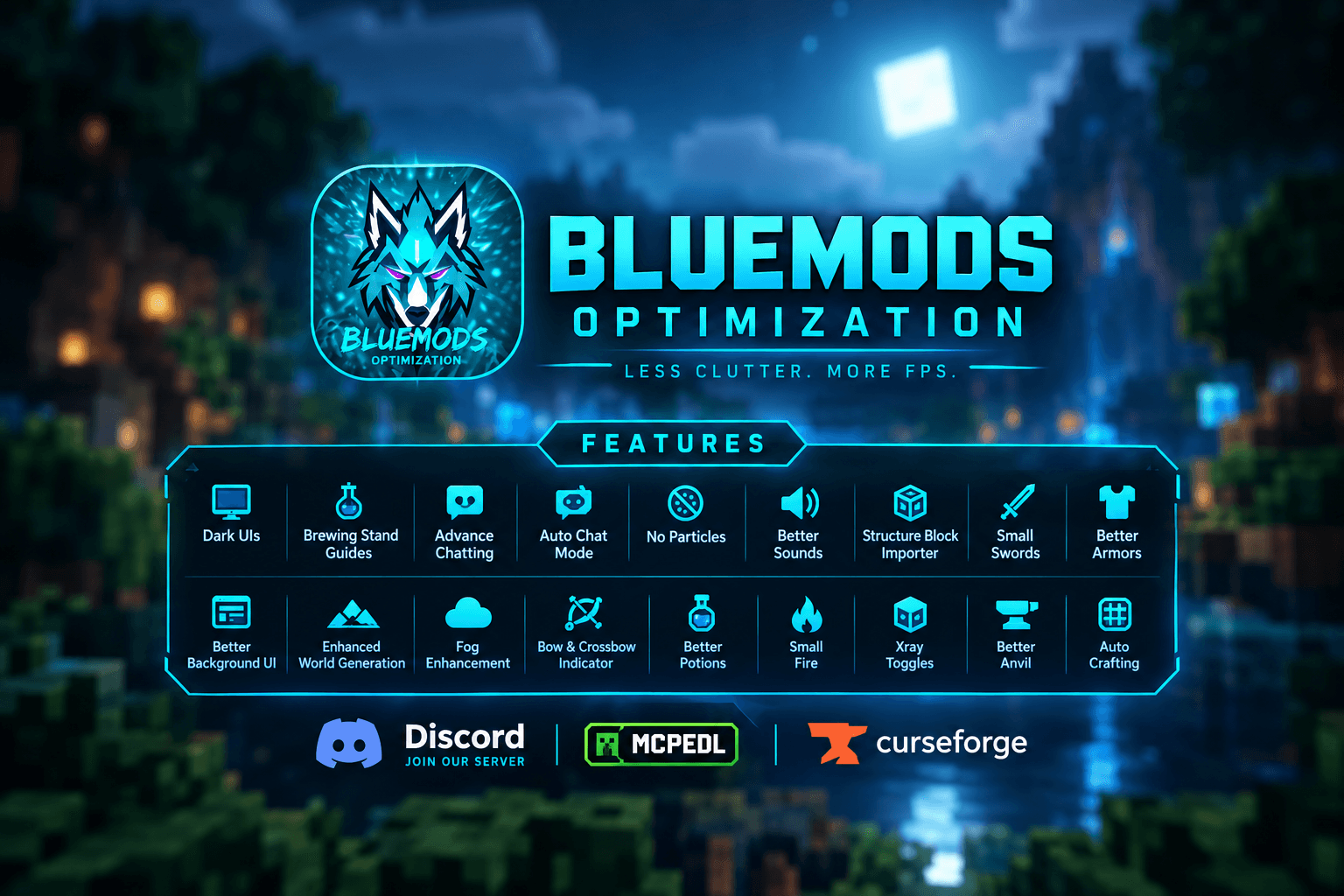
FEATURES
- Dark UIs
- Brewing Stand Guides
- Advance Chatting
- Auto Chat Mode
- No Particles
- Better Sounds
- Structure Block Importer
- Small Swords
- Better Armors
- Better Background UI
- Enhanced World Generation
- Fog Enhancement
- Bow & Crossbow Indicator
- Better Potions
- Small Fire
- Xray Toggles
- Better Anvil
- Auto Crafting
You did Great!
Contact us by joining our official Discord server for bug fixes and suggestions.
- Edition: Minecraft Bedrock
- File type: .mcpack
- Minecraft versions listed: 26.0.02, 26.0, 26.3
- How to install: Download the .mcpack. → Open it — Minecraft imports it under Resource Packs. → Activate it in Global Resources, or for one world under Resource Packs → Available.
- Where to get it: In MCModsHub, or directly above on this page.
Install steps are the general flow for this file type — How to install Minecraft Bedrock texture packs walks through it step by step.
- Pack type: .mcpack — a single pack
- Complete pack — everything it depends on is inside the file
- Download size: 2.8 MB
- Download link checked 15 Sept 2026 — working
These come from our own check of the pack file, not from the source page.