Vibrant Legacy RTX
Bedrock texture pack listed for Minecraft 1.21–26.x. File opened and checked on 21 Sep 2026; installs from the MC Bedrock Mods app on Android.
⬇ Download on CurseForge
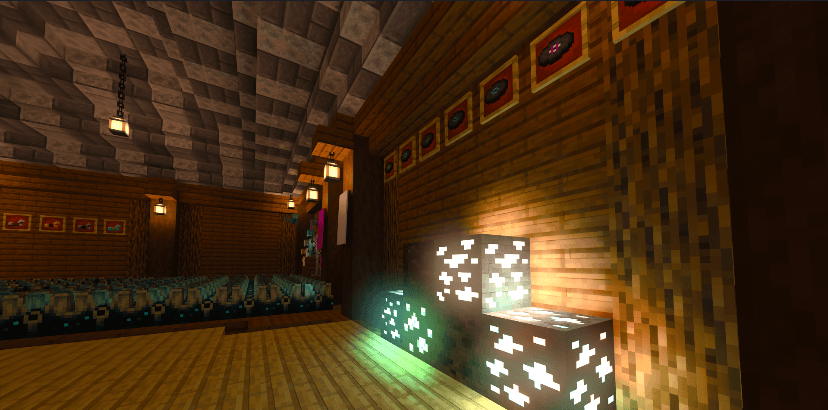
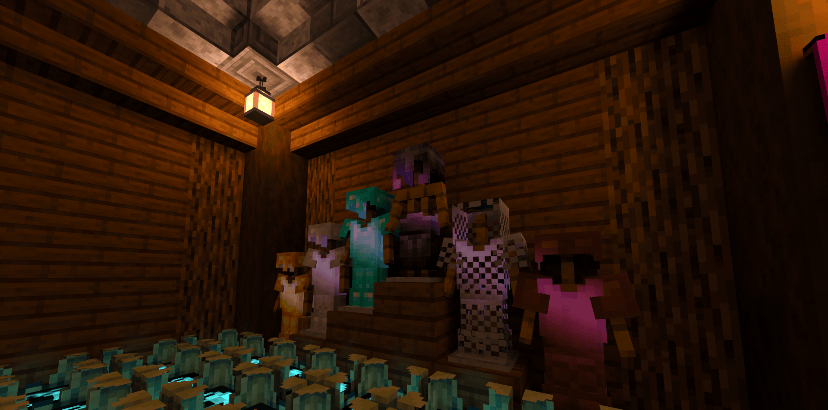
This is my Ray Tracing project of my Vibrant Legacy series.
Installation & Legacy Support
Compatibility: Only for Minecraft Bedrock Edition.
Supported Devices: Only available on Windows.
Activating:
1. Download and open the .mcpack file.
2. Activate it in Settings > Global Resources.
3. Enable the "Raytraced" option in your Video Settings.
Hardware Requirements
For Windows PCs
Windows 11 64-bit, GPU NVIDIA GeForce® RTX 20 and AMD Radeon RX 6000 Series and higher, etc.
COPYRIGHT:
All Rights Reserved
Important Notice:
You Are Allowed To:
Use this resource pack in your videos or livestreams and make a backup, modify this pack for your own private use.
You Are NOT Allowed To:
Claim ownership, distribute, re-upload or sell this resource pack without my permission.
Sharing and Crediting:
You're allowed to share the original links of this resource pack only.
You're not allowed to share it via Drive, Mediafire or any kinds of external links.
Author: [Stephen Le]
Join my Discord
- Edition: Minecraft Bedrock
- File type: .mcpack
- Minecraft versions listed: 1.21.81, 1.21.93, 1.21.90
- How to install: Download the .mcpack. → Open it — Minecraft imports it under Resource Packs. → Activate it in Global Resources, or for one world under Resource Packs → Available.
- Where to get it: Opens on CurseForge — not every file is mirrored on our own servers.
Install steps are the general flow for this file type — How to install Minecraft Bedrock texture packs walks through it step by step.
- Save it as Vibrant Legacy RTX V2.3.mcaddon before opening — it downloads as .mcpack, but it is a .mcaddon pack
- Manifest requires Minecraft 1.21.0 or newer
- Complete pack — everything it depends on is inside the file
- Download size: 3.4 MB
- Download link checked 26 Oct 2026 — working
These come from our own check of the pack file, not from the source page.