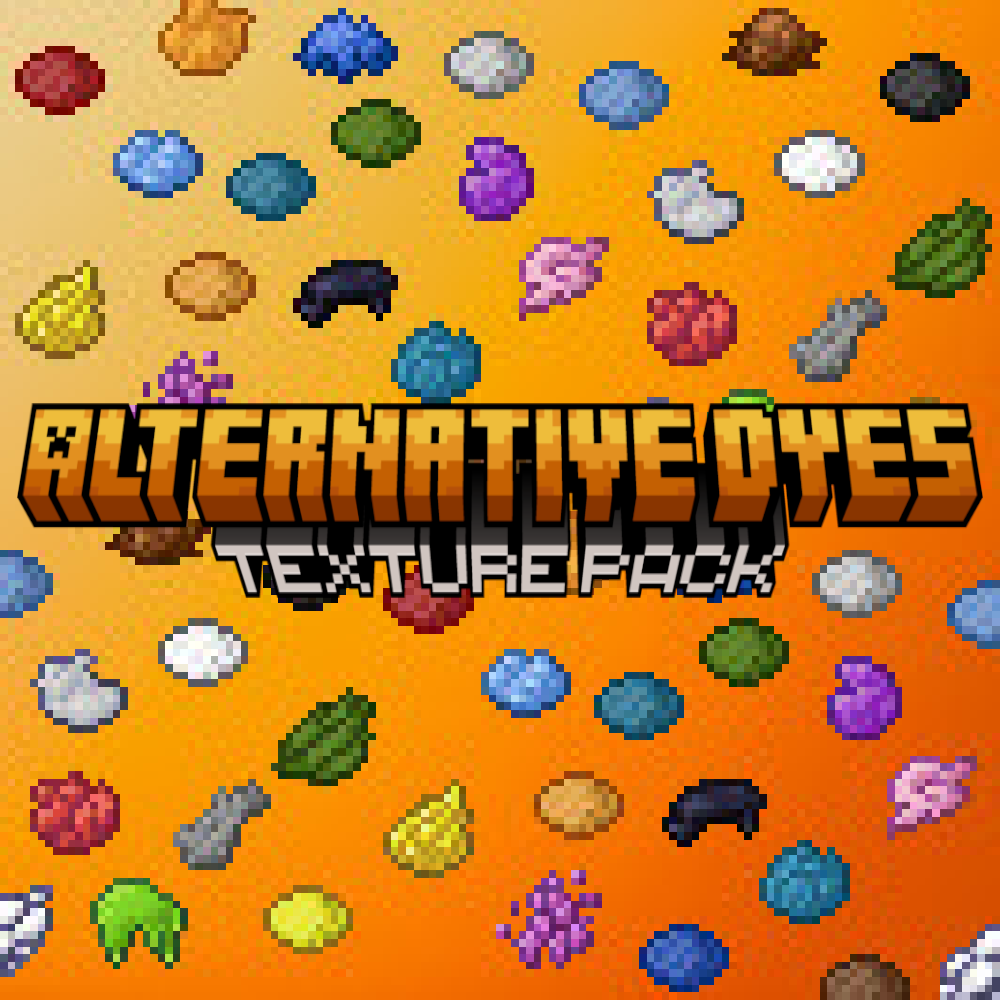
Alternative and Old Dyes
These texture packs expands your options when it comes to dye textures! From old textures to alternative ones, there's an option for everyone!
⬇ Download on CurseForge
Old Dyes - Old Dye Texture Pack - Alternative Dyes Texture Pack
This pack reimagines all Minecraft dye textures with new detail and clarity while keeping them consistent with the vanilla art style. There are four unique versions included, allowing players to choose the look that best fits their preference or accessibility needs.
Version 1 – Old Dye Textures [Pre 1.21.111]
Faithfully restores the original dye textures used before the Copper Age update (v1.21.111). Ideal for players who prefer the nostalgic look of the older item designs, this version matches the color tones and shapes of the classic era.
Version 2 – Alternative Dye Textures [Pre 1.21.111]
Designed for color-blind accessibility, every dye in this version has its own shape. Most are old textures but some are edited versions of more modern textures.
Version 3 – Round Dye Textures
All dye textures are redesigned with a soft oval shape and polished highlights. This version gives dyes a clean, gem-like appearance and fits seamlessly with Minecraft’s modern item art.
Version 4 – Alternative Dye Textures [Post 1.21.111]
All dye textures are based off the new style of textures but have the bottom plate removed.
Here is an image of version 1:

Here is an image of version 2:

Here is an image of version 3:

Here is an image of version 4:

To succesfully download the updated version of this pack, please delete the old version from your device via your Minecraft in-game settings! Be sure to check out my profile for other skinpacks, texture packs, addons, and worlds for Minecraft Bedrock Edition!
- Edition: Minecraft Bedrock
- File type: .mcpack
- Minecraft versions listed: 1.21.101, 1.21.100, 1.21.111
- How to install: Download the .mcpack. → Open it — Minecraft imports it under Resource Packs. → Activate it in Global Resources, or for one world under Resource Packs → Available.
- Where to get it: Opens on CurseForge — not every file is mirrored on our own servers.
Install steps are the general flow for this file type — How to install Minecraft Bedrock texture packs walks through it step by step.
- Pack type: .mcpack — a single pack
- Manifest requires Minecraft 1.16.0 or newer
- Complete pack — everything it depends on is inside the file
- Download size: 21 KB
- Download link checked 26 Aug 2026 — working
These come from our own check of the pack file, not from the source page.