Crop Indicator
Bedrock texture pack listed for Minecraft 1.21–26.x. File opened and checked on 6 Oct 2026; installs from the MC Bedrock Mods app on Android.
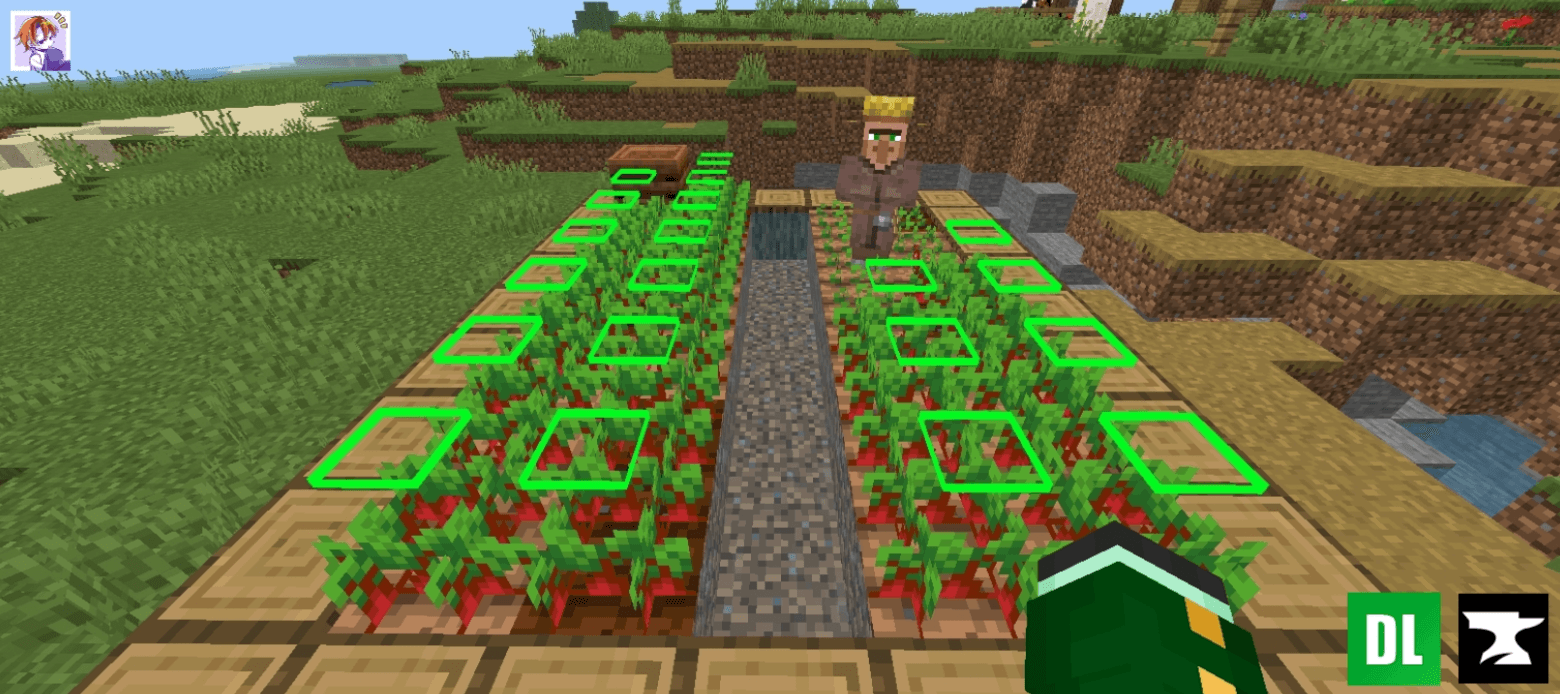
Enhance your farming experience with this intuitive Crop Indicator Resource Pack! 🌾 This pack adds a clear floating indicator above fully grown crops…
⬇ Download on CurseForgeThe author built this one for Minecraft 1.21–26.50. On other versions it may install and then do nothing.
Crop Indicator Resource Pack
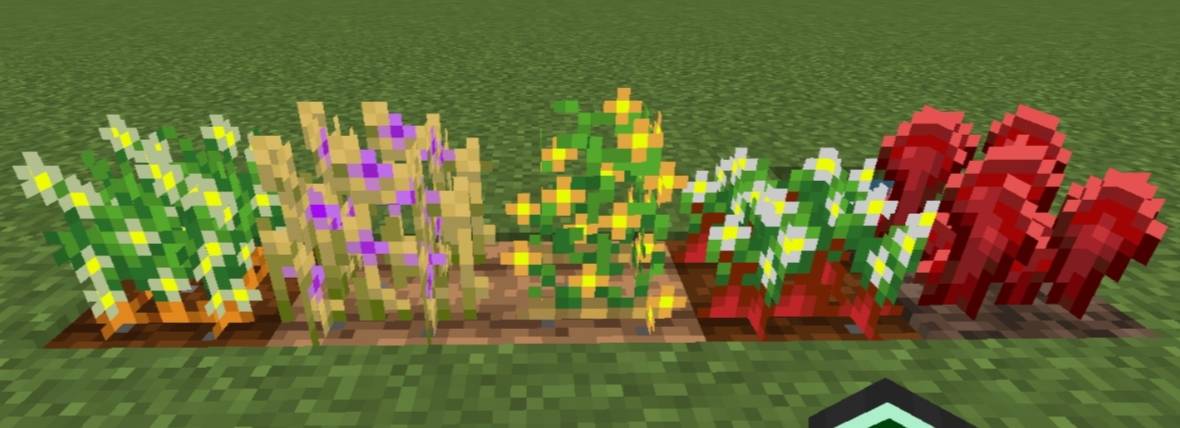
A simple, clean texture pack that adds floating indicators above fully grown crops. Easily see when your wheat, carrots, potatoes, or beetroot are ready to harvest—no extra features, just visuals. Lightweight, smooth, and designed to make farming a breeze! 🌾
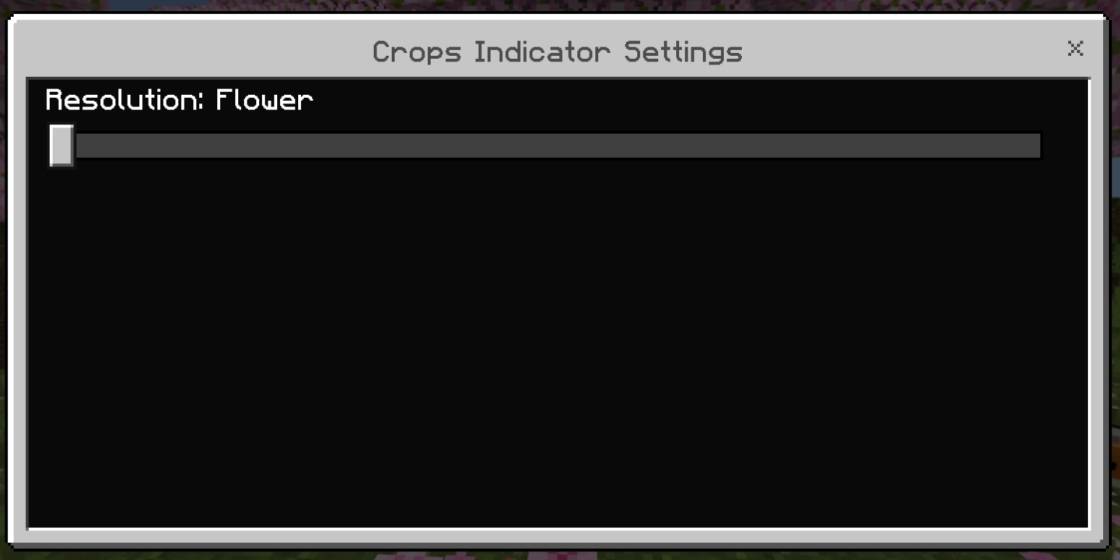
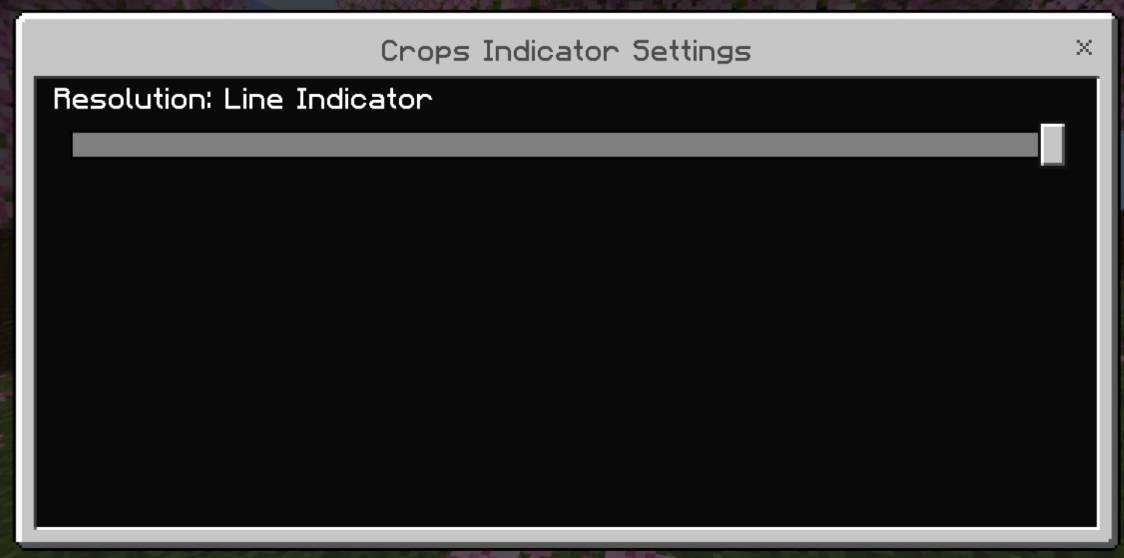
Added flowers instead of lines
Open for suggestions and retexture

- Edition: Minecraft Bedrock
- File type: .mcpack
- Minecraft versions listed: 1.21, 1.21.130, 1.21.131
- How to install: Download the .mcpack. → Open it — Minecraft imports it under Resource Packs. → Activate it in Global Resources, or for one world under Resource Packs → Available.
- Where to get it: Opens on CurseForge — not every file is mirrored on our own servers.
Install steps are the general flow for this file type — How to install Minecraft Bedrock texture packs walks through it step by step.
- Save it as CropIndicator.mcaddon before opening — it downloads as .mcpack, but it is a .mcaddon pack
- Manifest requires Minecraft 1.21.0 or newer
- Complete pack — everything it depends on is inside the file
- Download size: 50 KB
- Download link checked 6 Oct 2026 — working
These come from our own check of the pack file, not from the source page.